
How to run scenario only for the number of entries available in the CSV file
Below are the steps to be following in Scenario Editor.
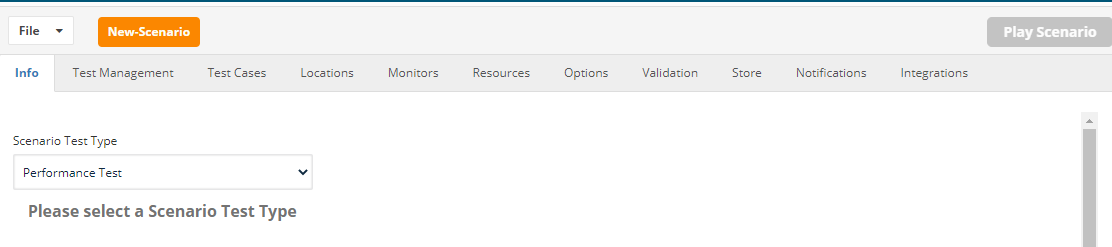
Choose Scenario Type to be Performance Test
Choose the Resources from the resources > DPL
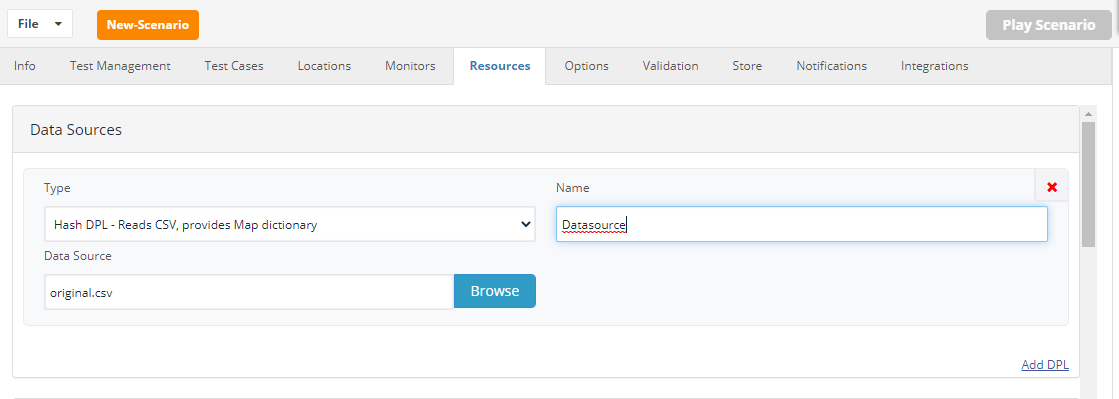
Define your test cases and assign the defined DPL.
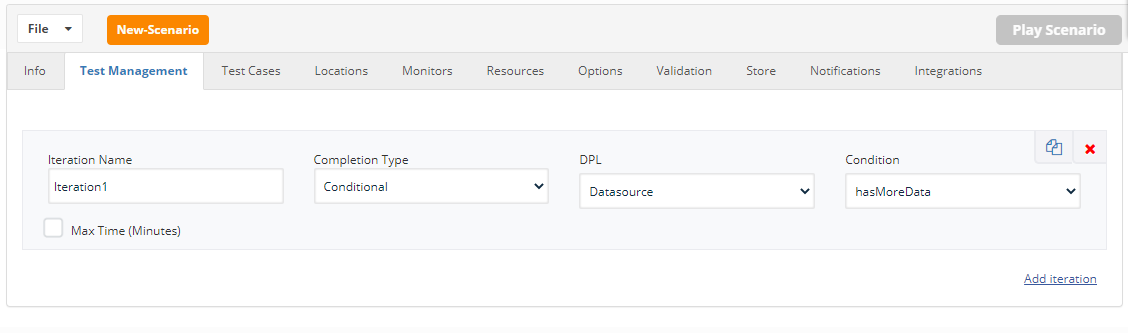
From Test Management, Choose Completion Type to be “Conditional”
Choose the defined DPL and Condition to be “hasMoreData”
Last updated: June 26, 2023
If you have any feedback on this topic, please contact us at documentation@appvance.ai