
How to find the position of an html element?
Let us consider an example of the link("Watch") in the website www.apple.com and the user needs to find out the co-ordinates assigned to that link.
Appvance Designer has an API which can be used to get the exact position or co-ordinates of the html element in a particular page. This also helps the user to know where exactly the html element is present for easy modification and access in a webpage.
The statement to find the position of the link("Watch") is (_position_link("Watch")) which returns the corresponding co-ordinates of that particular link watch.
Please find attached a sample designer script which demonstrates the usage of position API in Appvance Designer.
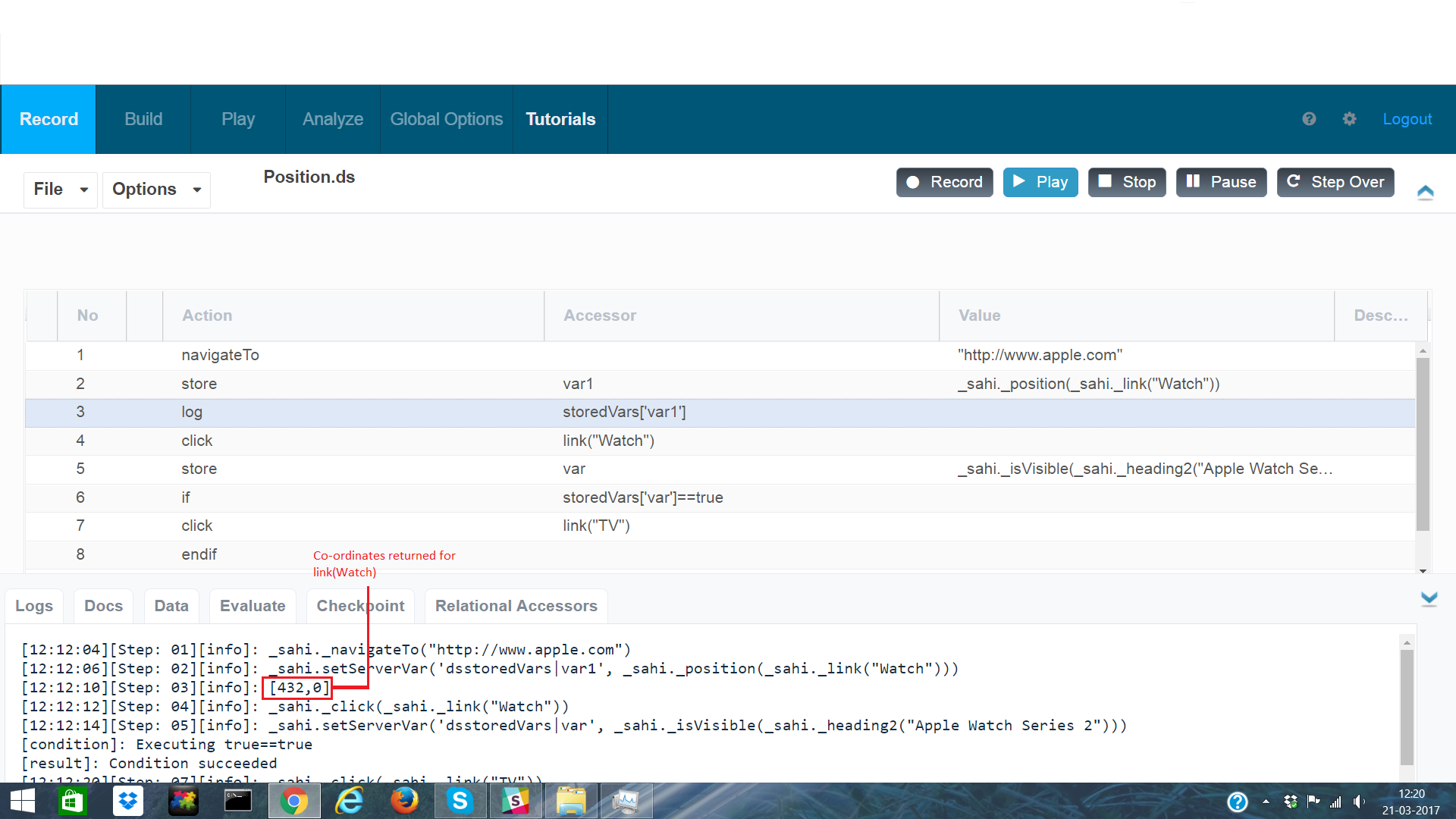
Sample file: Position.ds
Last updated: June 05, 2024
If you have any feedback on this topic, please contact us at documentation@appvance.ai