
How can I validate and handle a failure in my app so my script can continue?
Problem
As a user, I want to report on validations which fail, but I’d also like to use workaround steps if possible to move past the error when it occurs.
Resolution
Create a validation which also includes the steps to overcome the issue and move forward.
Verification Snippet
var visibilityResult = isVisible(small(["Enter valid Date of Birth"]));
if (visibilityResult){
  setValue(textbox('DateofBirthMask'),'01011955');
};
assertFalse(visibilityResult);
Explanation
Check if something is visible
If it is visible, then proceed with workaround step(s)
Then return a verification failure if the item checking for was visible using assertFalse(visibilityResult);
Many other asserts types exist. For a complete list, see href="https://docs.appvance.net/Content/AIQ/TechRef/TestDesignerAPIRef/API_References_New/Assert_Verify/AssertVerifyFunctions_Main.htm"Assert and Verify Functions.
Why is the assertion last?
As a user, you would like to check for the existence of an issue…
But before sending the result back (where the script or blueprint will continue running)
You would like to recover from the issue and work around it if possible.
This means you
First check for the existence of the issue,
And if it exists, handle the issue,
And only then after it’s handled, return the failure status back to the script.
If the assertion were first,
Then the subsequent steps would be skipped, as a failure result would occur,
And the remaining steps would be skipped.
Steps
Option A: Example Using SmartTag Validations
SmartTag validations are triggered either pre- or post- interacting with associated SmartTag(s)
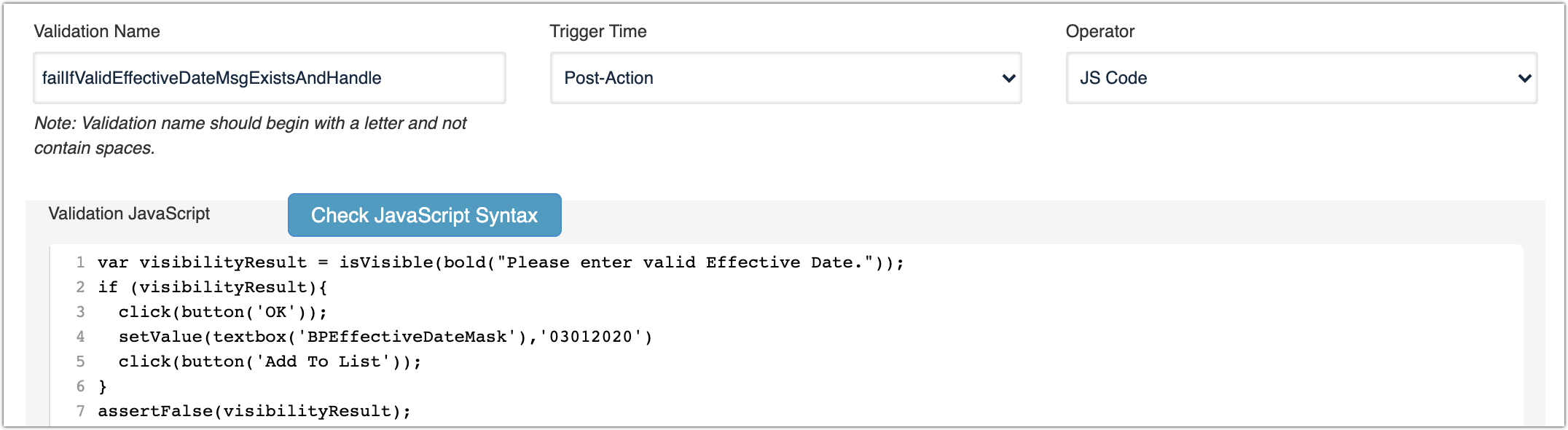
In this example, after an action against the svBtnAddToList SmartTag, the failIfValidEffectiveDateMsgExistsAndHandle validation triggers
For additional information about SmartTag Validations see Validations in href="https://docs.appvance.net/Content/AIQ/TestDesigner/SmartTagWorkbench/Smart_Tag_Workbench.htm"SmartTag Workbench.
SmartTag Validation Assignment

SmartTag Validation Post-Action Trigger
SmartTag Validation Usage
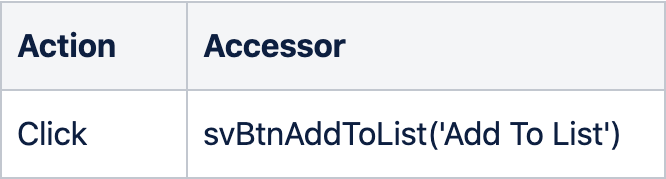
This SmartTag automatically triggers when a Test Designer IDE script, JS Edit & Play script or AI Blueprint uses the svBtnAddToList SmartTag.
JavaScriptclick(svBtnAddToList('Add To List'));
Test Designer IDE
Blueprint

Option B: Example using Validation Workbench
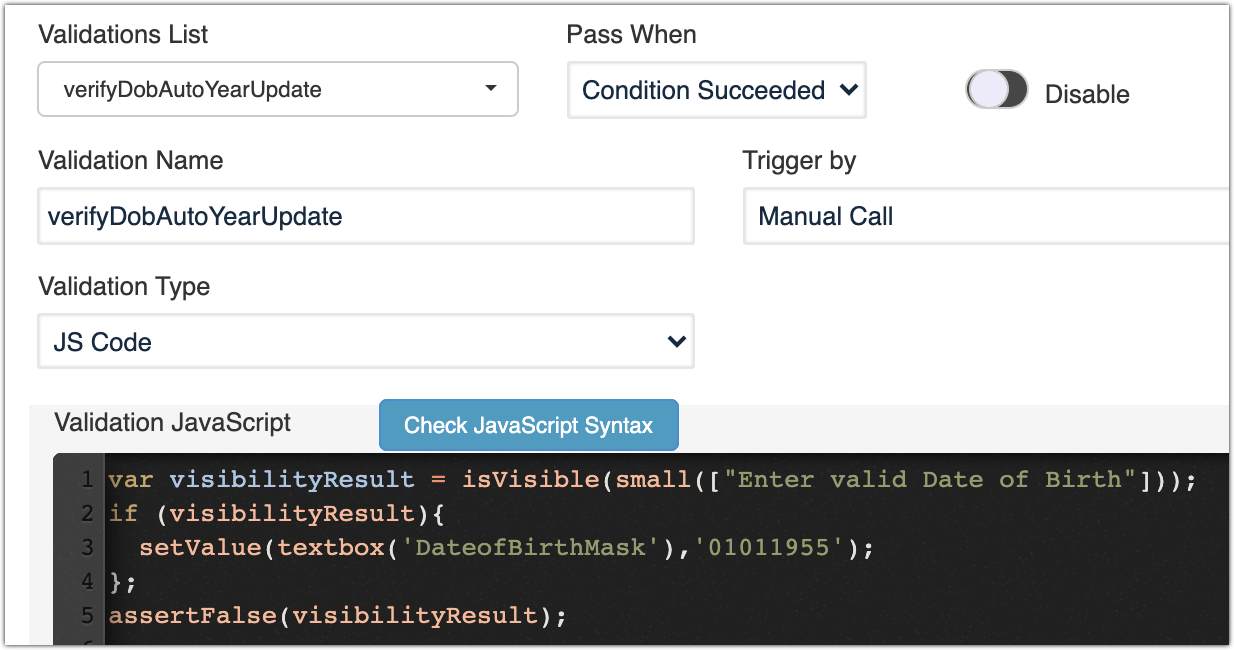
Validation Configuration
Validation Usage
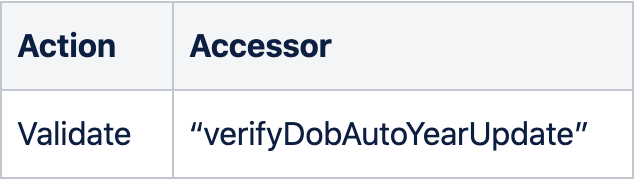
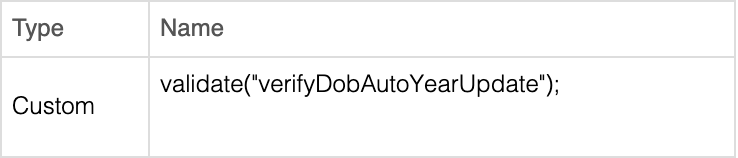
The Trigger by type in this example is a Manual Call, allowing you to call the validation from a script or blueprint simply using Validate as follows:
JavaScriptvalidate(“verifyDobAutoYearUpdate”);
Test Designer IDE
Blueprint
For additional information about triggers see “Trigger By:” in href="/books/validation-workbench-knowledge-base/page/validation-workbench"Validation Workbench
Last updated: August 25, 2023
If you have any feedback on this topic, please contact us at documentation@appvance.ai