
MFA Authentication Automation
UseSome webapps you are testing may request an authenticator app short code as part of the login process. Microsoft Authenticator and Google Authenticator are the most commonly used authenticator applications but there are others.
You can configure a third-party service to provide a code when creating a AIQ test designer script to
In order to create a test designer script that automate test use cases over this articleapplication, toa decidethird howparty AIQservice testscan shouldbe handleconfigured applicationsconfigured protected by multi-factor authentication.
Validation workflow
Confirmas theapprovedcode provider.Two common third-party services are passwordstate and cyberark.
Configure the Authentication Code in the Application
This steps involves creating a new user in the application you are testing and setting the MFA strategyauthentication with the applicationthird-party ownerprovider. The following example shows Microsoft Authenticator and passwordstate.
In a real situation some of these screens would normally show user details such as email addresses or identityphone teamnumbers. beforeThe buildingfollowing example shows generic screens.
Anytime you try to login you are presented with MFA option to verify your identity.
Select “I can’t use my Microsoft Authenticator app right now”.
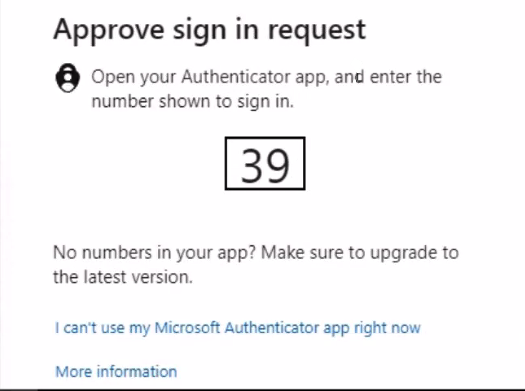
On the scenario.
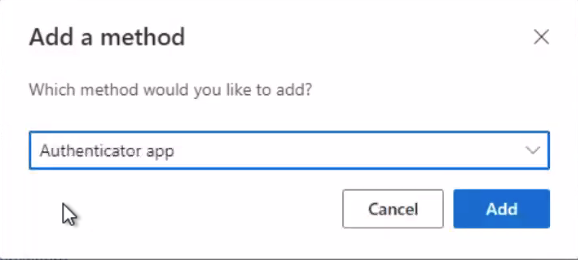
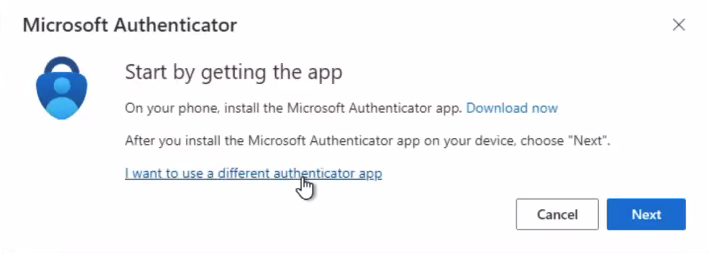
Select “I want to use a different authenticator app”.
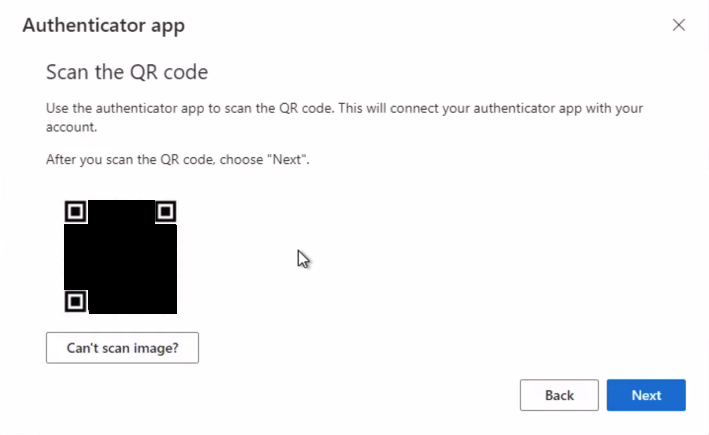
The Authenticator app presents you with a QR code. Scan the code the app for your chosen third-party authentication code service (passwordstate or cyberark).
Enter the code that the app gives you in the One-Time Password Authenticator details.
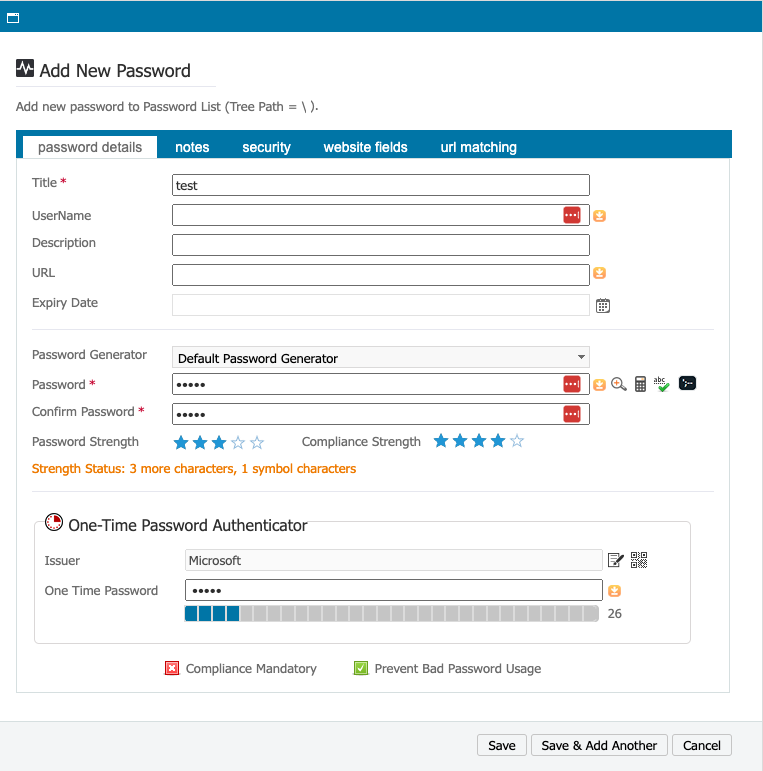
Logging in with the One-Time Password Code
The OTP code generated by your chosen third-party authentication code service (passwordstate or cyberark) can be fetched using a REST API call triggered from your test account,script. testThe IdPresponse policy,will orcontain token-basedthe flowcode thatwhich iscan explicitlybe approvedused forto automation.
Login orto secrets.your security portal and remove your current device.
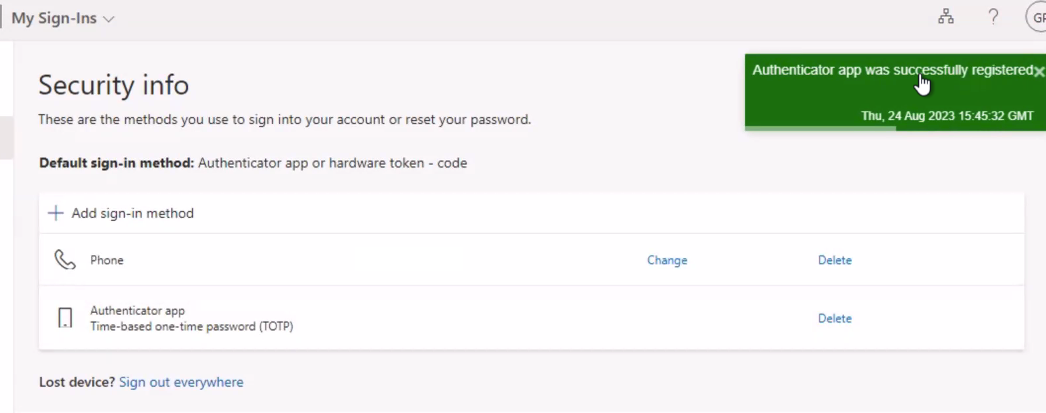
Login using the OTP.
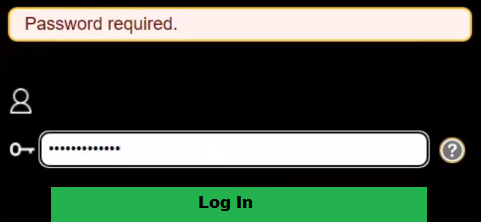
Successful login.
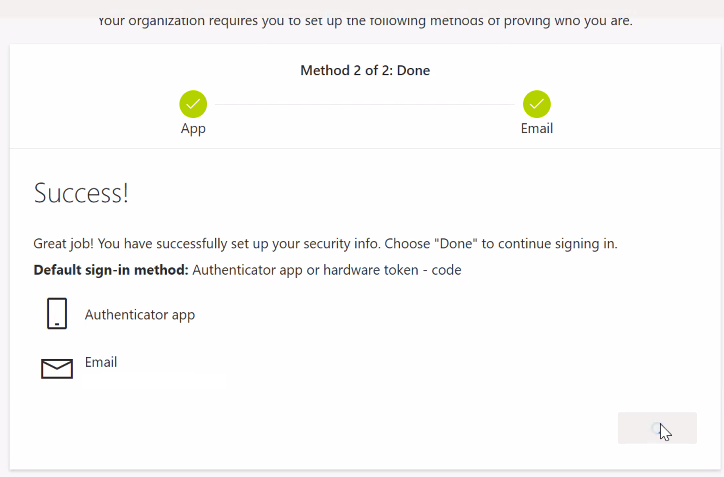
You may need to verify the account, but only the at the first login. Subsequent logins should not require account confirmation.
Getting a Password
To get a password, you must make an API call that can be executed from a JS script.
# Configuration

API_URL="https://client-passwords.appvance.net/api/onetimepassword/<item>"
API_KEY="API_KEY"

# Make API request using curl

curl -s -H "APIKey: $API_KEY" "$API_URL"
Appvance will create a passwordstate for clients which will have a different URL. Contact Appvance Support to have Appvance whitelist your IP adress and setup an OTP in passwordstate.
Last updated: September 30,05, 20262023
If you have any feedback on this topic, please contact us at documentation@appvance.ai