
Shadow DOM Settings for Scenario Editor Tests
Recommended guidance
Shadow ADOM can hide application elements behind component boundaries, which affects how Scenario Editor identifies and interacts with controls. Review Shadow DOM settingsettings (forcedShadowDom)when hasselectors beenwork addedon normal pages but fail inside web components.
When to review these settings
- Elements are visible but cannot be found during playback.
- Recorded locators are unstable inside custom components.
- Self-healing chooses a similar element outside the
global.jsonfile.component. - The
defaultapplicationvalueframework changed and moved elements into shadow roots.
Maintenance workflow
- Confirm the target element is
true.insideTheopen or closed Shadow DOM. - Use stable labels, accessible names, or application-provided test attributes when possible.
- Validate the selector in the same browser and Test Node used by the scenario.
- Update waits and assertions so the component is ready before interaction.
- Document Shadow DOM
setting in the script options in the Test Designer IDE (Set ShadowDOM) will be ignored if theforcedShadowDomis set to true. Even ifdependencies thatoptionmayisbreaksetaftertofront-endfalseframeworkin the Test Designer IDE, scripts will be run with the option set to true.changes.
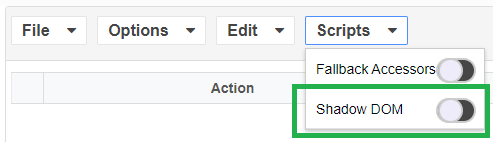
This was added in the 4.10.6 and 5.0.0 releases of AIQ.
Generally speaking, there is no longer any reason for having the Shadow DOM option turned off. Setting it off will not help or prevent any problems or failures. Having it set to off can actually cause failures in instances where a script tries to perform a click action on a element that is under Shadow DOM.
In previous releases, there may have been concerns of some potential performance issues when the setting was on versus the setting being off. Those issues have been addressed.
Examples
Any Shadow DOM setting of “true” will result in the test case finding the Shadow DOM elements successfully. However, the setting in the global.json file will always override the option set locally in the test script.
Following are some examples of the script execution results from the various combinations of settings between the forcedShadowDom setting in global.json and the Set ShadowDOM action specified in test scripts.
The example test scripts were recorded using the public Salesforce site which has Shadow DOM elements as shown in the examples.
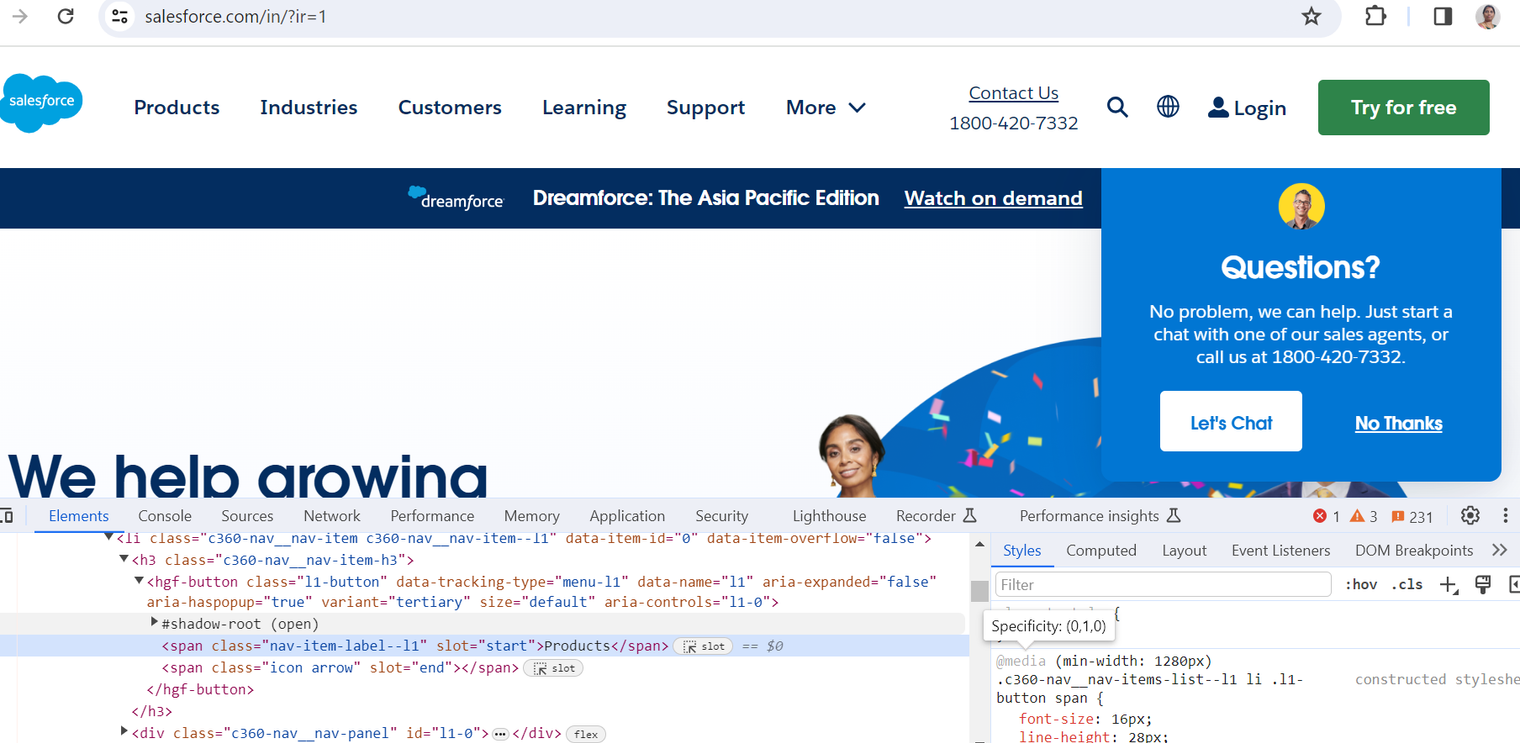
Example 1
Settings:
forcedShadowDom in global.json is set to true
Set ShadowDOM action is not specified in test script
Expected behavior:
AIQ should find the Shadow DOM elements and the script execution completes successfully.
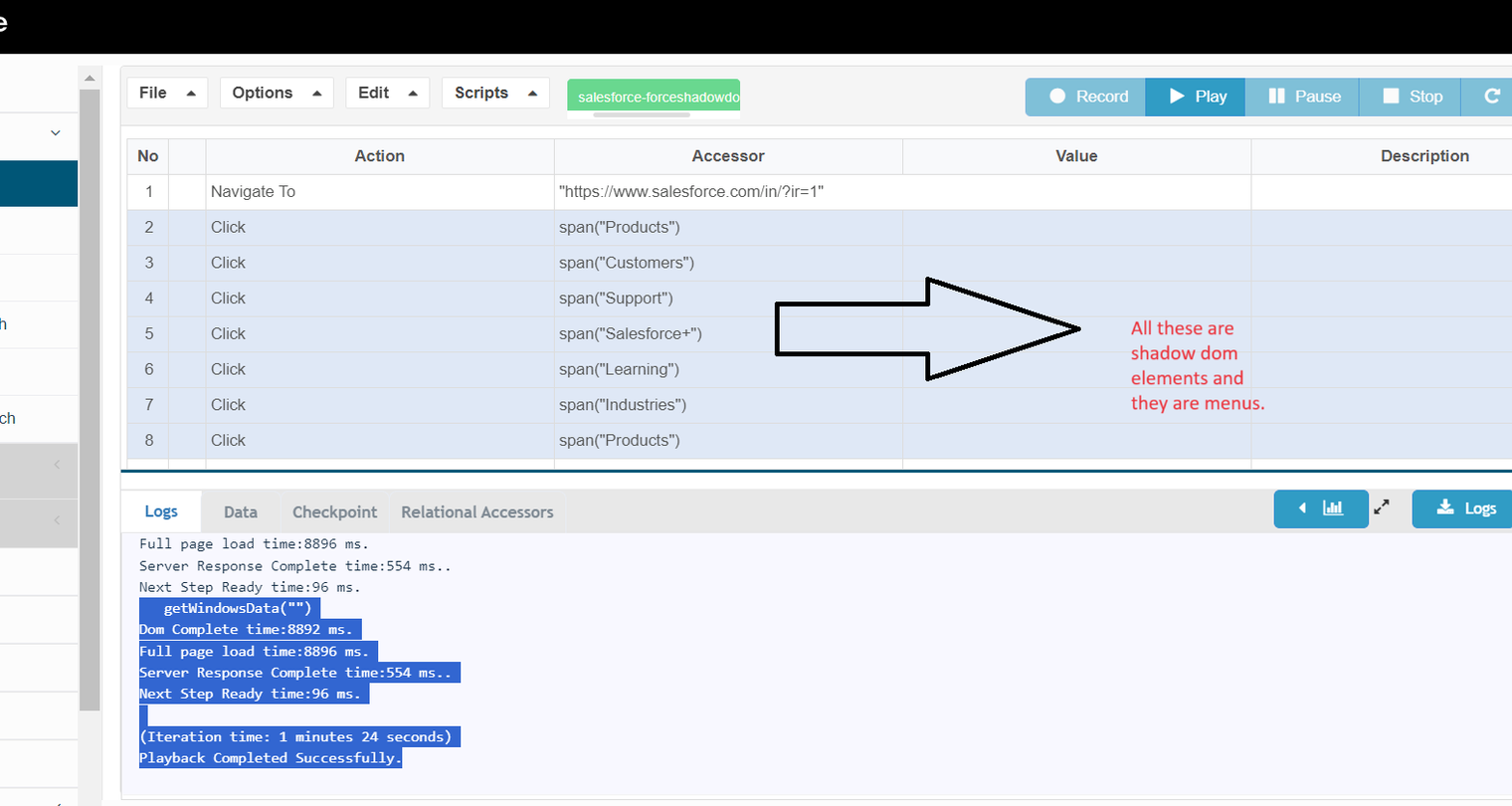
Example 2
Settings:
forcedShadoDom in global.json is set to true
Set ShadowDOM action in the test script is set to false
Expected behavior:
AIQ should find the Shadow DOM elements and the script execution completes successfully. This is because even though the individual script setting is false, the setting in the global.json file is given priority.
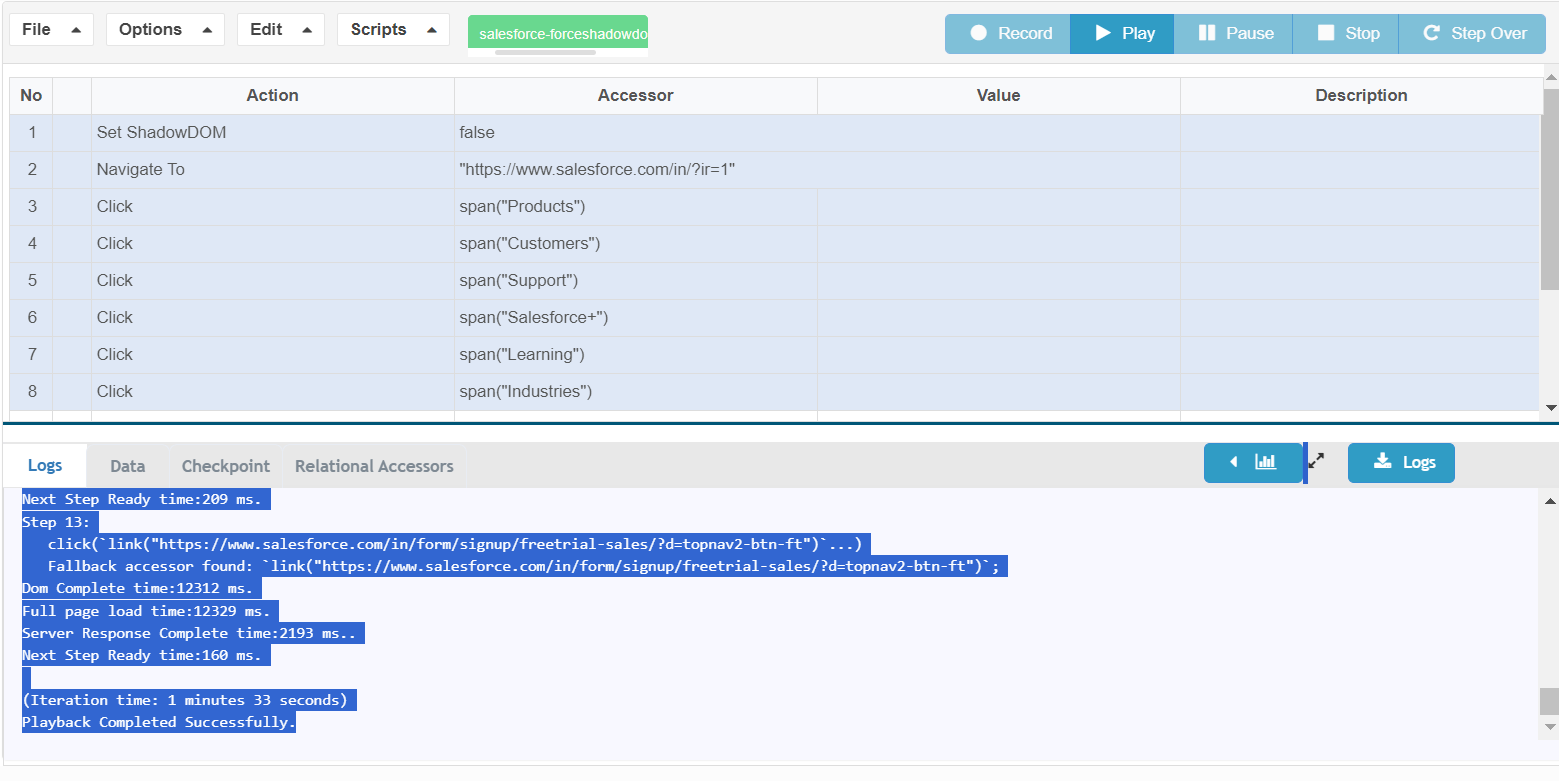
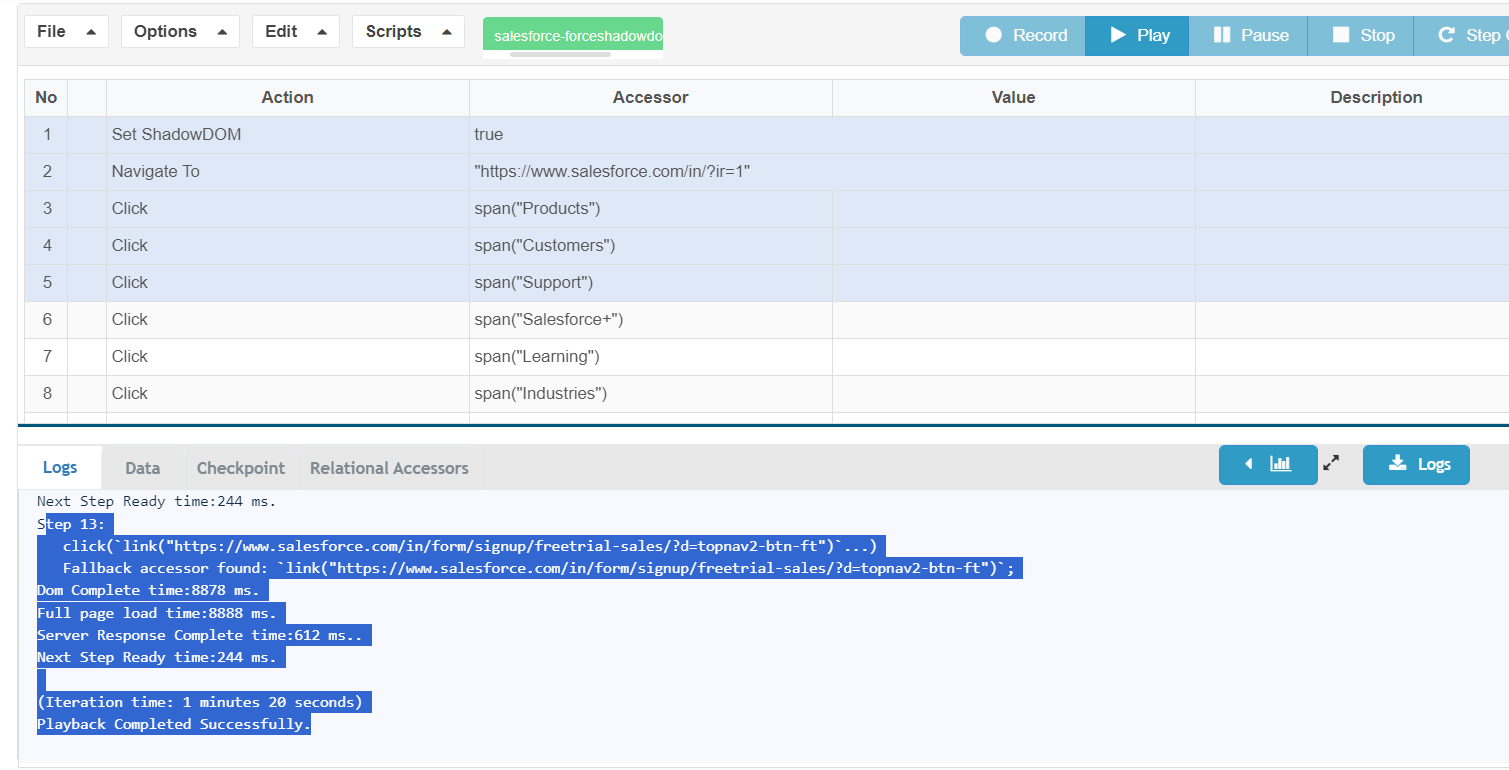
Example 3
Settings:
forcedShadowDom in global.json is set to true
Set ShadowDOM action in the test script is set to true
Expected behavior:
AIQ should find the Shadow DOM elements and the script execution completes successfully. This is because the Shadow DOM property is set to true in both locations.
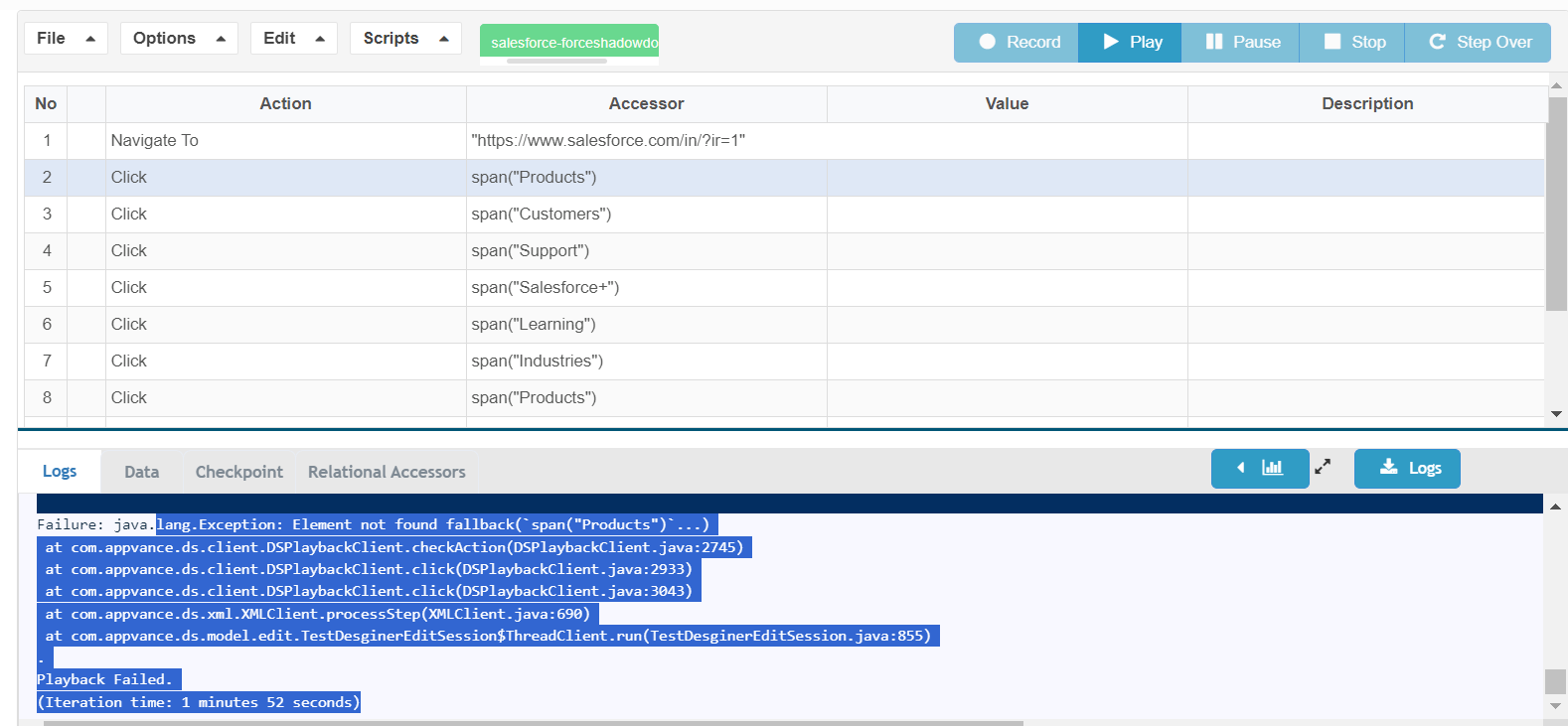
Example 4
Settings:
forcedShadowDom in global.json is set to false
Set ShadowDOM action is not specified in test script
Expected behavior:
AIQ will not locate the Shadow DOM elements and the script fails.
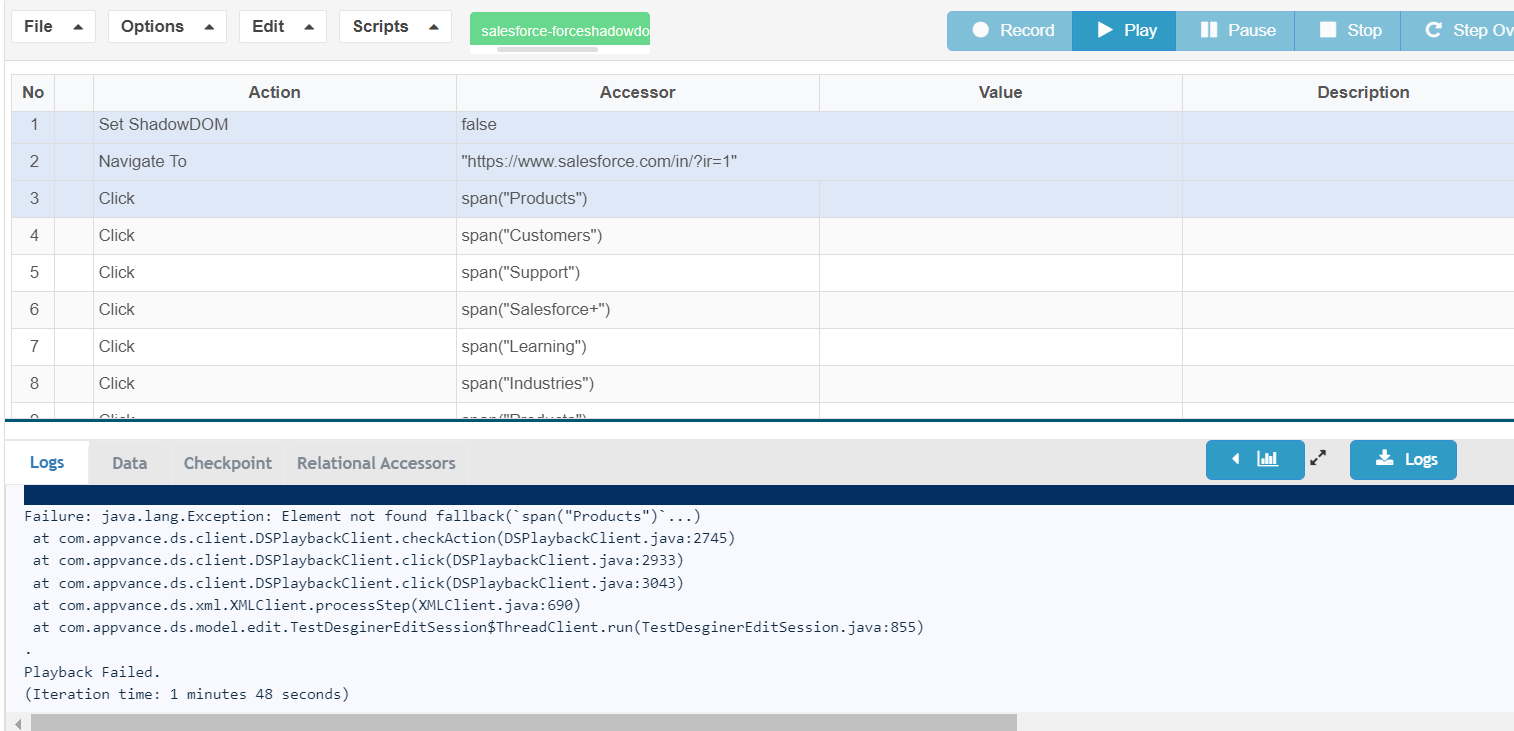
Example 5
Settings:
forcedShadowDom in global.json is set to false
Set ShadowDOM action in the test script is set to false
Expected behavior:
AIQ will not locate the Shadow DOM elements and the script fails.
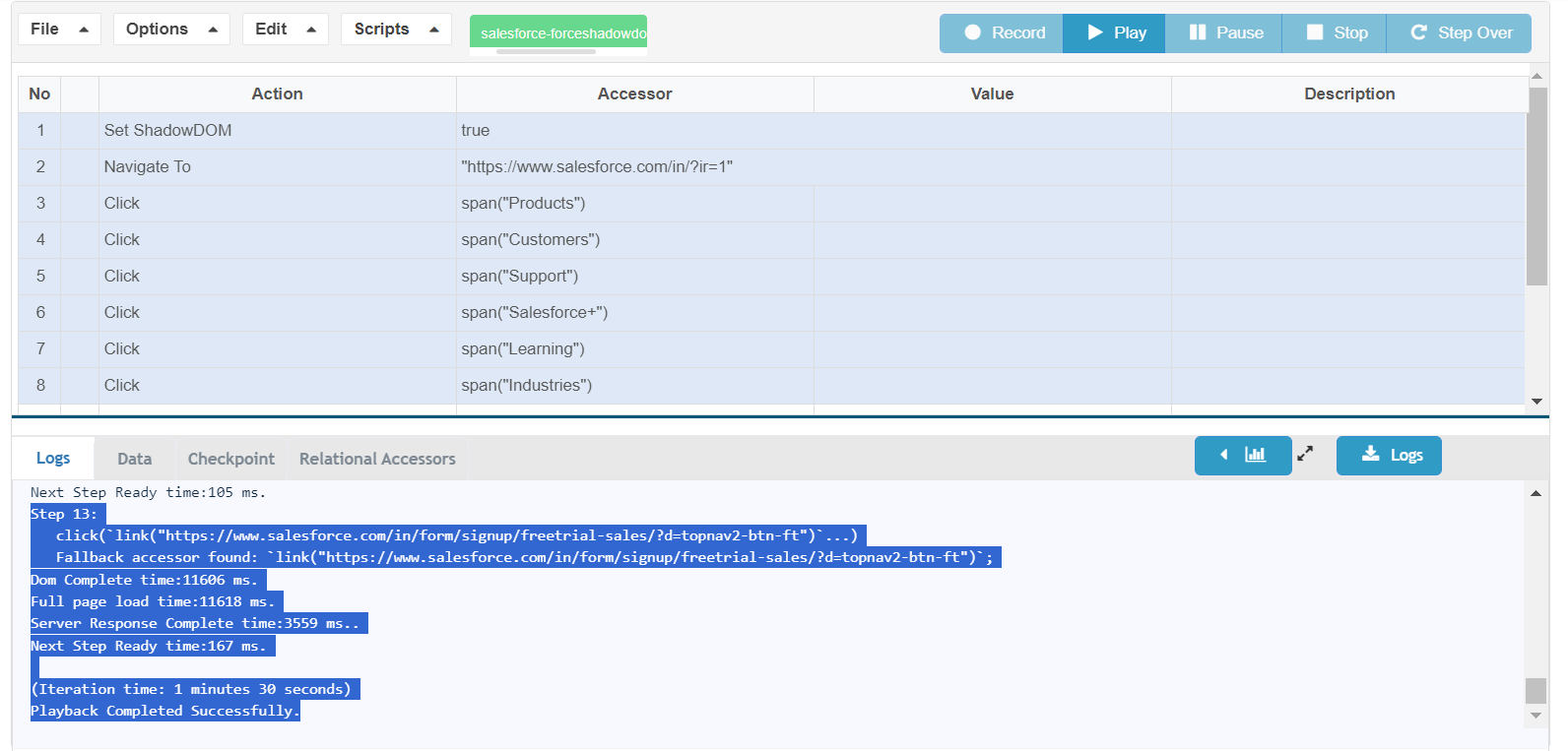
Example 6
Settings:
forcedShadowDom in global.json is set to false
Set ShadowDOM action in the test script is set to true
Expected behavior:
AIQ should find the Shadow DOM elements and the script execution completes successfully.
Last updated: MarchOctober 19,6, 20242026
If you have any feedback on this topic, please contact us at documentation@appvance.ai