
Troubleshoot Iteration Summary Error Messages
Scenario
Last reviewed: September 28, 2026
YouUse arethis tryingarticle towhen download/analyzean aAIQ reportexecution fromshows an iteration-summary error and the Report option and AIQ displays the following message: "An error has occurred while trying to retrieve the test duration. Iteration Summary may not be available or accurate."
Selected Report Option
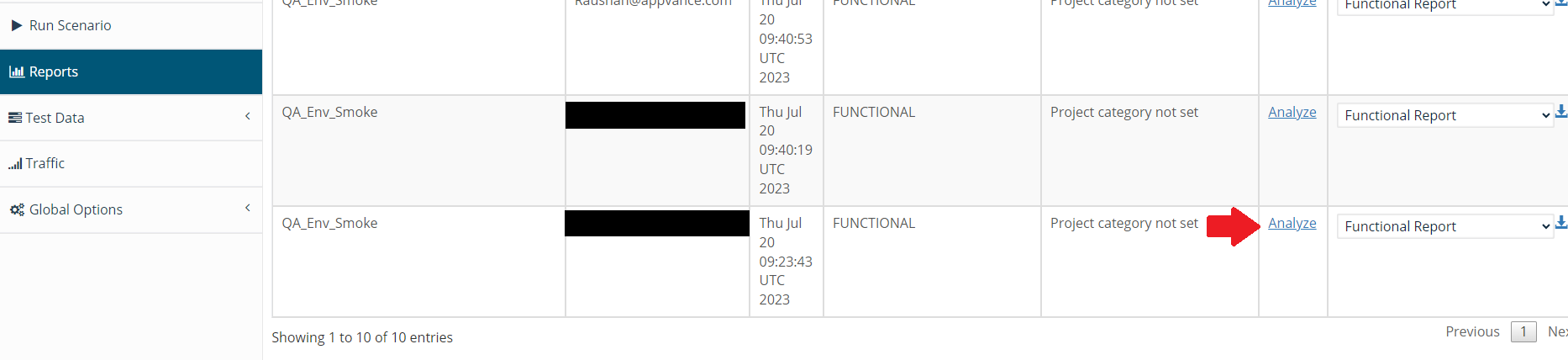
Message
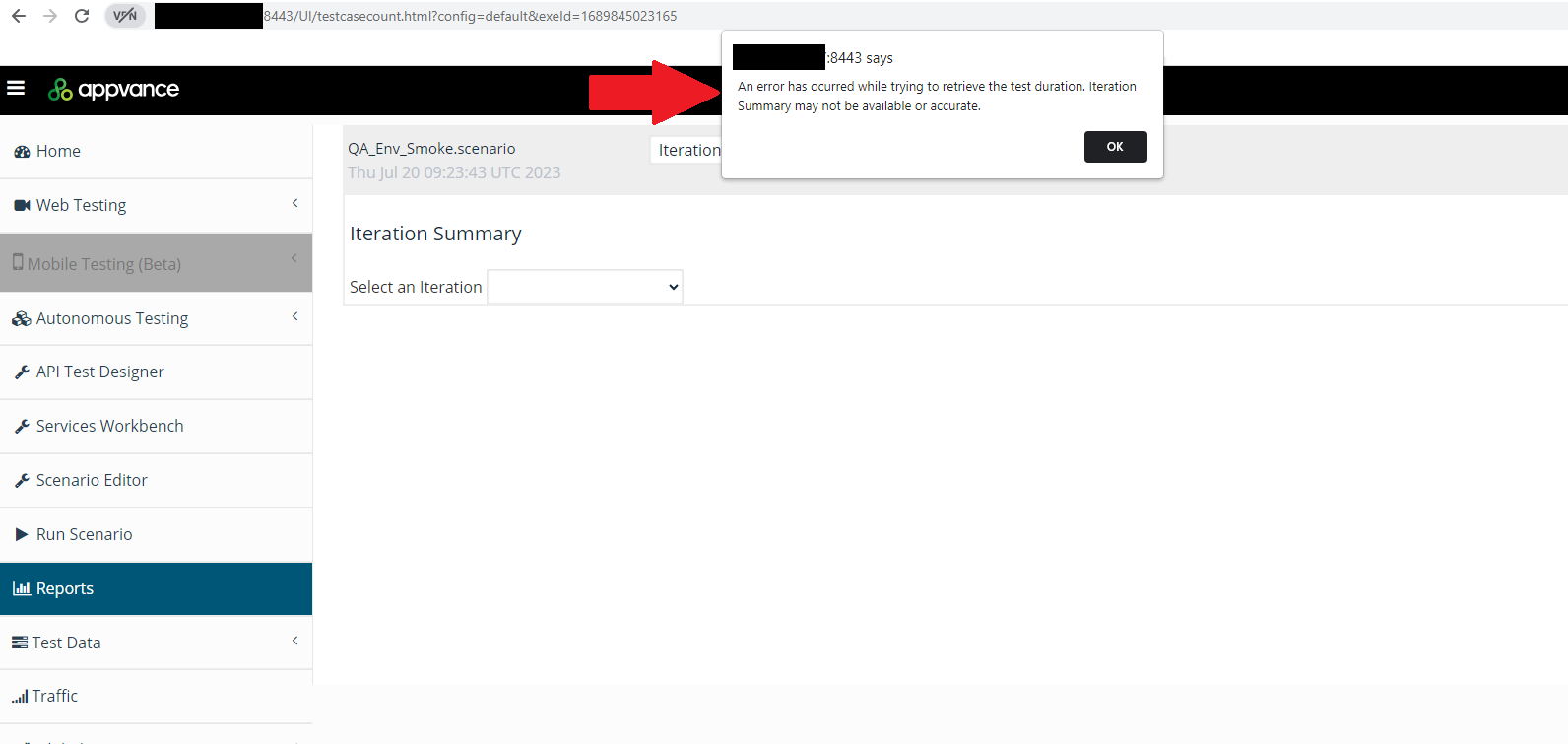
Solution / Workaround
This situation can happen when the URL of the RDS database server is changed (or even the password), the parameter config=default used to access the reports,team needs to beidentify whether it came from data, playback, or reporting.
What changed within this article
- Changed the article from a
config=<db-config-hash-number>vague error-message title into a troubleshooting workflow. - Added checks for DPL row availability, failed assertions, step-level output, report generation timing, and
thenexecution logs. - Clarified that the
reportsiterationaresummaryaccessible.isan
entry
Thepoint,<db-config-hash-number>can be obtained by inspectingnot theURLonlyopenedsourcebyof failure evidence.
Validation workflow
- Open the
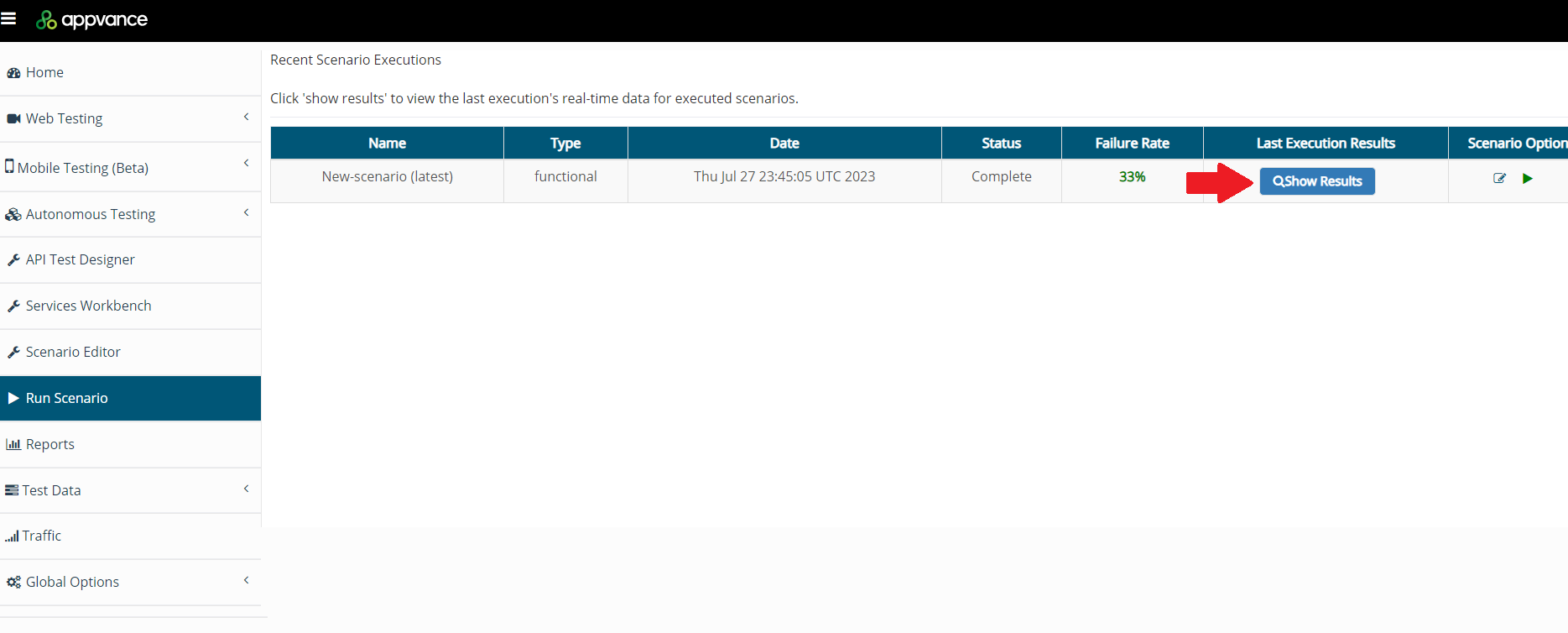
linkfailed“Clickexecutionhereandto see reports” seen incompare theplayback-controller.htmliterationpage when running a scenario. That number does not change unless you change something in the AIQ database URL or DB user creds.Process Navigate to theRun Scenariooption.
Select the most recent scenario executed and click Show Results.
Click Click Here.
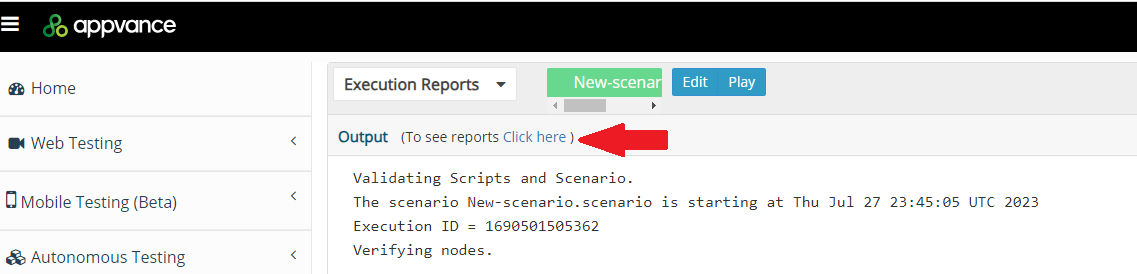
Take the config ID (Copy) displayed in the URL

Navigate back to the Report Option, select the report that is broken, replace the cID displayed in the URLsummary with the onestep obtainedoutput.
Review 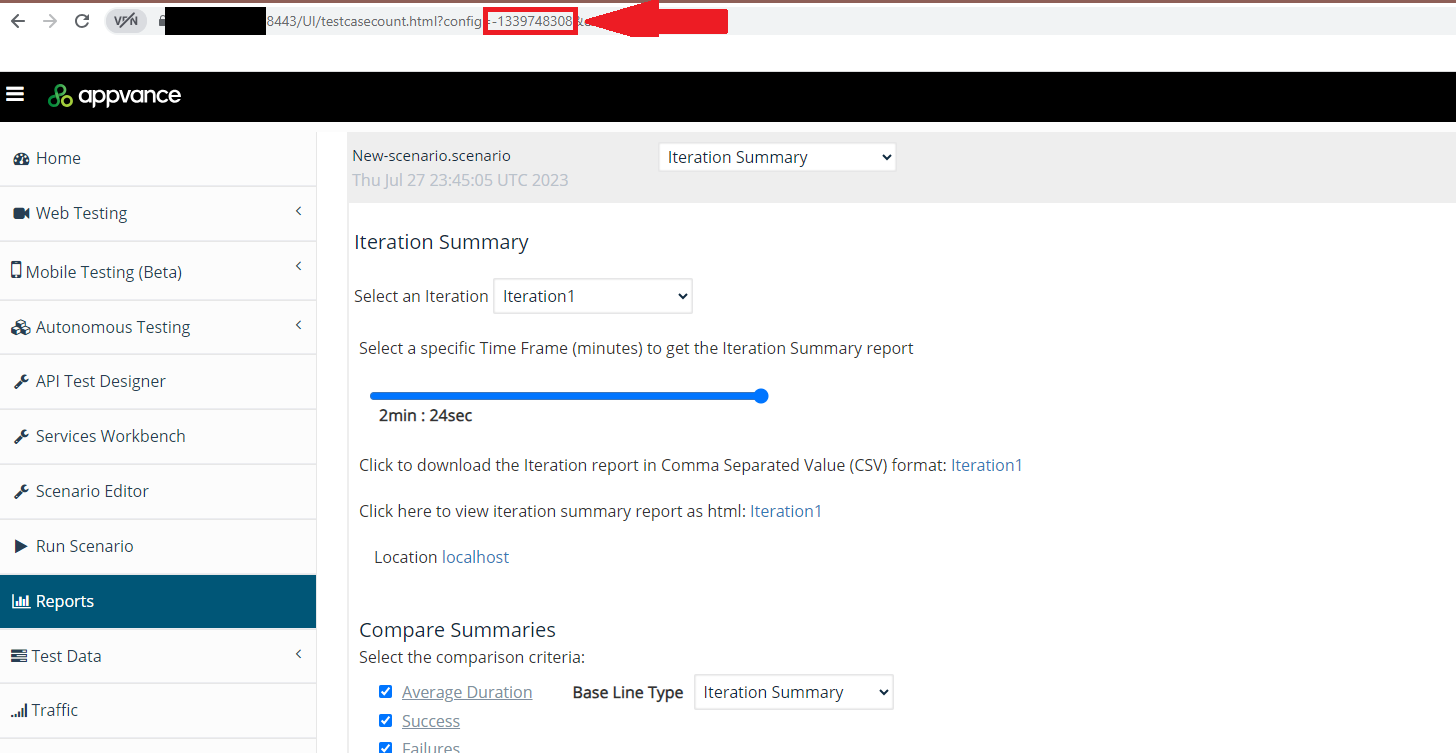
Last updated: JulySeptember 28, 20232026
If you have any feedback on this topic, please contact us at documentation@appvance.ai.