
CICD Dashboard Credentials Encryption (Public)
This functionality is to encrypt credentials files used for both CICD’s (s3 and git) .
Plain Text Files
controller.json (template)
{
    "controller": {
        "url": "http://<replace_IP>:8080",
        "instances": ["<replace_instanceID>"],
        "ec2Creds": "ec2.creds",
        "timeOut": 180,
        "username": "<replace_username>",
        "password": "<replace_password>",
        "workFolder": "<replace_path/to/AIQ/resources>"
    }
}
githttp.json (template)
{
    "username": "<replace_username>",
    "password": "<replace_password>",
    "repository": "http://<replace_url_to_repository>.git",
    "branch": "<replace_branch>",
    "sshPhrase": "",
    "sshKey": ""
}
ec2creds.creds (template)
AWS_ACCESS_KEY_ID=<replace_awsKEYIDE>
AWS_SECRET_ACCESS_KEY=<replace_awsSecretAccessKey>
AIQ - Encryption UI
Under Global Options | Preferences
Git Credentials
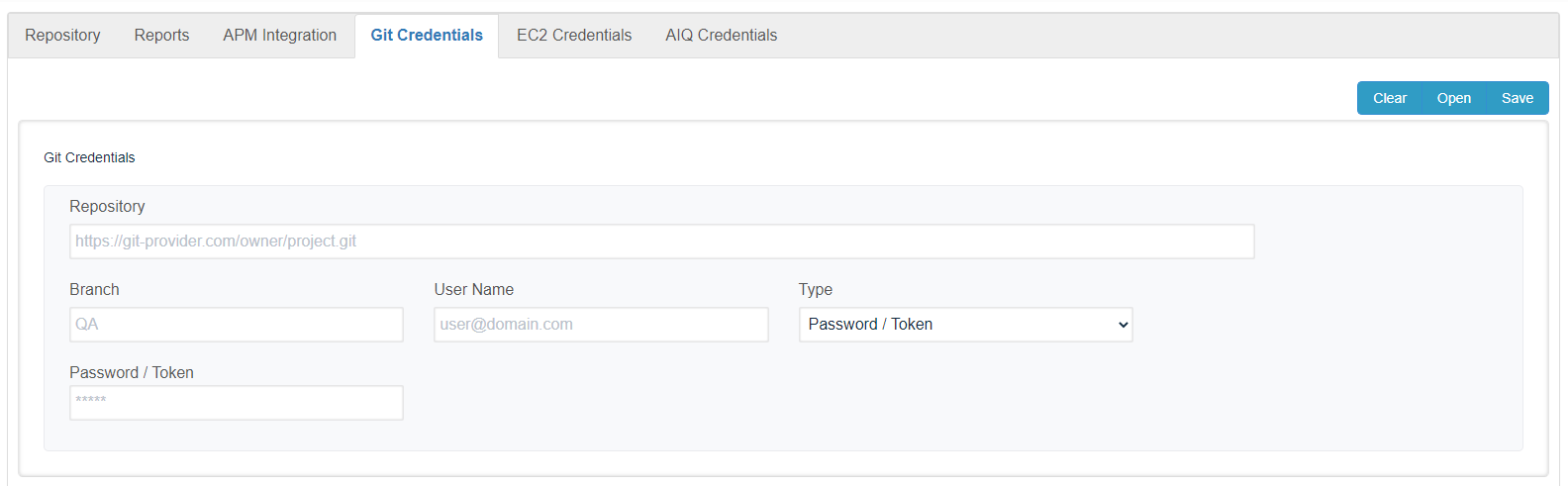
Click open to load the Git creds file
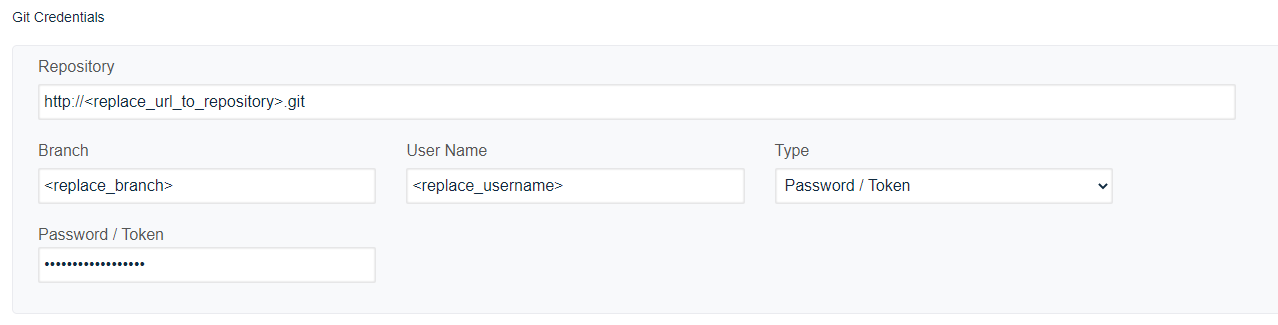
Click save to encrypt the file
Ec2 Credentials
Click open to load the ec2 creds file
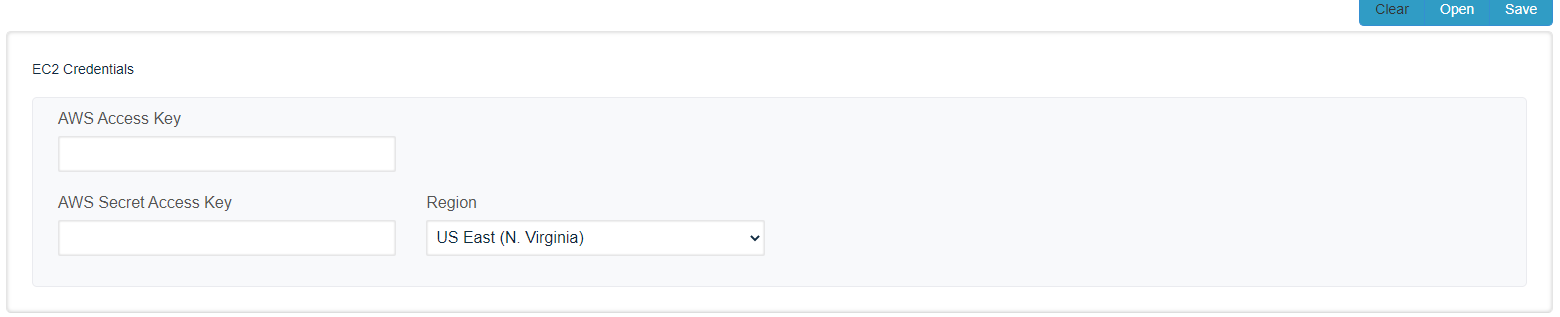
Click save to encrypt the file
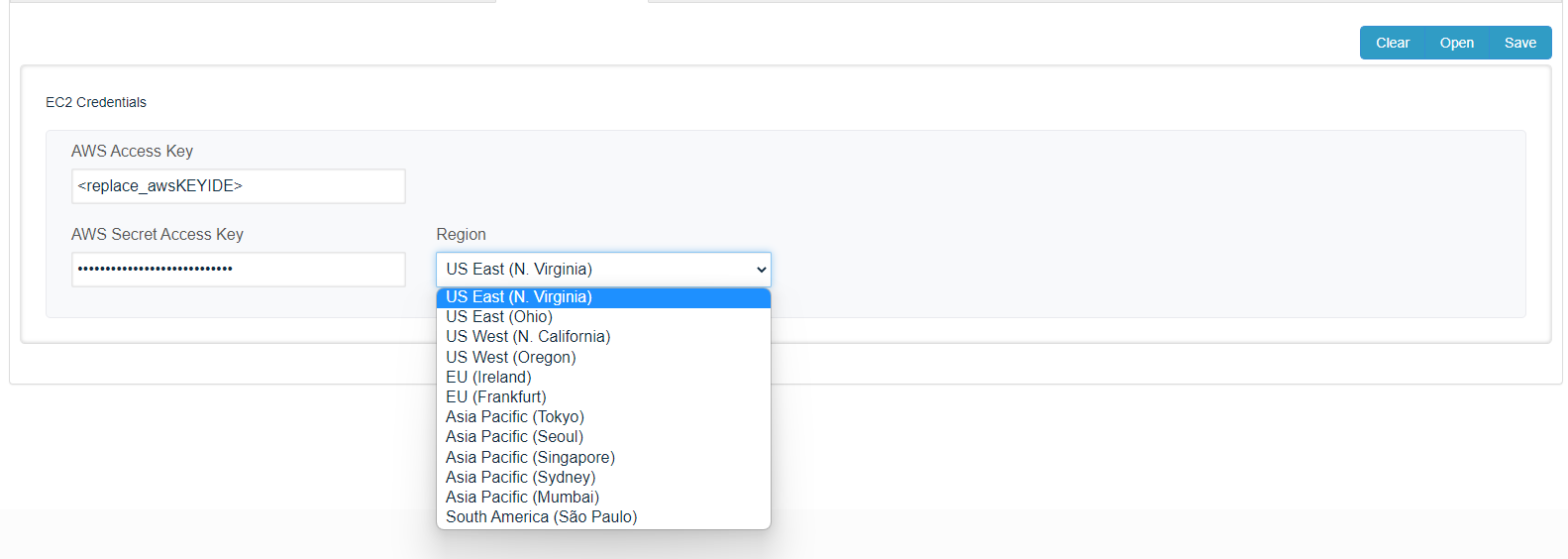
AIQ Credentials
Click open to load the AIQ creds file
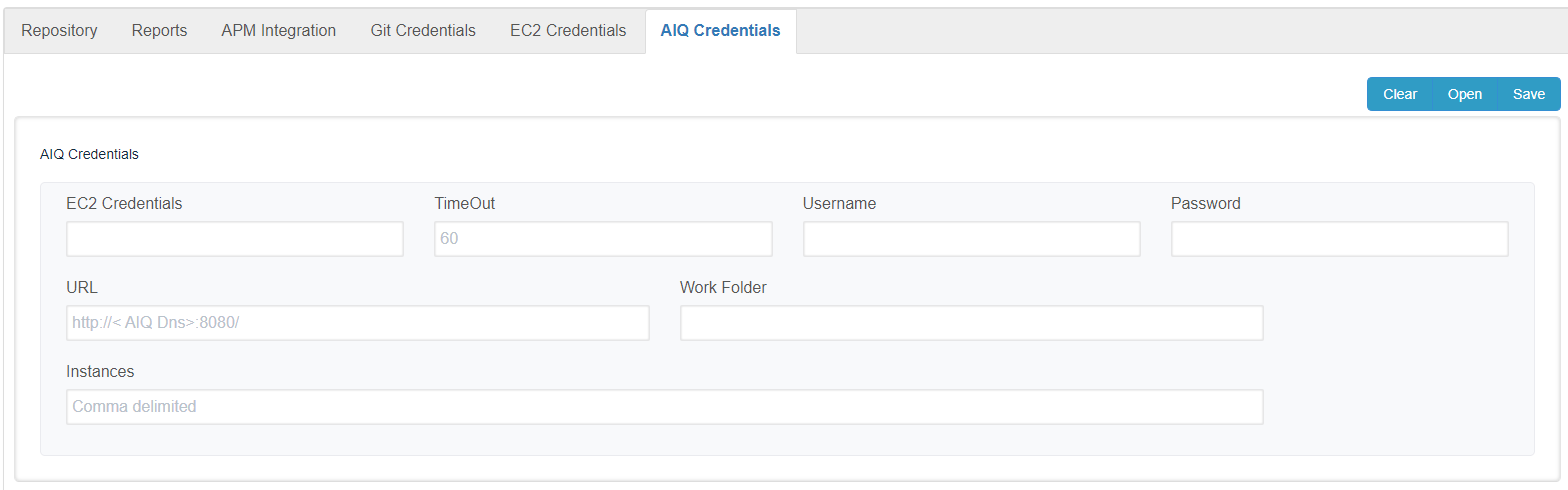
Click save to encrypt the file
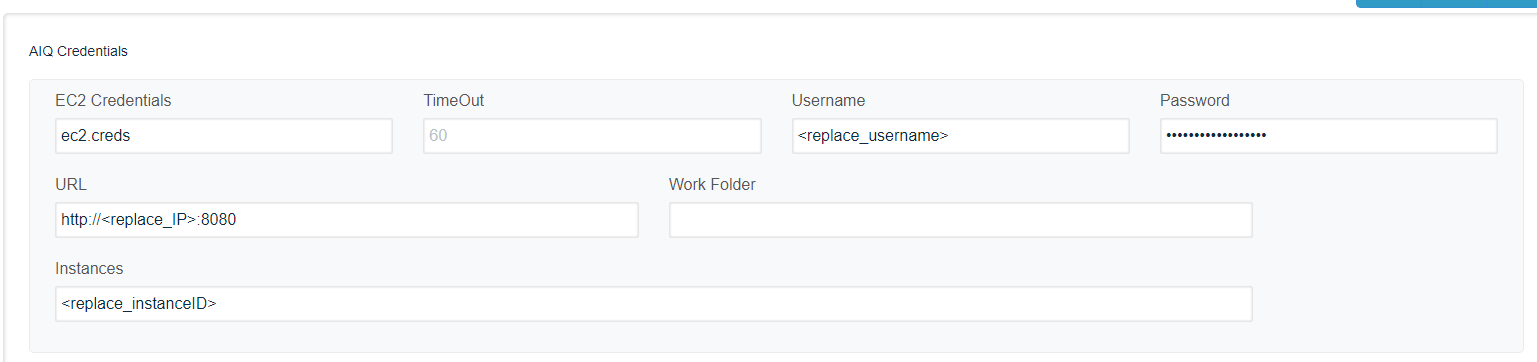
the Work Folder field is optional on recent releases, and it will be removed soon from this page.
Setting properties into the build.xml
Using CICD GIT
<property name="gitCredentials" value="githttp.json" />
Access to AIQ
<property name="aiqCreds" value="creds.json" />
Using CICD s3
<property name="awsCredentials" value="ec2.creds" />
CICD Git ( clone and push to repository)
<taskdef name="downloadRepository" classname="com.appvance.ci.git.DownloadRepository">	<classpath refid="RestClientLibPath" /></taskdef><downloadRepository folder="${localEmpyFolder}" credentials="${gitCredentials}" />
< ....... Methods to run scenarios, Goes here .......>
<taskdef name="commitReports" classname="com.appvance.ci.git.UploadRepository">	<classpath refid="RestClientLibPath" /></taskdef><commitReports
<credentials="${gitCredentials}" folder="${localEmpyFolder}" customer="${customer}" />
Last updated: March 25, 2024
If you have any feedback on this topic, please contact us at documentation@appvance.ai