
GitHub Action CICD
LastPrerequisite: reviewed:Attached Septemberfile, 22,GITRepo.zip 2026should be present in the GitHub repo as shown in the first snapshot
The following files are available in the folder. The following information details the configuration changes need to be made.
Build.xml
controller.json
ec2.creds
Build.xml
Build.xml files hold the configuration settings and also all the defined ANT tags.
deps - Downloads the required AppvanceRestClientWithDeps.jar
startNode - Starts the mentioned EC2 instance using the file ec2.creds and controller.json files which holds details about account and instance details.
setupEnvironment - Depending on the parameters, we could use this to triggerset AIQup executionsthe fromenvironment.
executeScenario - Executes the mentioned scenarios.
stopNode - Stops the instance once the execution is done.
createScenariosDashboard - This tag will create the Scenario Dashboard once execution is complete.
createScenariosDashboard - This tag will create the Scenario Dashboard once execution is complete.
AISG Related Targets
blueprintCreation - Starts the creation of the AISG.
reportUpload - uploads the smoke test report, timing report and a repositoryBlueprintReport.html workflowwhich is a human-readable report.uploads the smoke test report, timing report and publisha BlueprintReport.html which is a human-readable report.
blueprintDashboard: this target generates an HTML report that includes the resulthistory backof all previous build reports and uploads it to an S3 bucket.
checkResult: this target checks the pipeline.
Recommendedgenerated guidance
Store AIQ tokensreport andenvironmentitvalues in GitHub Actions secrets.Pass scenario, project, dataset, and environment parameters explicitly.Use quality gates so failed AIQ executionswill fail theworkflowbuild if the number of failures surpases a user defined parameter.
generateRegressionScenario - Generates the Regression scenarios.
Details about all the ant targets can be found in CICD- AntTags.
controller.json
Basically has details about the controller machine and the credentials. Above can be used when appropriate.
Validation workflow
Create or update a workflow YAML file forhave thetargetEC2branchset-up.orWhen
releaseweevent.Addarea step that authenticates torunning AIQusinglocalapprovedbuilds,secrets.Triggerinstances in the 2nd line could be replaced with "url" and full URL of the AIQexecutioncontrollerthroughcould be provided.{
"controller": {
"url": "<http://<replace_IP>:8080",>
"instances": ["<replace_instanceID>"],
"ec2Creds": "ec2.creds",
"timeOut": 180,
"username": "<replace_username>",
"password": "<replace_password>",
"workFolder": "<replace_path/to/AIQ/resources>"
}
}ec2.creds
ec2.creds will have details of the
supportedAWSCLIaccount:orThisAPIcanforbeyourusedversion.CapturewhenexecutionweID,arereportusingURL,AIQand result status as workflow output.Fail or pass the job basedController on theagreedEC2threshold.
Note:and Dowhen notyours printtests credentialsare or tokensrun in the AWS cloud.
AWS_ACCESS_KEY_ID=<replace_awsKEYIDE>
AWS_SECRET_ACCESS_KEY=<replace_awsSecretAccessKey>
Required File Changes
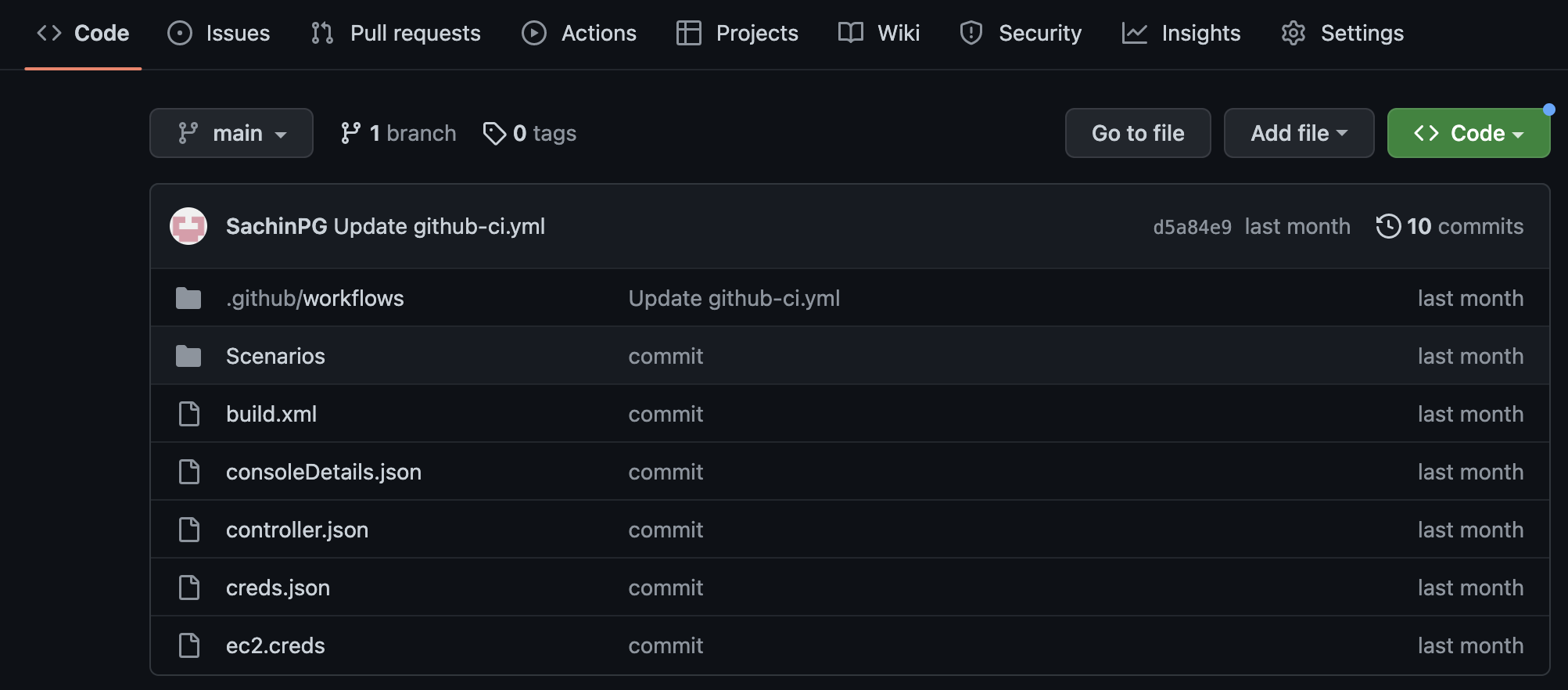
Once we login to GitHub click the Actions logs.tabs and click New Workflow

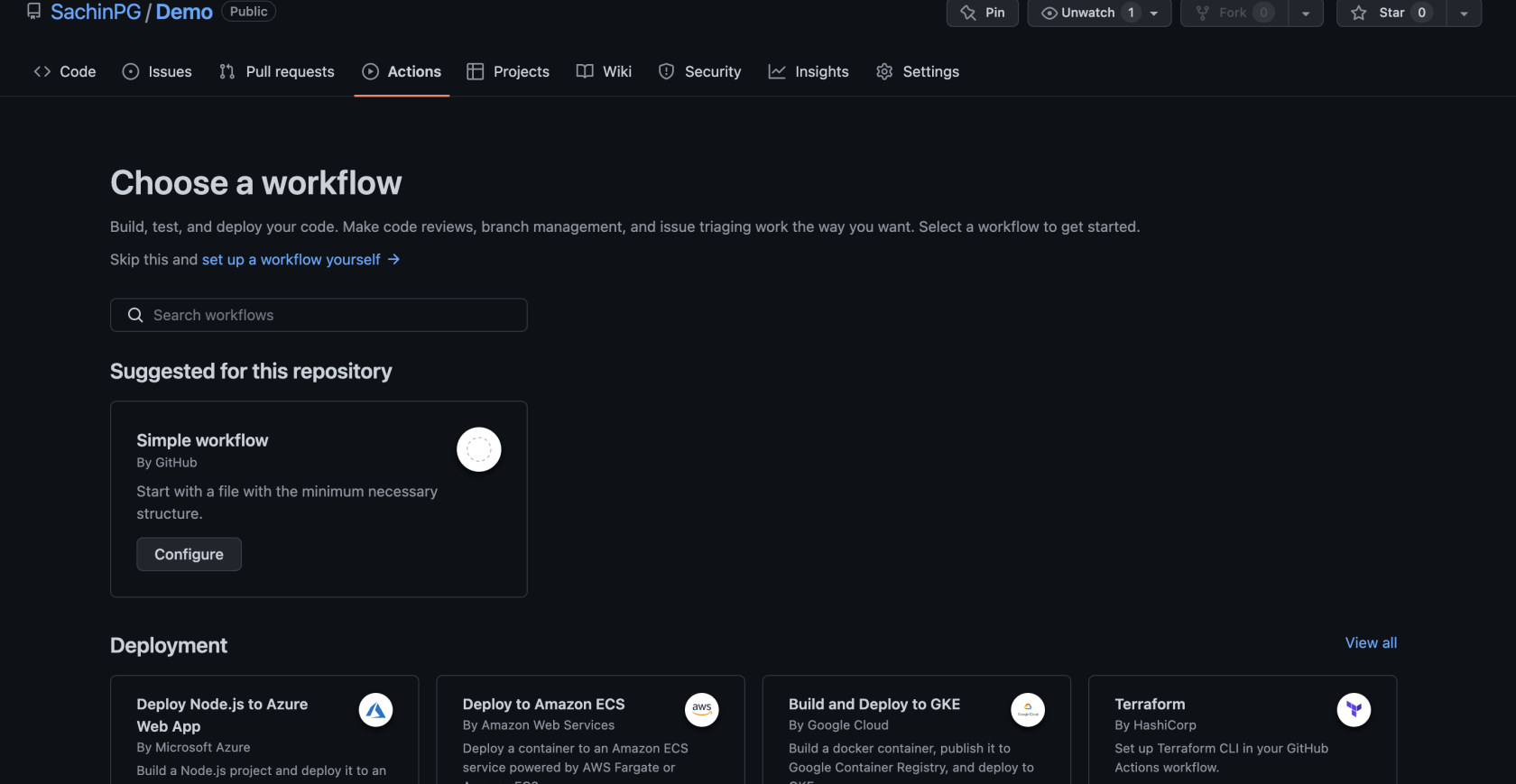
Click Simple Workflow by Github and paste the below code into the .yml Text Editor
name: CI-Create-Dashboard

on:
  push:
    branches:
      - master
  workflow_dispatch:

env:
  REGISTRY: <name of registry>jobs:
  lint:
    runs-on: ubuntu-latest
    name: Lint Code Base
    steps:
      - name: Checkout Code
        uses: actions/checkout@v3
        with:
          fetch-depth: 0
      - name: Lint Code Base
        uses: github/super-linter@v4
        env:
          VALIDATE_ALL_CODEBASE: false
          DEFAULT_BRANCH: master
          GITHUB_TOKEN: ${{ secrets.GITHUB_TOKEN }}

  build_and_push:
    runs-on: ubuntu-latest
    name: Build and push docker image
    needs: lint
    outputs:
      commit_hash: ${{ steps.commit_hash.outputs.commit_hash }}
    steps:
      - uses: actions/checkout@v3
      - name: Set up JDK 11
        uses: actions/setup-java@v3
        with:
          java-version: '11'
          distribution: 'adopt'
      - name: Build with Ant
        run: ant -noinput -buildfile build.xml

      - id: commit_hash
        run: echo "::set-output name=commit_hash::${GITHUB_SHA::7}"      - name: Login to <registry>        uses: docker/login-action@v2
        with:
          username: ${{ secrets.DOCKER_USER }}
          password: ${{ secrets.DOCKER_TOKEN }}

      - name: Build and push
        uses: docker/build-push-action@v3
        with:
          context: .
          push: true
          tags: |
            ${{ env.REGISTRY }}:${{ steps.commit_hash.outputs.commit_hash }}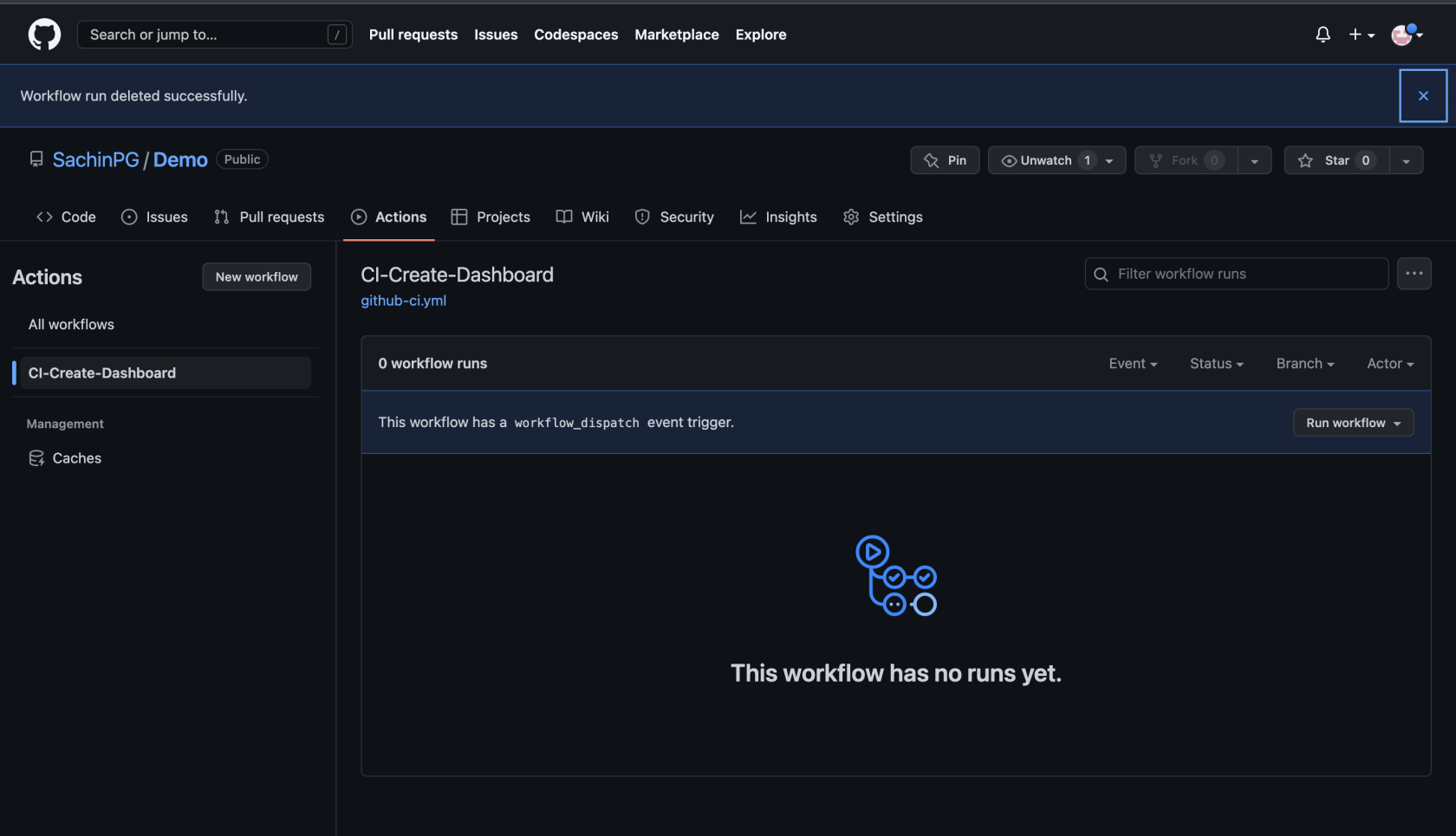
Click Run Workflow
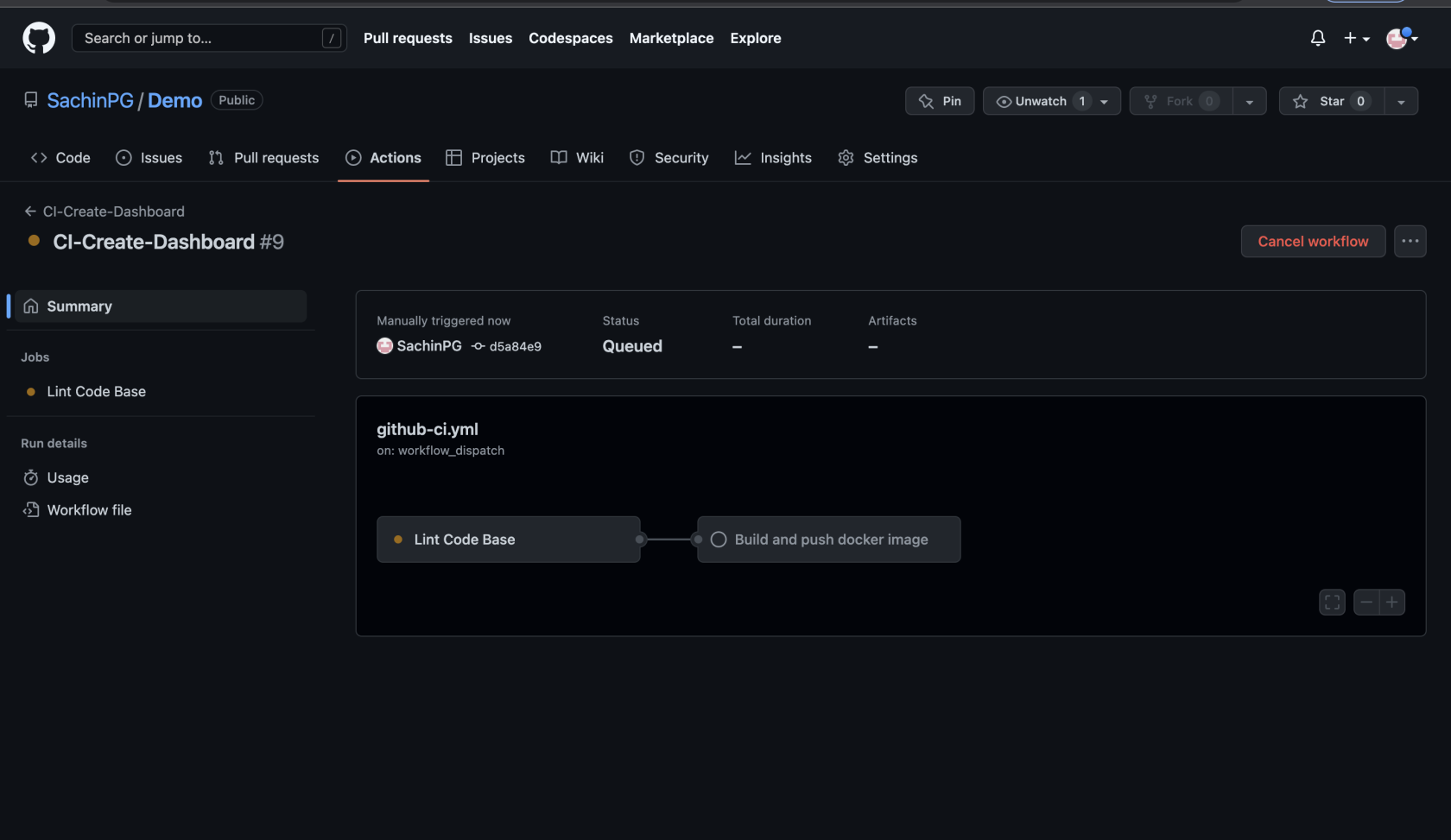
Last updated: SeptemberJuly 22,03, 20262023
If you have any feedback on this topic, please contact us at documentation@appvance.ai.