
Run AIQ Workflows from GitHub Actions
Run AIQ Workflows from GitHub Actions
https://docs.github.com/en/actions/automating-builds-and-tests/building-and-testing-java-with-antUse GitHub Actions to orchestrate AIQ-related workflows only when repository, credentials, environment, and execution permissions are approved.
Recommended mustguidance
- Store
authorizedsecretsonin approved GitHub Actions secret management. - Parameterize environment, branch, suite, and execution profile values.
- Avoid writing tokens, logs with secrets, or internal URLs into public workflow output.
- Record GitHub run URLs with AIQ execution evidence.
Validation workflow
- Create or update the workflow in a non-production branch.
- Run a validation workflow with safe parameters.
- Confirm AIQ execution or integration behavior.
- Document failures with the
publicGitHubkey.runCreateURL,a new repository.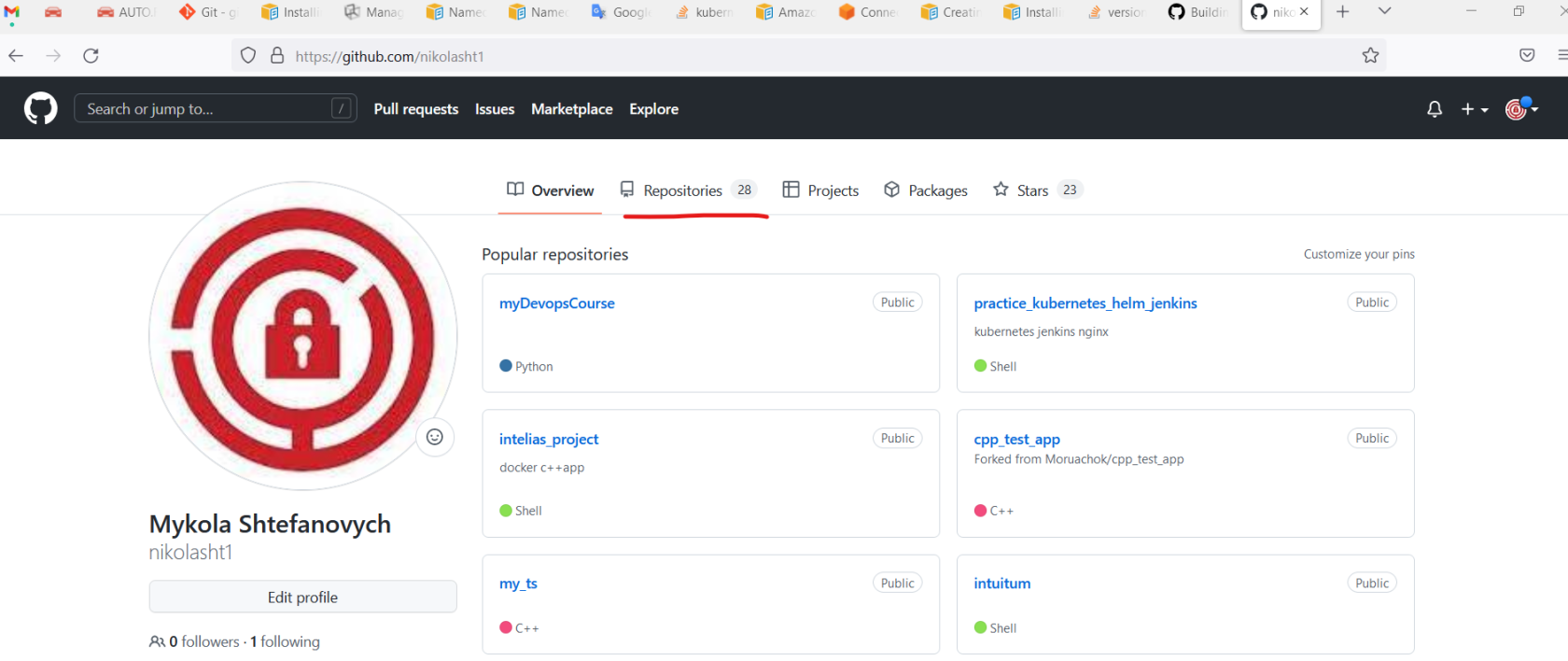
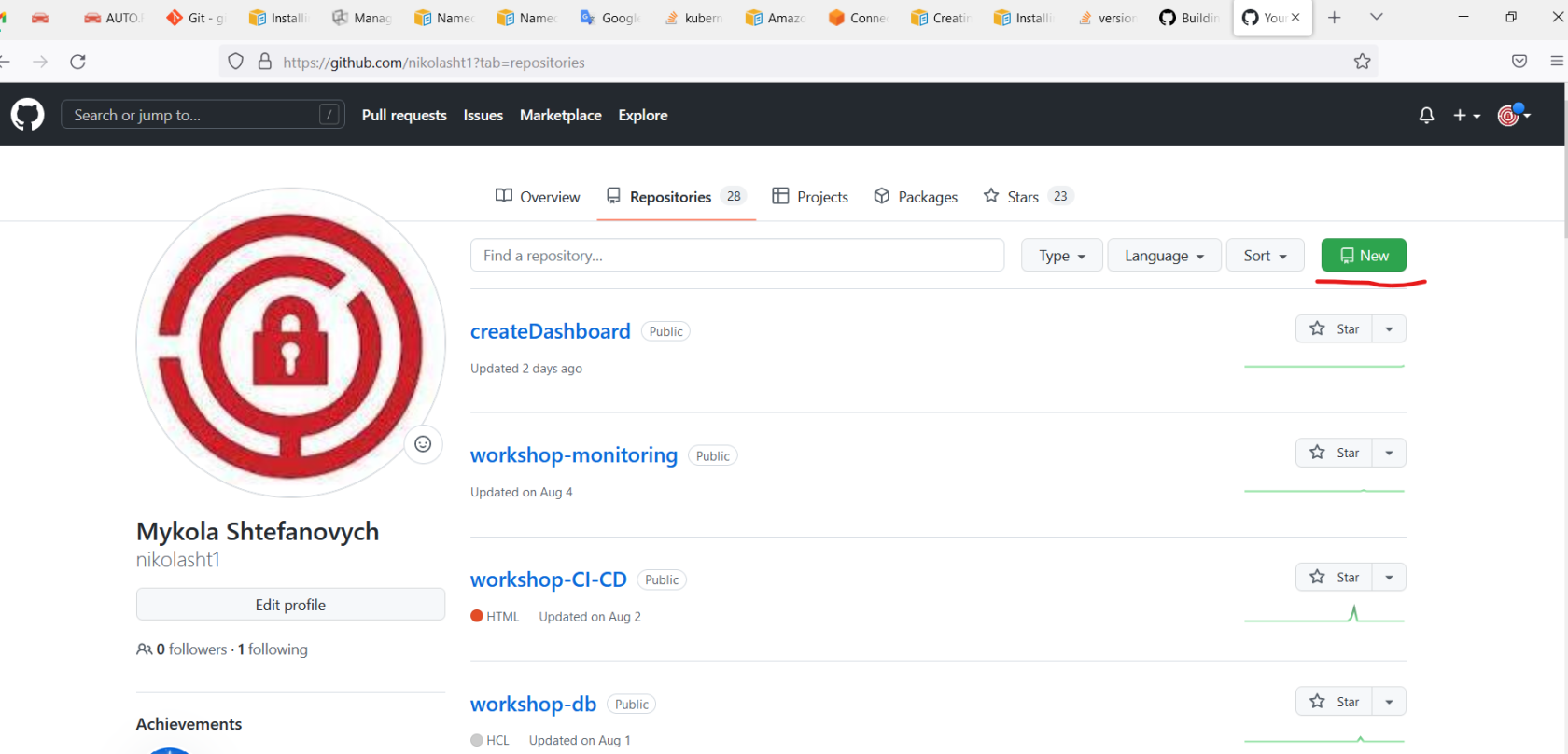
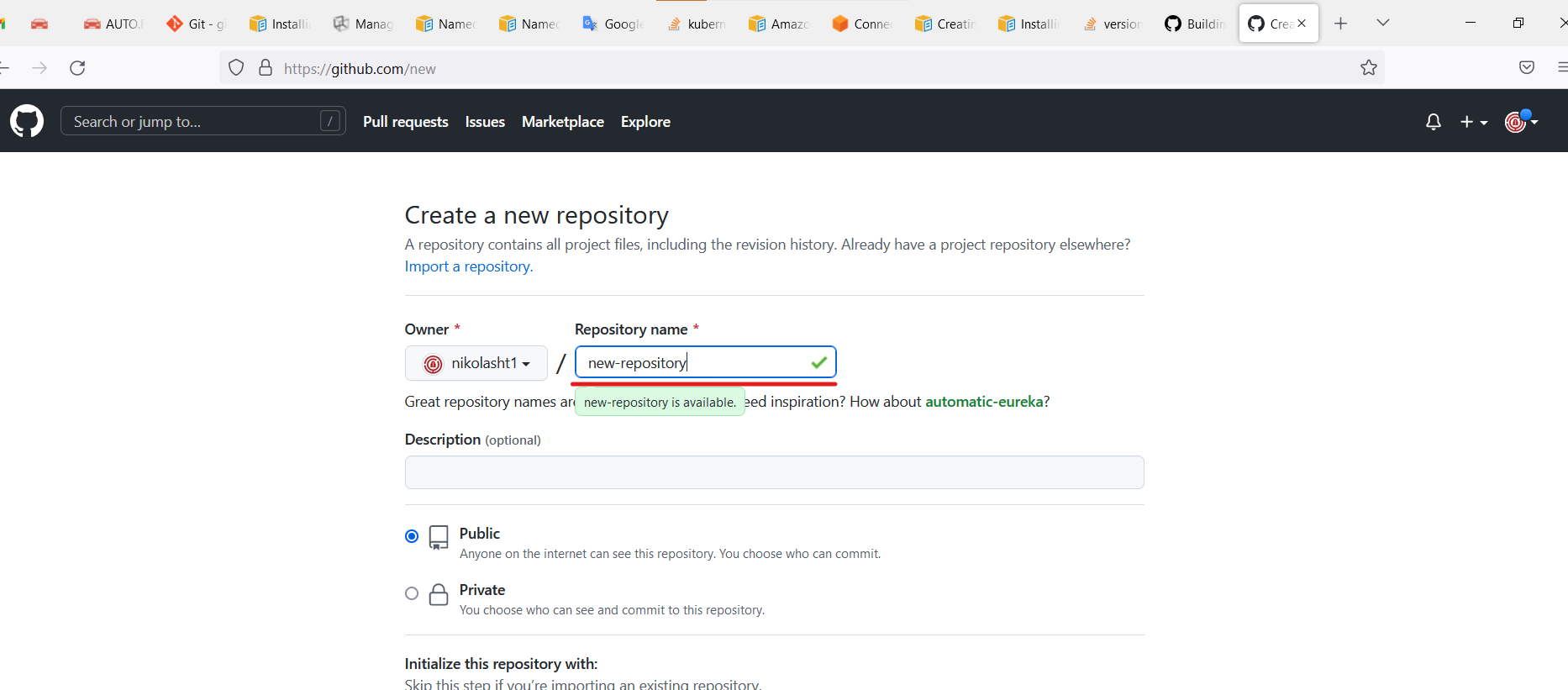
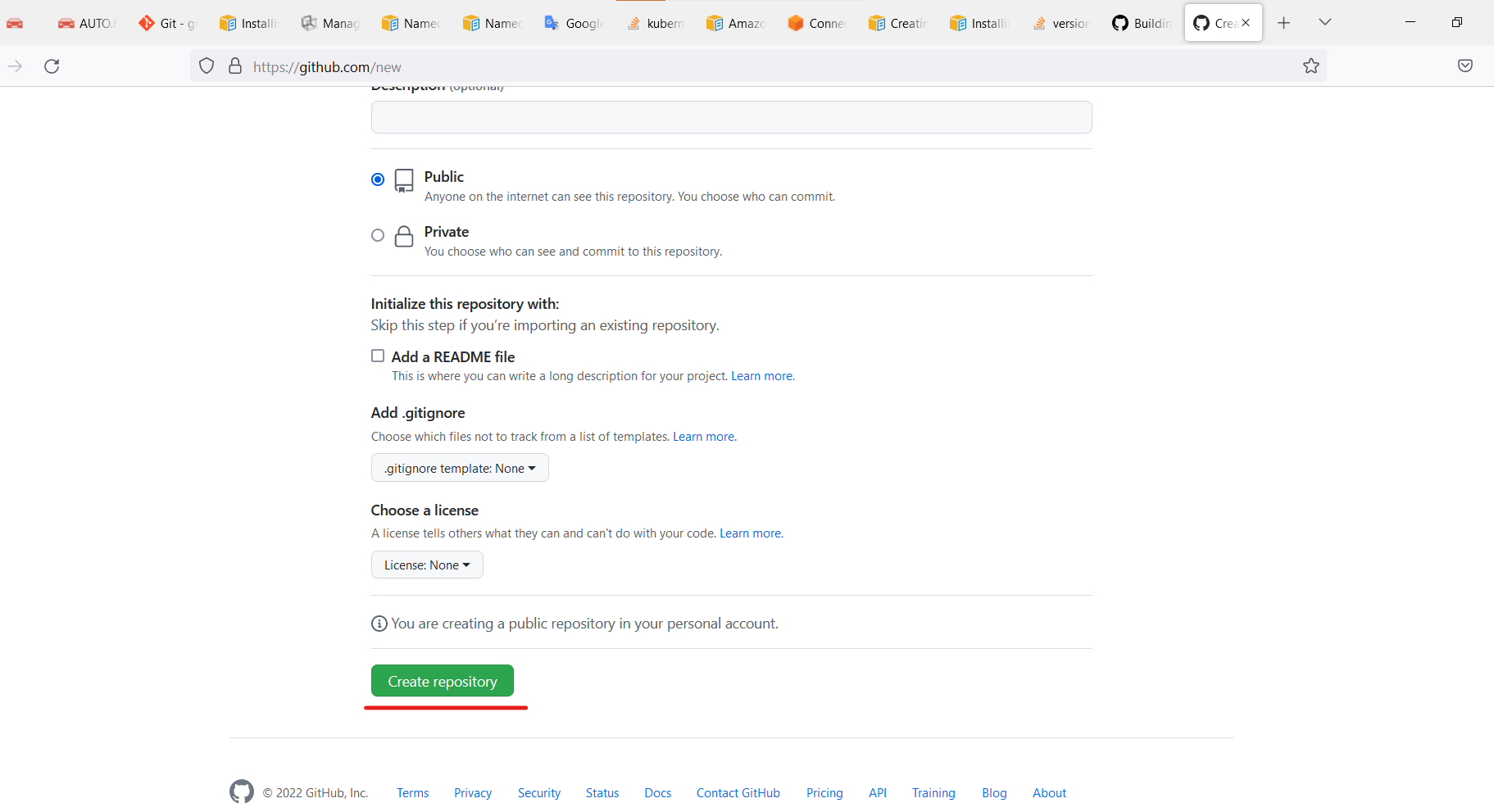
Clone repo.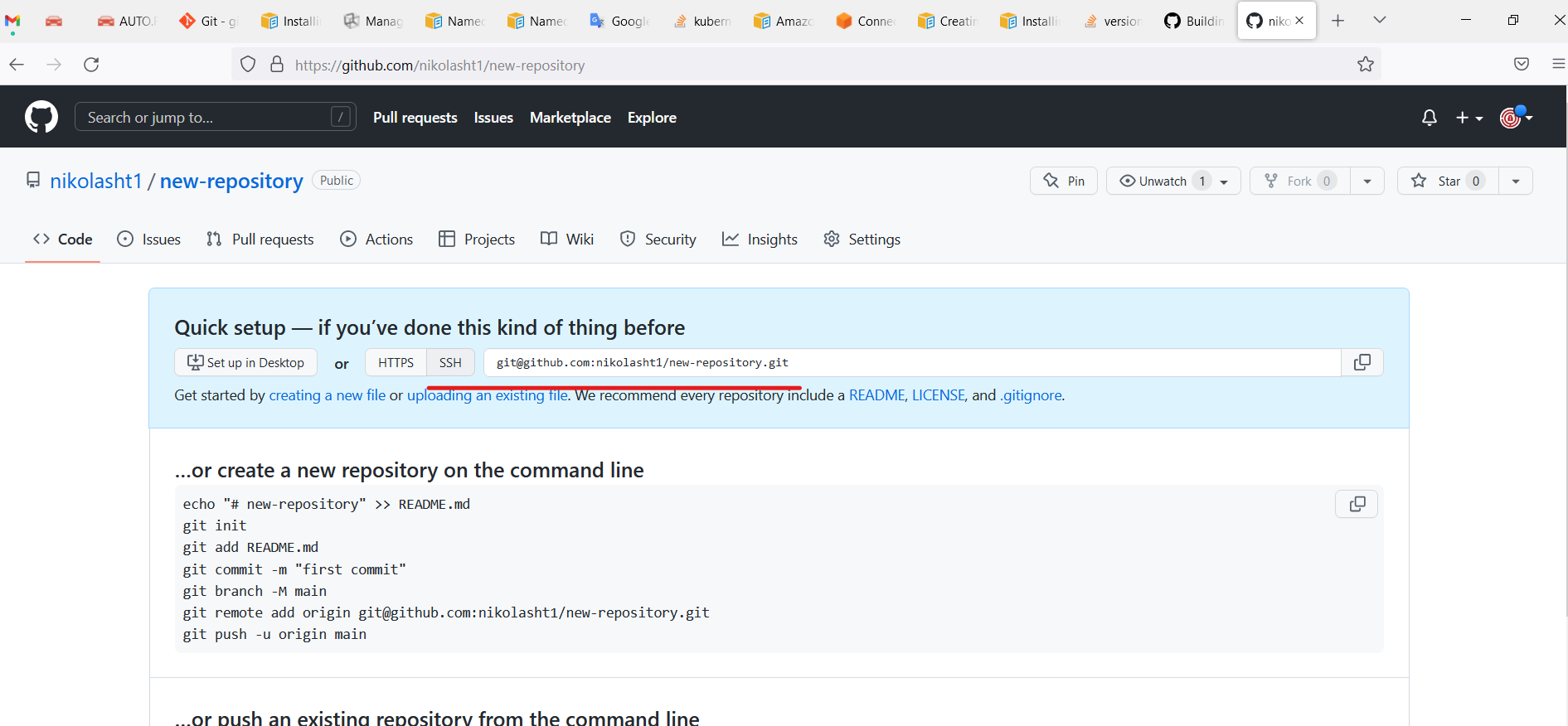
Open the terminal on his machine.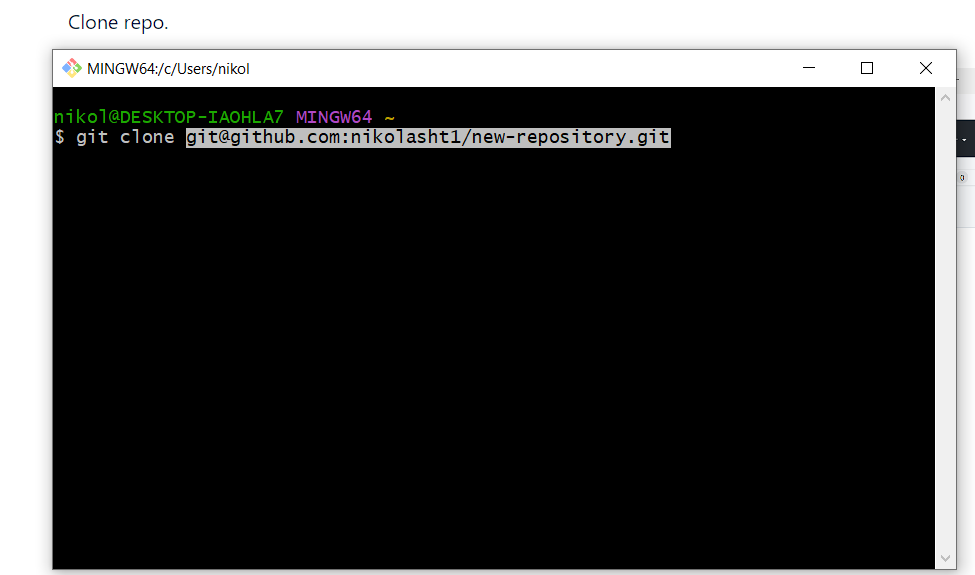
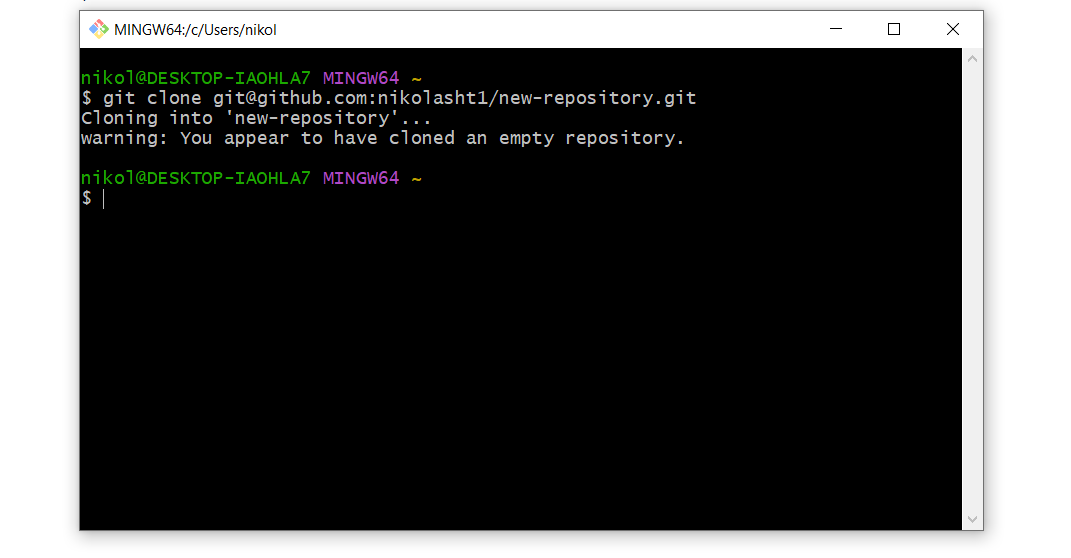
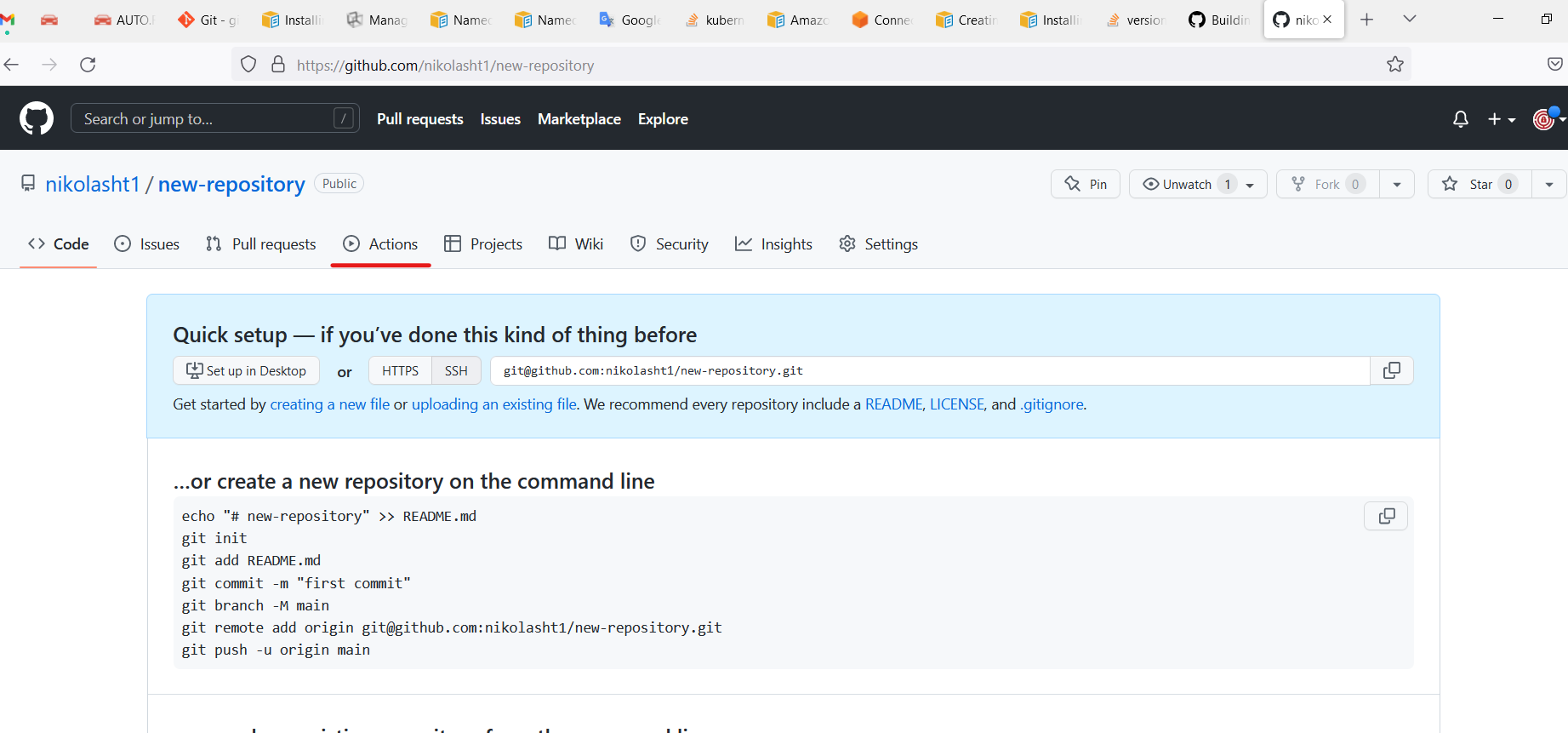
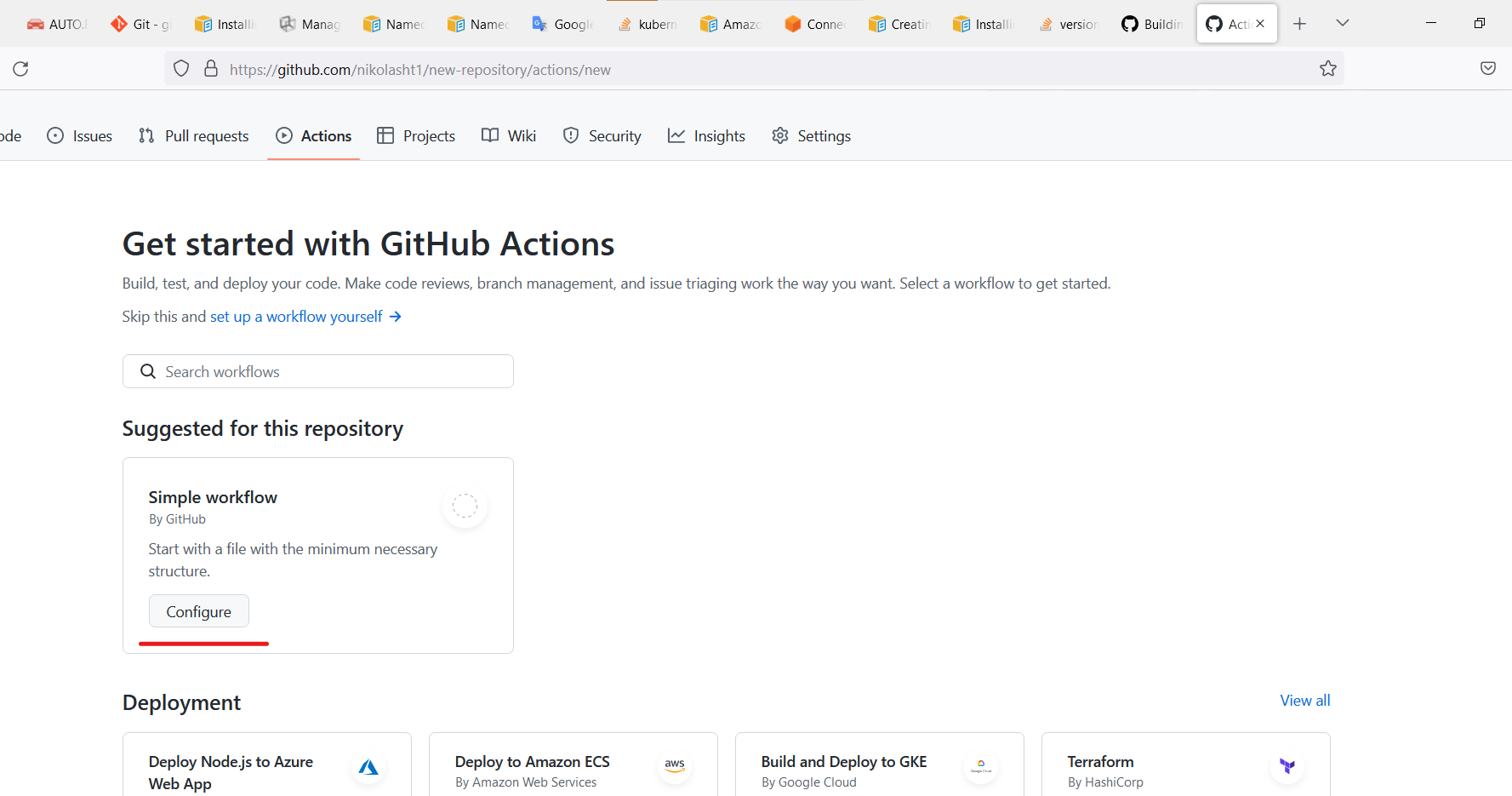
Change directory.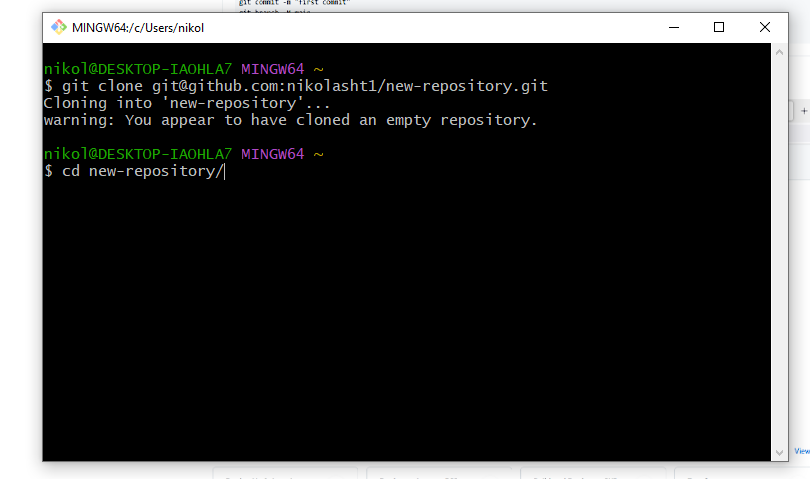
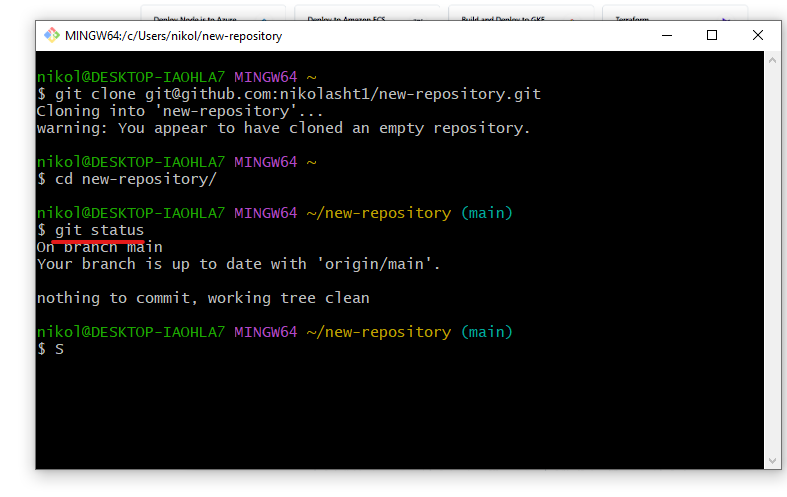
Create files or paste some code into the repo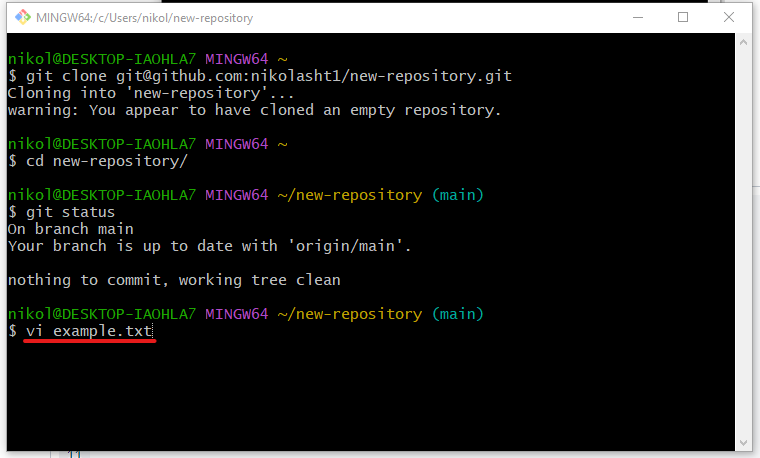 ID.
ID.name: CI-Create-Dashboard on: push: branches: - master workflow_dispatch: env: REGISTRY: <name of registry>jobs: lint: runs-on: ubuntu-latest name: Lint Code Base steps: - name: Checkout Code uses: actions/checkout@v3 with: fetch-depth: 0 - name: Lint Code Base uses: github/super-linter@v4 env: VALIDATE_ALL_CODEBASE: false DEFAULT_BRANCH: master GITHUB_TOKEN: ${{ secrets.GITHUB_TOKEN }} build_and_push: runs-on: ubuntu-latest name: Buildlogs, andpushAIQdockerexecutionimage needs: lint outputs: commit_hash: ${{ steps.commit_hash.outputs.commit_hash }} steps: - uses: actions/checkout@v3 - name: Set up JDK 11 uses: actions/setup-java@v3 with: java-version: '11' distribution: 'adopt' - name: Build with Ant run: ant -noinput -buildfile build.xml - id: commit_hash run: echo "::set-output name=commit_hash::${GITHUB_SHA::7}" - name: Login to <registry> uses: docker/login-action@v2 with: username: ${{ secrets.DOCKER_USER }} password: ${{ secrets.DOCKER_TOKEN }} - name: Build and push uses: docker/build-push-action@v3 with: context: . push: true tags: | ${{ env.REGISTRY }}:${{ steps.commit_hash.outputs.commit_hash }}
Copy code from above example main.yml and paste into, or use example from GitHub
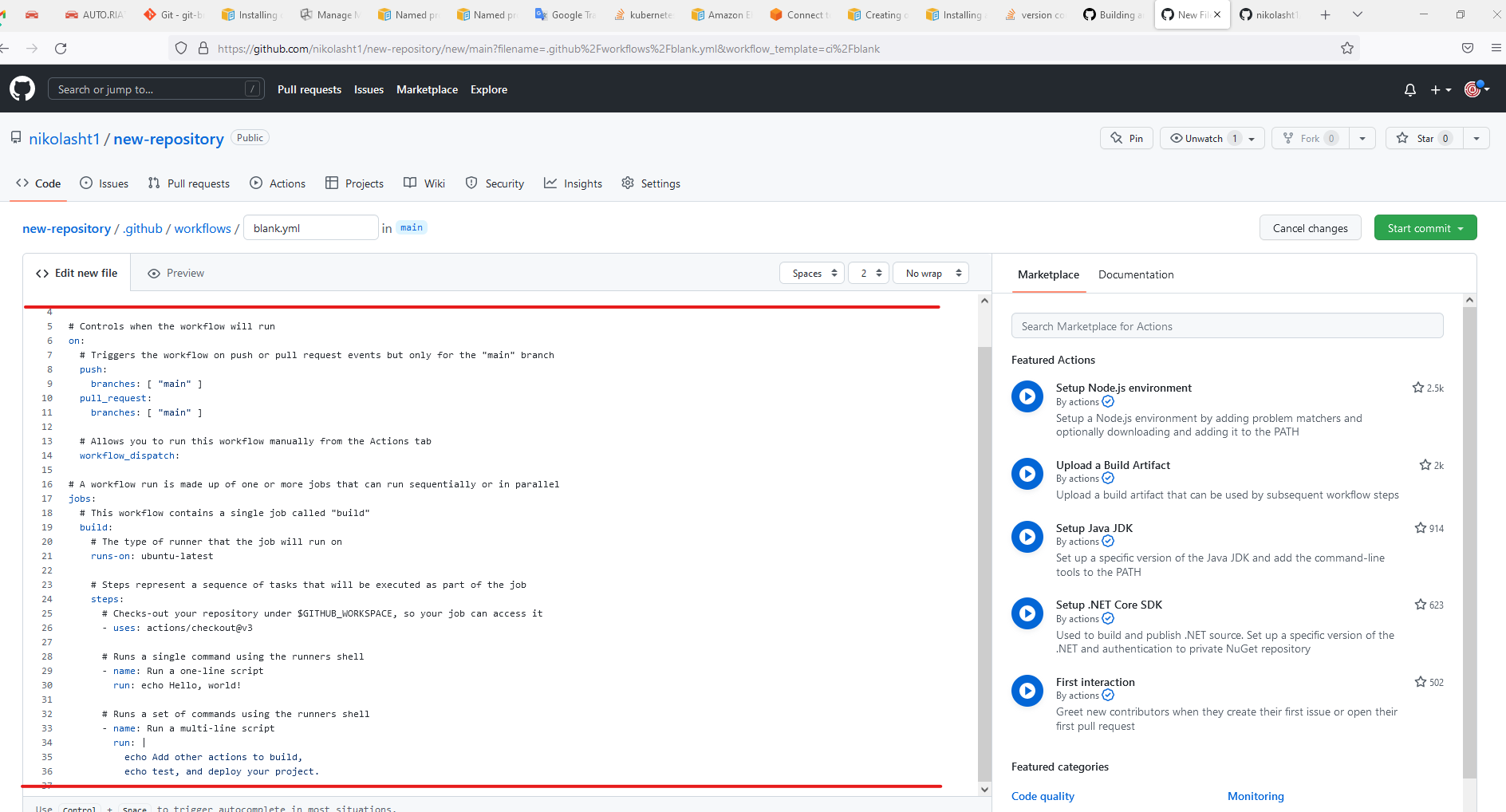
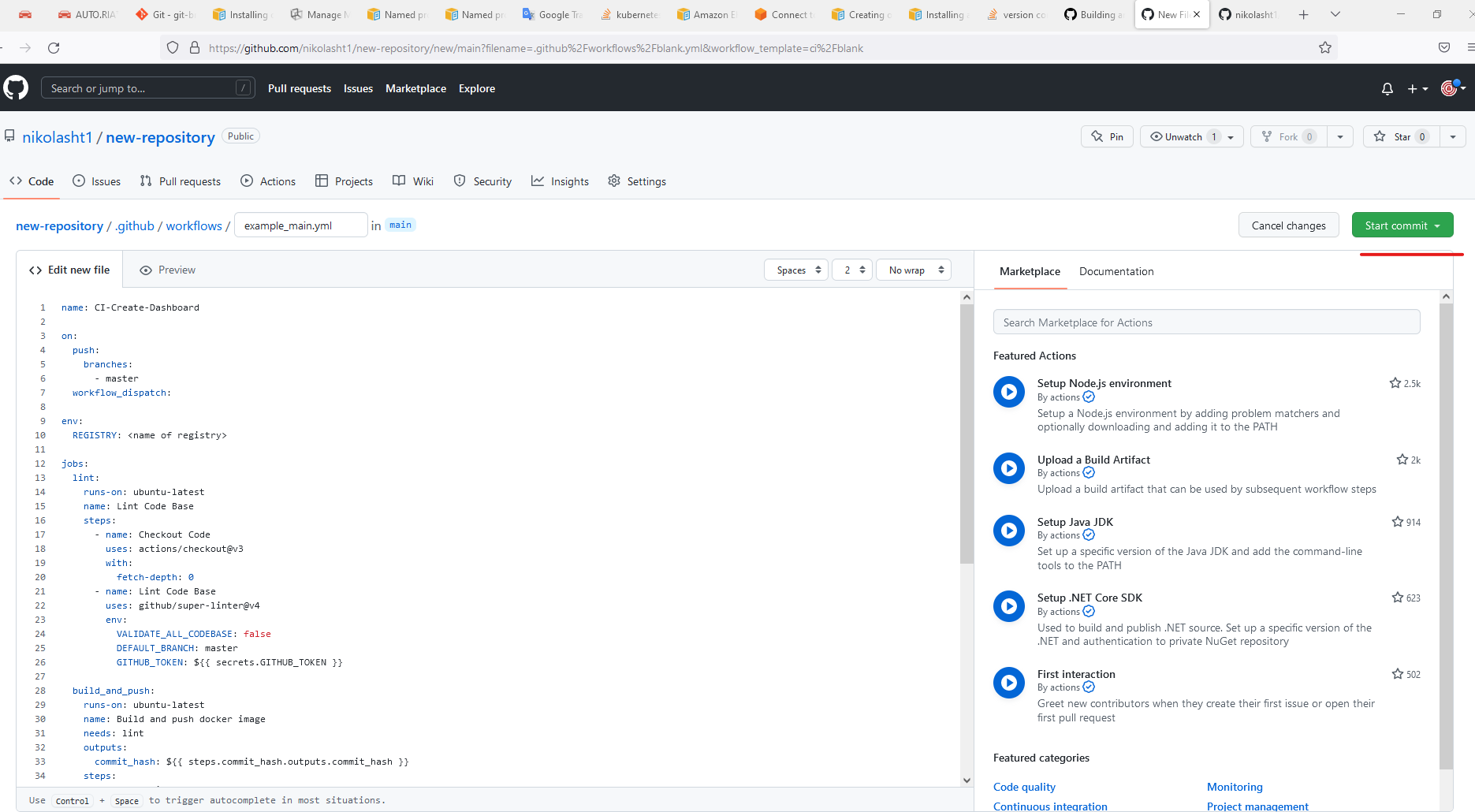
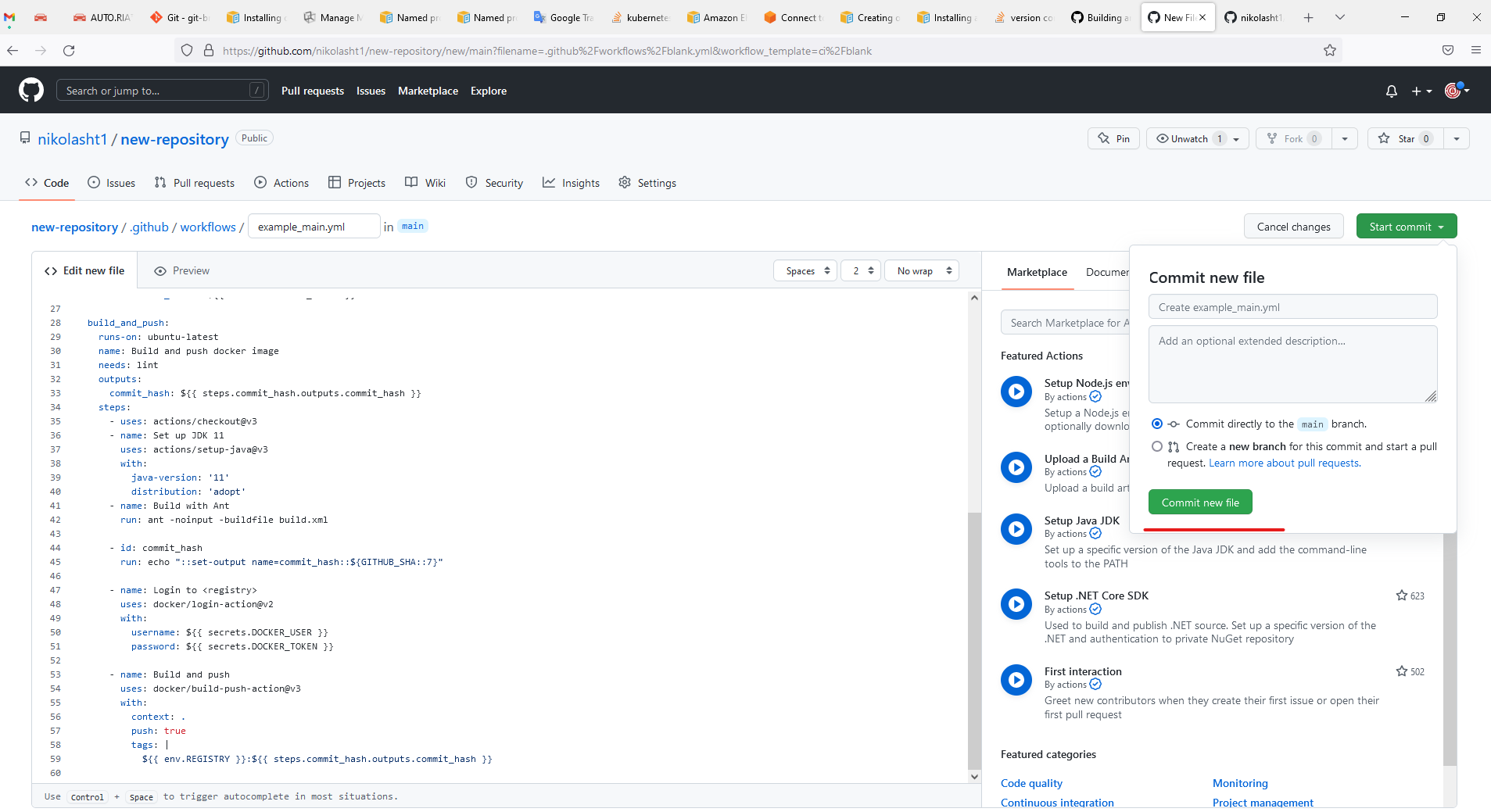
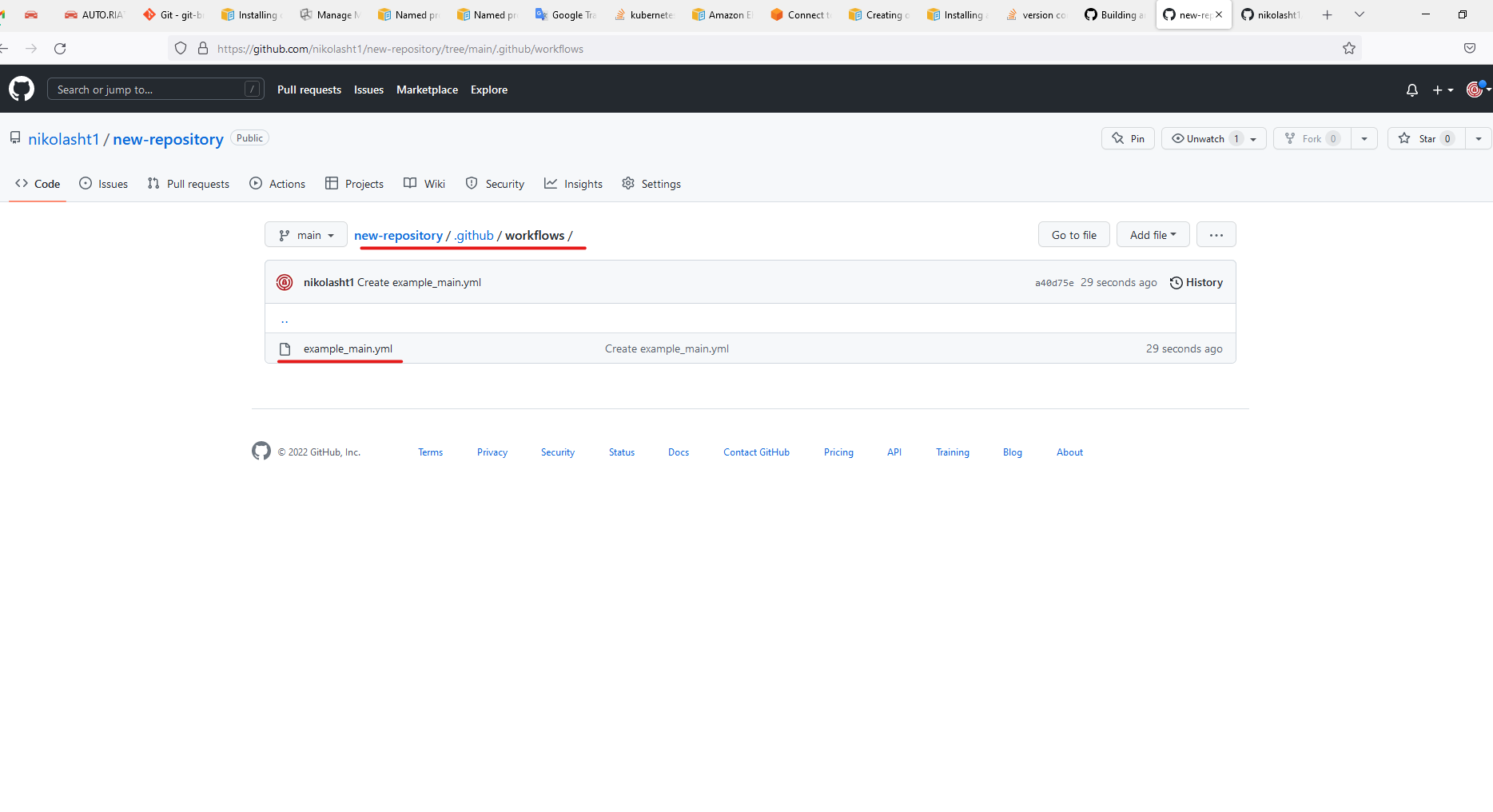
GitHub created directory for you .github/workflows/
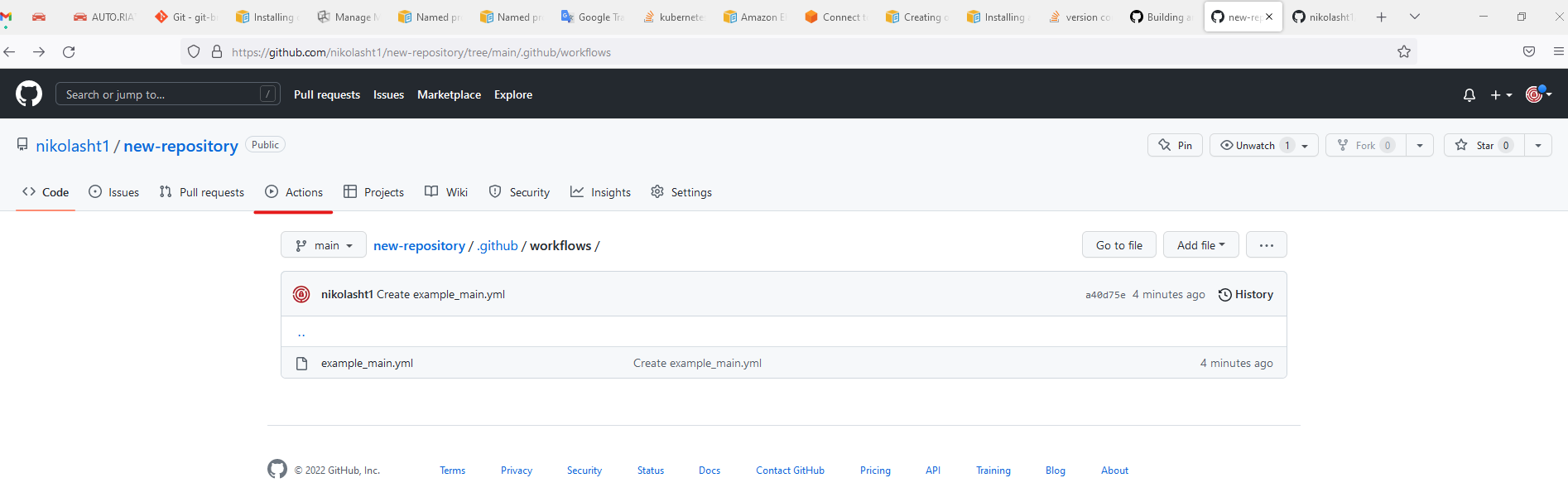
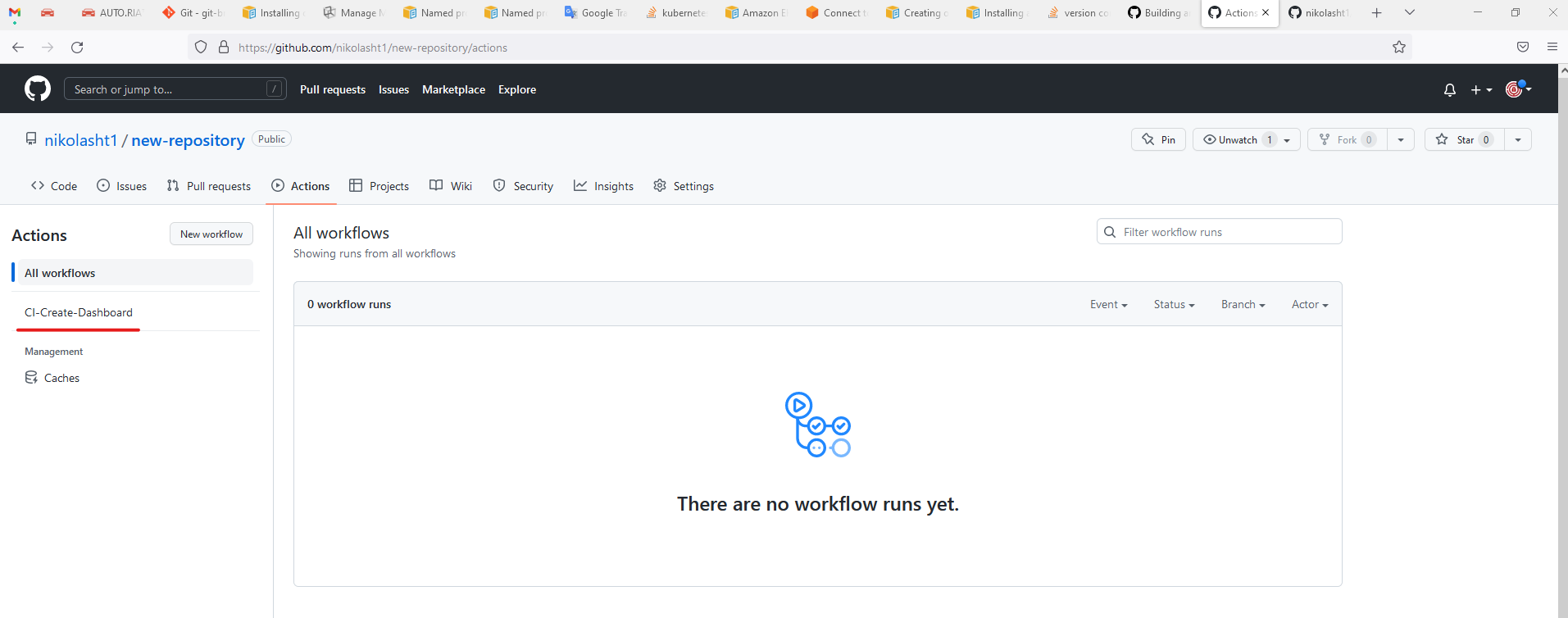
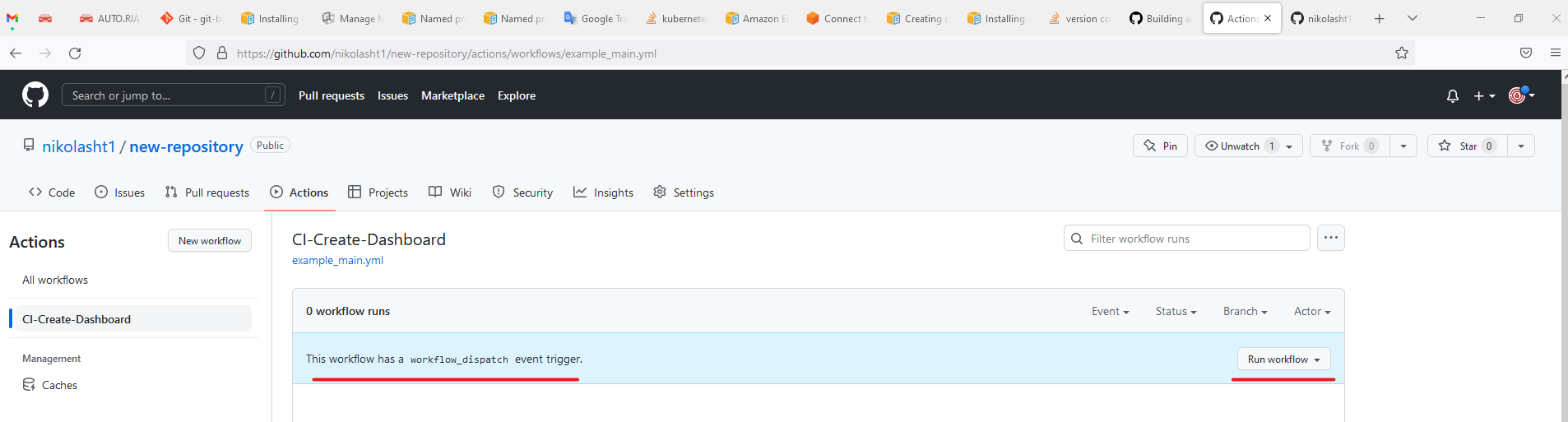
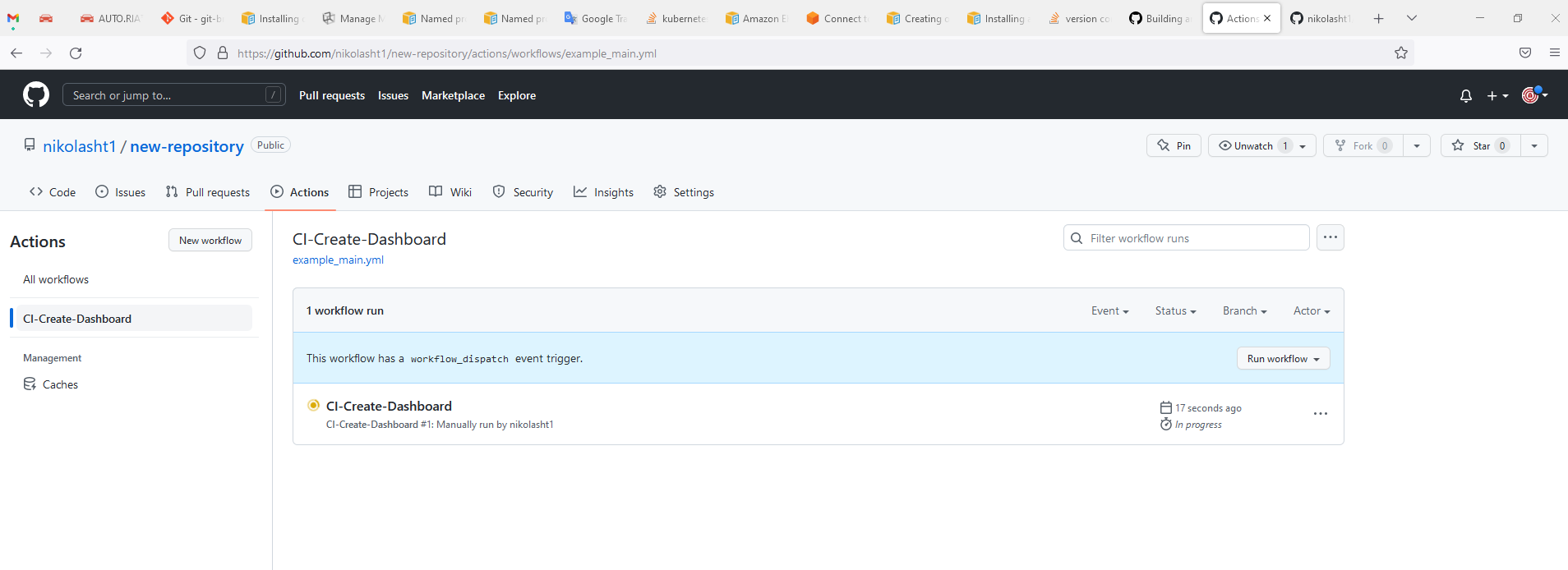
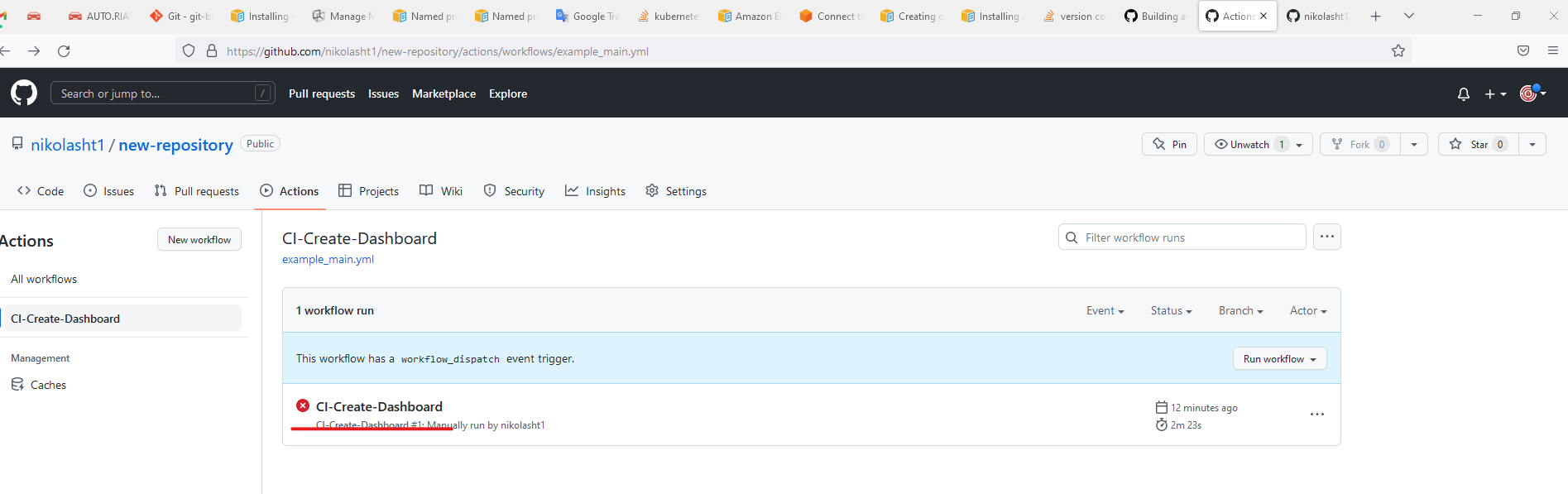
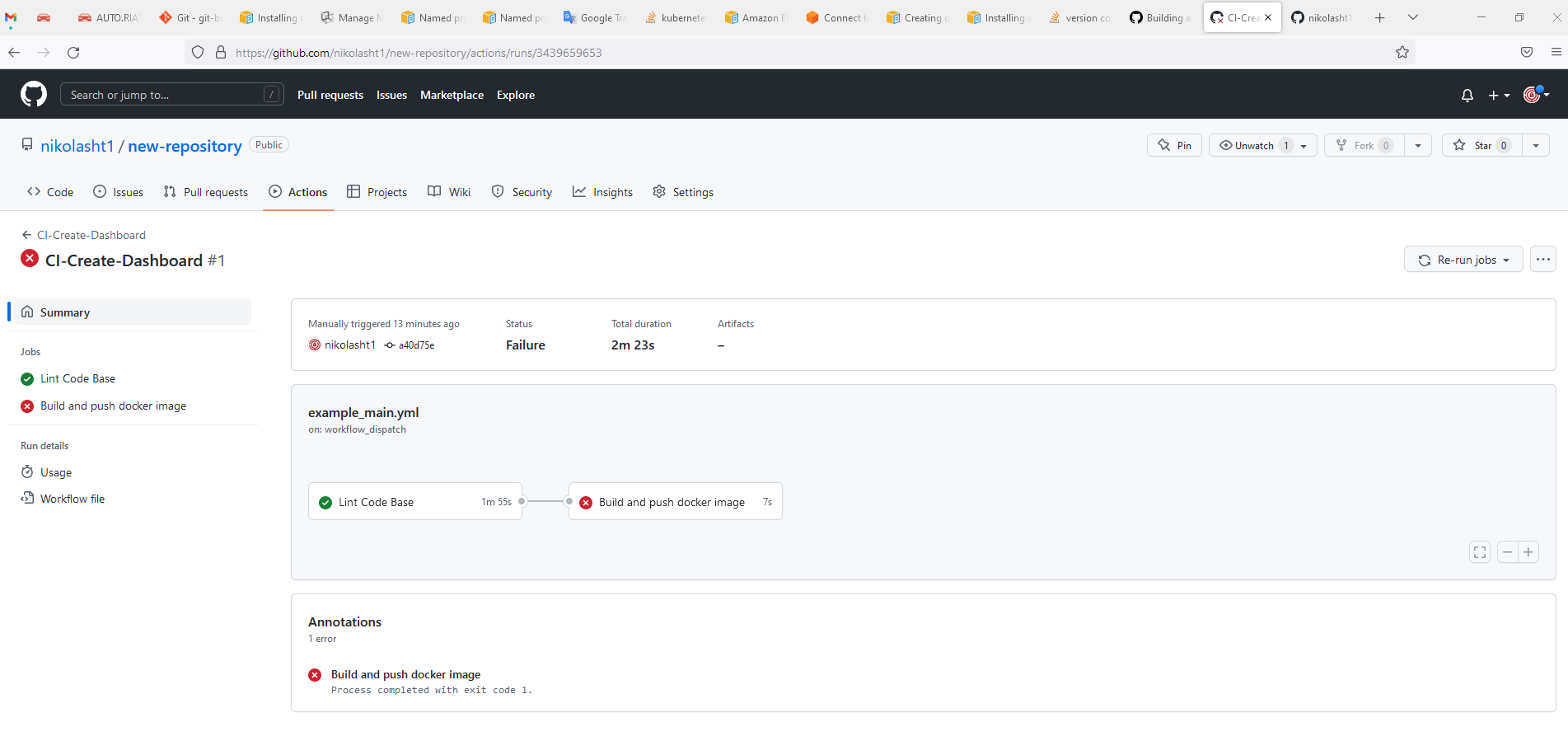
For more information visit https://docs.github.com/en/actions/automating-builds-and-tests/building-and-testing-java-with-ant
Last updated: JuneSeptember 26,20, 20232026
If you have any feedback on this topic, please contact us at documentation@appvance.ai