
GitHub Action
Run
https://docs.github.com/en/actions/automating-builds-and-tests/building-and-testing-java-with-ant AIQ
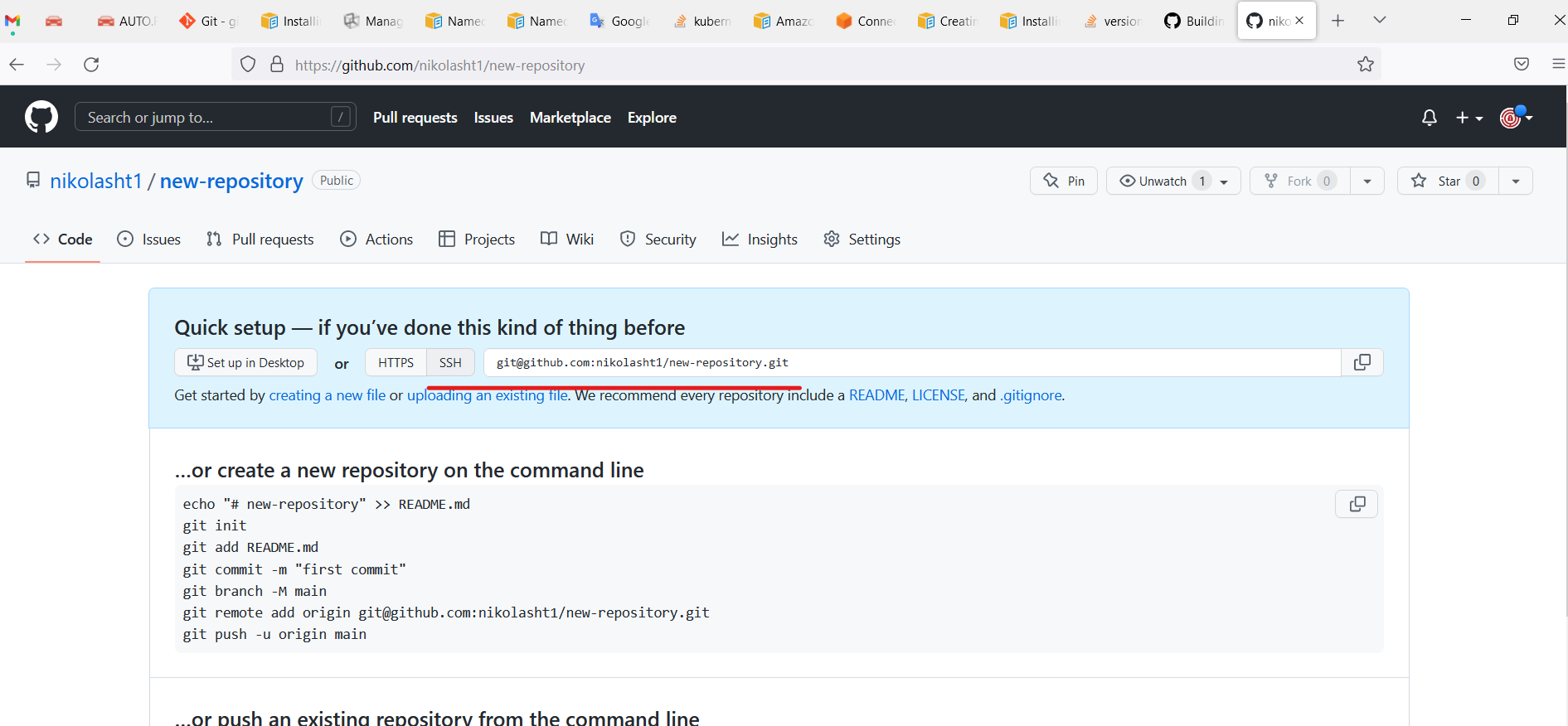
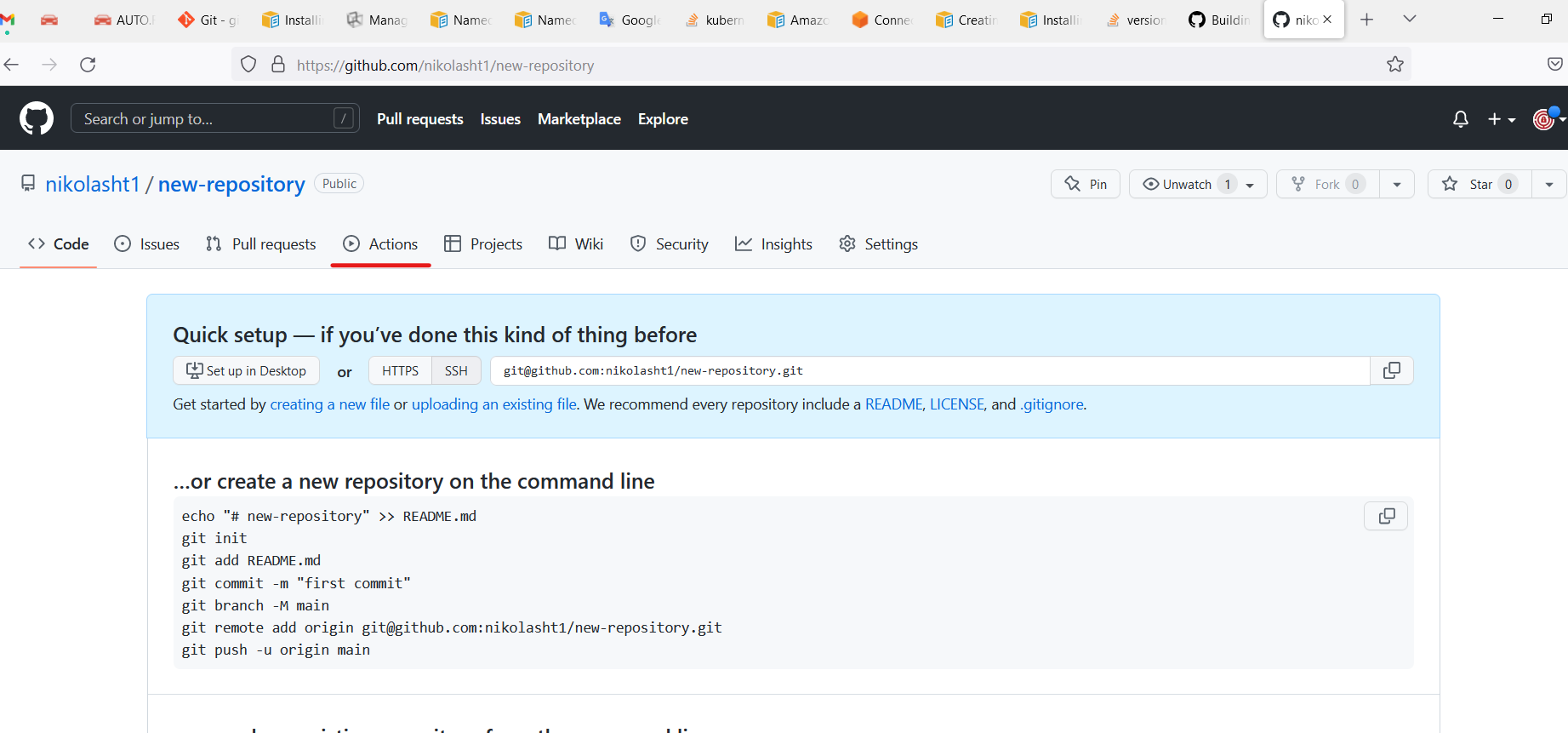
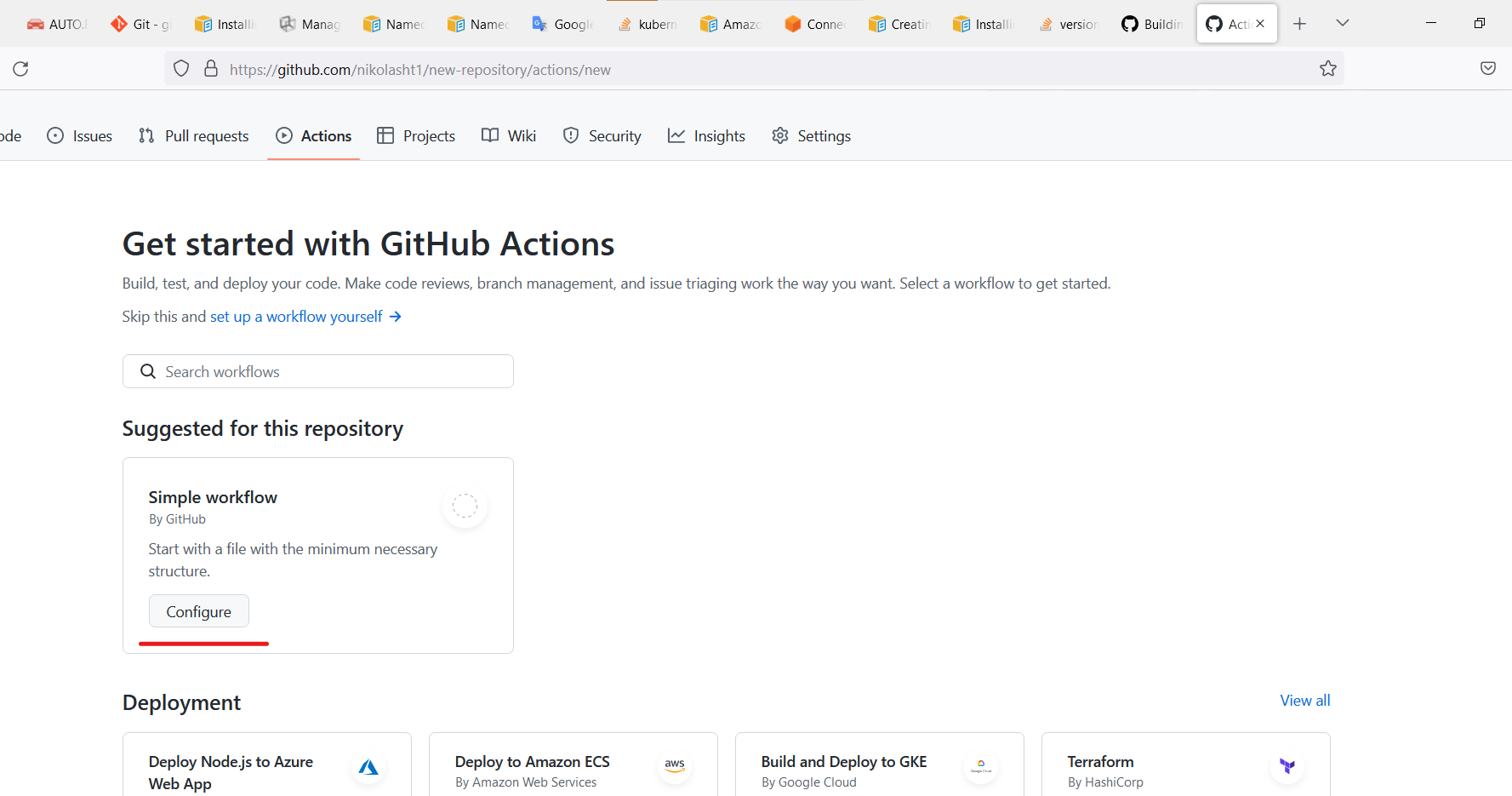
Create a new repository.
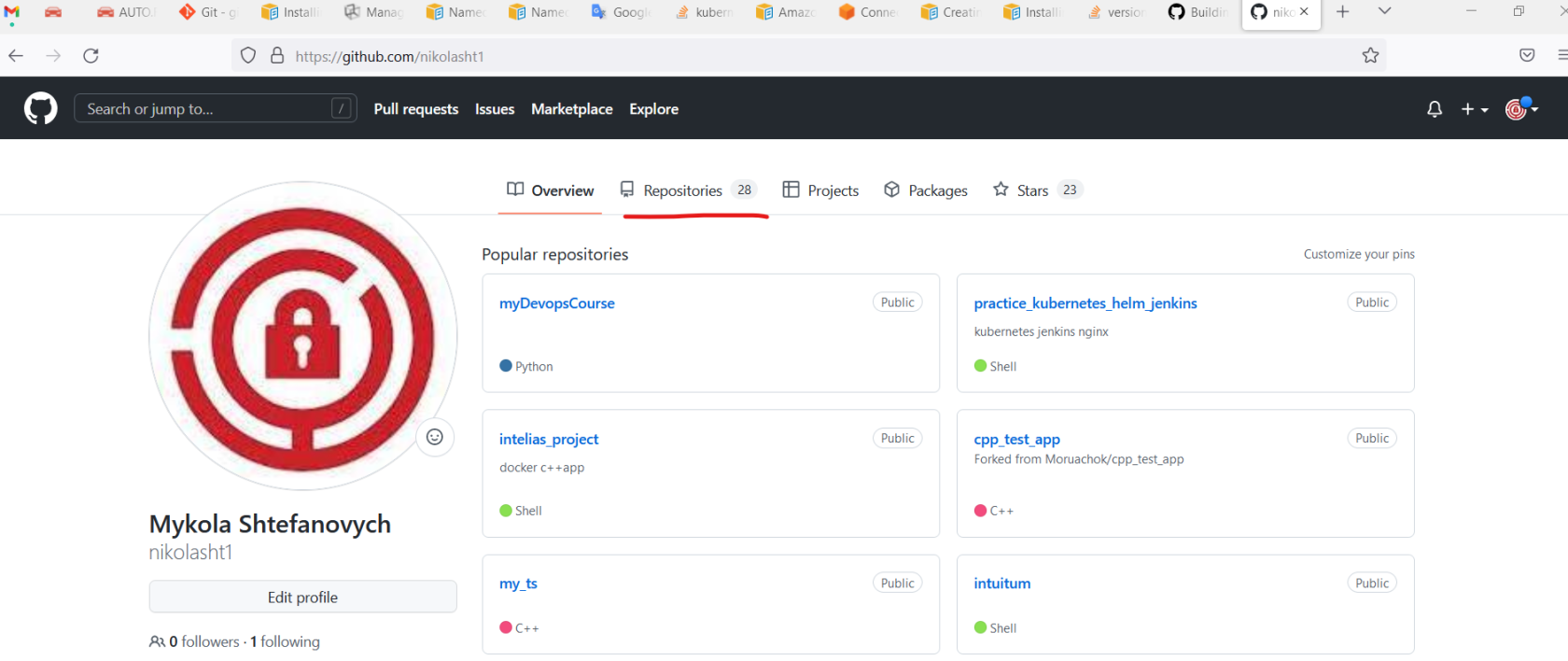
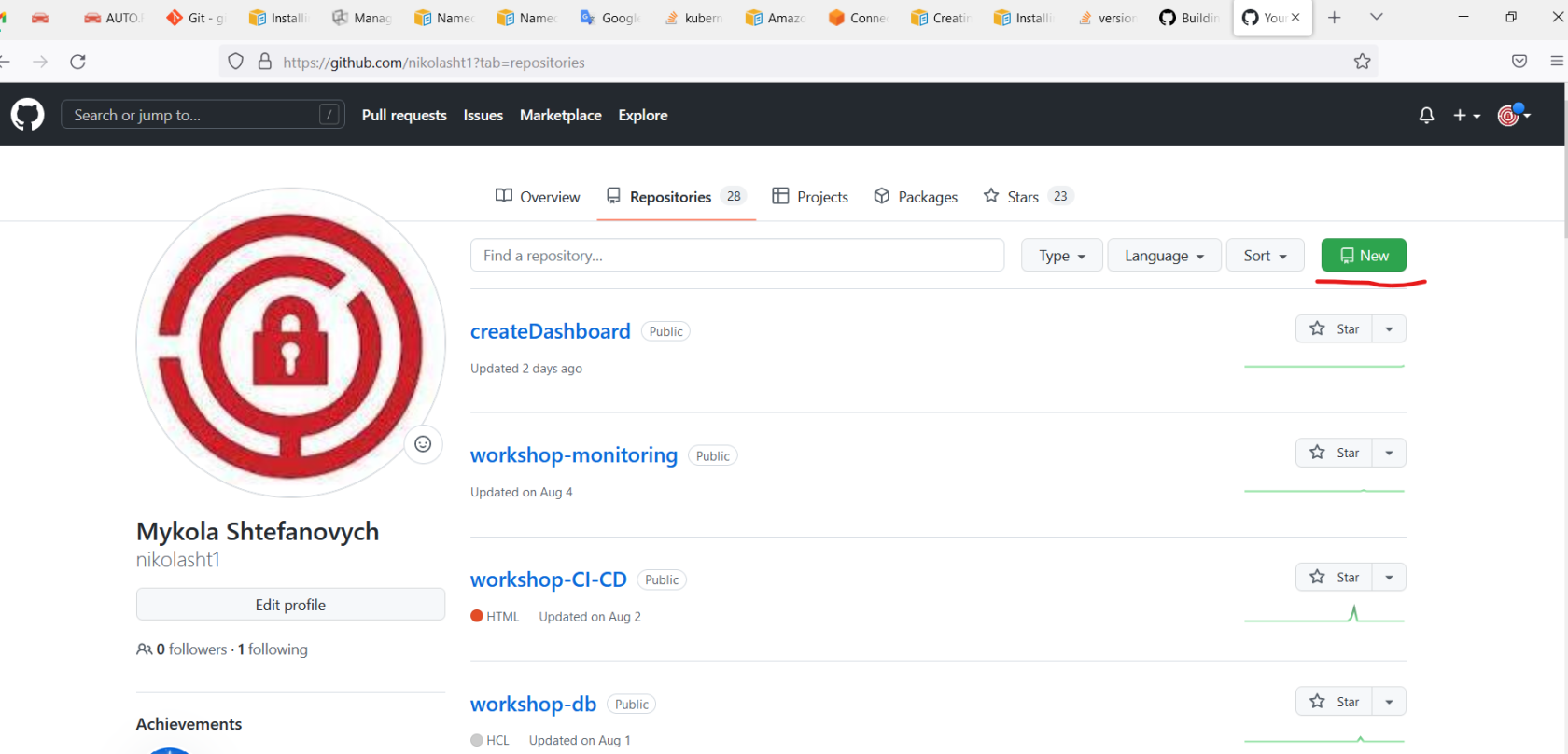
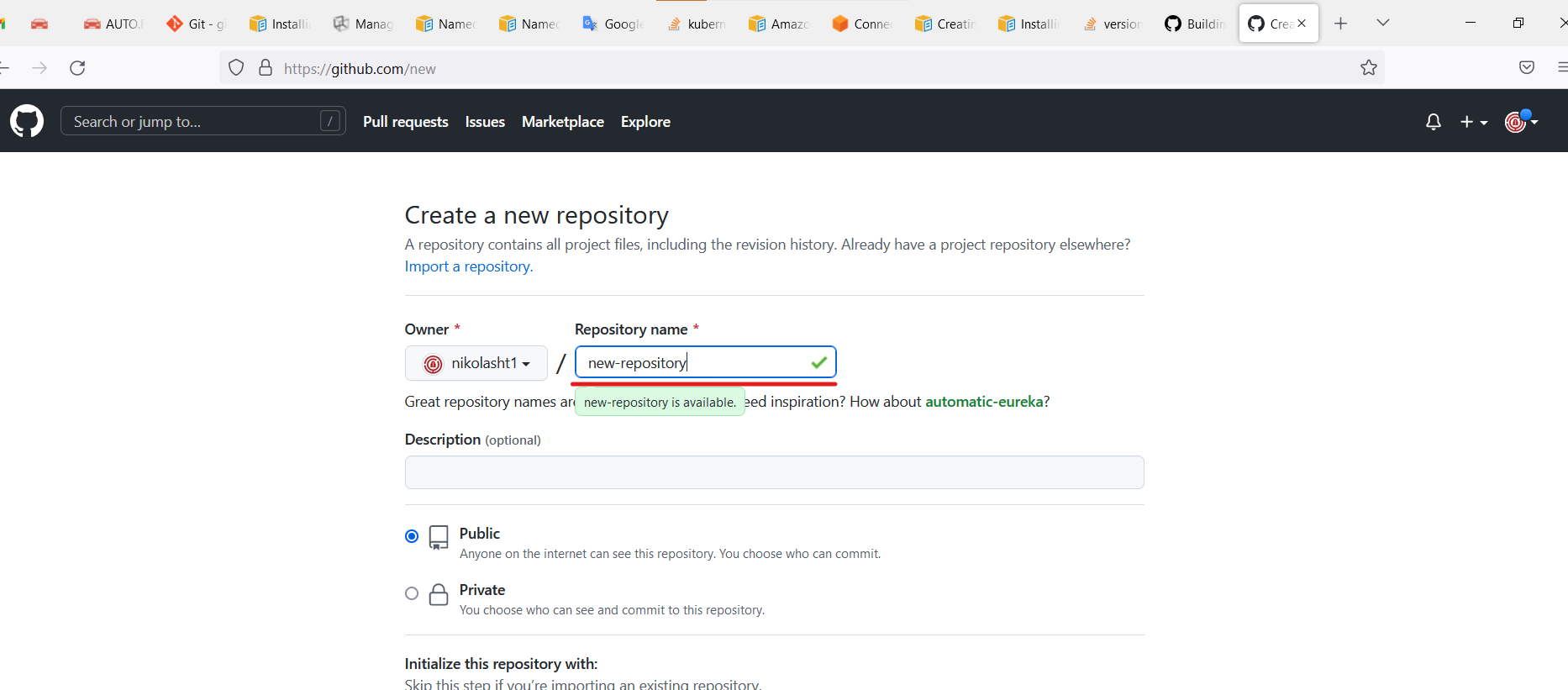
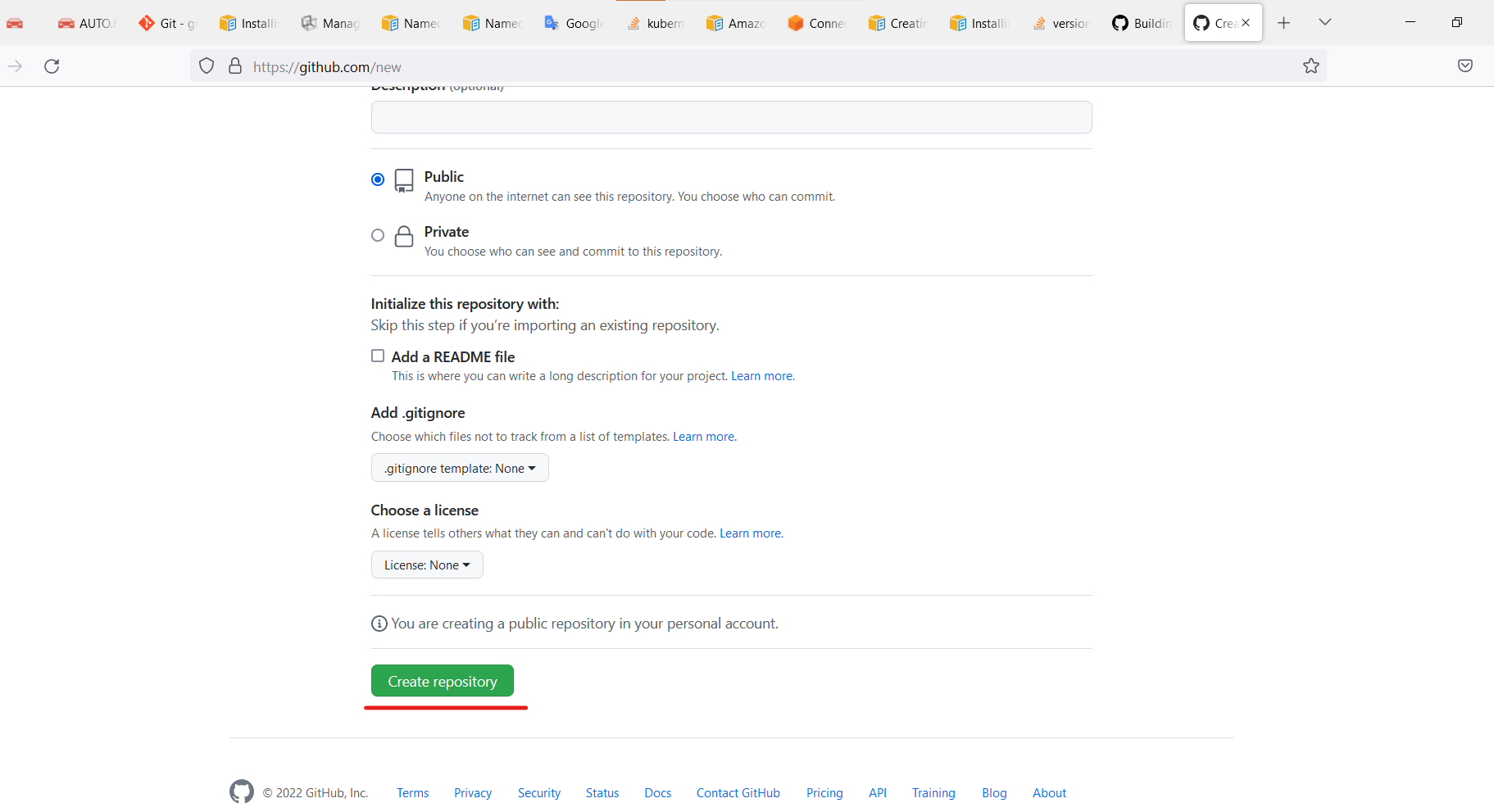
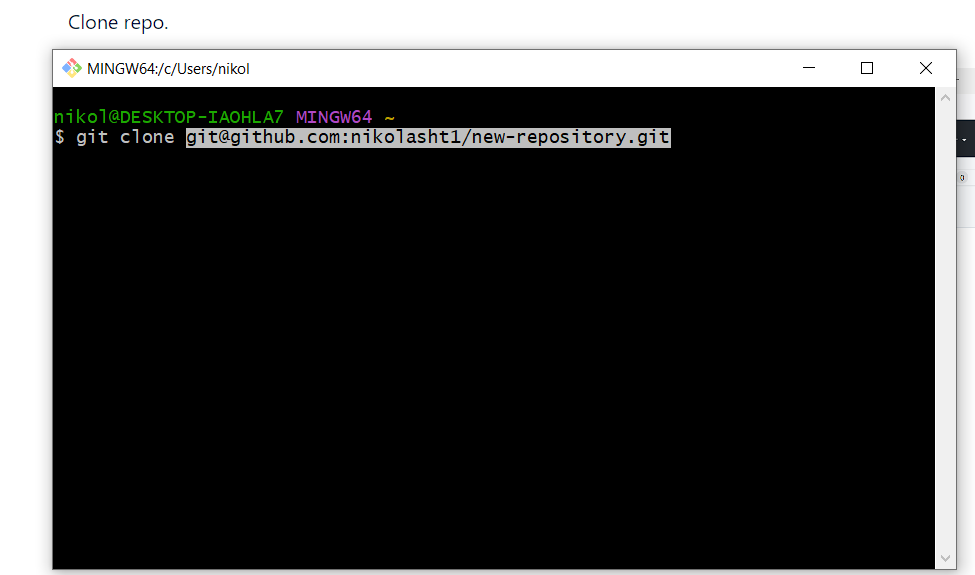
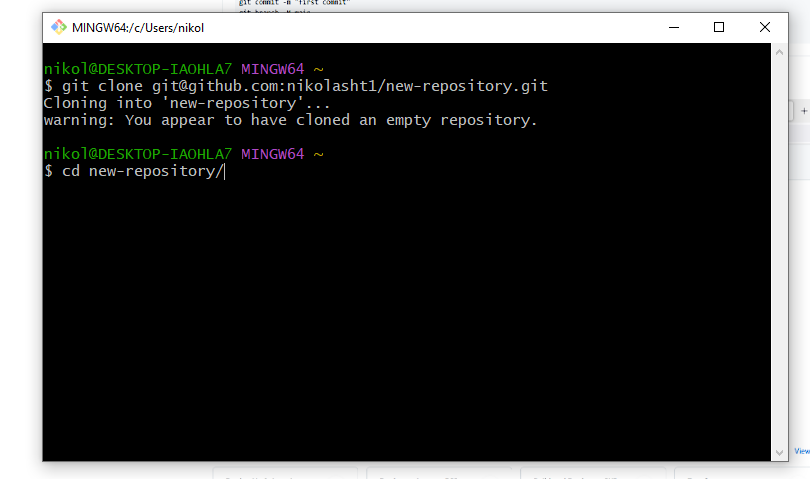
Clone repo.
Open the terminal on his machine.
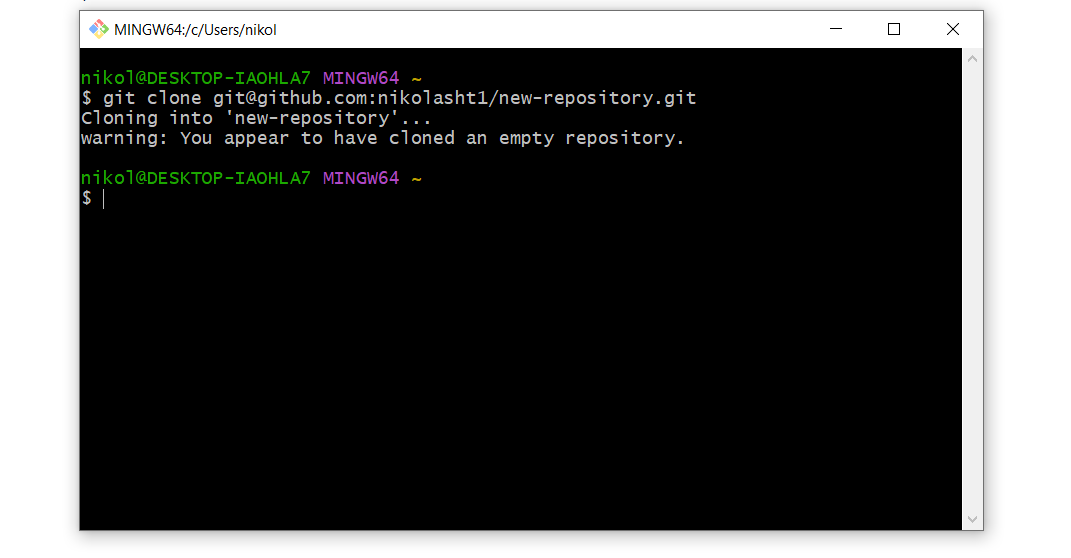
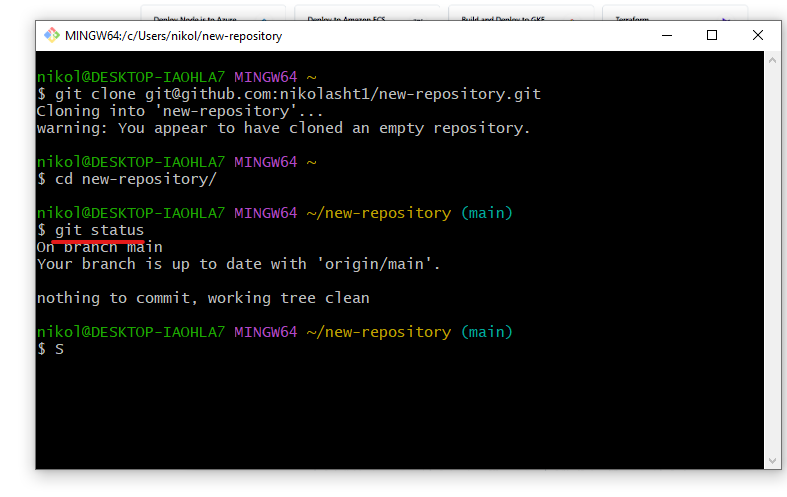
Change directory.
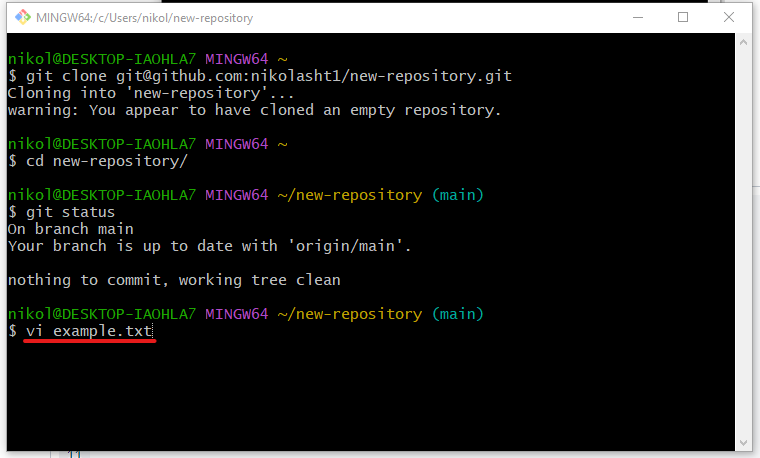
Create files or paste some code into the repo
name: CI-Create-Dashboard
on:
  push:
    branches:
      - master
  workflow_dispatch:
env:
  REGISTRY: <name of registry>jobs:
  lint:
    runs-on: ubuntu-latest
    name: Lint Code Base
    steps:
      - name: Checkout Code
        uses: actions/checkout@v3
        with:
          fetch-depth: 0
      - name: Lint Code Base
        uses: github/super-linter@v4
        env:
          VALIDATE_ALL_CODEBASE: false
          DEFAULT_BRANCH: master
          GITHUB_TOKEN: ${{ secrets.GITHUB_TOKEN }}
  build_and_push:
    runs-on: ubuntu-latest
    name: Build and push docker image
    needs: lint
    outputs:
      commit_hash: ${{ steps.commit_hash.outputs.commit_hash }}
    steps:
      - uses: actions/checkout@v3
      - name: Set up JDK 11
        uses: actions/setup-java@v3
        with:
          java-version: '11'
          distribution: 'adopt'
      - name: Build with Ant
        run: ant -noinput -buildfile build.xml
      - id: commit_hash
        run: echo "::set-output name=commit_hash::${GITHUB_SHA::7}"      - name: Login to <registry>        uses: docker/login-action@v2
        with:
          username: ${{ secrets.DOCKER_USER }}
          password: ${{ secrets.DOCKER_TOKEN }}
      - name: Build and push
        uses: docker/build-push-action@v3
        with:
          context: .
          push: true
          tags: |
            ${{ env.REGISTRY }}:${{ steps.commit_hash.outputs.commit_hash }}
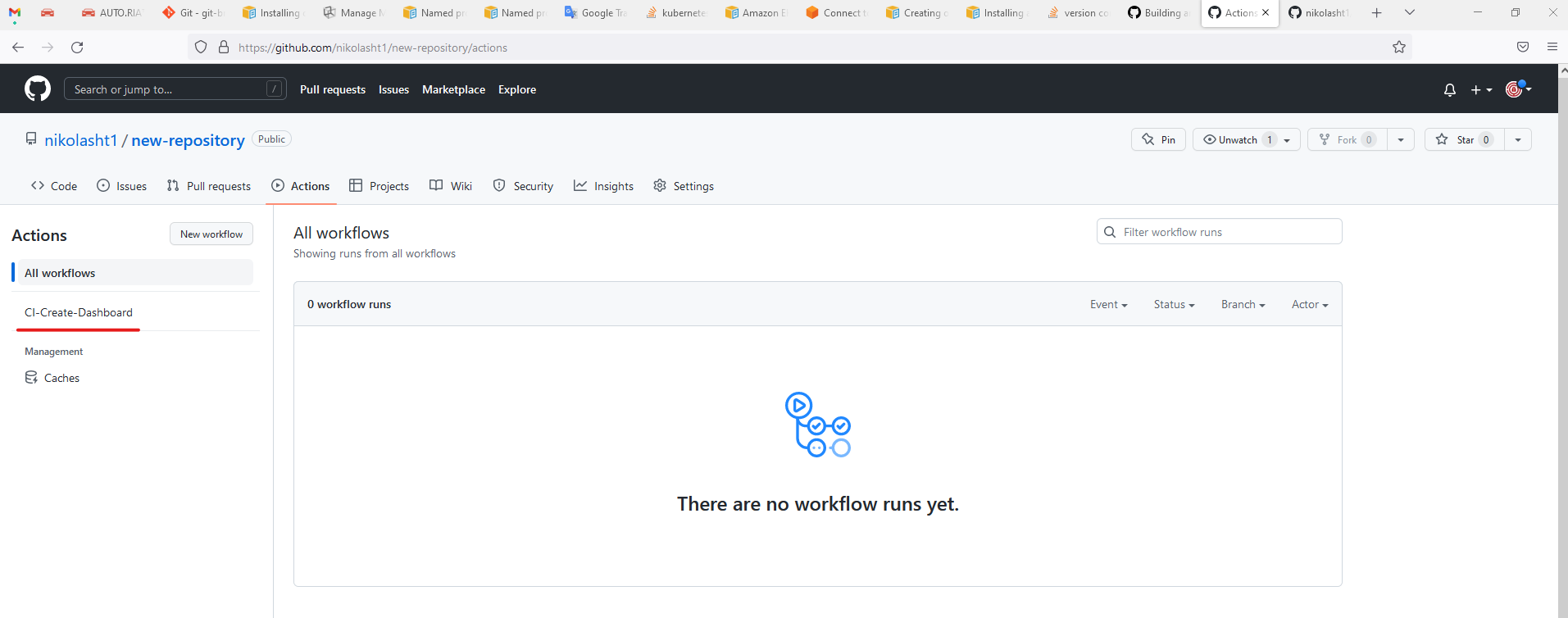
Copy code from above example main.yml and paste into, or use example from GitHub Actions
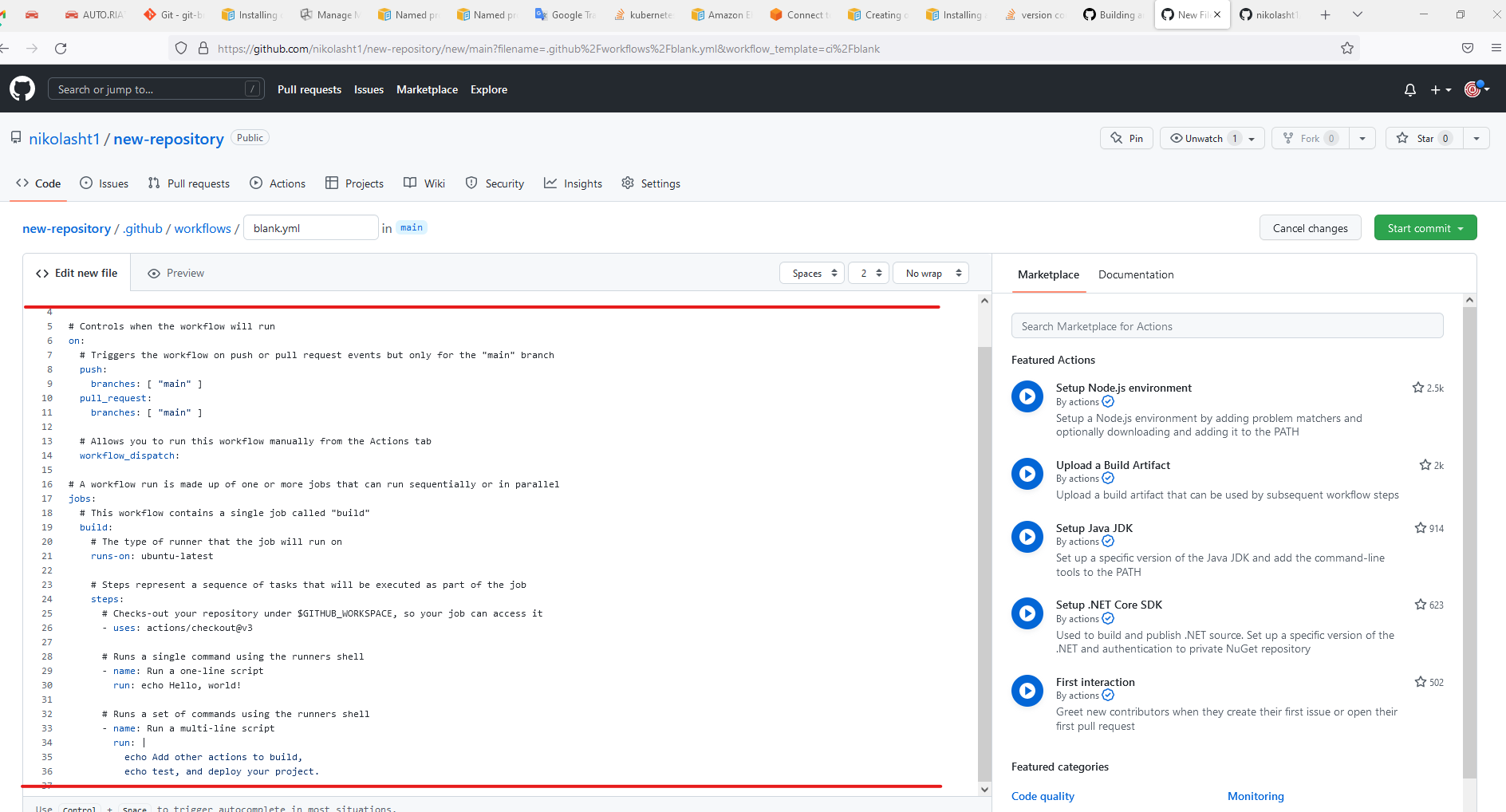
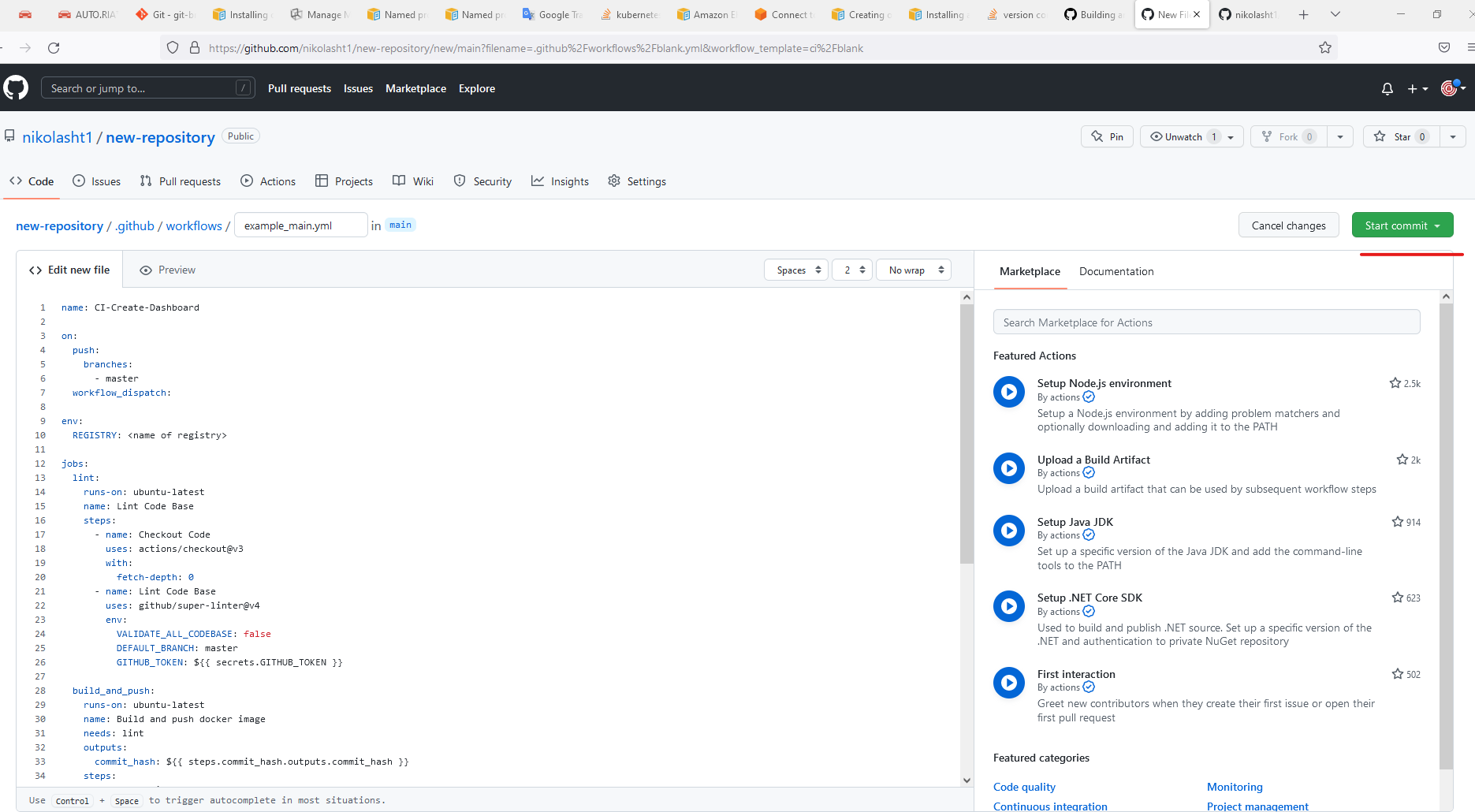
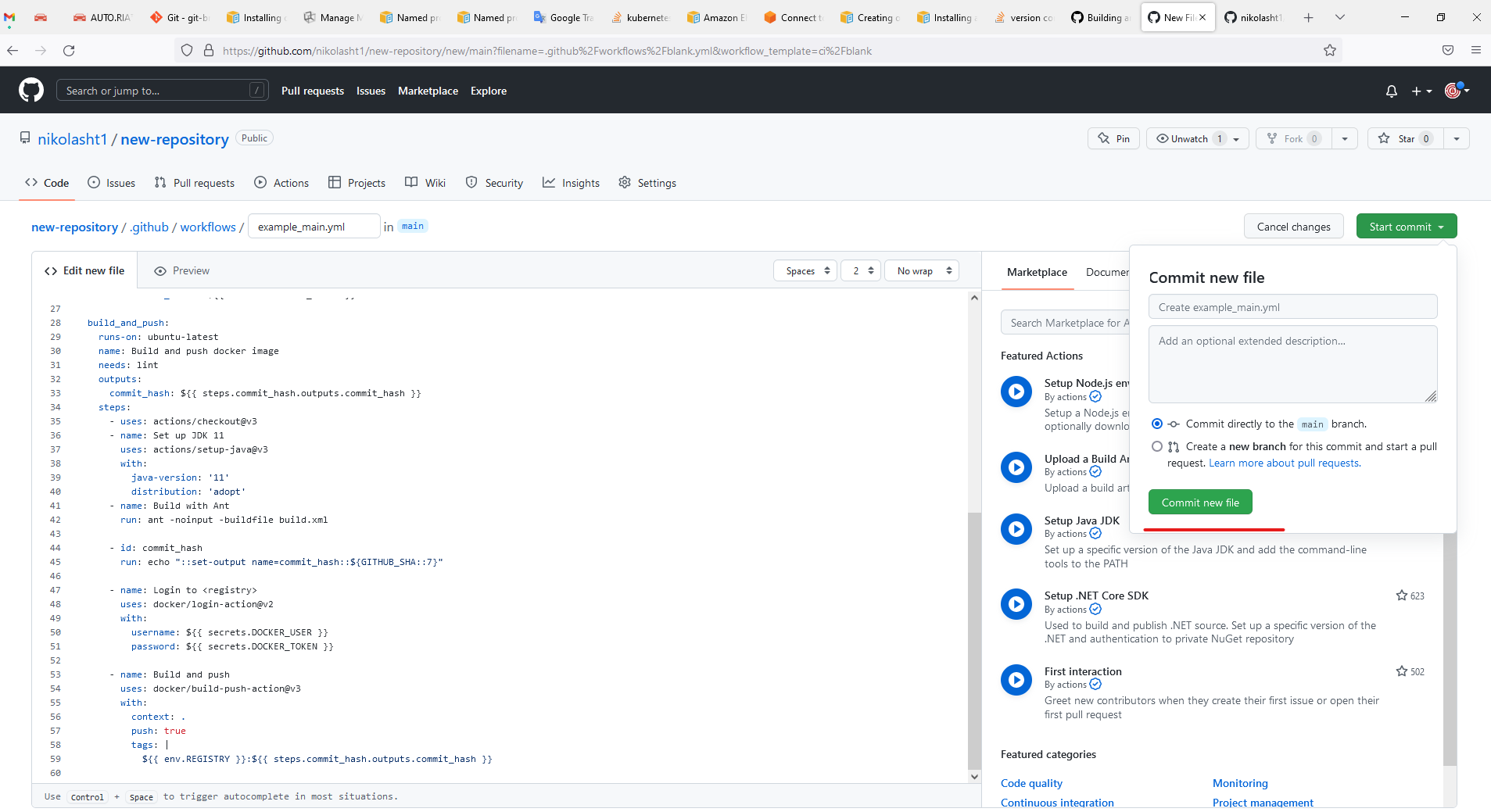
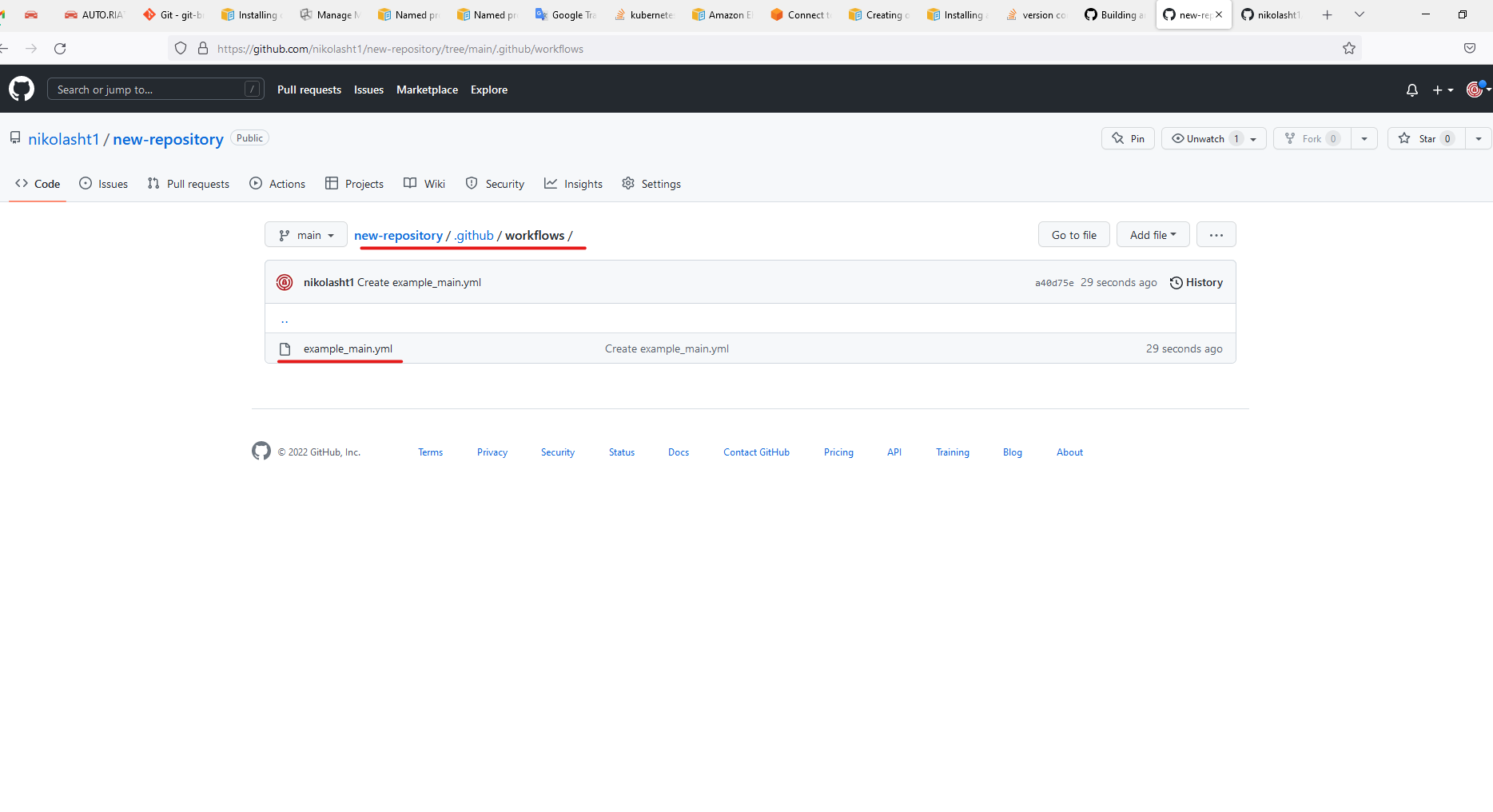
Use GitHub Actionscreated todirectory orchestratefor AIQ-relatedyou .github/workflows only when repository, credentials, environment, and execution permissions are approved./
Recommended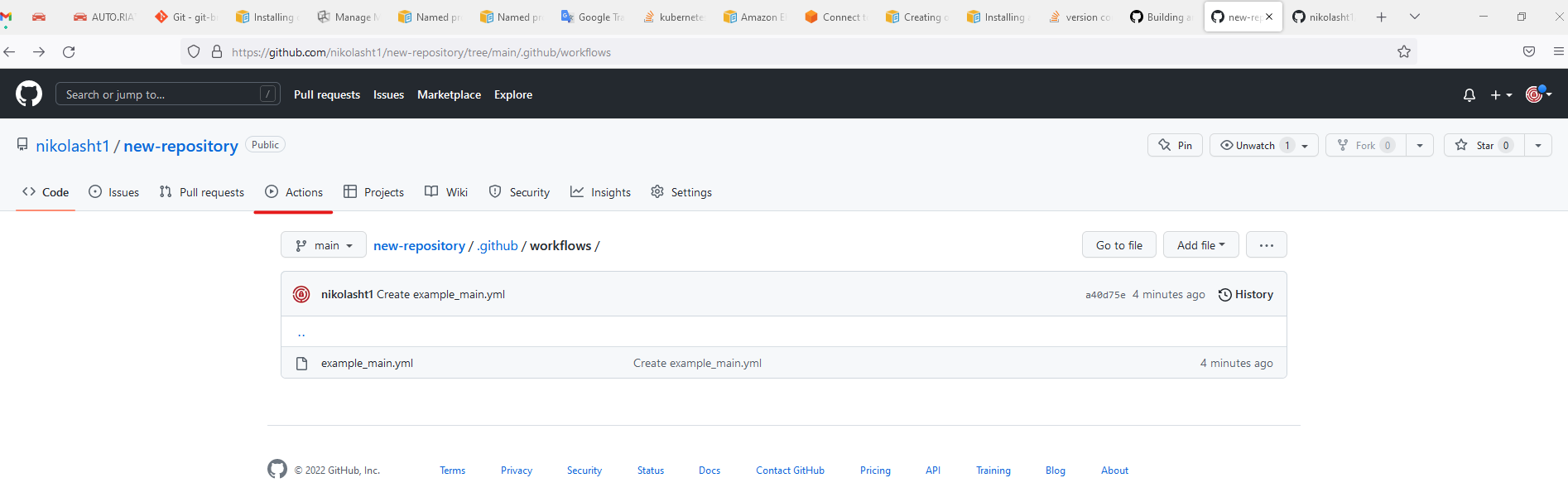
guidance
Store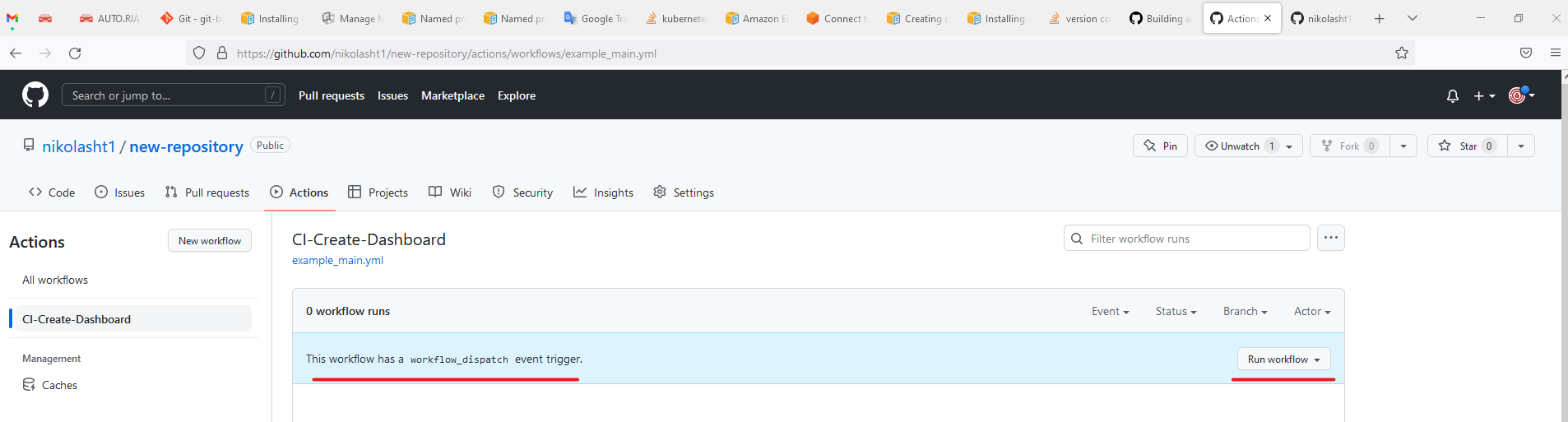
secrets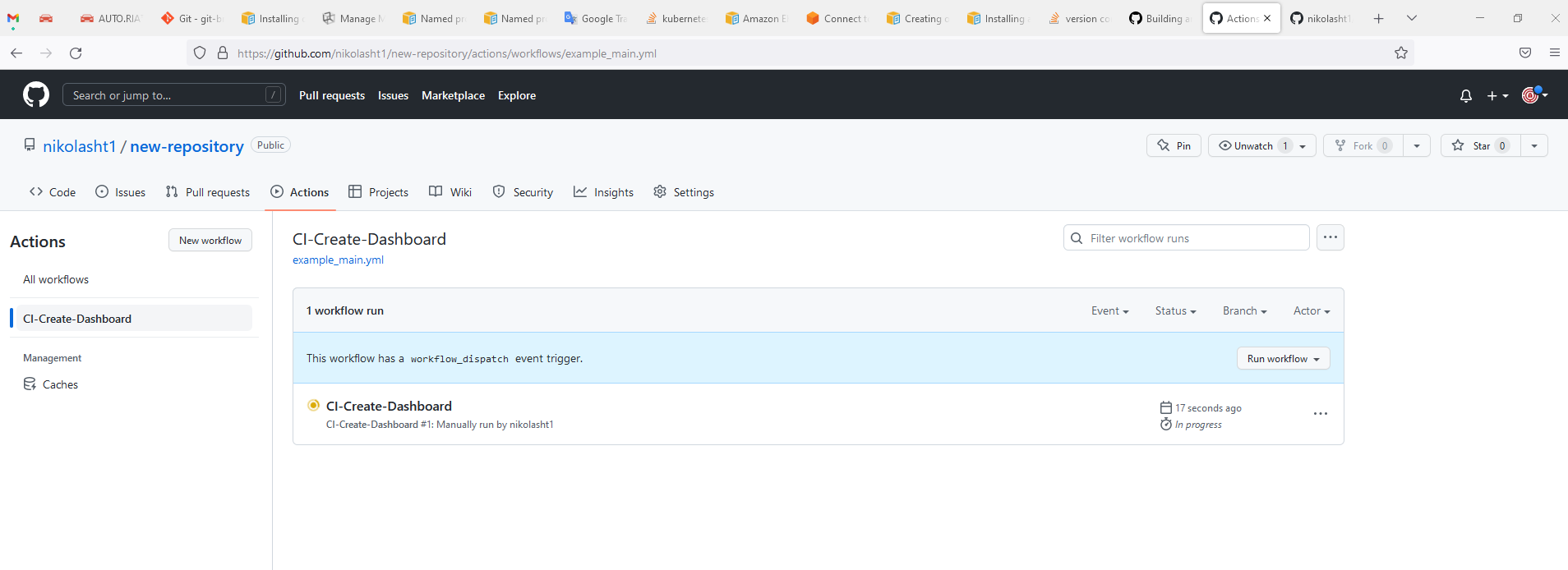
in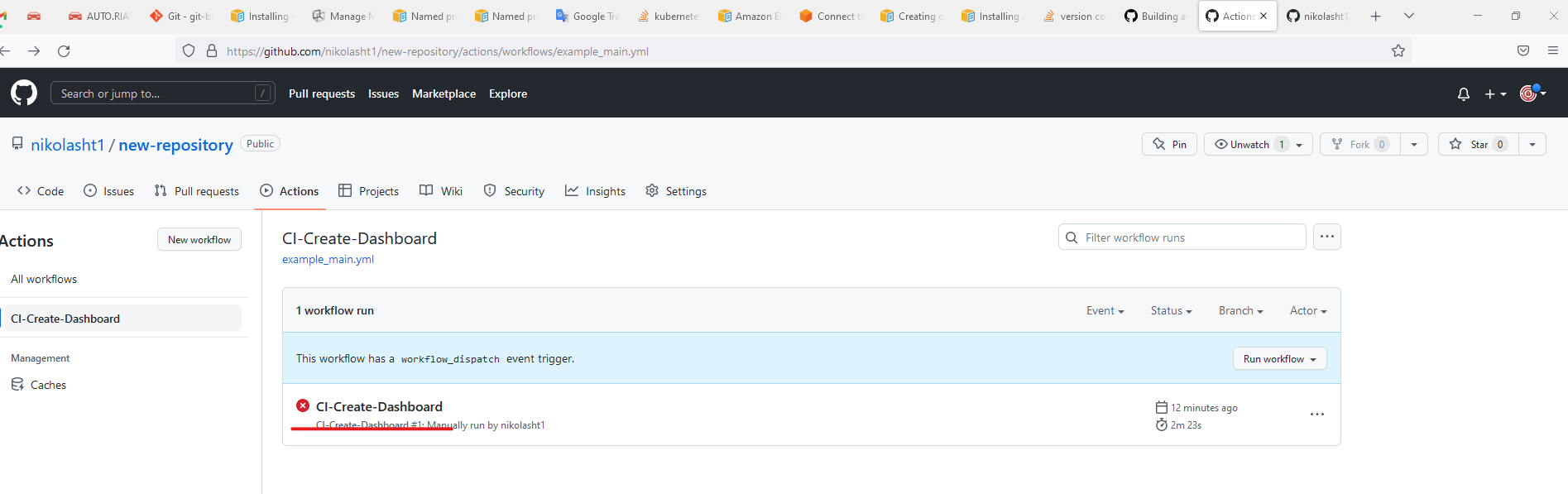
approved GitHub Actions secret management.Parameterize environment, branch, suite, and execution profile values.Avoid writing tokens, logs with secrets, or internal URLs into public workflow output.Record GitHub run URLs with AIQ execution evidence.
Validation workflow
Create or update the workflow in a non-production branch.Run a validation workflow with safe parameters.Confirm AIQ execution or integration behavior.Document failures with the GitHub run URL, logs, and AIQ execution ID.
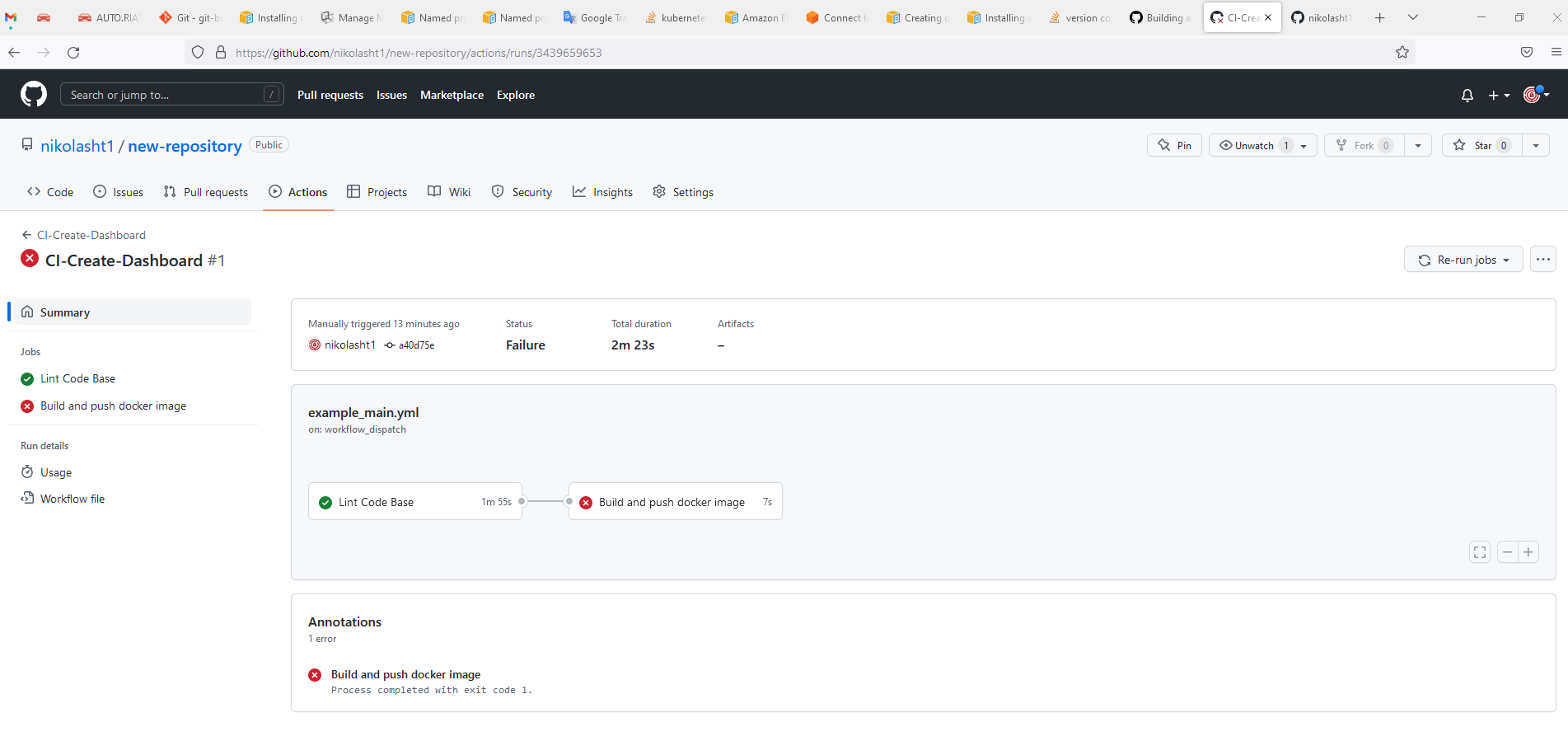
For more information visit https://docs.github.com/en/actions/automating-builds-and-tests/building-and-testing-java-with-ant
Last updated: SeptemberJune 20,26, 20262023
If you have any feedback on this topic, please contact us at documentation@appvance.ai