
GitHub Action
https://docs.github.com/en/actions/automating-builds-and-tests/building-and-testing-java-with-ant
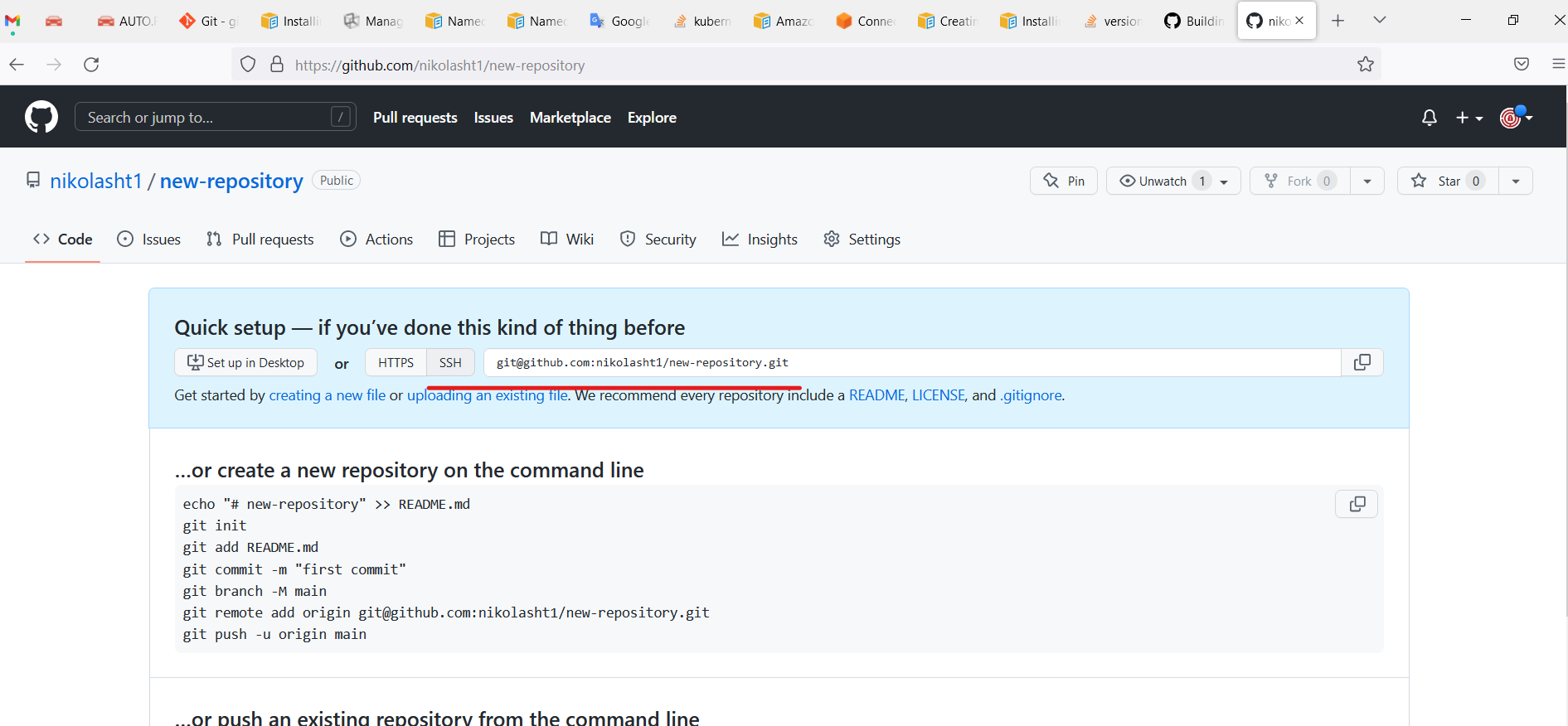
Create a new repository.
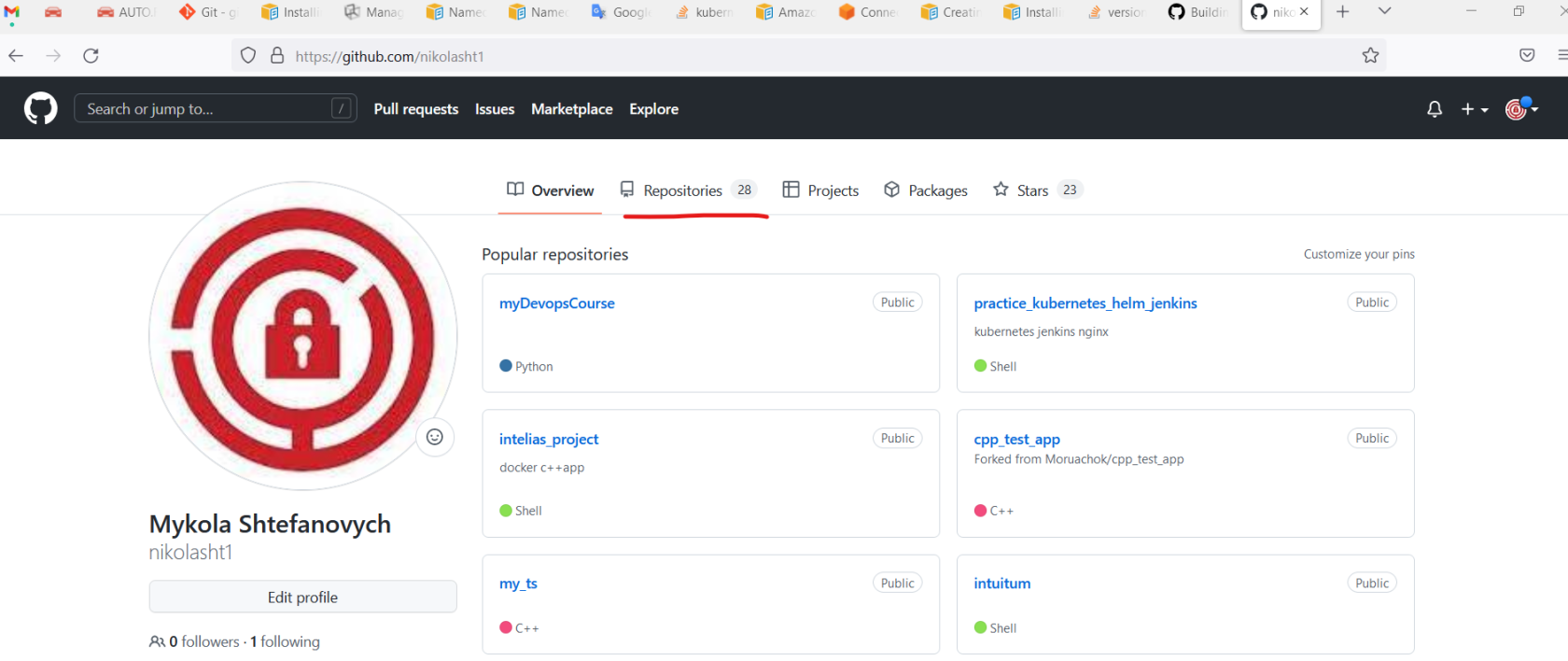
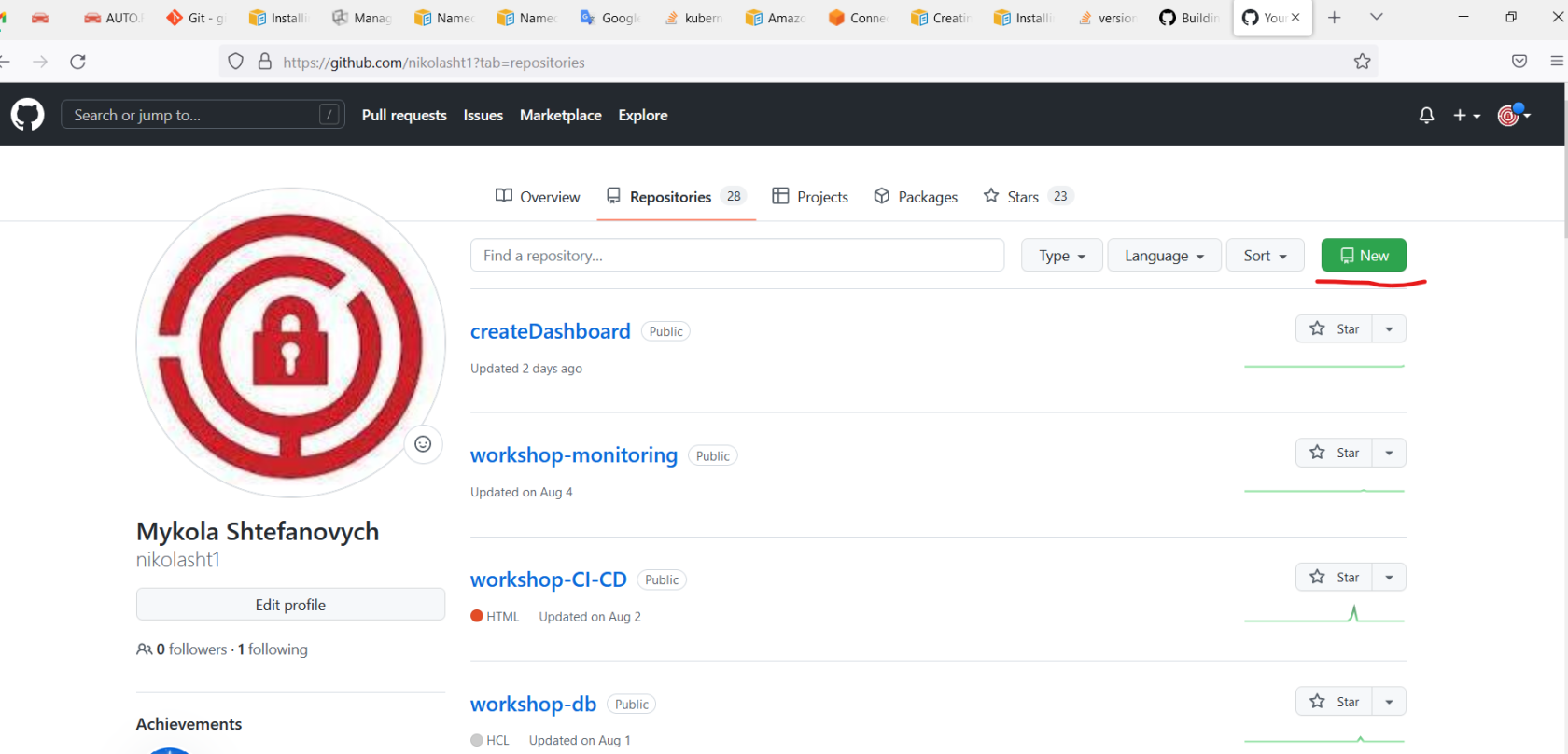
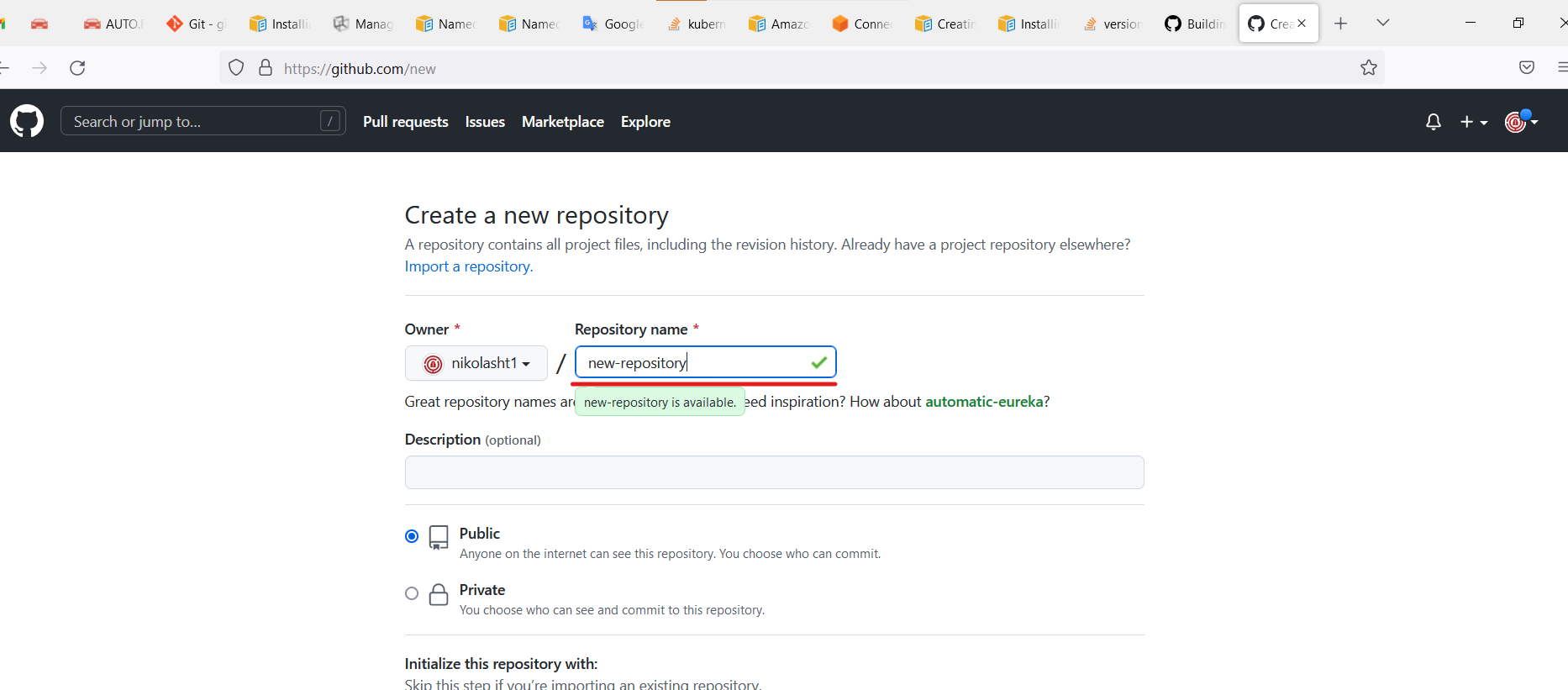
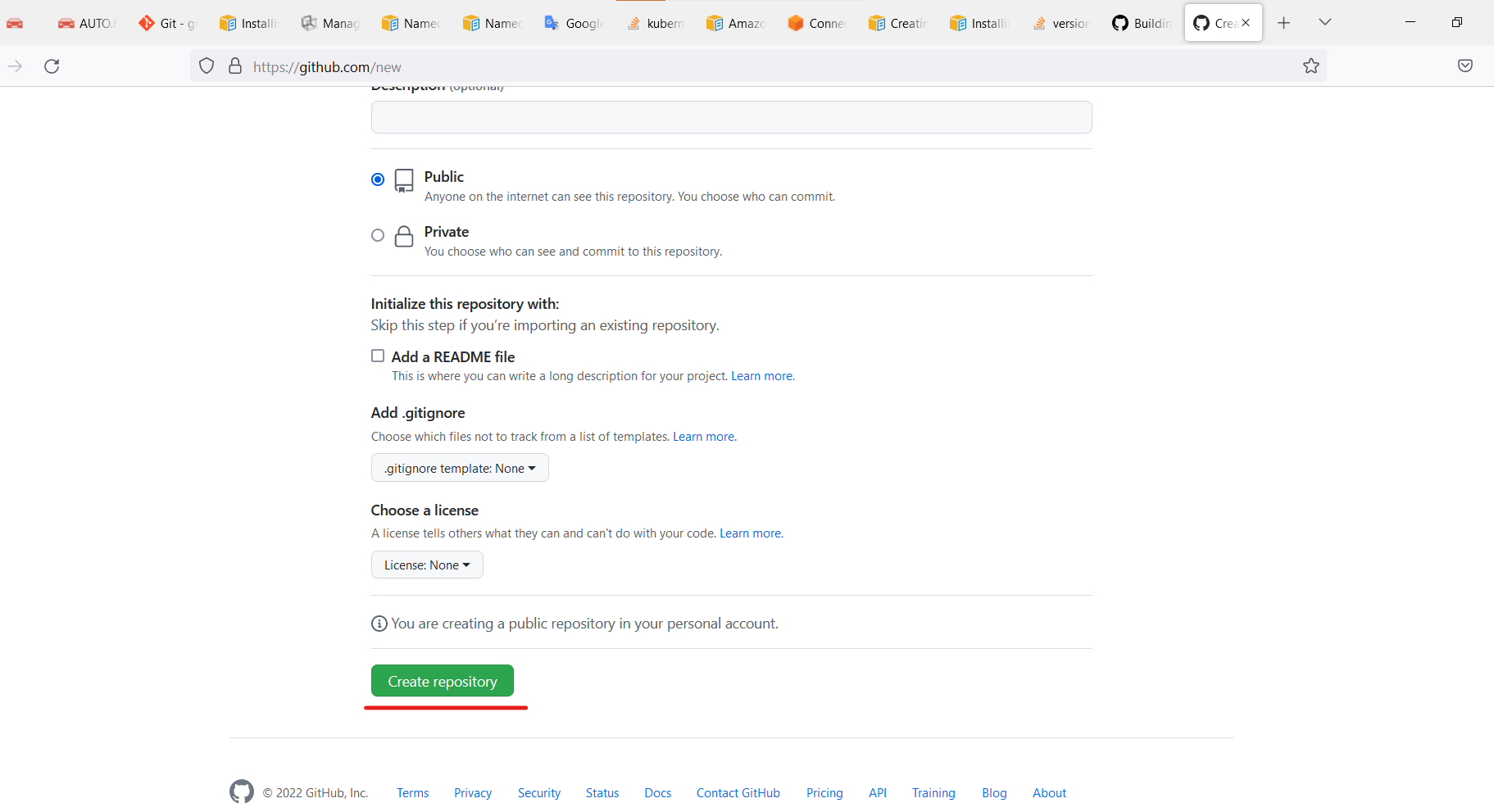
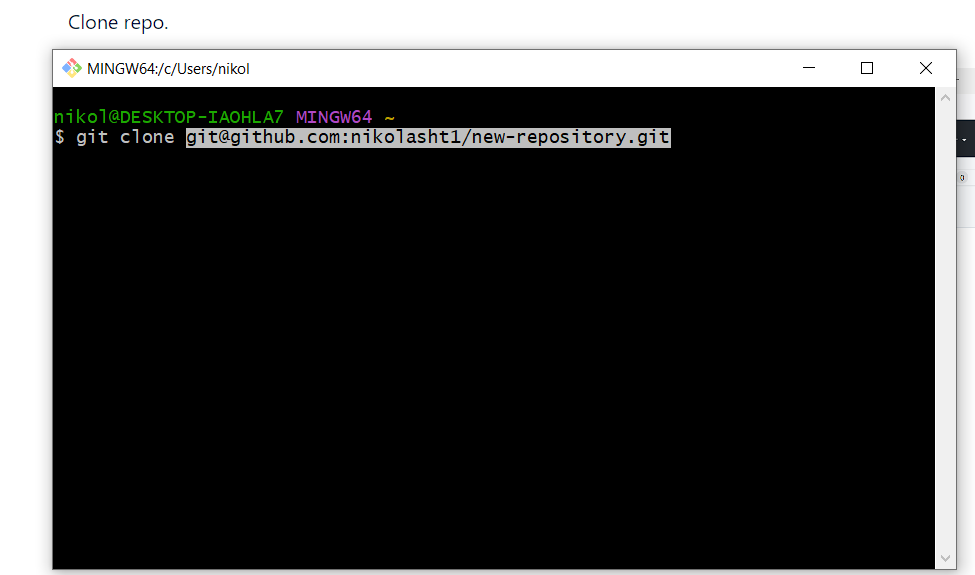
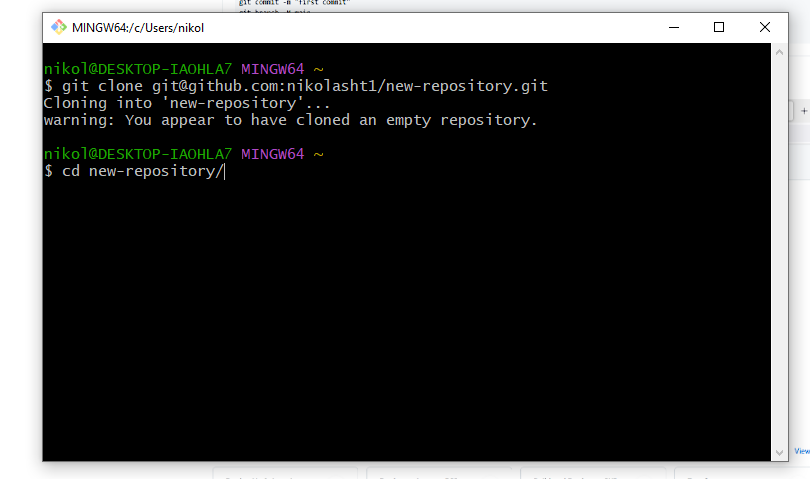
Clone repo.
Open the terminal on his machine.
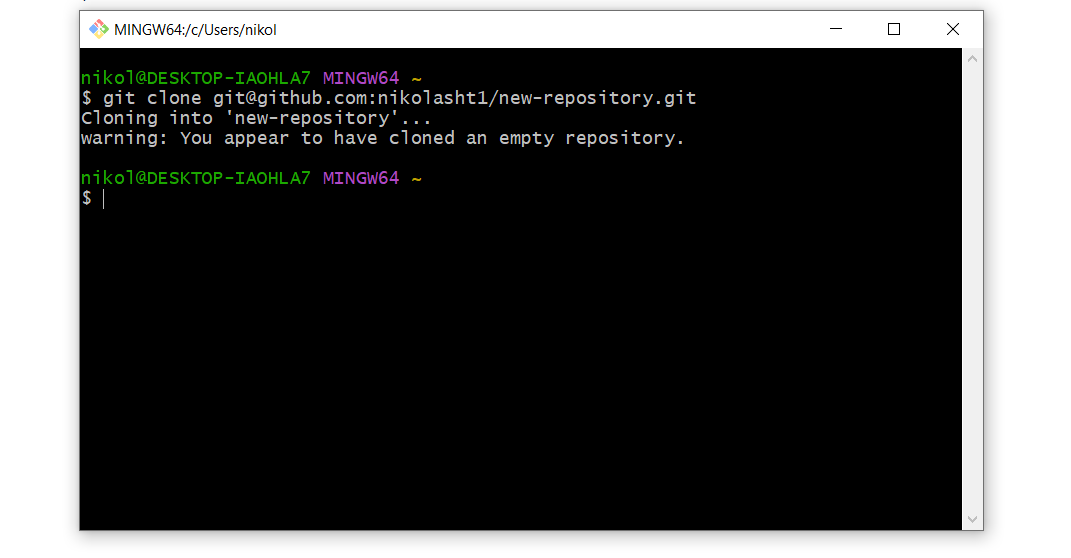
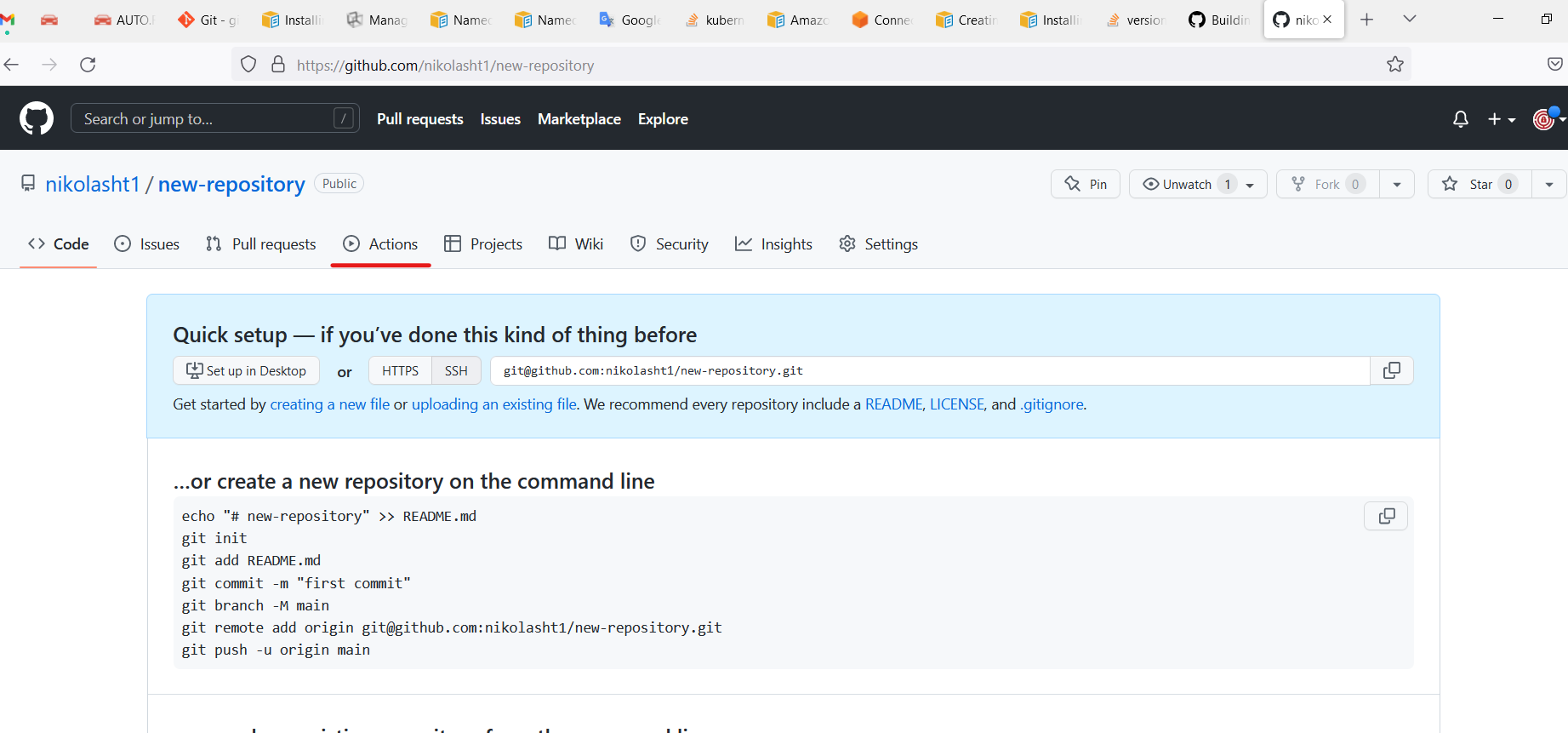
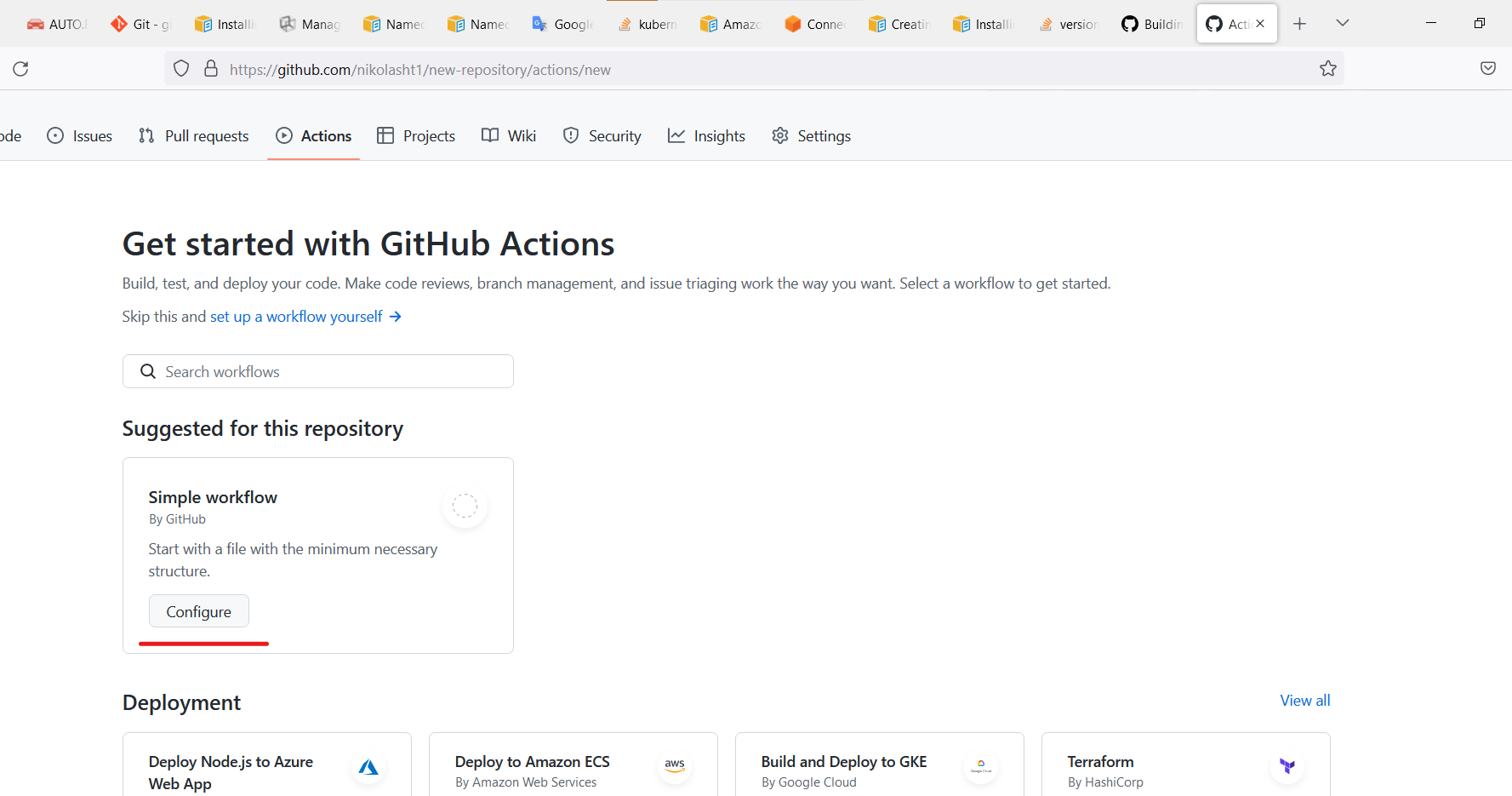
Change directory.
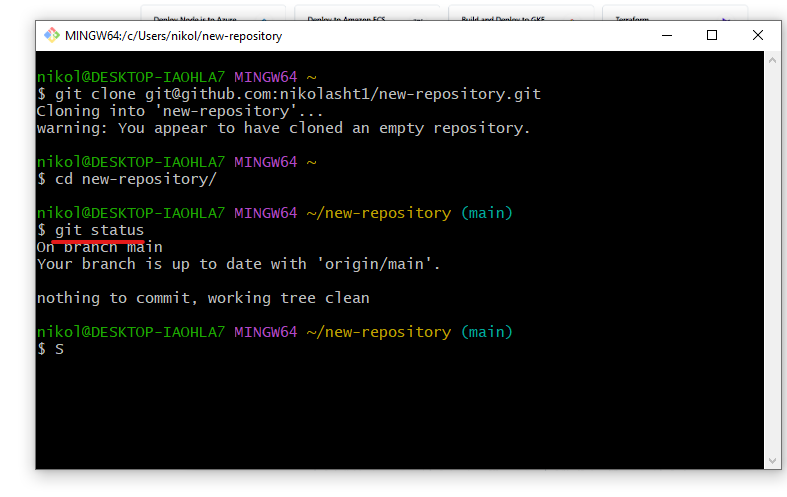
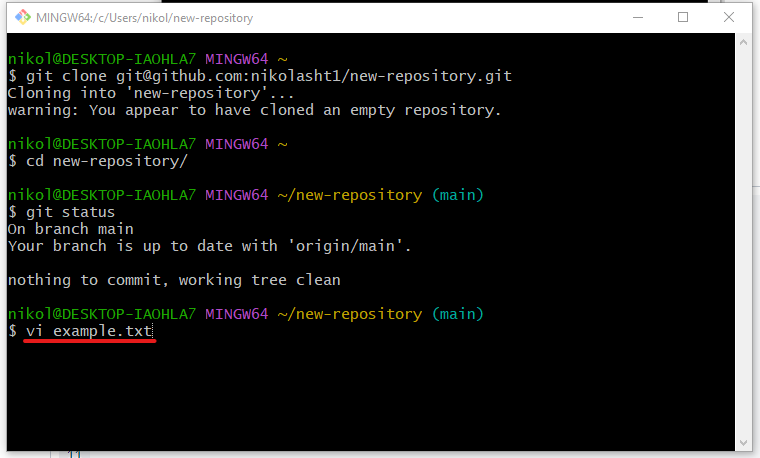
Create files or paste some code into the repo
name: CI-Create-Dashboard
on:
  push:
    branches:
      - master
  workflow_dispatch:
env:
  REGISTRY: <name of registry>jobs:
  lint:
    runs-on: ubuntu-latest
    name: Lint Code Base
    steps:
      - name: Checkout Code
        uses: actions/checkout@v3
        with:
          fetch-depth: 0
      - name: Lint Code Base
        uses: github/super-linter@v4
        env:
          VALIDATE_ALL_CODEBASE: false
          DEFAULT_BRANCH: master
          GITHUB_TOKEN: ${{ secrets.GITHUB_TOKEN }}
  build_and_push:
    runs-on: ubuntu-latest
    name: Build and push docker image
    needs: lint
    outputs:
      commit_hash: ${{ steps.commit_hash.outputs.commit_hash }}
    steps:
      - uses: actions/checkout@v3
      - name: Set up JDK 11
        uses: actions/setup-java@v3
        with:
          java-version: '11'
          distribution: 'adopt'
      - name: Build with Ant
        run: ant -noinput -buildfile build.xml
      - id: commit_hash
        run: echo "::set-output name=commit_hash::${GITHUB_SHA::7}"      - name: Login to <registry>        uses: docker/login-action@v2
        with:
          username: ${{ secrets.DOCKER_USER }}
          password: ${{ secrets.DOCKER_TOKEN }}
      - name: Build and push
        uses: docker/build-push-action@v3
        with:
          context: .
          push: true
          tags: |
            ${{ env.REGISTRY }}:${{ steps.commit_hash.outputs.commit_hash }}
|
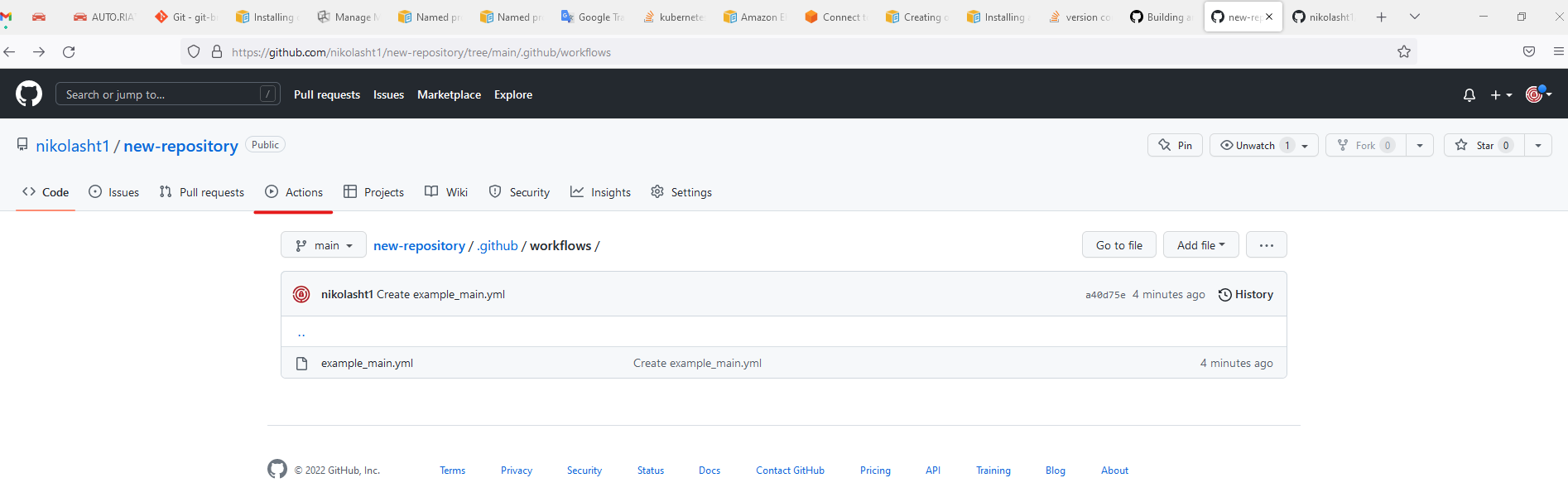
Copy code from above example main.yml and paste into, or use example from GitHub
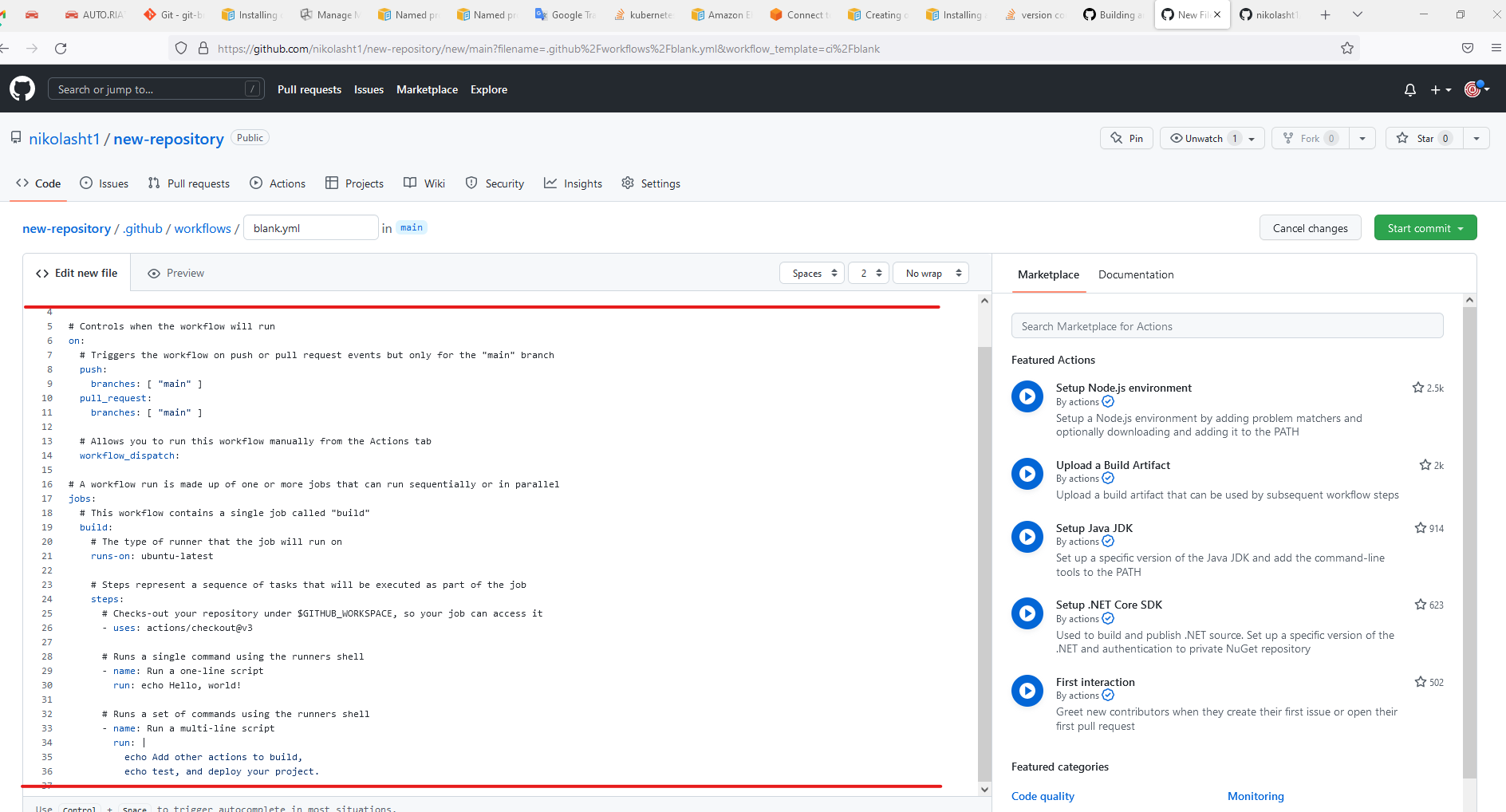
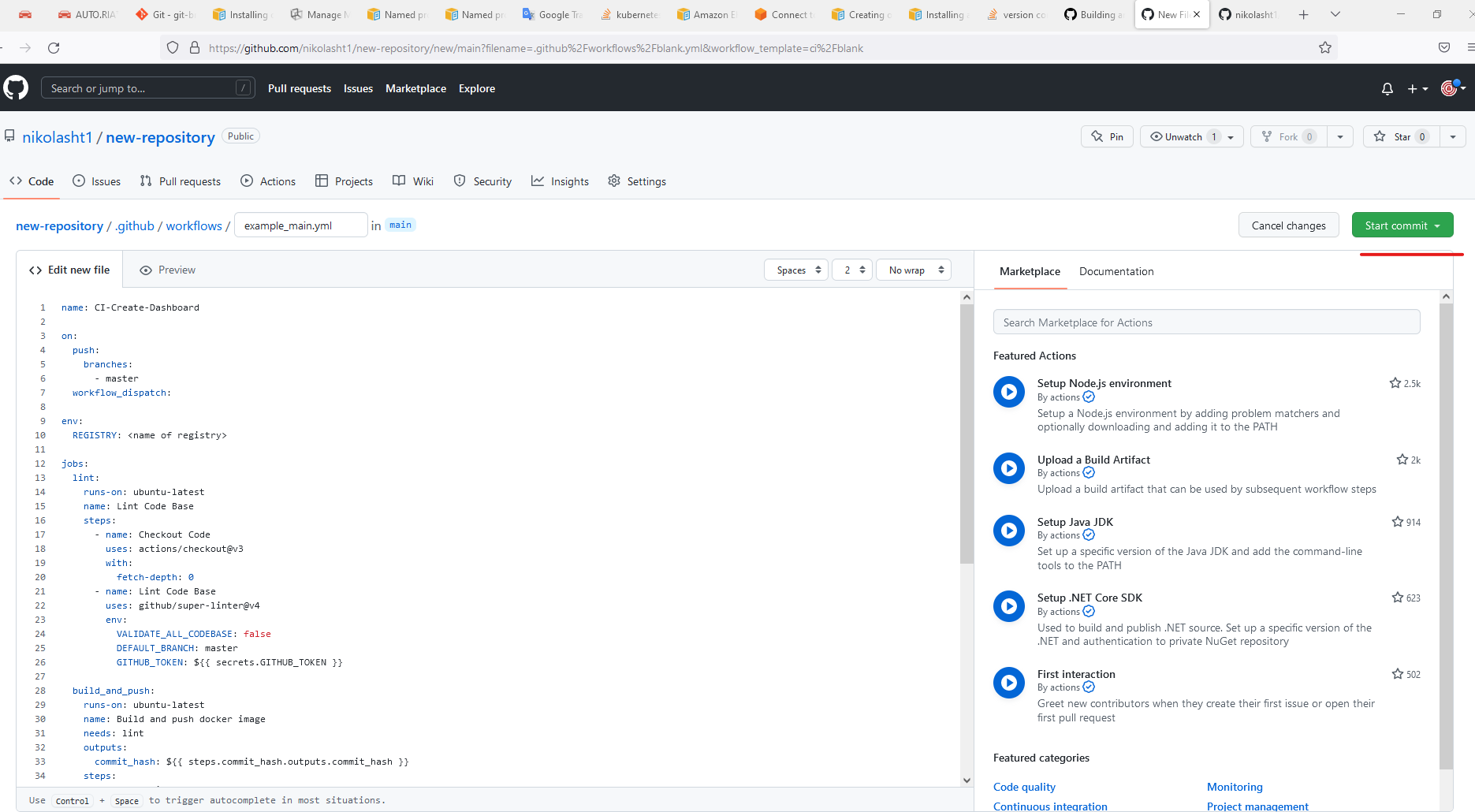
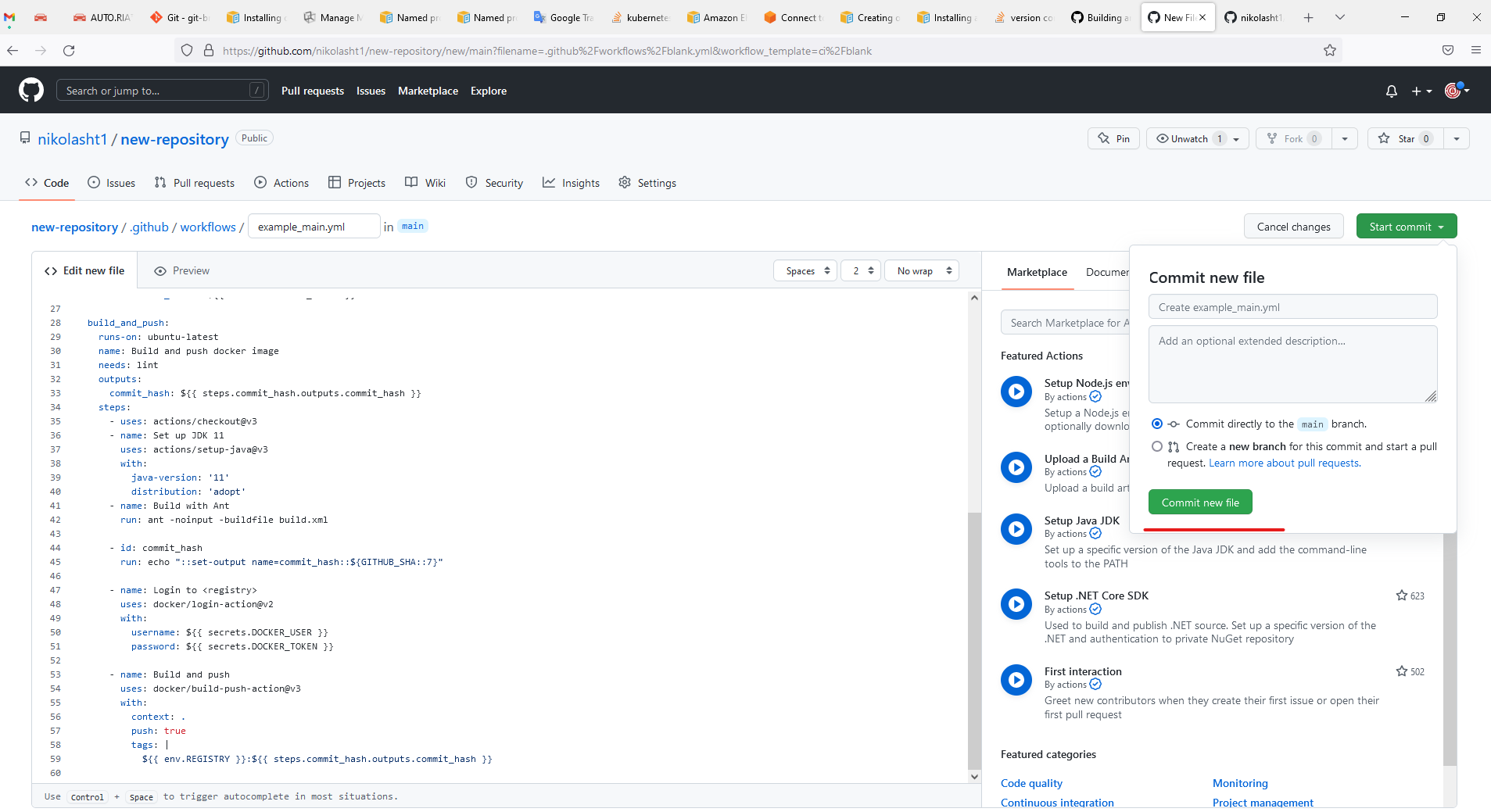
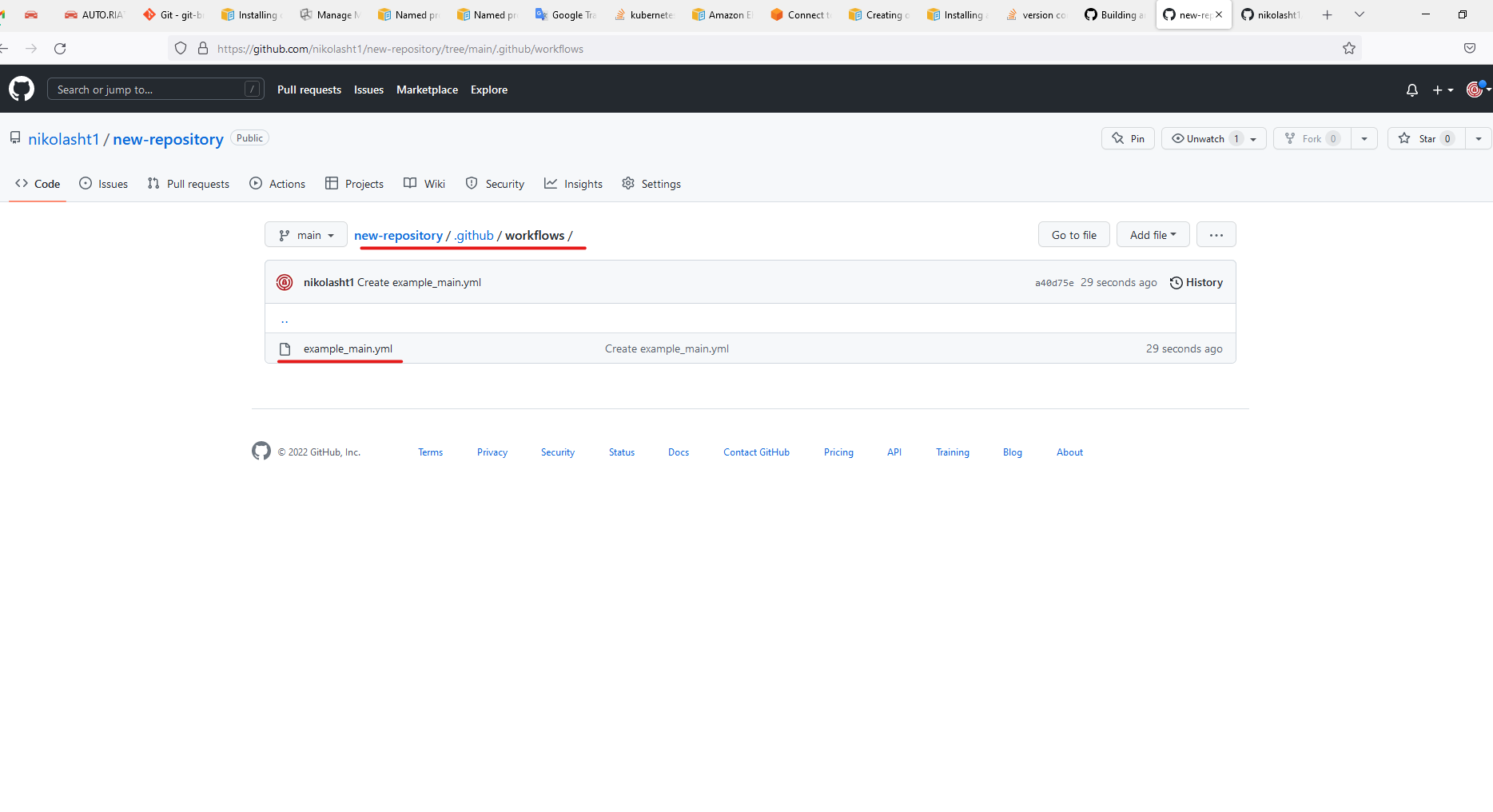
GitHub created directory for you .github/workflows/
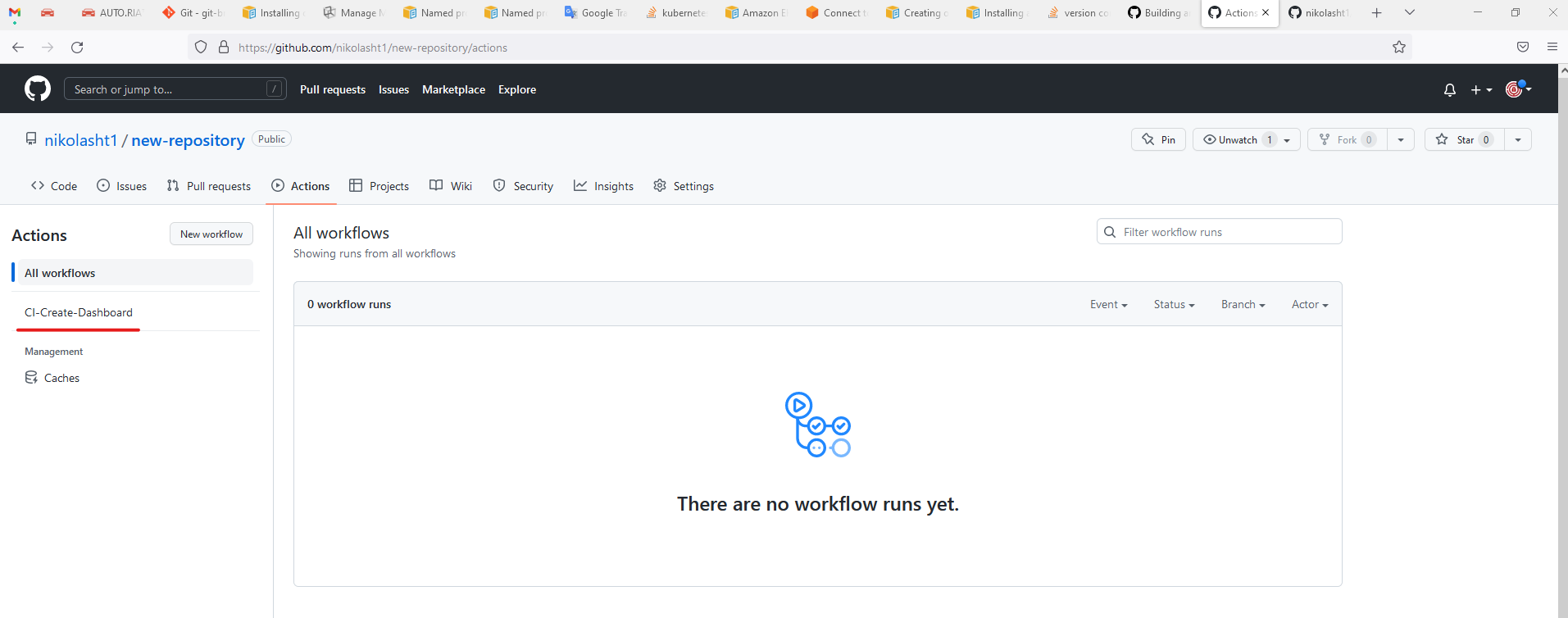
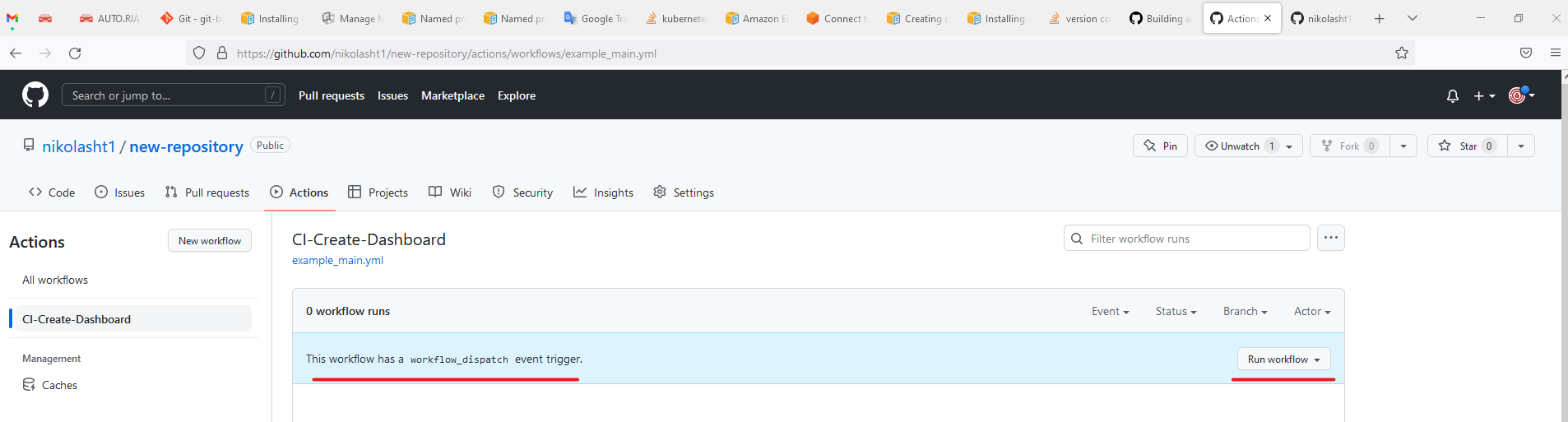
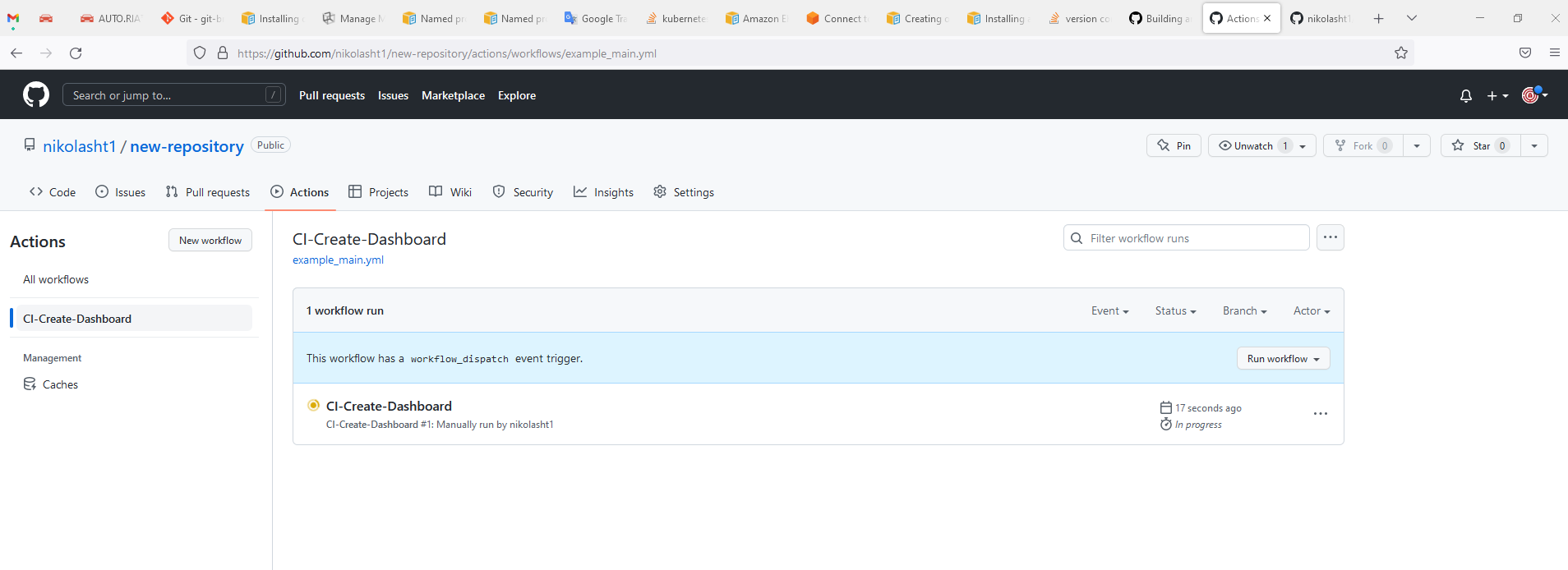
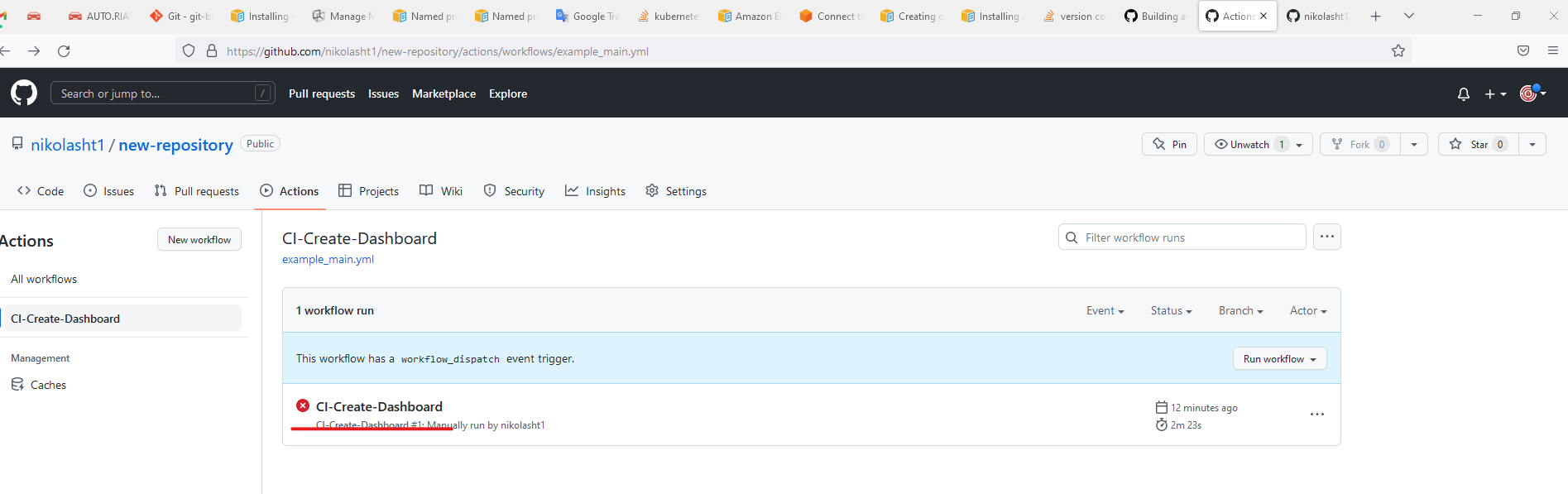
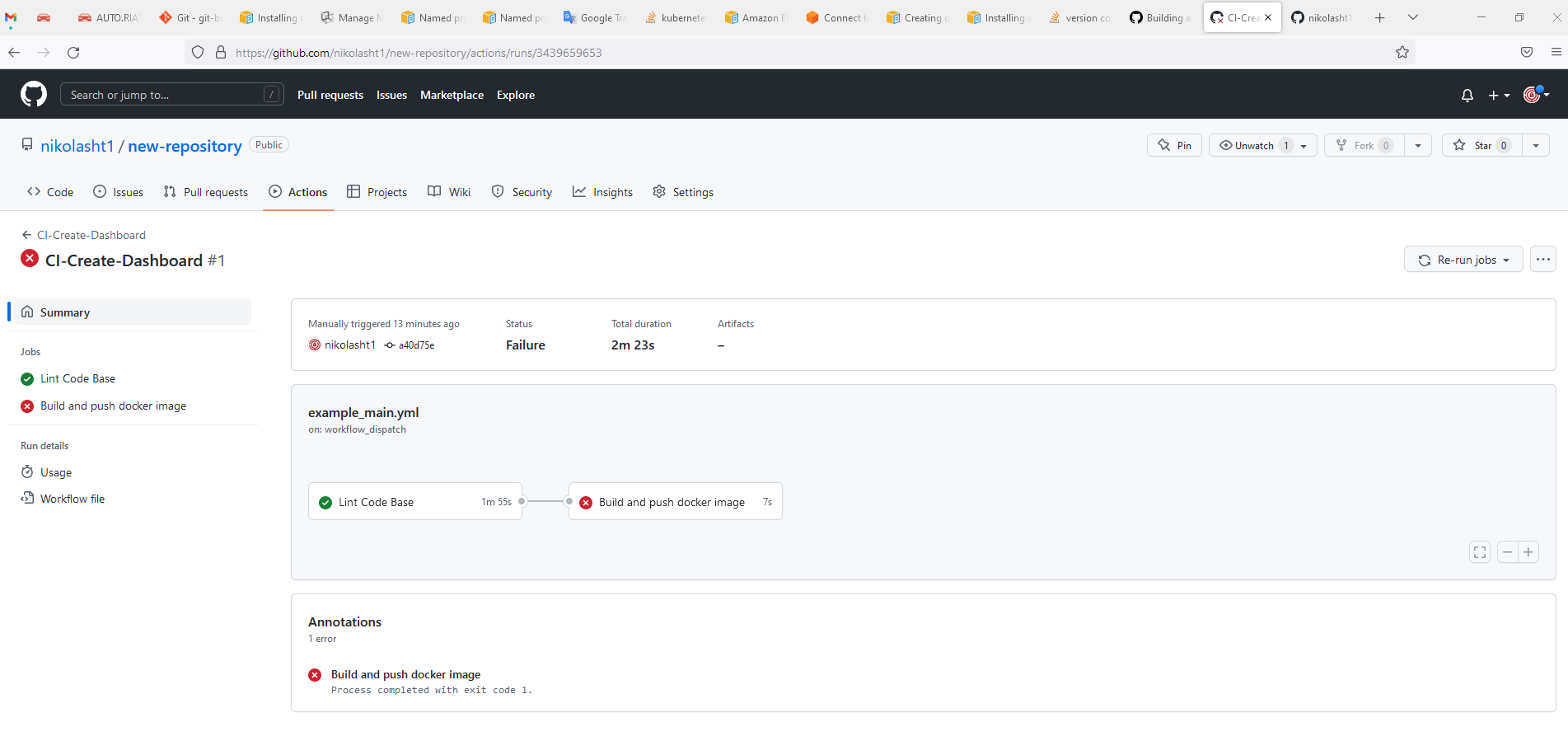
For more information visit https://docs.github.com/en/actions/automating-builds-and-tests/building-and-testing-java-with-ant
Last updated: June 26, 2023
If you have any feedback on this topic, please contact us at documentation@appvance.ai