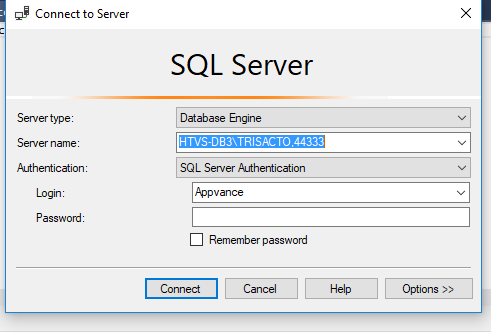
How to install SQL Server, MS SQL Server Studio and get connected to the Server.
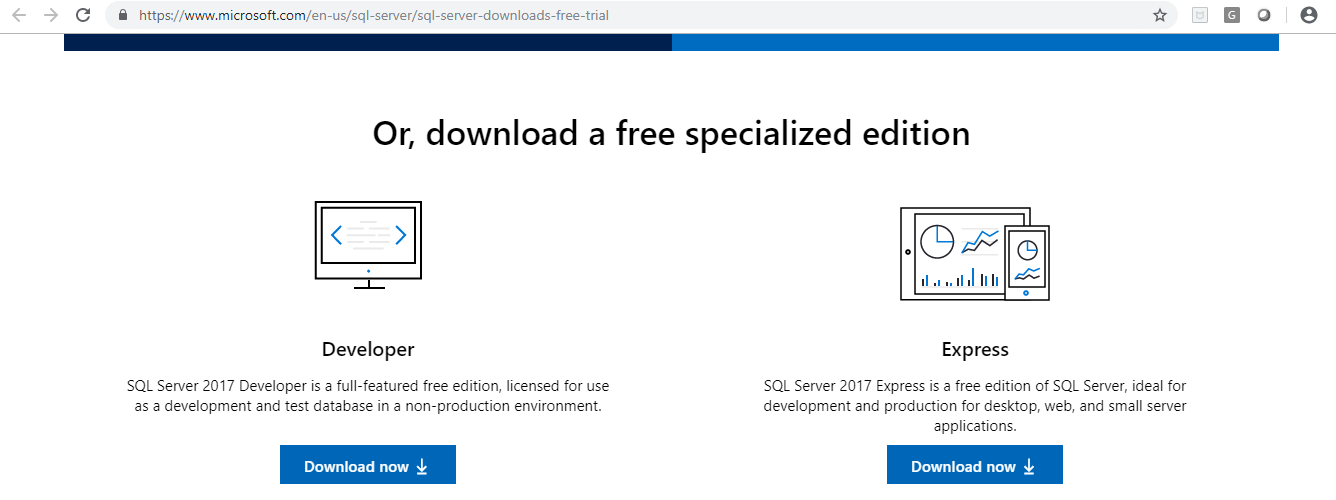
Browse the link https://www.microsoft.com/en-us/sql-server/sql-server-downloads-free-trial and click on Express Download

Follow below link for the step by step installation

https://www.sqlshack.com/step-by-step-installation-of-sql-server-2017/

    After installing the SQL server, please follow the below link for the MSSQL Server studio. Based on the version you can click the download button.

    https://docs.microsoft.com/en-us/sql/ssms/download-sql-server-management-studio-ssms?view=sql-server-2017

      Connect the CISCO VPN and login with the respective User. Install Telnet in the machine. Gothrough the https://www.technipages.com/windows-10-enable-telnet. Please follow the first solution

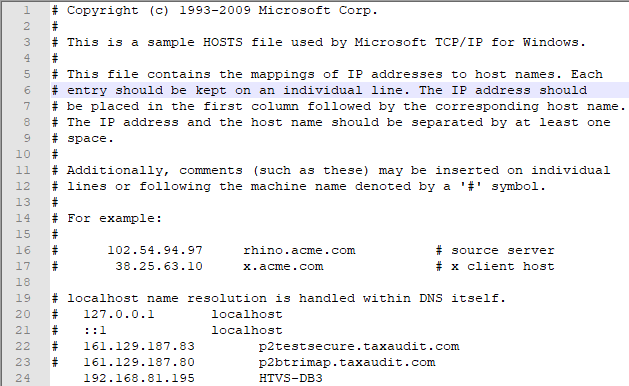
      Add the 192.168.81.195 HTVS-DB3 in the Host file (C:\Windows\System32\drivers\etc)


      Last updated: June 02, 2023

      If you have any feedback on this topic, please contact us at documentation@appvance.ai