
How to install appvance certificate on a iPhone
Open this link in the iPhone browser: https://aiq-certificate.s3.us-west-1.amazonaws.com/appvance.cer.
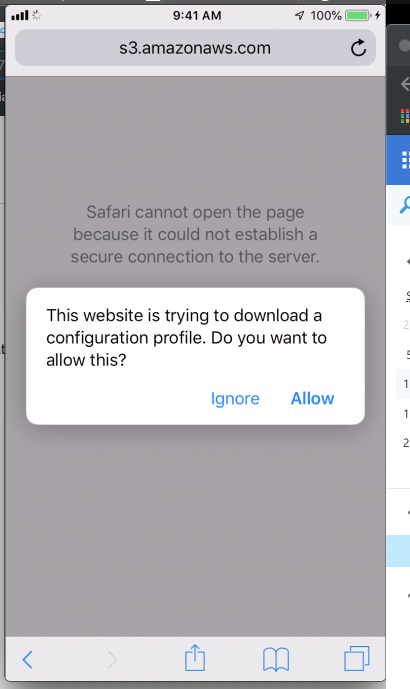
A dialog will show asking to Allow the download of a configuration profile. Press Allow.
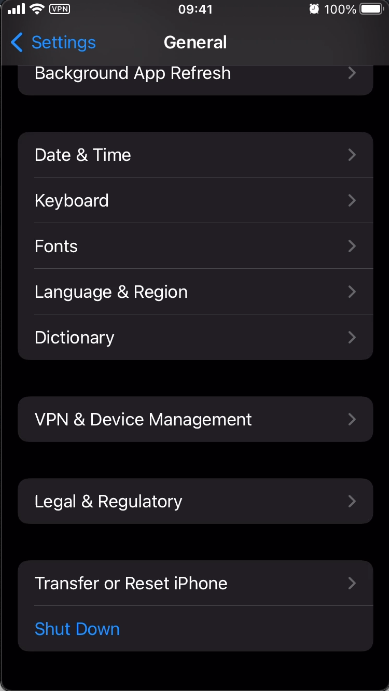
Open the Settings app and go to the General section and select the Device Management option
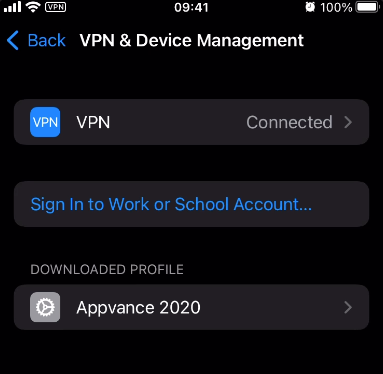
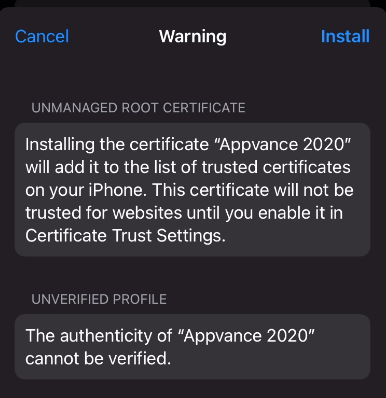
In the Profiles window, tap over the Appvance 2020 profile. Click install and verify the profile.
4. Now, navigate again to the Settings' General section, but this time enter the About option and
scroll all the way down until you see the Certificate Trust Settings.
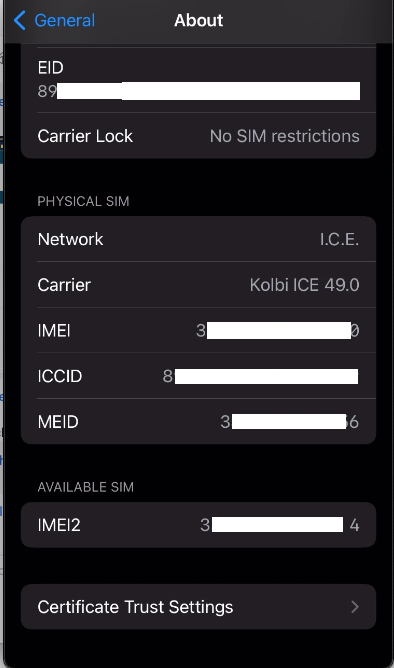
5. Enable full trust for the Appvance 2020 root certificate by turning on the checkbox
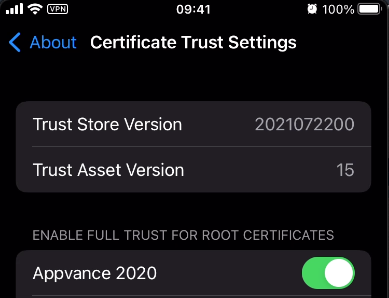
6. Done!
Last updated: August 03, 2023
If you have any feedback on this topic, please contact us at documentation@appvance.ai