
How can I reset a user password?
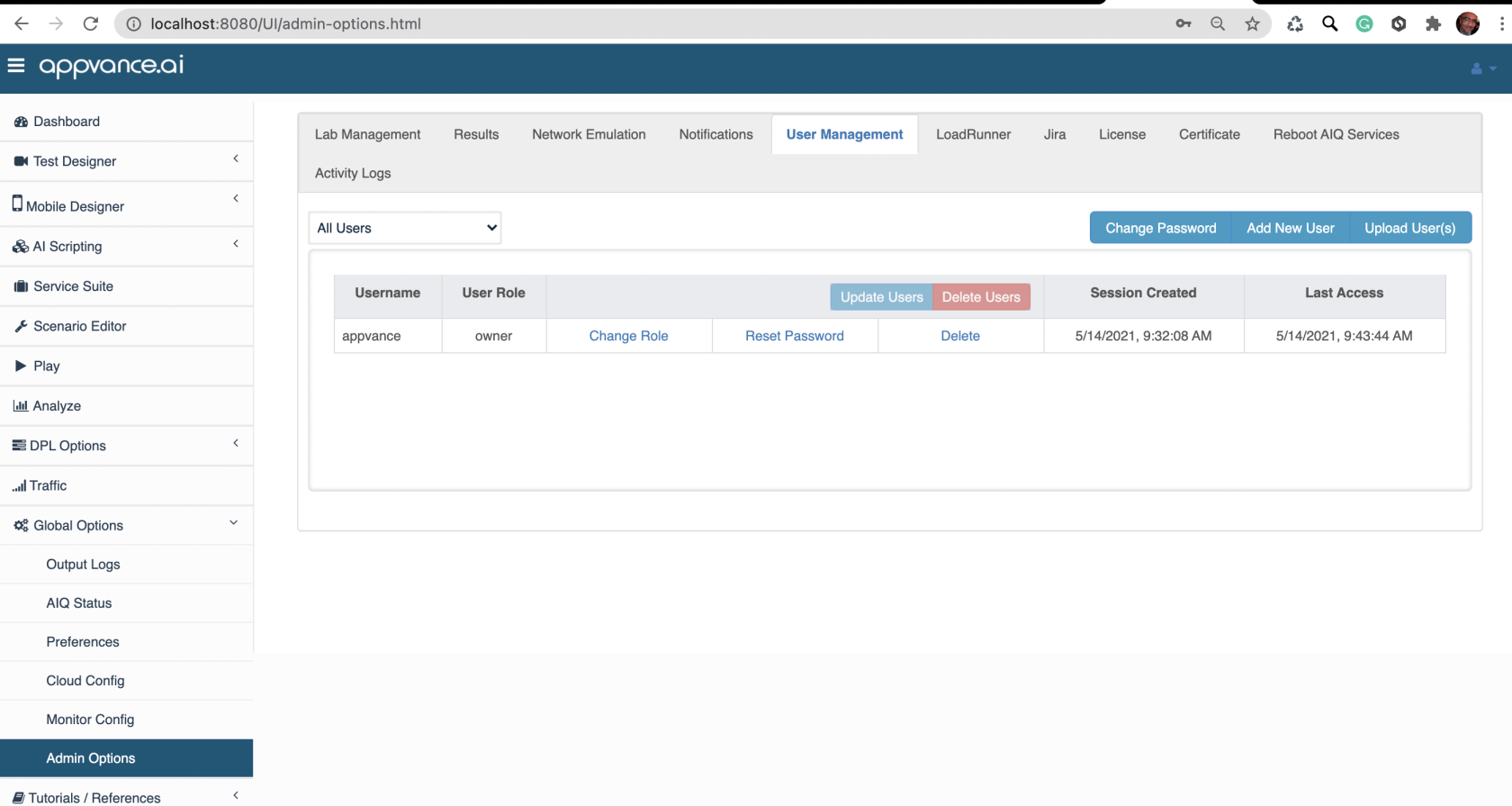
An admin user can use UX to reset other users passwords back to a default “appvance” and upon next login the user will be prompted to change his password.
Just get to Global Options > Admin Options > User management
Using RDP or SSH
Alternatively there is another command line process but this needs direct access to the AIQ controller machine.The following steps assume you have access to the Appvance AIQ Controller
Windows
For example: resetPassword.cmd tsmith The user's password is reset to appvance, and the user will be prompted to change their password upon logging in.
Linux or Unix Varieties
For example: ./utp3.3-master-18551186/utp_distribution/resetPassword.sh tsmith The user's password is reset to appvance, and the user will be prompted to change their password upon logging in.
Last updated: June 26, 2023
If you have any feedback on this topic, please contact us at documentation@appvance.ai