
Upgrade the AIQ Designer Proxy
Recommended guidance
IfUpgrade youthe areAIQ Designer Proxy only when the target AIQ version, browser setup, and customer environment require it. Treat old “Appvance Designer” wording as legacy; use AIQ and Scenario Editor terminology for current guidance.
Before upgrading
- Confirm the current proxy version, target version, AIQ version, browser version, and operating system.
- Back up configuration, certificates, and any customer-specific proxy settings.
- Review firewall, antivirus, proxy, and certificate trust requirements.
- Schedule downtime if the proxy affects active recording or playback.
Validation workflow
- Install or replace the proxy using the
WebapprovedDesignerpackage. - Confirm the proxy starts and
the version of the Web Designer client is out of date or incompatible, you will be unable to continue until your upgrade the client. Follow this process to upgrade a previously installed Test Designer Client.The Appvance Web Designer Client is also referred to as the Local Proxy.Special ConsiderationsIf you need to use Chrome System Profile and Downloads, then you need to run this command as administrator only once in your environment Linux:xxx
Windows:xxx
MAc:xxxx
Clicklistens on the errorexpected message.
a 
Thefor followingcertificate, dialogpermission, boxor opens.
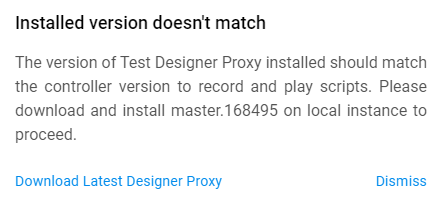
Click Download Latest Designer Proxy.
Launch the installer once the download completes.
The Setup Web Designer wizard launches. Click Next.
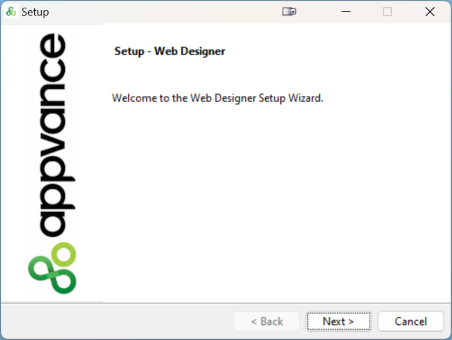
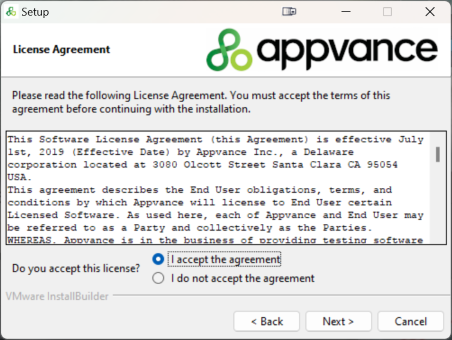
Select "I accept the license agreement" and click Next.
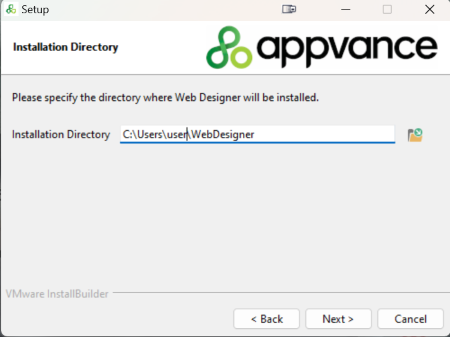
The installation wizard automatically selects the location of the previously installed client. Click Next.
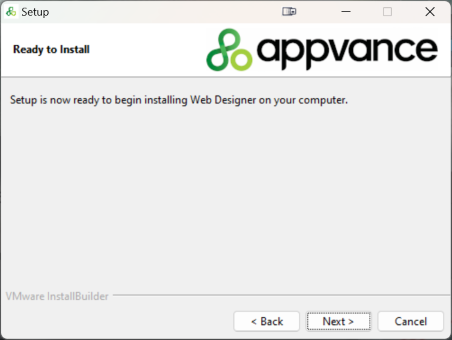
The client is ready to install. Click Next.
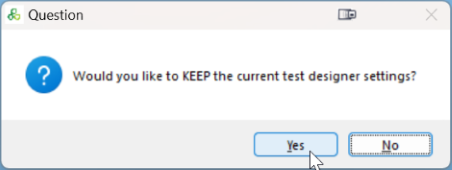
Click Yes to keep the current settings.
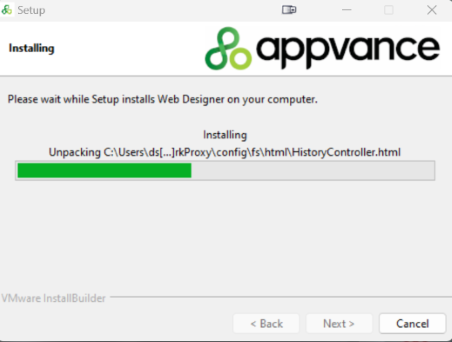
The Web Designer Client installer runs.
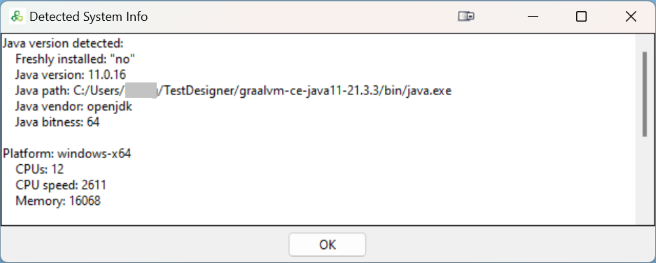
The installation summary screen displays. Click Ok.
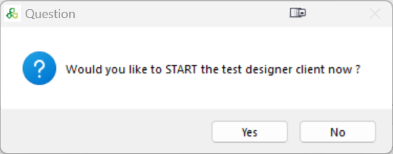
Click Yes to start the Web Designer Client.
Click Finish.
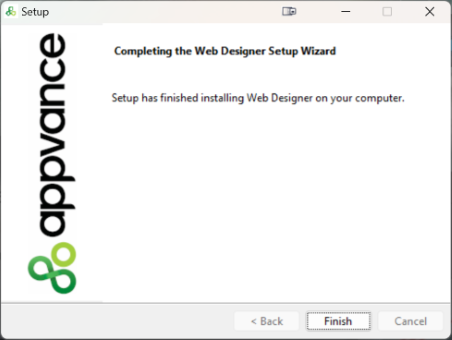
You are now ready to start using Web Designer.
You may need to refresh your browser.
Last updated: MayOctober 22,6, 20242026
If you have any feedback on this topic, please contact us at documentation@appvance.ai