
Upgrading Appvance Designer Proxy
Recommended
If guidanceyou
Upgradeare using the AIQWeb Designer and the version of the Web Designer client is out of date or incompatible, you will be unable to continue until your upgrade the client. Follow this process to upgrade a previously installed Test Designer Client.
The Appvance Web Designer Client is also referred to as the Local Proxy.
Special Considerations
If you need to use Chrome System Profile and Downloads, then you need to run this command as administrator only once in your environment
Linux:xxx
Windows:xxx
MAc:xxxx
Click on the error message.

The following dialog box opens.
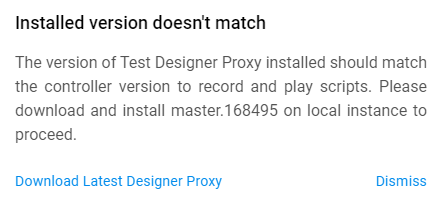
Click Download Latest Designer Proxy.
Launch the targetinstaller AIQonce version,the browserdownload setup,completes.
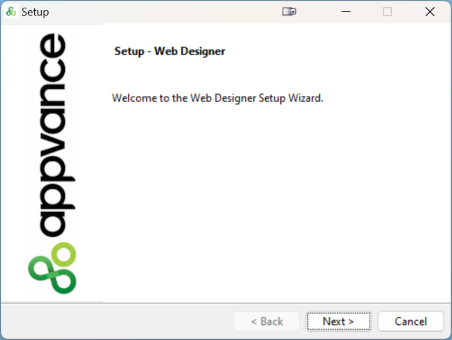
The Setup Web Designer wizard launches. Click Next.
Select "I accept the license agreement" and customerclick environment require it. Treat old “Appvance Designer” wording as legacy; use AIQ and Scenario Editor terminology for current guidance.Next.
Before
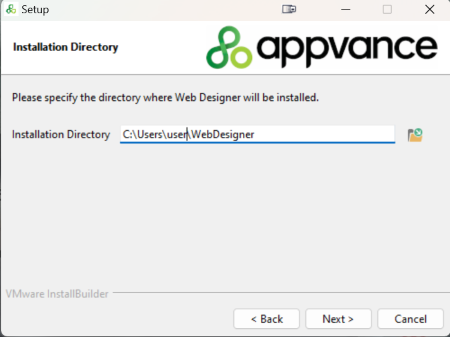
upgrading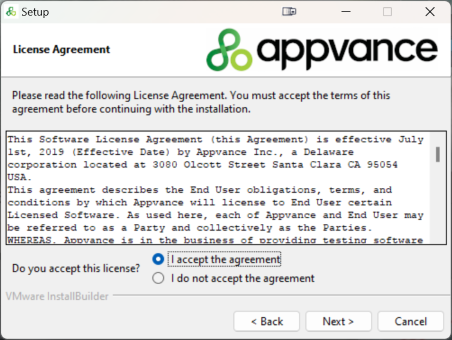
The installation wizard automatically selects the location of the previously installed client. Click Next.
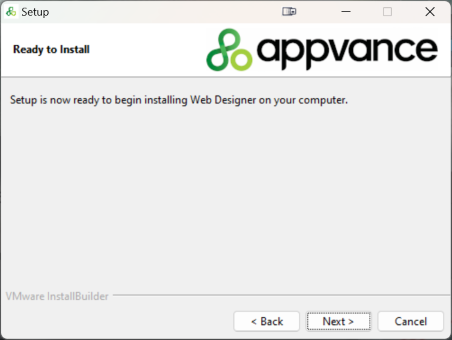
The client is ready to install. Click Next.
Click Yes to keep the current proxysettings.
target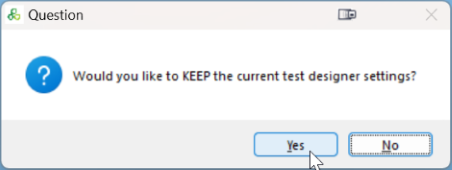
version,
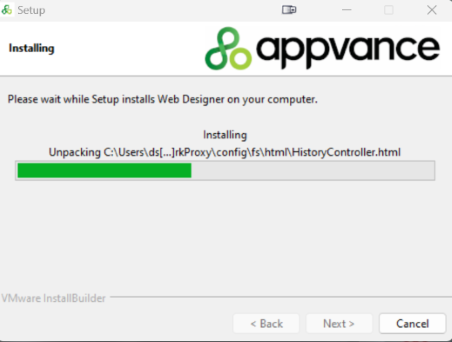
The version,Web andDesigner operatingClient system.installer runs.
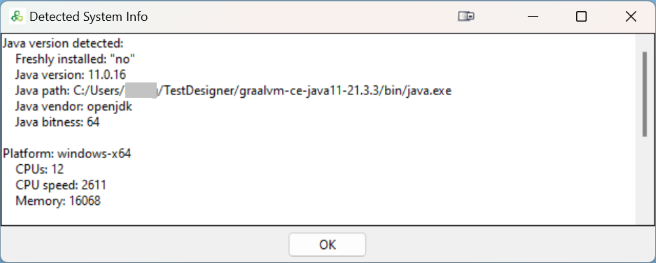
The configuration,installation certificates,summary andscreen anydisplays. customer-specificClick proxyOk.
Click antivirus,Yes proxy,to and certificate trust requirements.
or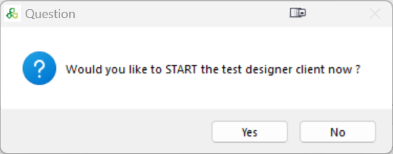
playback.
Validation
Click
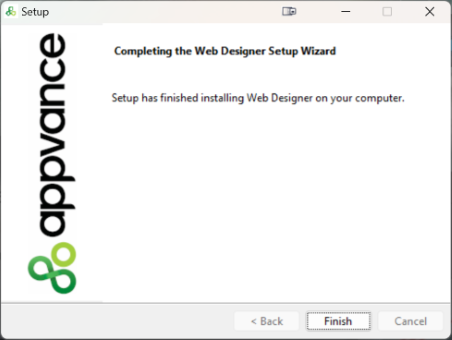
You replaceare thenow proxyready to start using theWeb approvedDesigner. package.
You may need to refresh your browser.
Last updated: OctoberMay 6,22, 20262024
If you have any feedback on this topic, please contact us at documentation@appvance.ai