
LoadRunner Installation for AIQ Integration
This
Recommended installation has to be done on all Test nodes (Load Generators) which will be used to run scenarios from Appvance IQ.
guidance
SeeInstall LoadRunner components for informationAIQ ononly downloadingwhen LoadRunner.
Hereintegration is anstill examplerequired installation of LoadRunner. This is not meant to replaceby the instructionscustomer’s performance workflow. Confirm product versions, licensing, operating system support, and ownership before changing the environment.
Before installation
- Confirm AIQ version, LoadRunner version, Windows/Linux host, and integration objective.
- Verify licensing, installers, checksums, and approved download sources.
- Review firewall, proxy, certificate, antivirus, and account permissions.
- Back up existing performance-test configuration and scripts.
Validation workflow
- Install in
theaappropriatenon-productionLoadRunnerorInstallationcontrolledGuide.environmentSeefirst. - Run
theaLoadRunnersmallProfessionalfunctionalHelpsmokeCentertestforbeforemoreloadtheexecution. - Confirm
appropriateAIQinstallationcanguide.invoke - exchange
Launchdatathe installer file that you downloaded. For example, Micro_Focus_LoadRunner_2023_Community_Edition.exe.
Select the temp folder for the installer. Click Next.
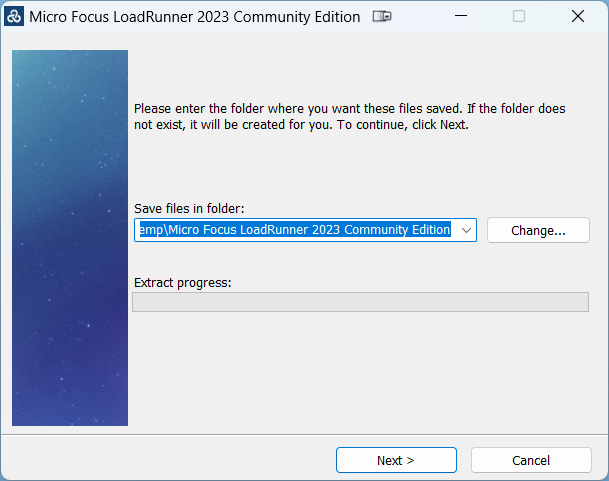
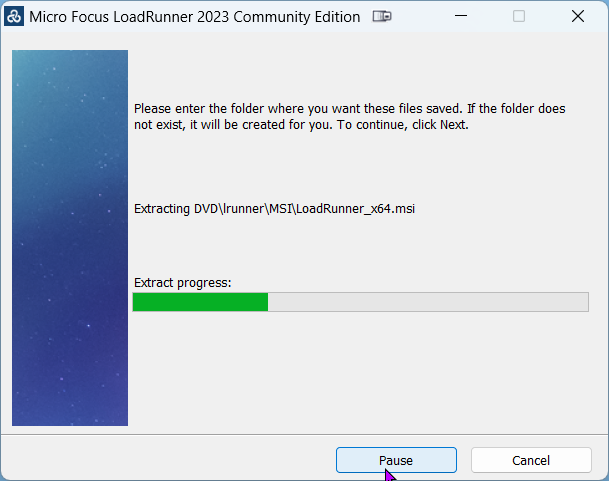
The installation files are extracted to the temp folder.
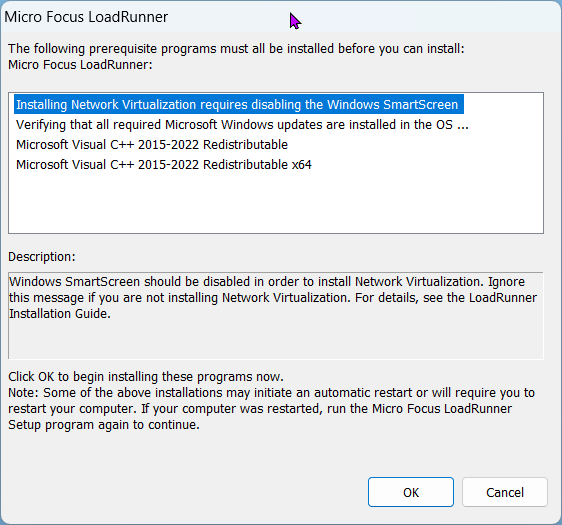
The required prerequisite installations are identified. Click Ok to begin these installations.
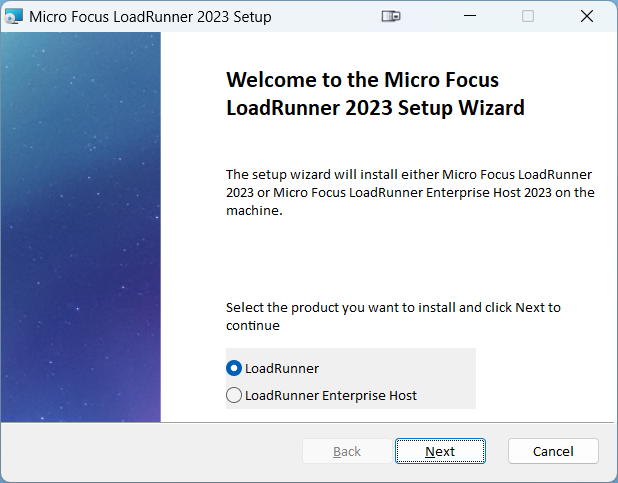
Once the prerequisite installations complete,with the LoadRunner Setupassets Wizardas displays.
path, Selectservice LoadRunner. Click Next.
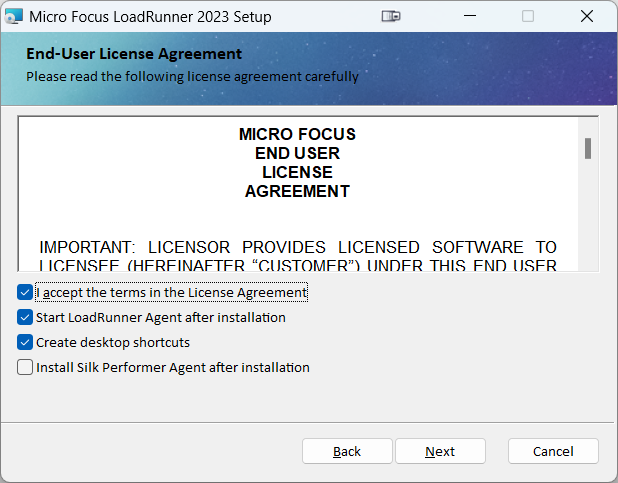
Accept the license agreement.
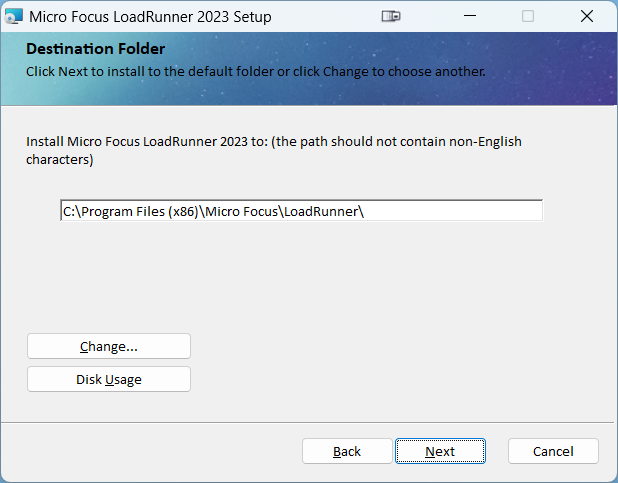
Confirm or change the installation location.
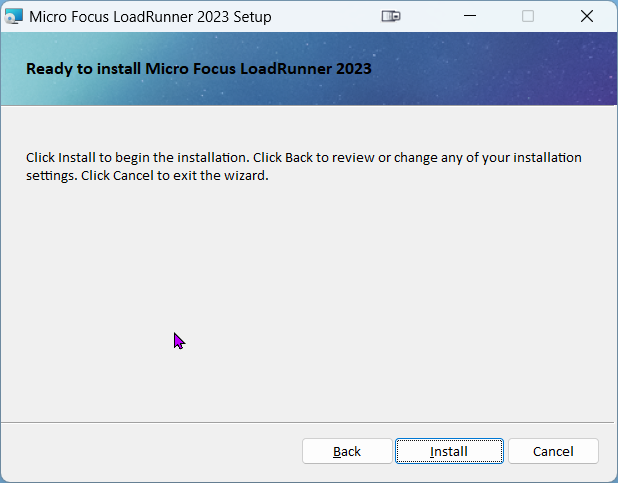
Click Install.
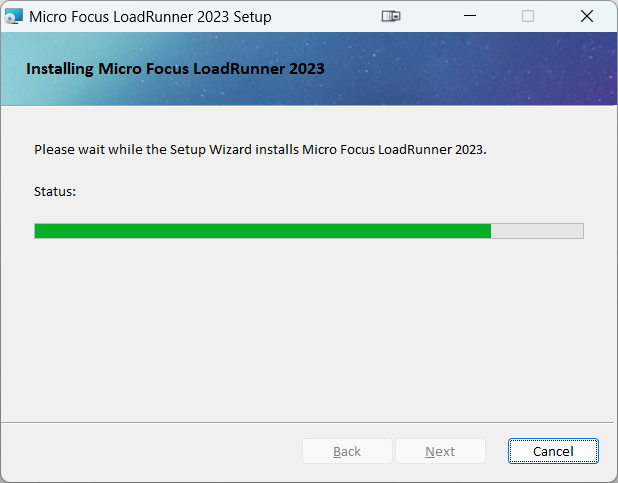
Installation progress is displayed.
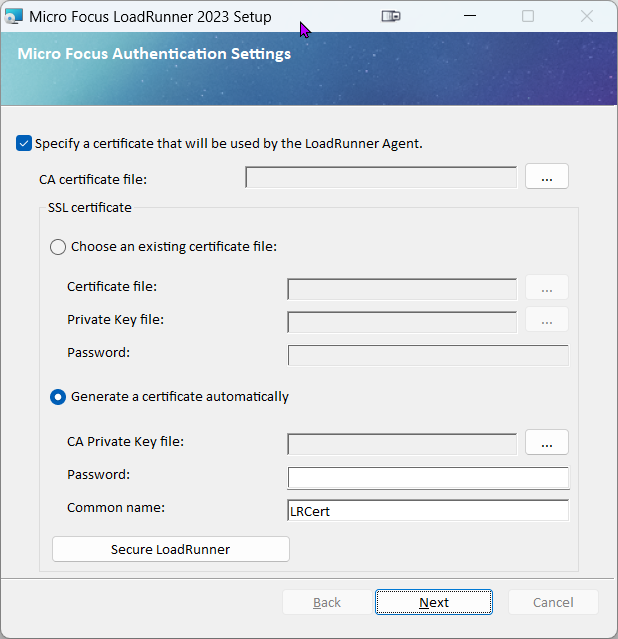
If you have a certificate, browse to it. Otherwise, deselect the "Specify a certificate" option. Click Next.
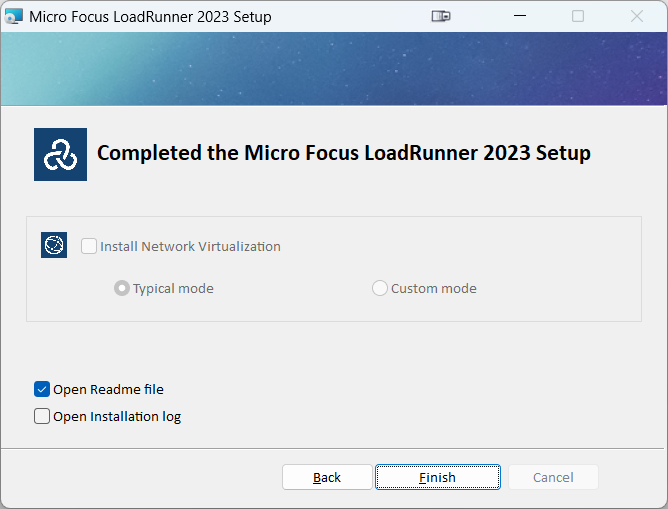
The installation completes. Click Finish.
Post Installation Verifications
Here are the ways you can confirm the locationaccounts, and statusrollback of LoadRunner. These checks should be the first step of any LoadRunner troubleshooting.
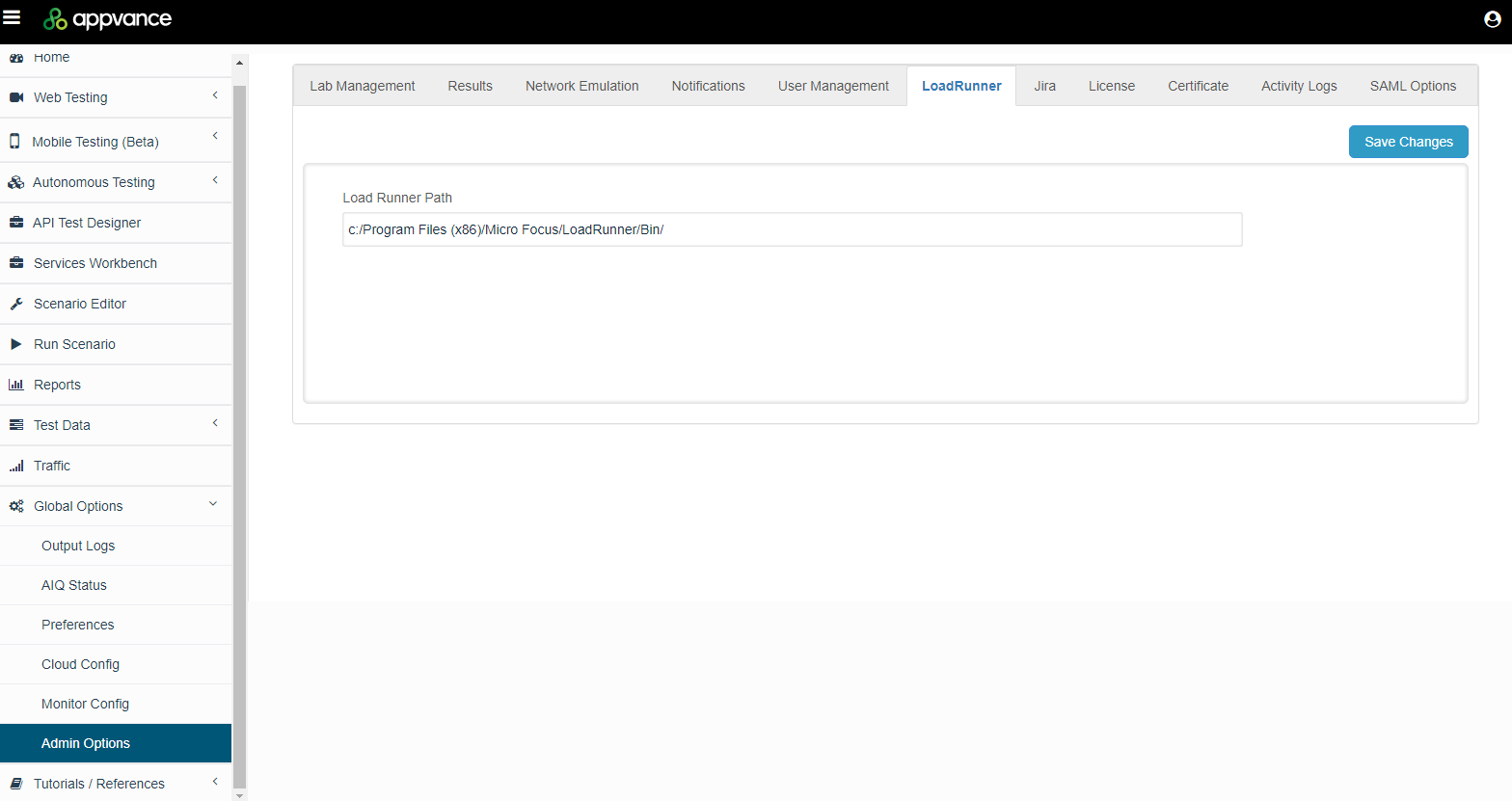
LoadRunner Install Location
steps.
The LoadRunner admin page displays the installation location of LoadRunner. LoadRunner is a testing tool used to test applications, measuring system behavior and performance under load.
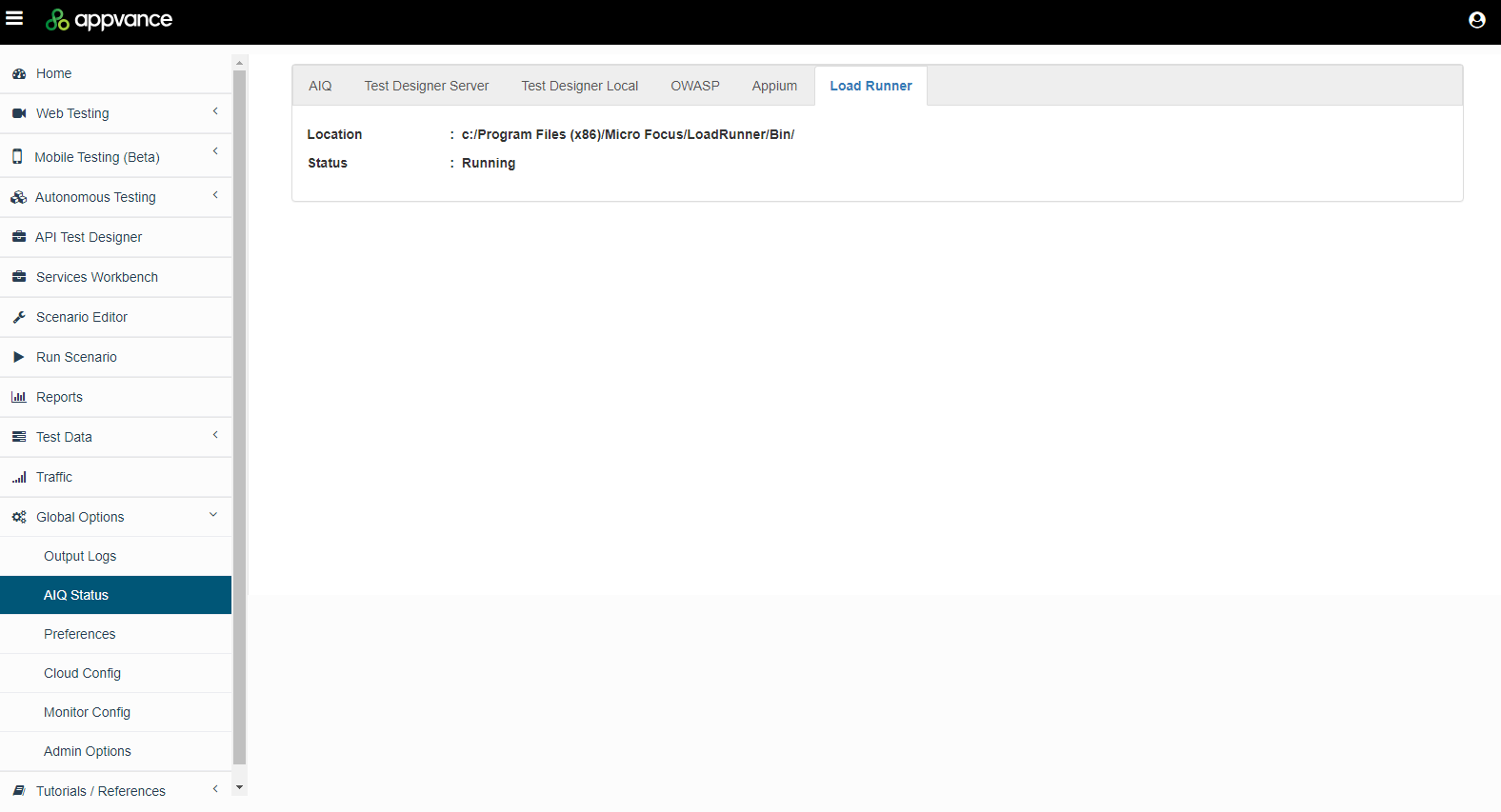
LoadRunner Status
If needed, you can verify the status of LoadRunner.
Next Steps:
Last updated: JuneOctober 17,6, 20242026
If you have any feedback on this topic, please contact us at documentation@appvance.ai