
Android - Installing Certificate
Click the link to download the certificate
Copy the certificates to the android and go to Settings/Lock screen and security
Click Other security settings (at the bottom)
Click Install From Device Storage

Select certificate.pfx and click DONE
Type password appvance
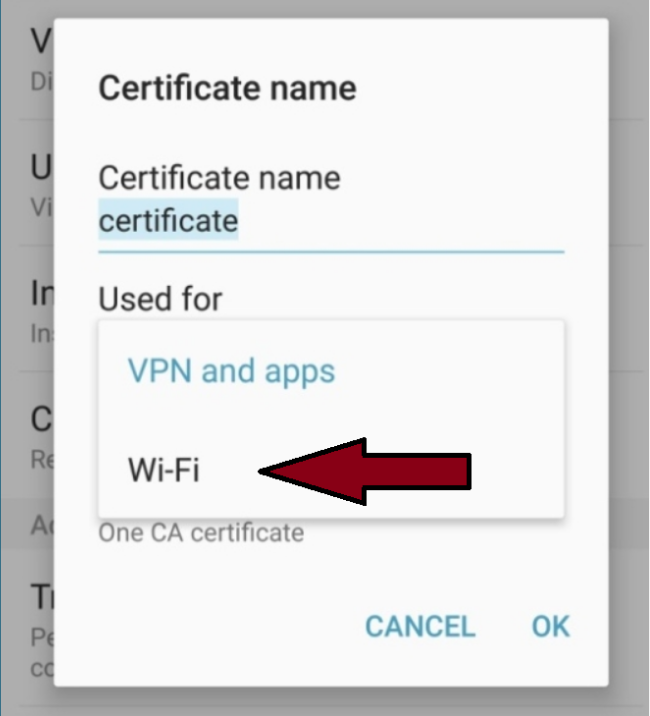
Select Use for VPN and Apps and click OK
Repeat the process and select Wi-Fi and select OK
Last updated: June 26, 2023
If you have any feedback on this topic, please contact us at documentation@appvance.ai