
Browsers - Bypassing HSTS Warnings
Sometimes thea browser will showdisplays an HSTS warning messagewarning.
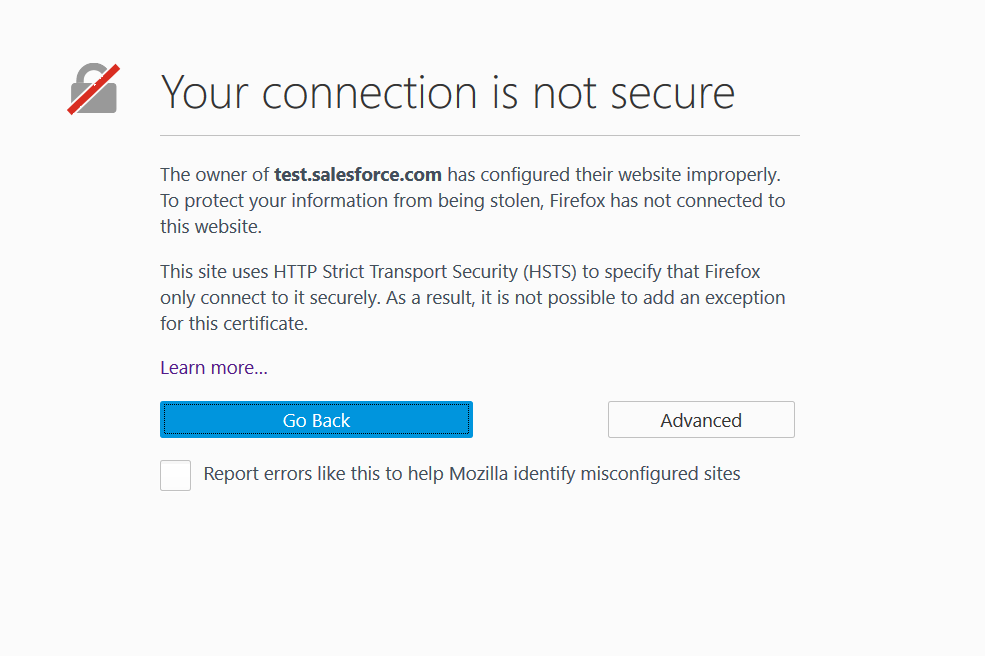
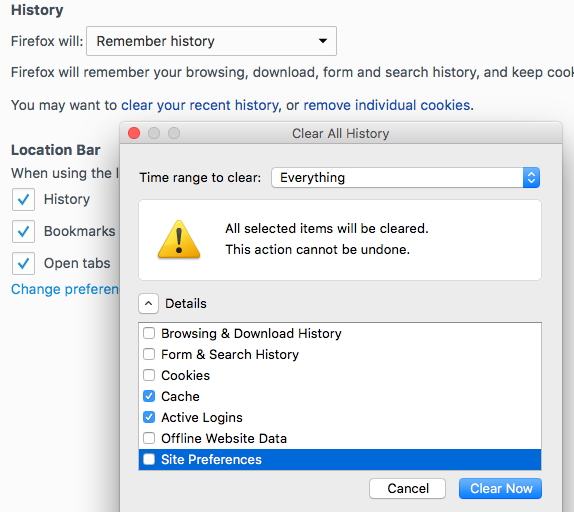
Some browsers use HSTS (HTTP Strict Transport Security), which letstells a web app rememberto that it should only be accessed overuse HTTPS. When this happens,If the fixwarning is topersists, clear the browser cache. OpenIn theFirefox, open Privacy settings in Firefox and clear your recent history:history Now thewith Cache and Active Log-ins withselected aand Timethe time range to clear set to EverythingEverything, andthen Clickclick Clear now.
As a last resort, you can fully disable HSTS in Firefox:
TypeEnter about:config in the Firefox address bar. AIf a warning may appear;appears, click OK.
In the list of preferences, look forFind network.stricttransportsecurity.preloadlist, right-click it, and toggleset it to false.
If the preference is not in the list,listed, right-click anywhere on the page, select New > Boolean, name itenter network.stricttransportsecurity.preloadlist, and set it to false.
Last updated: JuneOctober 26,16, 20232026
If you have any feedback on this topic, please contact us at documentation@appvance.ai