
Review Activity Logs in AIQ
Last reviewed: September 22, 2026
Activity Logs help administrators review important AIQ actions, changes, and troubleshooting evidence.
Recommended guidance
- Use activity logs to support audits, incident reviews, and configuration troubleshooting.
- Correlate activity logs with execution logs, system logs, and change records.
- Restrict access according to audit and privacy policy.
Validation workflow
- Open the Activity Logs
screen to view AIQ system logs. From here you can see activity by role, user, date and the log message. Login to AIQ as a user with administrator access.
Navigate to Global Options > Admin Options > Activity Logs.
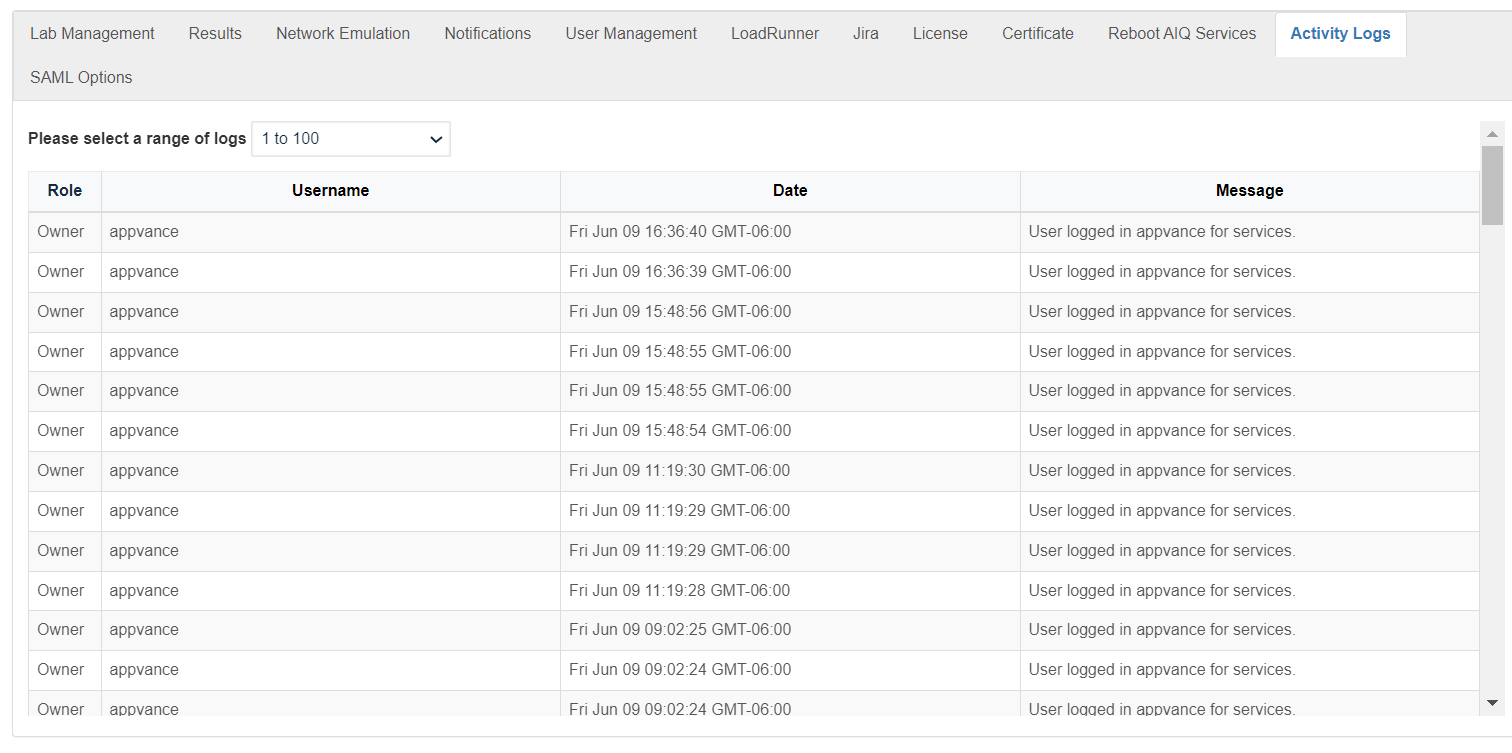
You can select a range of activity logs. The oldest logs arearea in the lowestsupported rangeadmin location.
Note: Activity logs aremay incontain theoperationally highestsensitive rangeinformation. ofShare numbers.them only with authorized recipients.
You can sort the activity logs by:
RoleUser NameDateMessage
Last updated: JulySeptember 17,22, 20232026
If you have any feedback on this topic, please contact us at documentation@appvance.ai.