
Activity Logs
Use the Activity Logs screen to view AIQ system logs. From here you can see activity by role, user, date and the log message.
- Login to AIQ as a user with administrator access.
- Navigate to Global Options > Admin Options > Activity Logs.
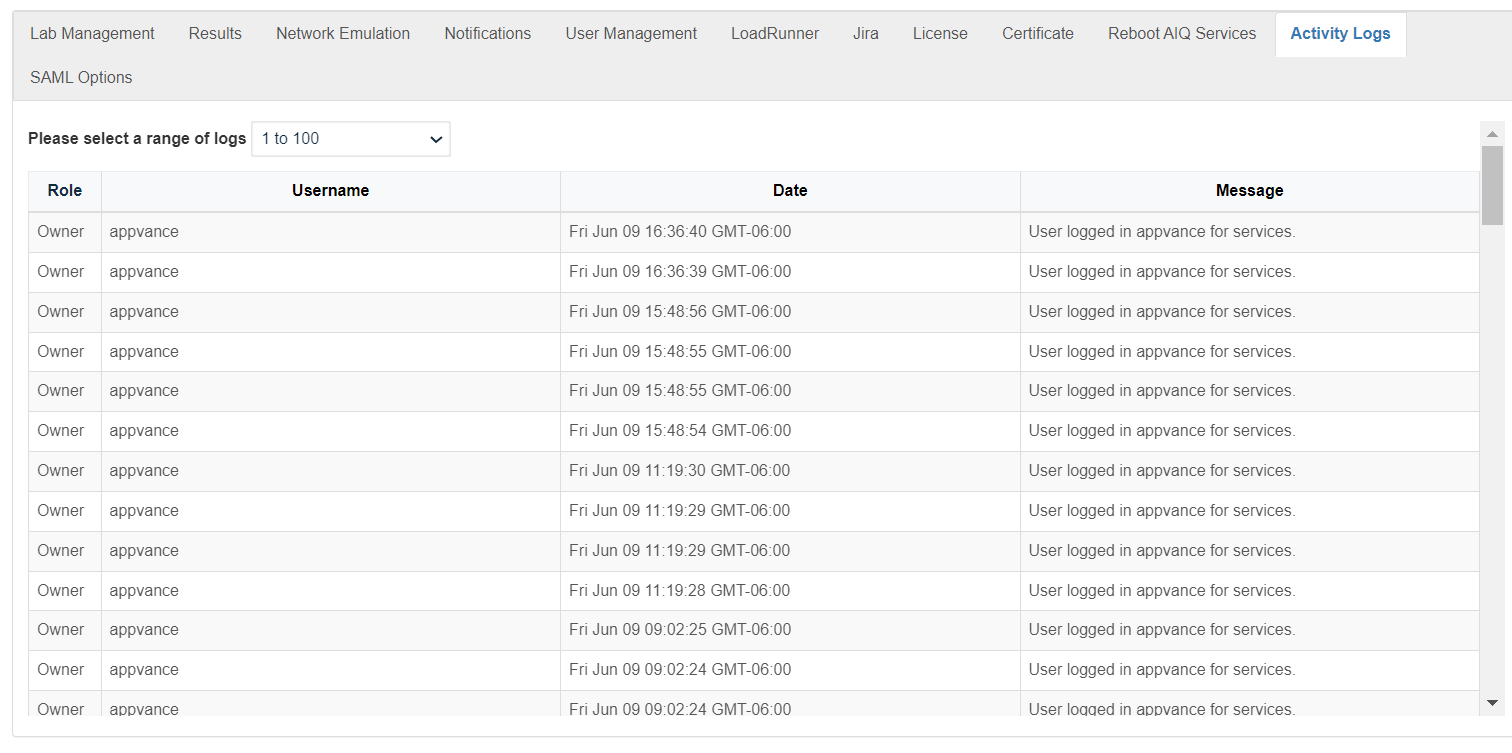
- You can select a range of activity logs. The oldest logs are in the lowest range of numbers. The most recent logs are in the highest range of numbers.
- You can sort the activity logs by:
- Role
- User Name
- Date
- Message
Last updated: October 16, 2026