
Changing Password
Click the ‘Change Password’ button to change the current default password to a new one. Provide the new password, confirm the password, and click the OK button.
Users should make sure of the following:
Passwords must satisfy the following requirements:
- At least 16 characters long
- At least one upper case letter
- At least one lower case letter
- At least one special character (!@#$%^&*.)
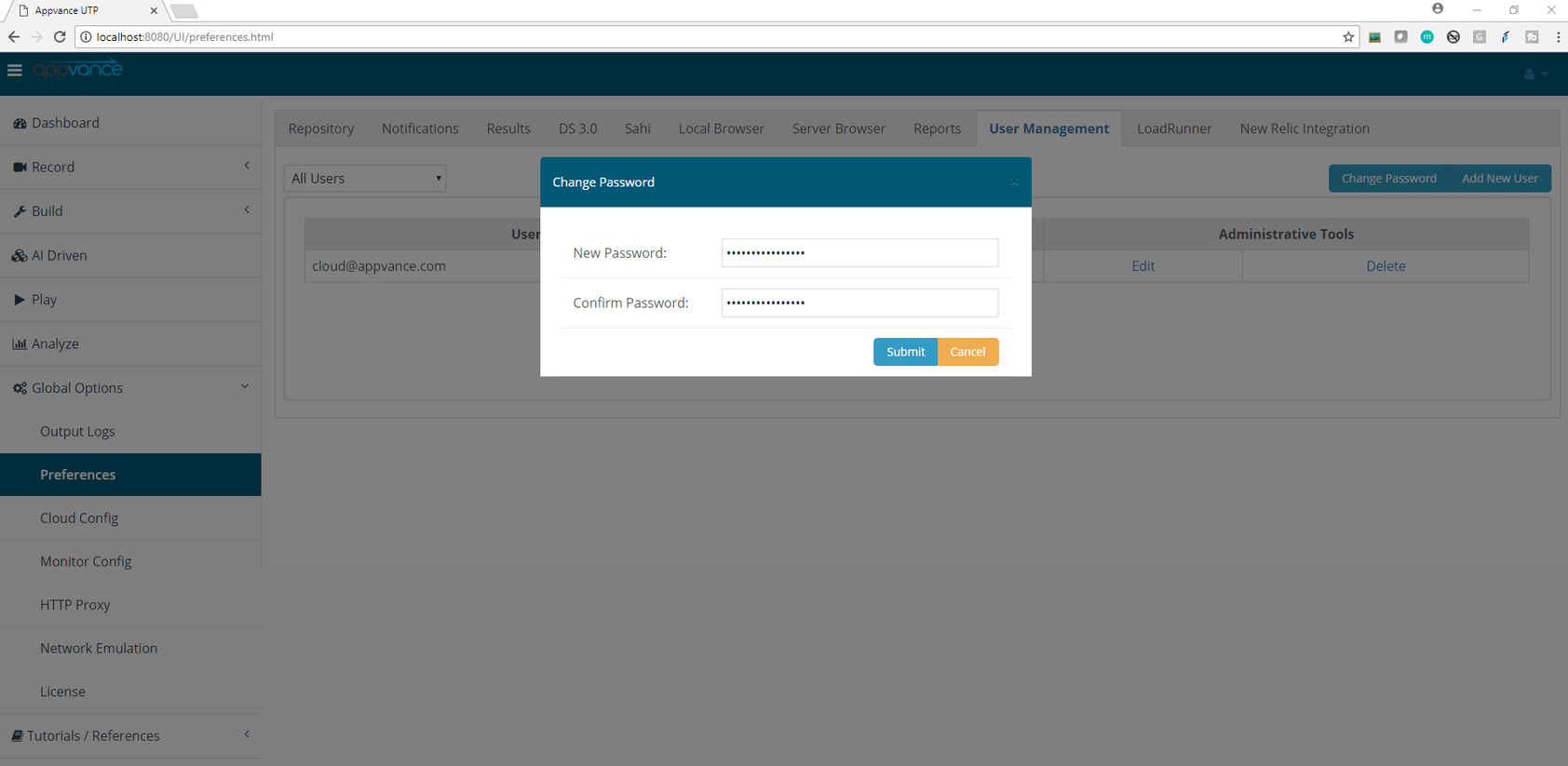
Log out from the application using the logout link from the start screen and log in again to take the new password into account.
Before changing the password
Use an account that is already signed in and keep the new password available for the follow-up login. The documented policy requires at least 16 characters, one uppercase letter, one lowercase letter, and one special character.
Confirm the change
After selecting OK, sign out from the Start screen and sign in again. If authentication fails, re-enter the confirmation value and verify that the password meets every listed requirement.
Last updated: October 15, 2026
If you have any feedback on this topic, please contact us at documentation@appvance.ai