
Removing Users
Login to Appvance IQ as an Admin and navigate to Options page > Preferences > Credentials and Click the ‘Delete’ button on the same line of a user whom you want to delete.
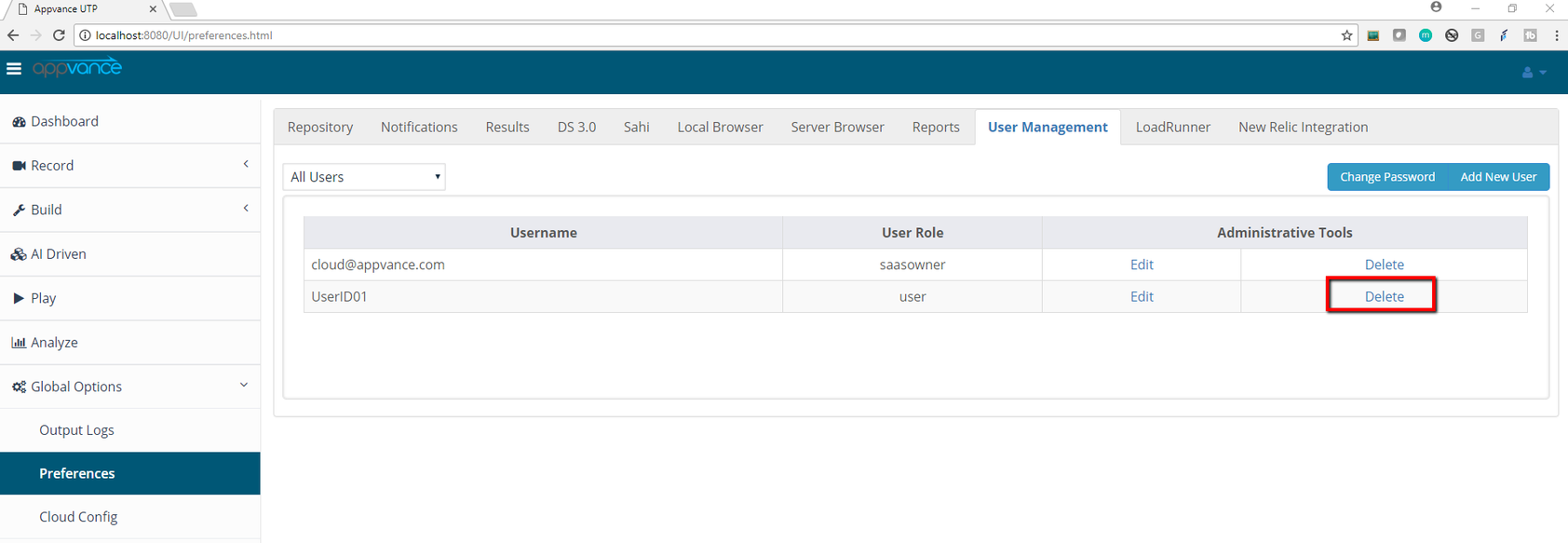
A confirmation message will pop up with a message “Are you sure you want to delete the user: Username”
Click 'Yes' to delete the User from the User list.
Last updated: October 16, 2026