
Report Templates
The Reports preferences page is used to create report templates.
- Navigate to AIQ > Global Options > Preferences > Reports tab.
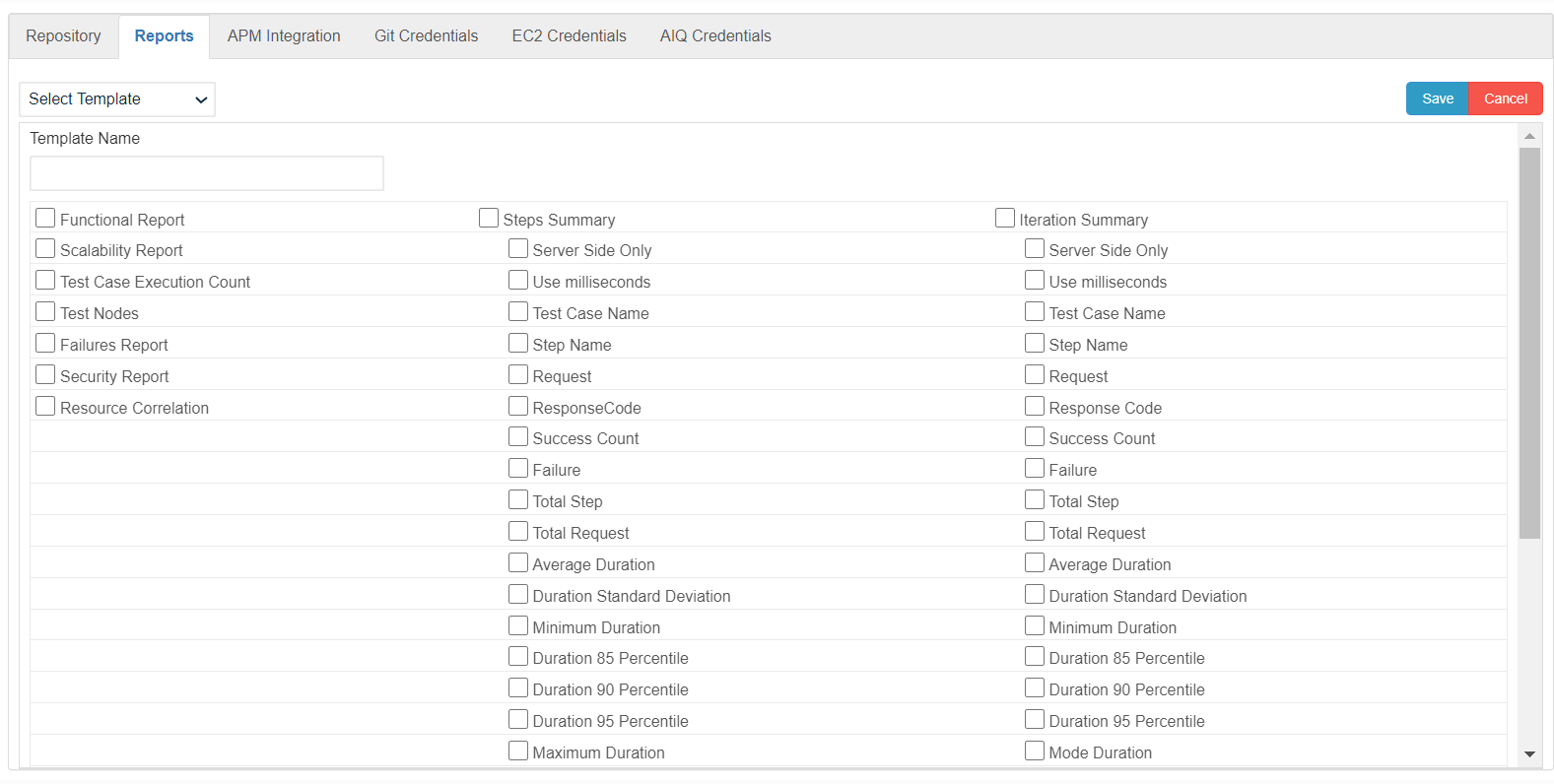
- Enter a valid name for the new Report Template.
- Select the required report options.
- Click Save.
- The newly created Report Template can be seen in the All Reports drop down on the Report Analysis page. Navigate to AIQ > Reports.
- To view the report, select the newly created report template from the drop-down.
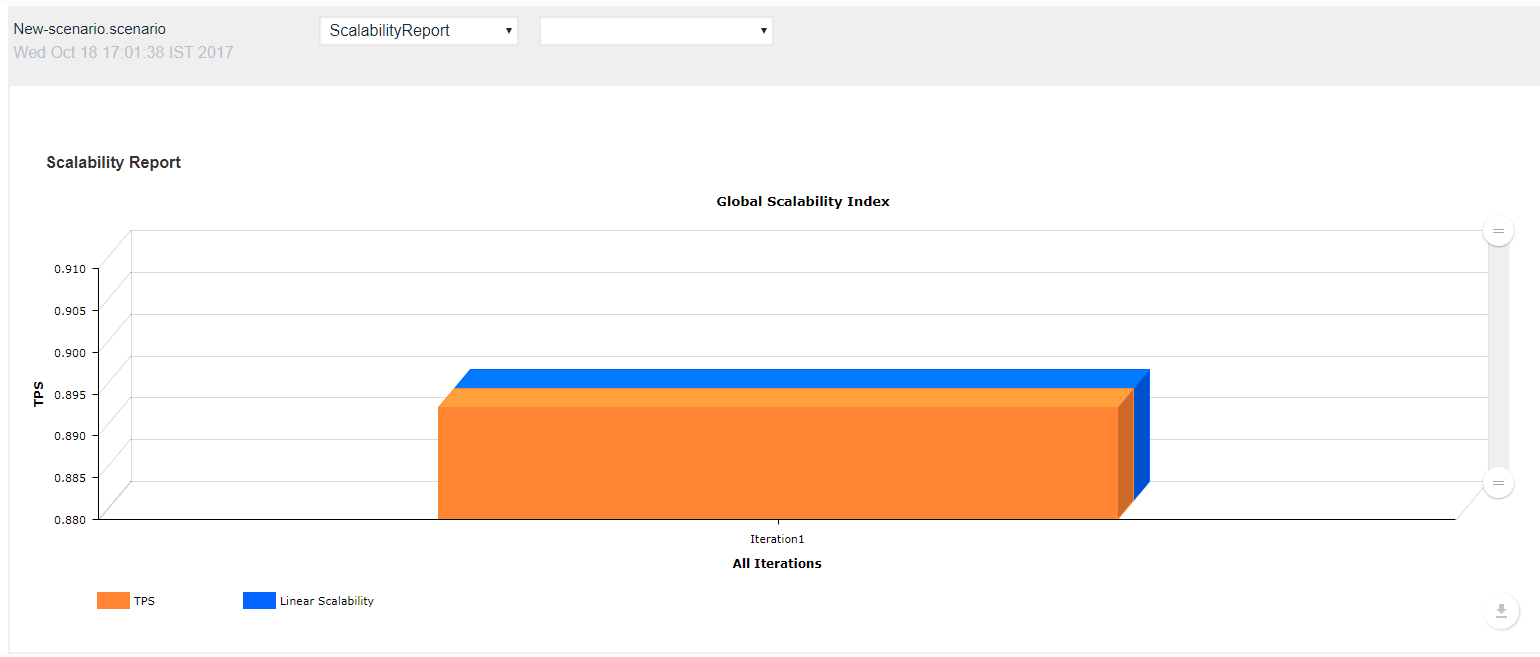
See the About Reports section for more detailed information on reporting in AIQ.
Last updated: October 16, 2026