
Activity Logs
LastUse reviewed:the SeptemberActivity 22,Logs 2026screen to view AIQ system logs. From here you can see activity by role, user, date and the log message.
Login to AIQ as a user with administrator access.
Navigate to Global Options > Admin Options > Activity Logs.
Activity
Logs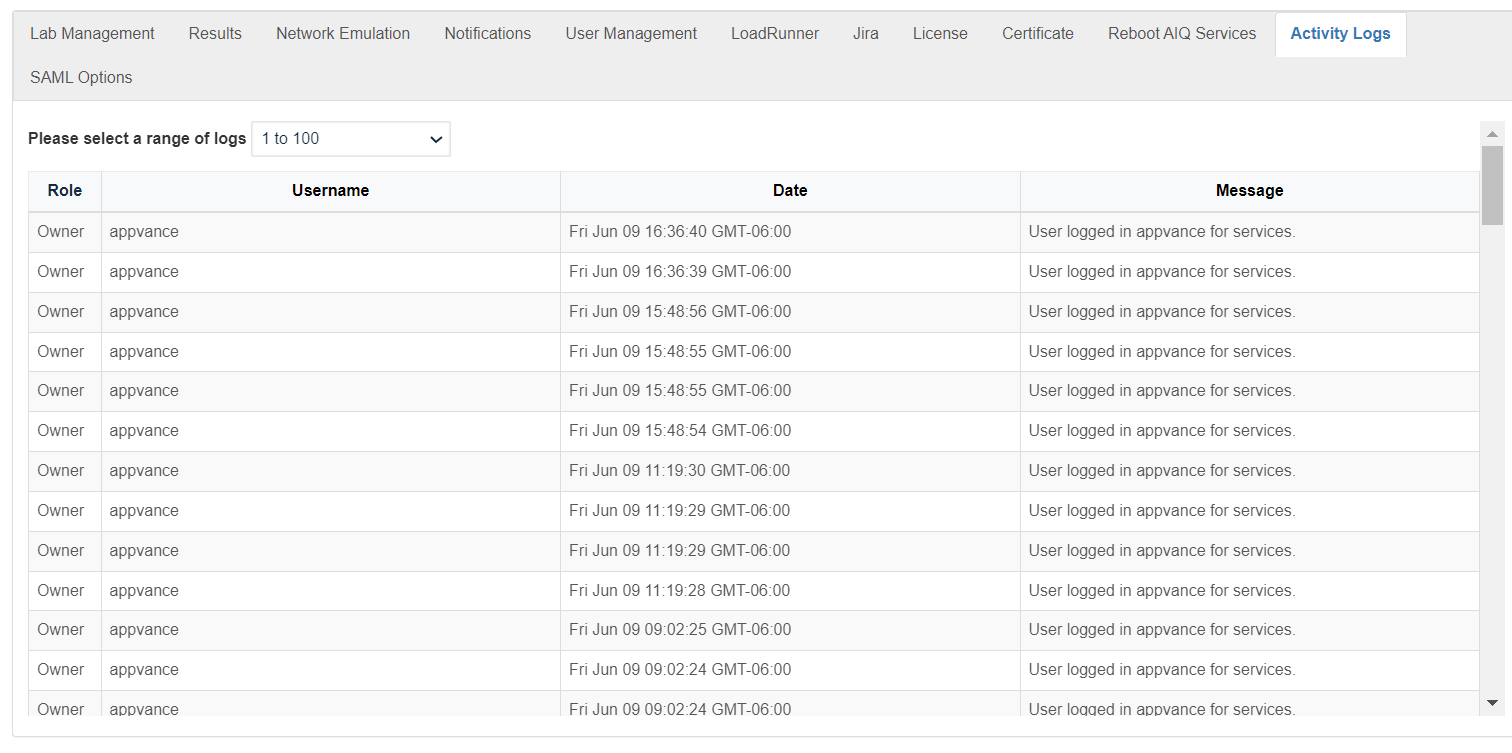
help administrators review important AIQ actions, changes, and troubleshooting evidence.
Recommended
You can select a range of activity logs. The oldest logs are in the lowest range of numbers. The most recent logs are in the highest range of numbers.
You can sort the activity logs to support audits, incident reviews, and configuration troubleshooting.by:
- Role
CorrelateUseractivity logs with execution logs, system logs, and change records.NameRestrict access according to audit and privacy policy.Date- Message
Validation
Open
Note: Activity logs may contain operationally sensitive information. Share them only with authorized recipients.
Last updated: SeptemberJuly 22,17, 20262023
If you have any feedback on this topic, please contact us at documentation@appvance.ai.