
Changing Password
Click the ‘Change Password’ button to change the current default password to a new one. Provide the new password, confirm the password, and click the OK button.
Users should make sure of the following:
Passwords must satisfy the following requirements:
At least 16 characters long
At least one upper case letter
At least one lower case letter
At least one special character (!@#$%^&*.)
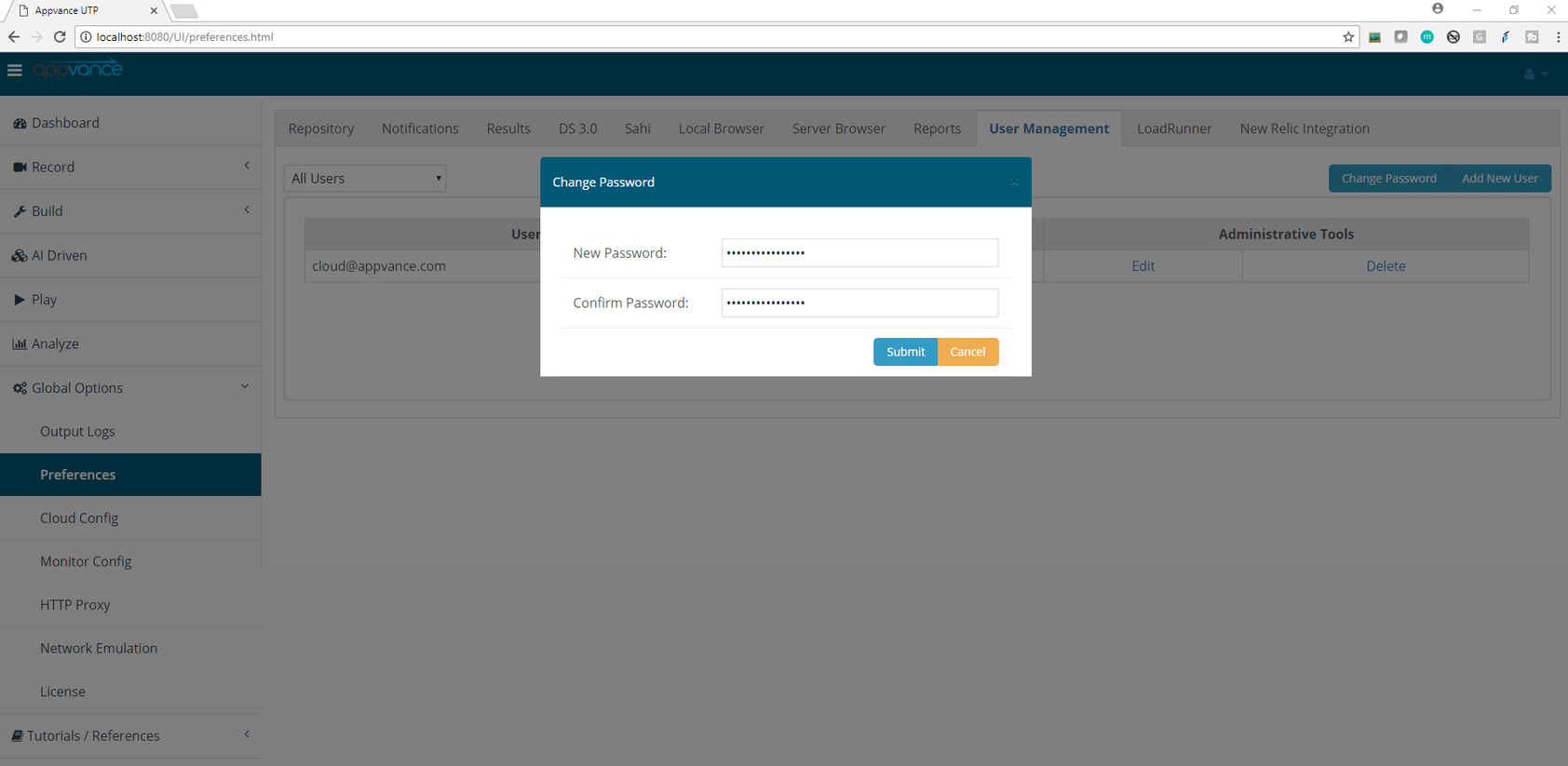
Log out from the application using the logout link from the start screen and log in again to take the new password into account.
Last updated: May 04, 2023
If you have any feedback on this topic, please contact us at documentation@appvance.ai