
Report Templates
The Reports preferences page is used to create report templates.
Navigate to AIQ > Global Options > Preferences > Reports tab.
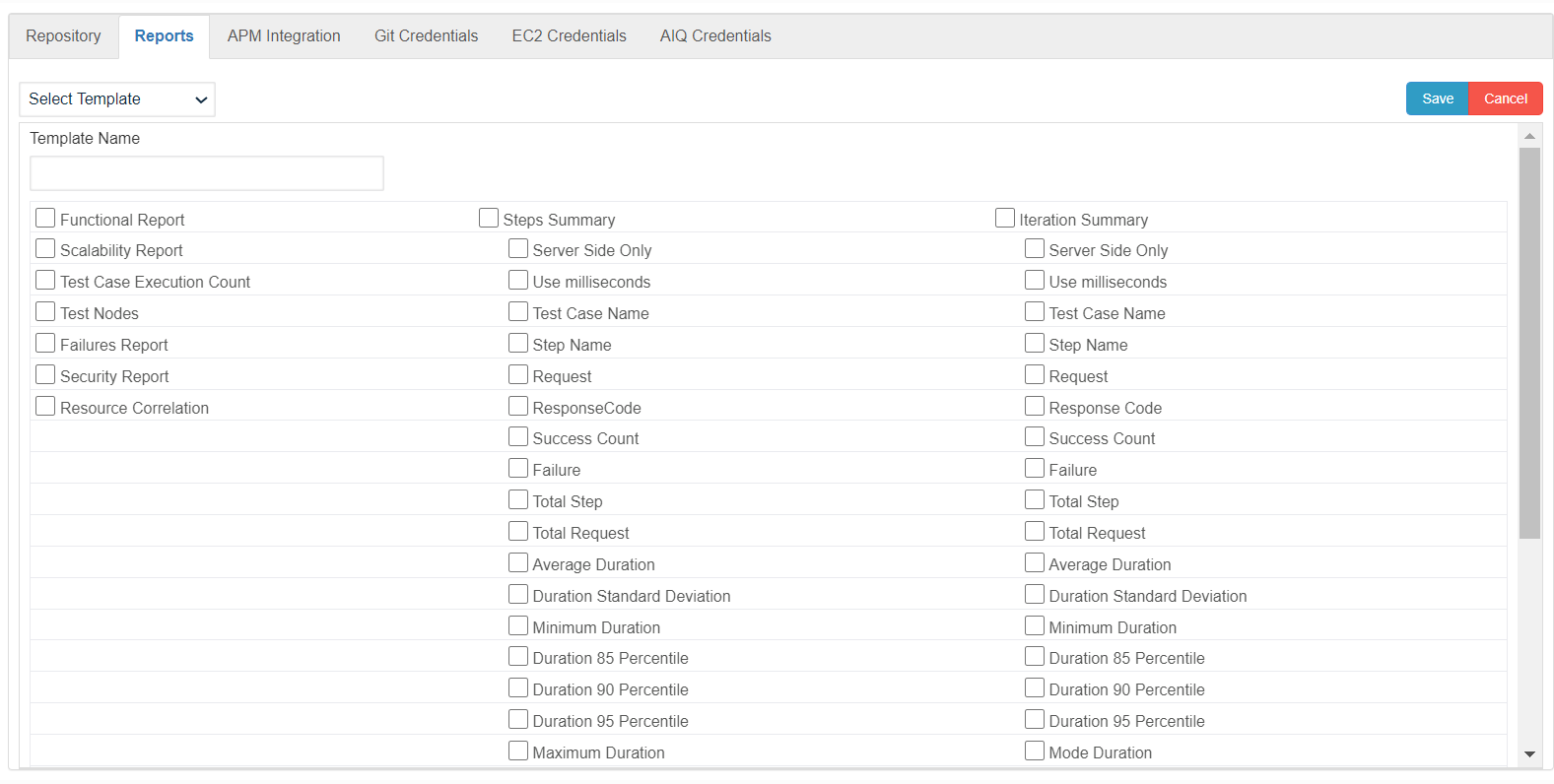
Enter a valid name for the new Report Template.
Select the required report options.
Click Save.
The newly created Report Template can be seen in the All Reports drop down on the Report Analysis page. Navigate to AIQ > Reports.
To view the report, select the newly created report template from the drop-down.
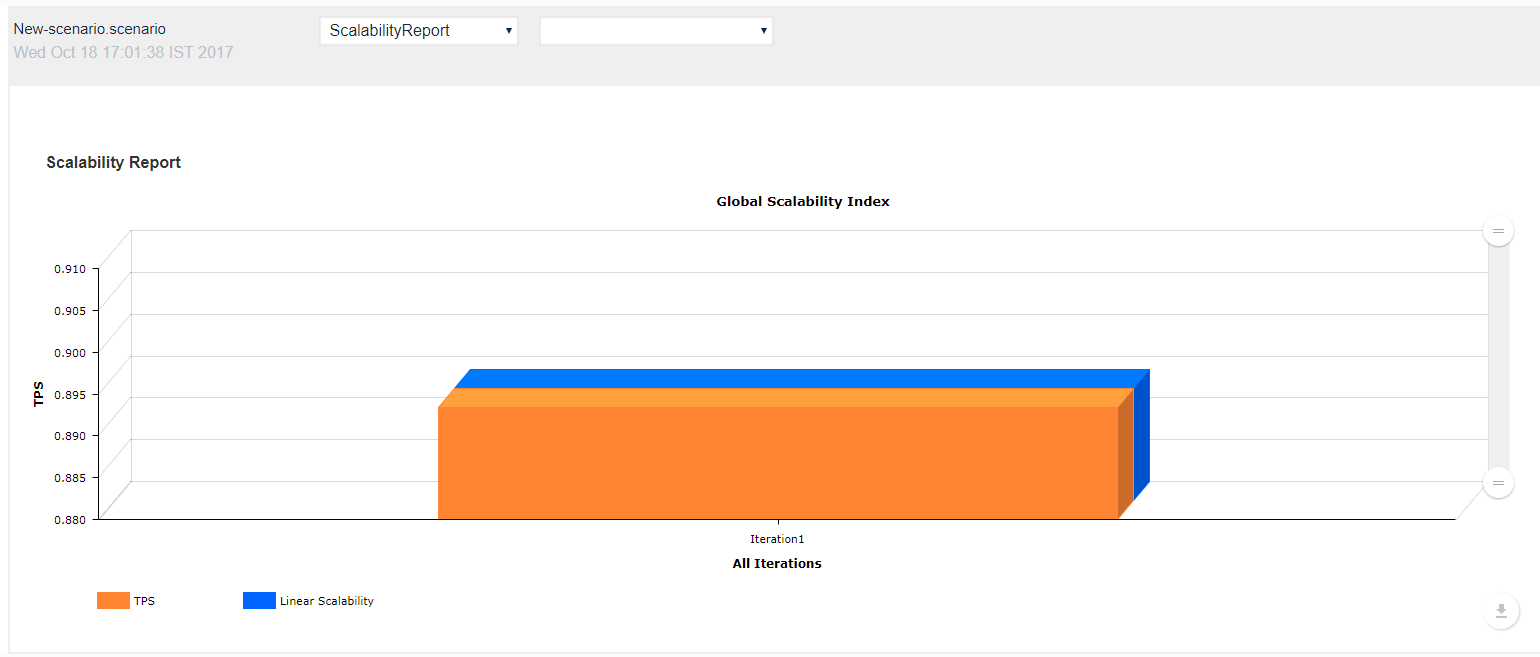
See the About Reports section for more detailed information on reporting in AIQ.
Last updated: JulyOctober 17,16, 20232026
If you have any feedback on this topic, please contact us at documentation@appvance.ai