
Validate Video Playback in Scenario Editor
Validate Video Playback in Scenario Editor
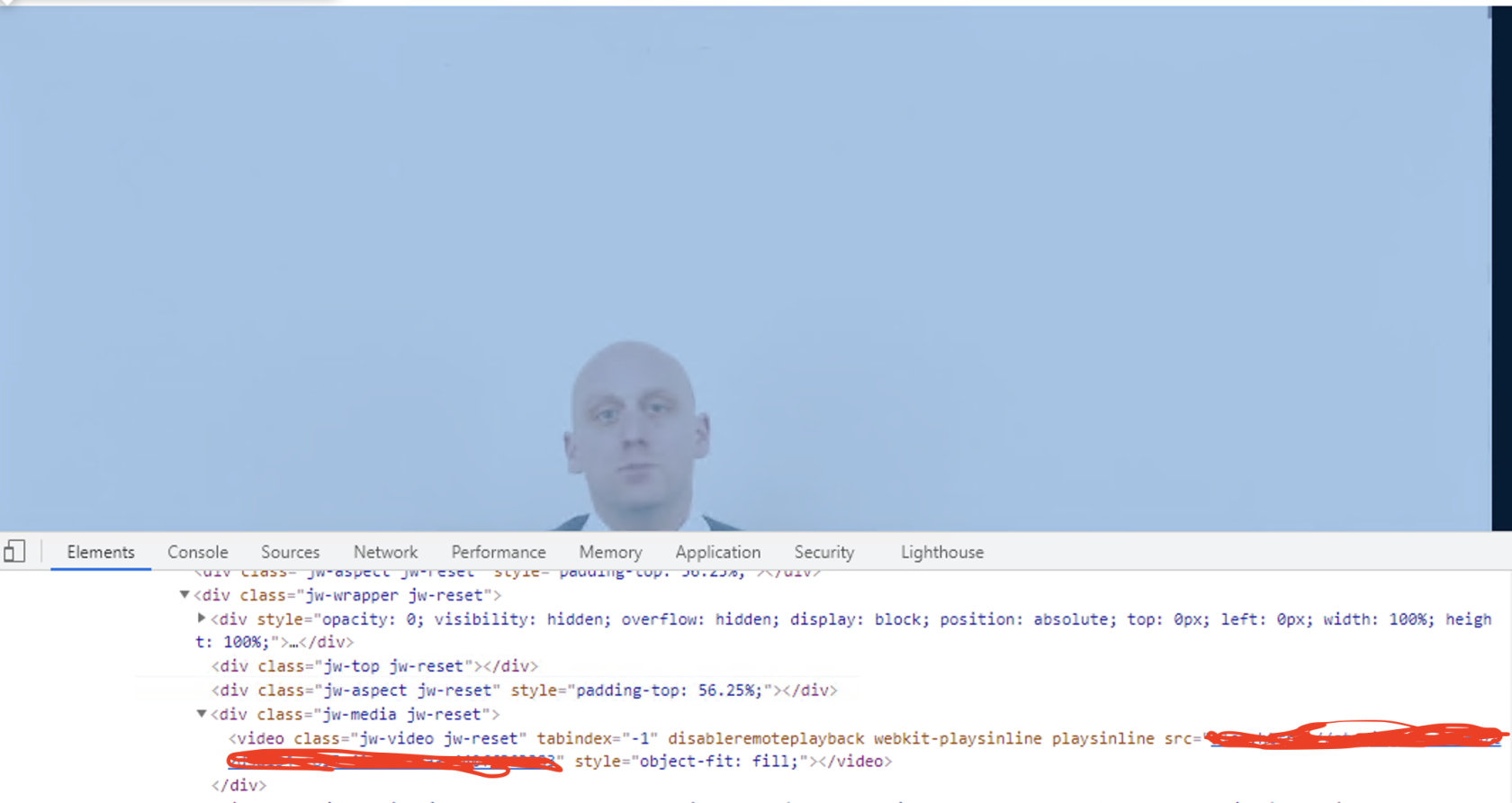
_eval('document.getElementsByClassName("jw-Validate video jw-reset")[0].currentTime')playback when the application behavior depends on media loading, playback state, or user interaction with a video component.
Look
Recommended guidance
- Confirm whether the test needs to validate playback start, progress, completion, or UI controls.
- Use stable player state or visible indicators when available.
- Account for browser autoplay and permission policies.
- Avoid long fixed waits when player state can be checked directly.
Validation workflow
- Load the page and wait for the
Videovideotagcomponent. - Start
inplayback through theDOMsupportedandUIuseaction. - Validate the
classexpected playback state oridprogressofmarker. - Capture
it.output
 fails
fails
due to media, browser, or network issues.Last updated:
JuneSeptember26,20,20232026If you have any feedback on this topic, please contact us atdocumentation@appvance.ai