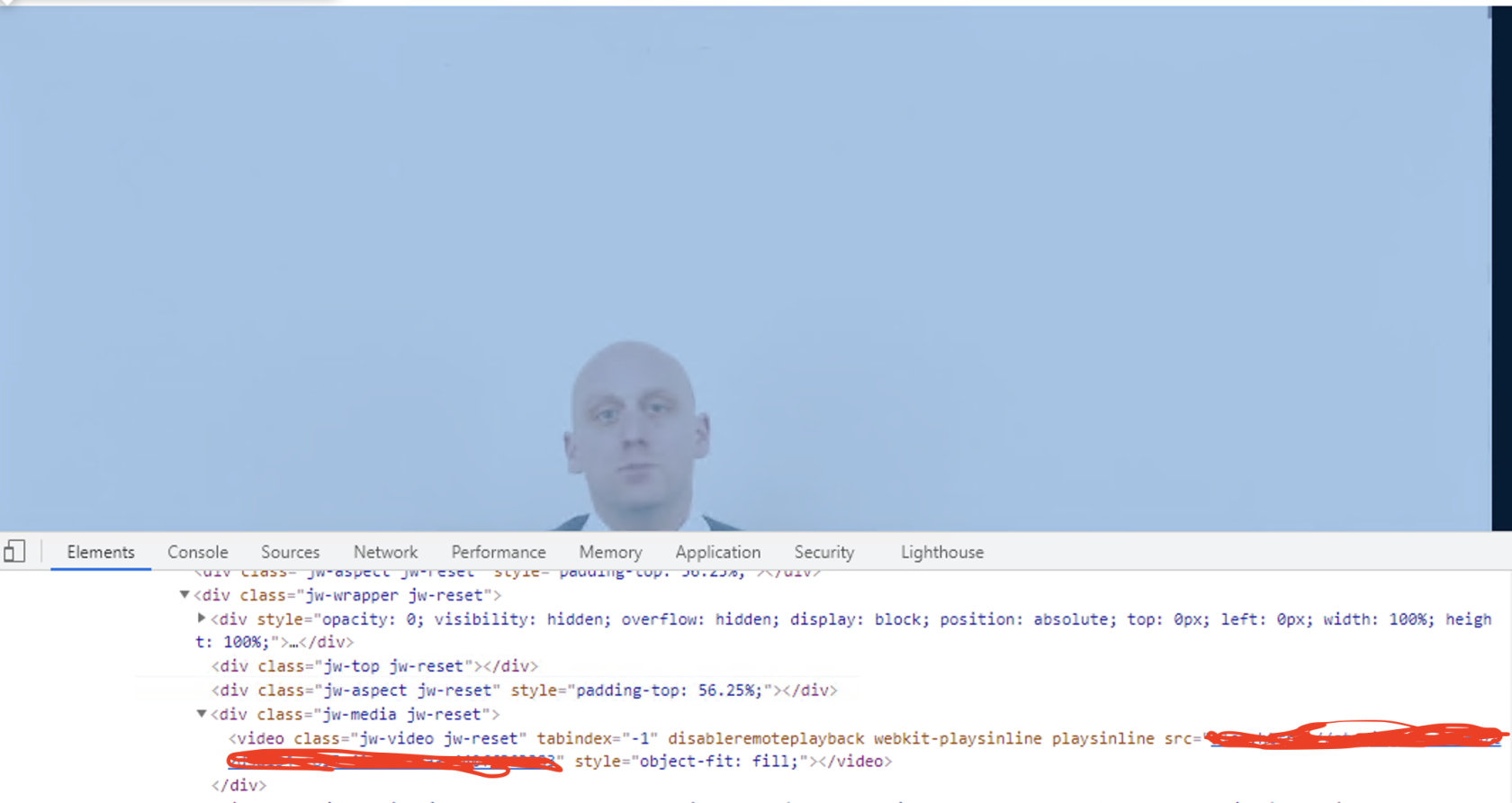
Validate Video Playback in Scenario Editor

Validate Video Playback in Scenario Editor

Validate video playback when the application behavior depends on media loading, playback state, or user interaction with a video component.

  • Confirm whether the test needs to validate playback start, progress, completion, or UI controls.
  • Use stable player state or visible indicators when available.
  • Account for browser autoplay and permission policies.
  • Avoid long fixed waits when player state can be checked directly.

Validation workflow

  1. Load the page and wait for the video component.
  2. Start playback through the supported UI action.
  3. Validate the expected playback state or progress marker.
  4. Capture output if playback fails due to media, browser, or network issues.

Last updated: September 20, 2026