
Extract Text Between Delimiters in Scenario Editor
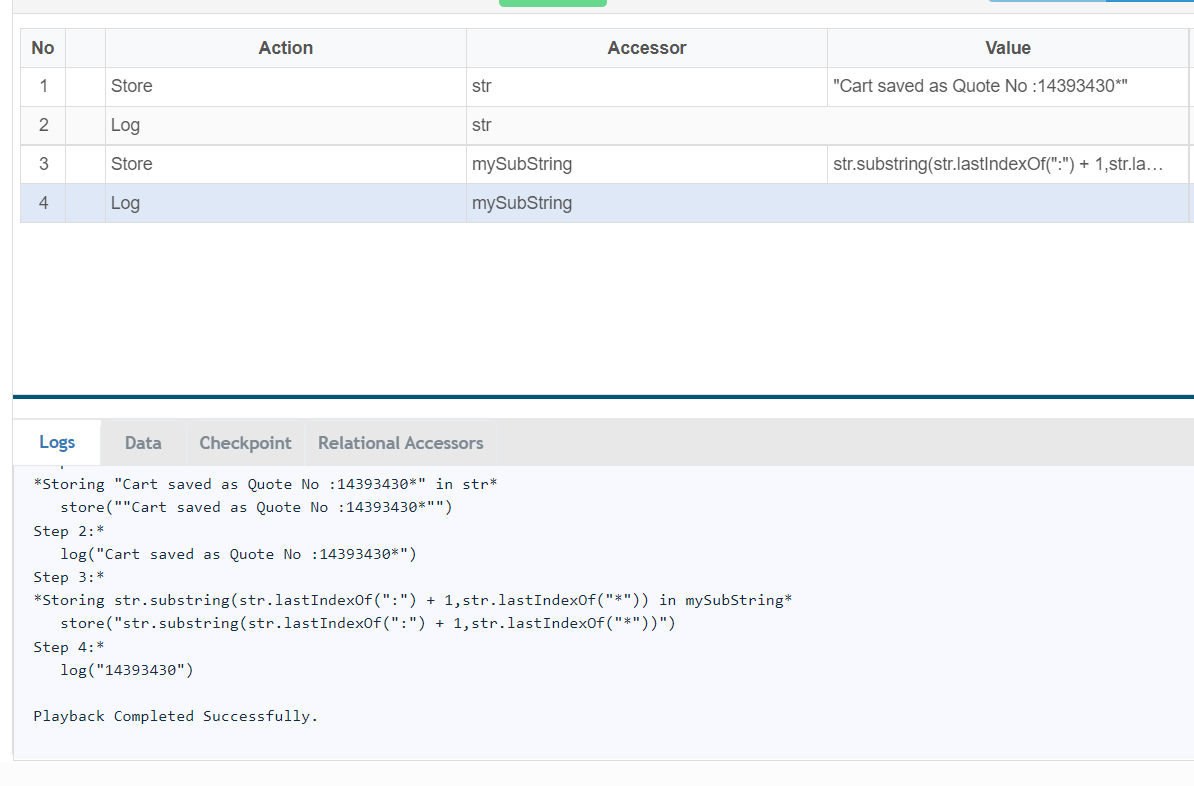
var str="Cart saved as Quote No :14393430*";
var mySubString = str.substring(str.lastIndexOf(":") + 1,str.lastIndexOf("*"));
You can use the below code to retrieve the value between ":" and "*"
If you have any feedback on this topic, please contact us at documentation@appvance.ai
Last updated: October 16, 2026