
Trim Text Values in Scenario Editor
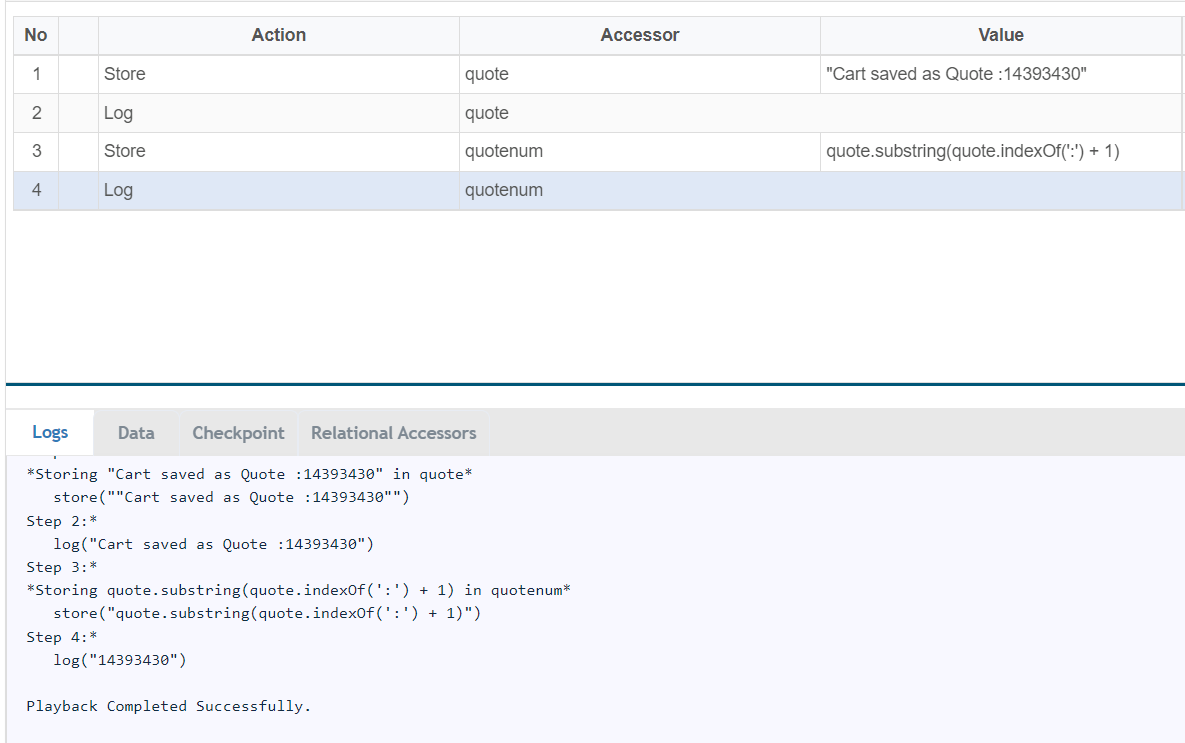
For example: Need only " 14393430" from the string "Cart saved as Quote : 14393430" use the below function:
var quote = "Cart saved as Quote : 14393430"
var quotenum=quote.substring(quote.indexOf(':') + 1)
If you have any feedback on this topic, please contact us at documentation@appvance.ai
Last updated: October 16, 2026