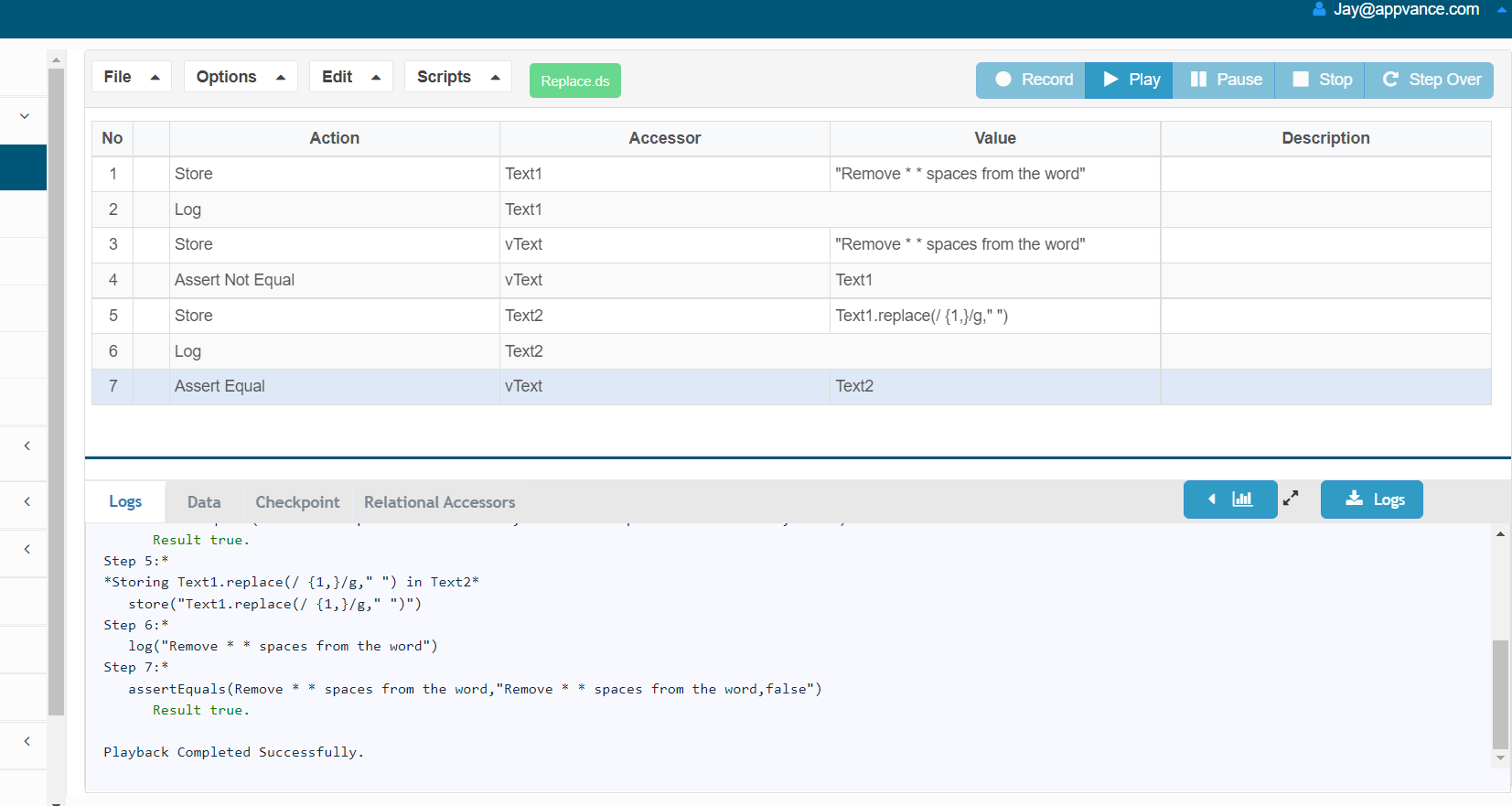
Normalize Extra Spaces in Scenario Editor Values

Normalize Extra Spaces in Scenario Editor Values

Normalize spacing when application text contains inconsistent whitespace that would otherwise make validations fragile.

  • Trim leading and trailing spaces before comparison.
  • Collapse repeated spaces only when the business value does not require exact formatting.
  • Keep the original captured value in output when troubleshooting.
  • Avoid normalizing away meaningful spaces in codes, names, or formatted identifiers.

Validation workflow

  1. Capture the source text.
  2. Normalize the whitespace according to the validation need.
  3. Compare the normalized value to expected data.
  4. Record both original and normalized values when diagnosing failures.

Last updated: September 20, 2026