Format Dates for Scenario Editor Tests
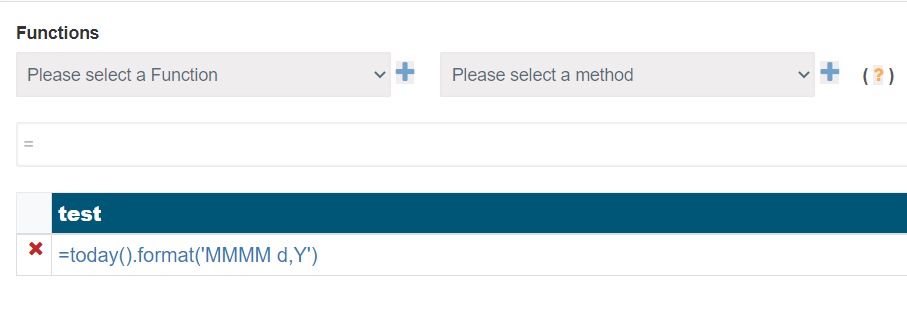
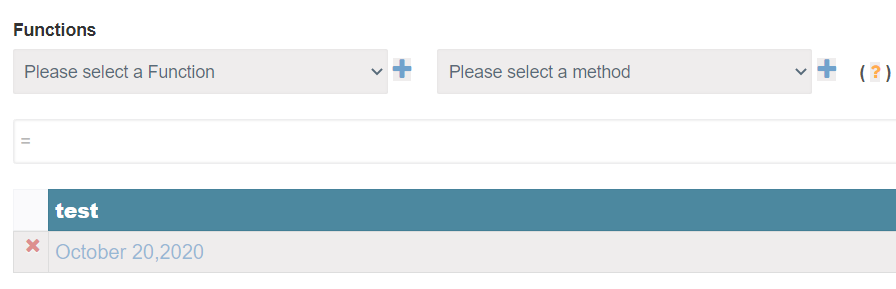
Use date formatting when a Scenario Editor test needs to enter, compare, or validate dates in the format expected by the application under test.
Recommended guidance
- Confirm the expected date format with the application or API contract.
- Avoid locale assumptions when tests run on different hosts or browsers.
- Keep generated dates and expected dates in approved test data when possible.
- Document timezone assumptions for date/time validations.
Validation workflow
- Generate or capture the source date.
- Convert it to the required display or API format.
- Use the formatted value in the input, request, or assertion.
- Validate the application saved or displayed the expected value.
Last updated: September 20, 2026