
Adding Test Designer client Icons in Mac OS
Download and extract PlaceOnDesktop.zip to your Desktop
Notice four (4) .command files
The files can be used to easily manage your local Test Designer client
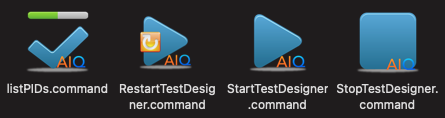
The first time you run each, the unidentified developer warning message appears
Click OK
Click Apple > System Preferences and select Security & Privacy
Click Open Anyway in Allow apps downloaded from:
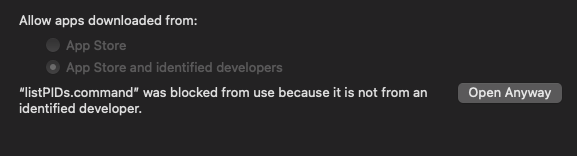
Repeat the steps for each of the .command files (once)
Last updated: July 03, 2023
If you have any feedback on this topic, please contact us at documentation@appvance.ai