
Adding Test Designer client Icons in Mac OS
- Download and extract PlaceOnDesktop.zip to your Desktop
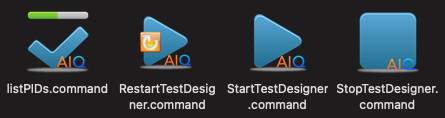
- Notice four (4) .command files
- The files can be used to easily manage your local Test Designer client
- The first time you run each, the unidentified developer warning message appears
- Click OK
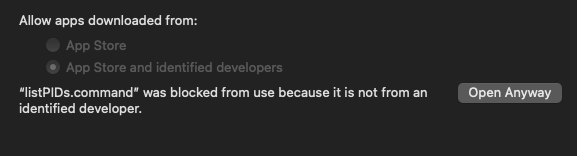
- Click Apple > System Preferences and select Security & Privacy
- Click Open Anyway in Allow apps downloaded from:
- Repeat the steps for each of the .command files (once)
- The files can be used to easily manage your local Test Designer client
Last updated: October 16, 2026