
Desktop Designer User Interface Overview
To access the new Desktop Designer, from AIQ navigate to Home > Desktop Testing > Desktop Designer.
Interface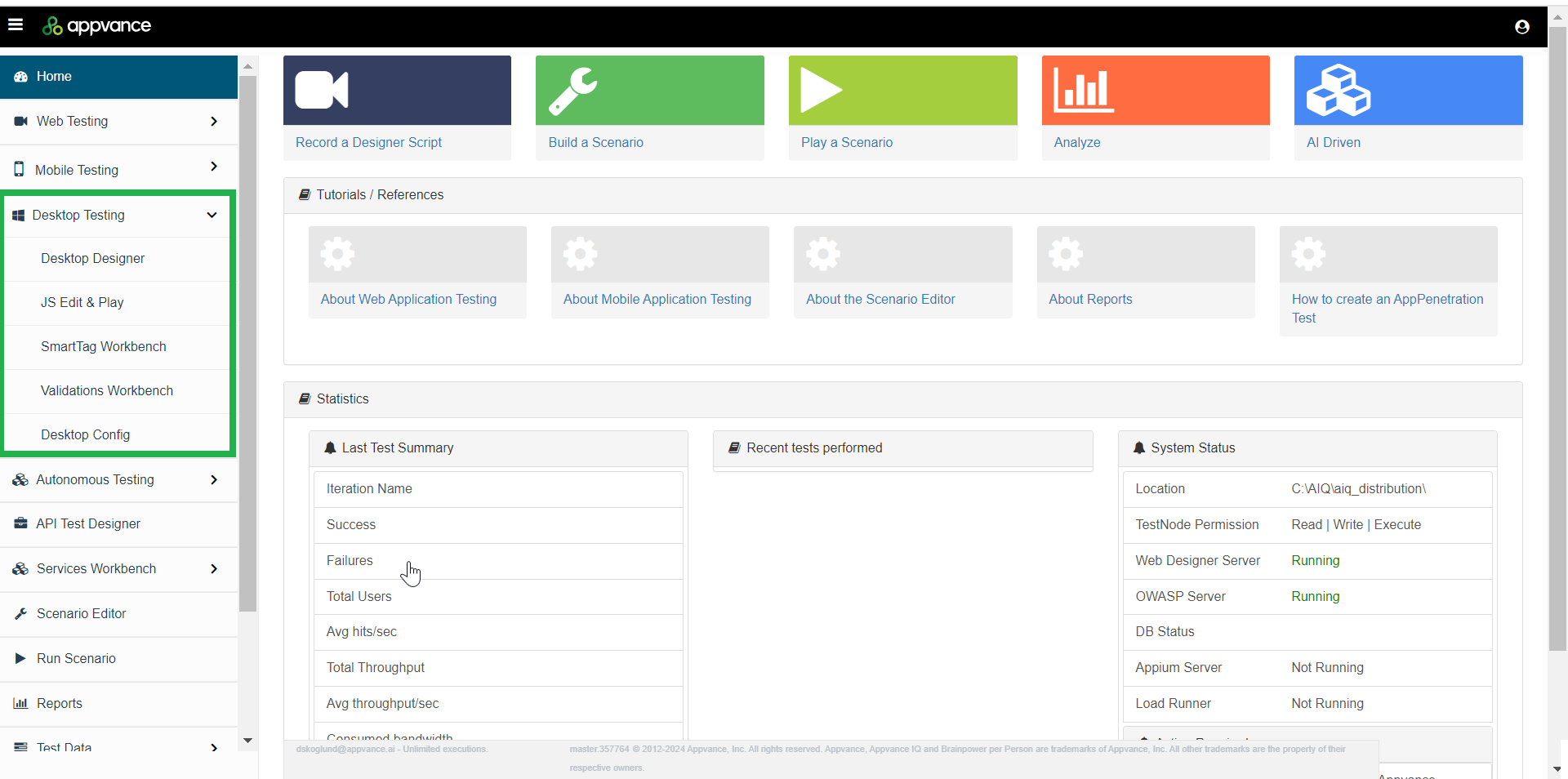
Overview - Legacy Reference
This overview is preservedan forexample usersof whothe maintain existingnew Desktop Designer assets.interface.
AIQ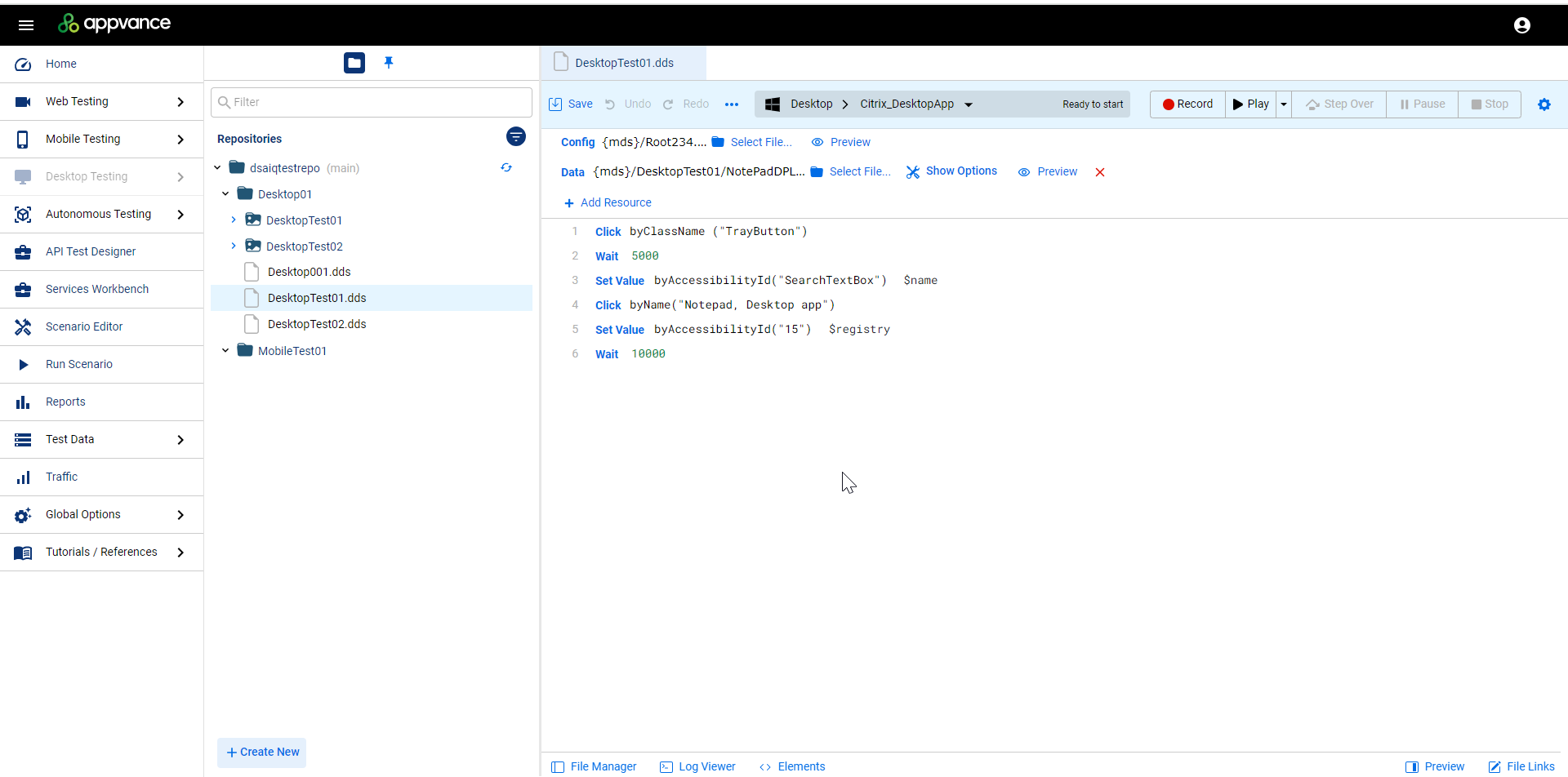
documentation
Overview use current product terminology and avoid treatingof Desktop Designer asControls and Icons
The following table provides an introduction of the defaultvarious authoringcontrols experience.
Howicons toin usethe this page
Use it to identify legacynew Desktop Designer interface. The various elements are controlswhenaretroubleshootingdetailedan older desktop test.Do not use it asin thesourcefollowing pages oftruththisfordocument.currentScenarioEditororServiceSuiteIconworkflows.Confirm/whetherControl
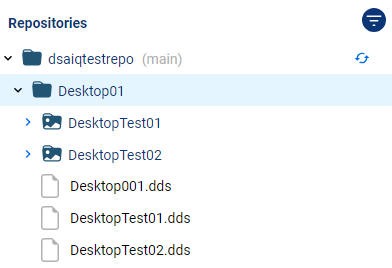
Repository relatedpane. documentation.

Repository / Quick Access toggle. Switches the File Manager pane between the repository and quick access views.

Filter. Allows you to filter the items displayed in the File Manager.

Sort by Name / Sort by Type. Sorts the contents of the UI.File
ReviewManager guidance
pane Checkbywhethername or by type.

Refresh Repository. Refreshes the linkeddisplay desktopof testthe stillFile existsManager pane.

Editing controls menu.
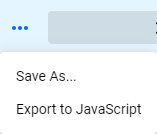
Additional save and isexport stilloptions needed.menu.
Legacy note: This page should remain clearly labeledSave as
legacy
until

File Manager toggle. Shows/hides the File Manager pane.

Log Viewer toggle. Shows/hides the logs.

Browser selection control. See Selecting the Browser for more information.

Test controls:

Opens the Test Options menu. See Desktop Designer Test Optionsfor more information.

Select Configuration controls. You must have a valid desktop configuration file selected before you can begin a desktop test. See Desktop Designer Configuration for more information.

Select data controls. You can attach test data to your desktop test.
Last updated: OctoberSeptember 8,25, 20262024
If you have any feedback on this topic, please contact us at documentation@appvance.ai