Working with Scenarios
Working with Scenarios
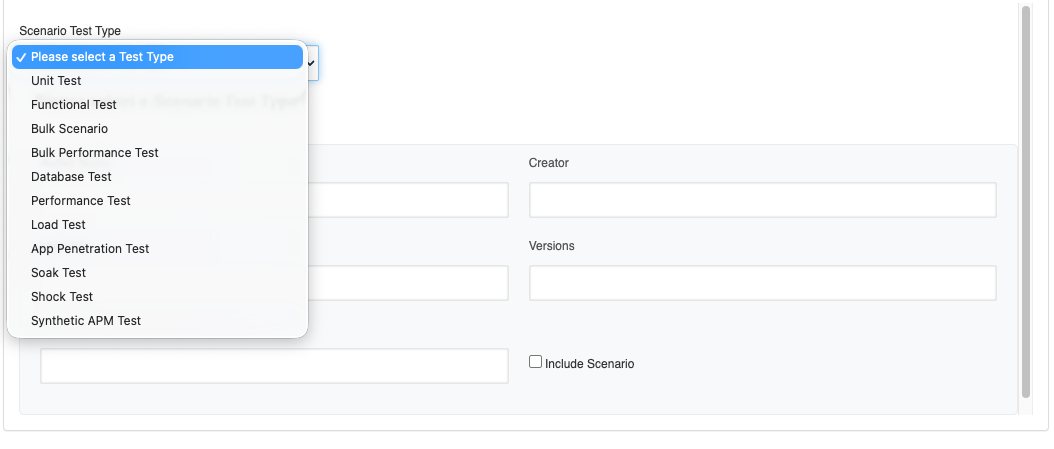
- Use the Info tab to select the Scenario Test type from the different Scenario Test types available. Fill in the Metadata of the test scenario under the Test Management Section, Define one or several Test Cases under the Test Cases panel to create a New Scenario.
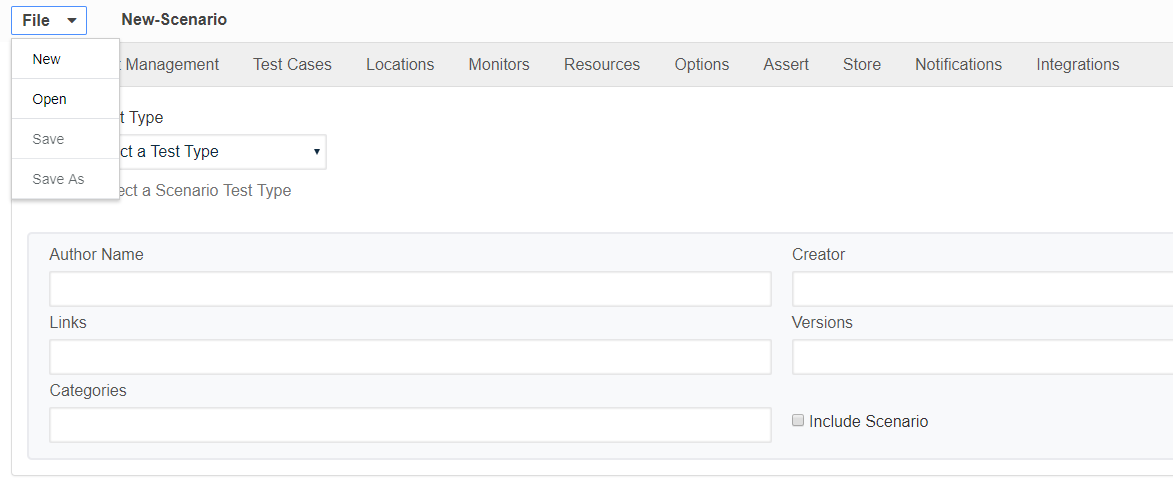
- Choose File - Open brings up a file chooser so you can open an existing scenario.
- Choose Save to write the current scenario to disk.
- Save As is the same as Save, but you get to choose a new file name for the scenario.
- Play Scenario runs the current scenario.
A scenario is a complete definition of a functional test, load test, and Performance test. A scenario document follows the XML Schema Definition (XSD)
Examples of Test Scenario documents used in functional, load, scalability, and performance tests are found in the tutorials.