
Traffic - Analyze
The last step is the Analyze step. Once the HAR script is saved, click the Next button.
Saved HAR Script would be auto-populated.
Click Analyze HAR Script button for the report to be generated.
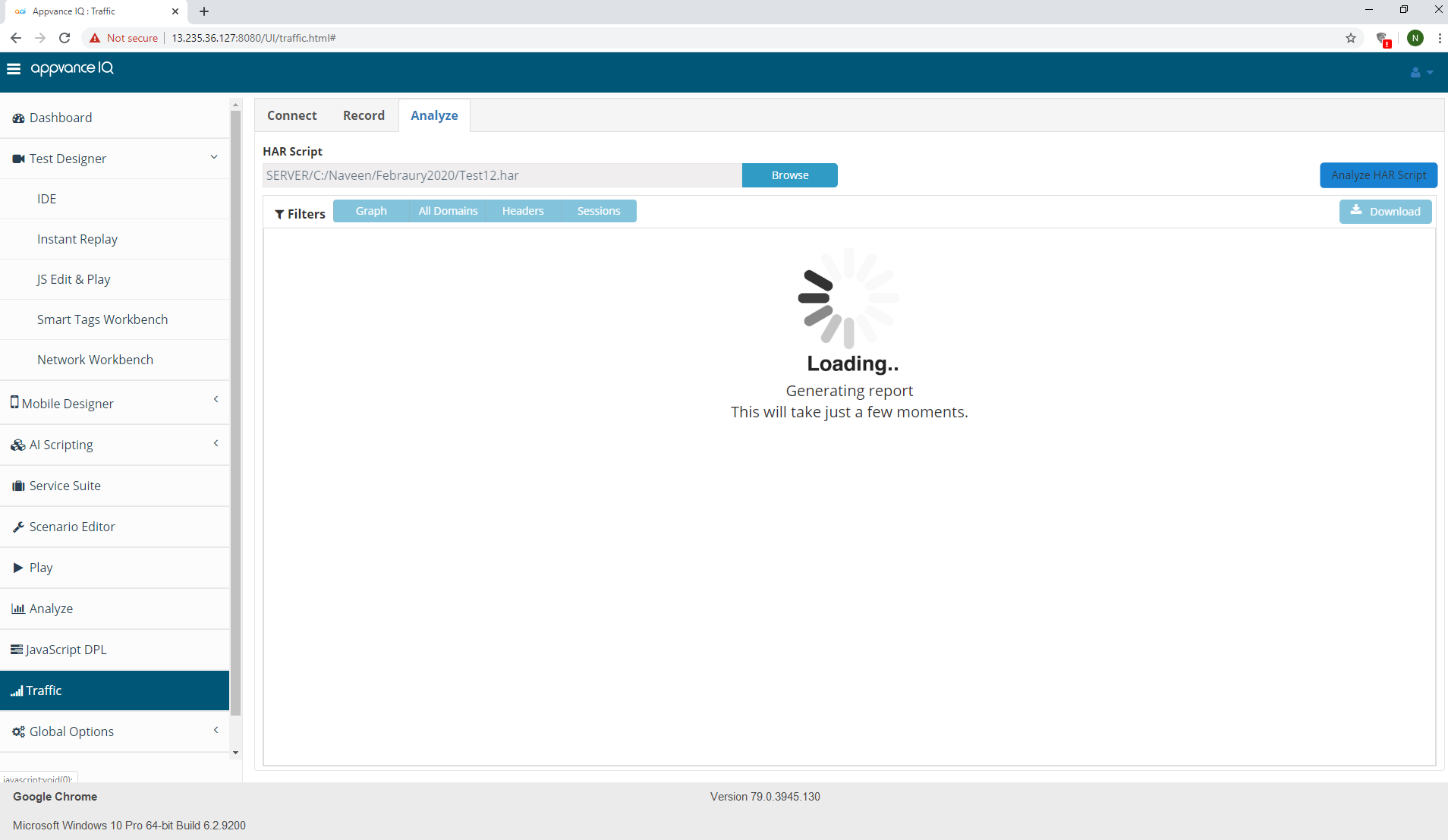
This will generate the following reports:
- Requests per Domain Report - groups the captured requests by domain, so you can see how much traffic each domain received.
- All Domains Report - shows the overall traffic captured across all domains.
- Headers Report - lists the request and response headers captured in the traffic.
- Sessions Report - shows the captured traffic organized by session.
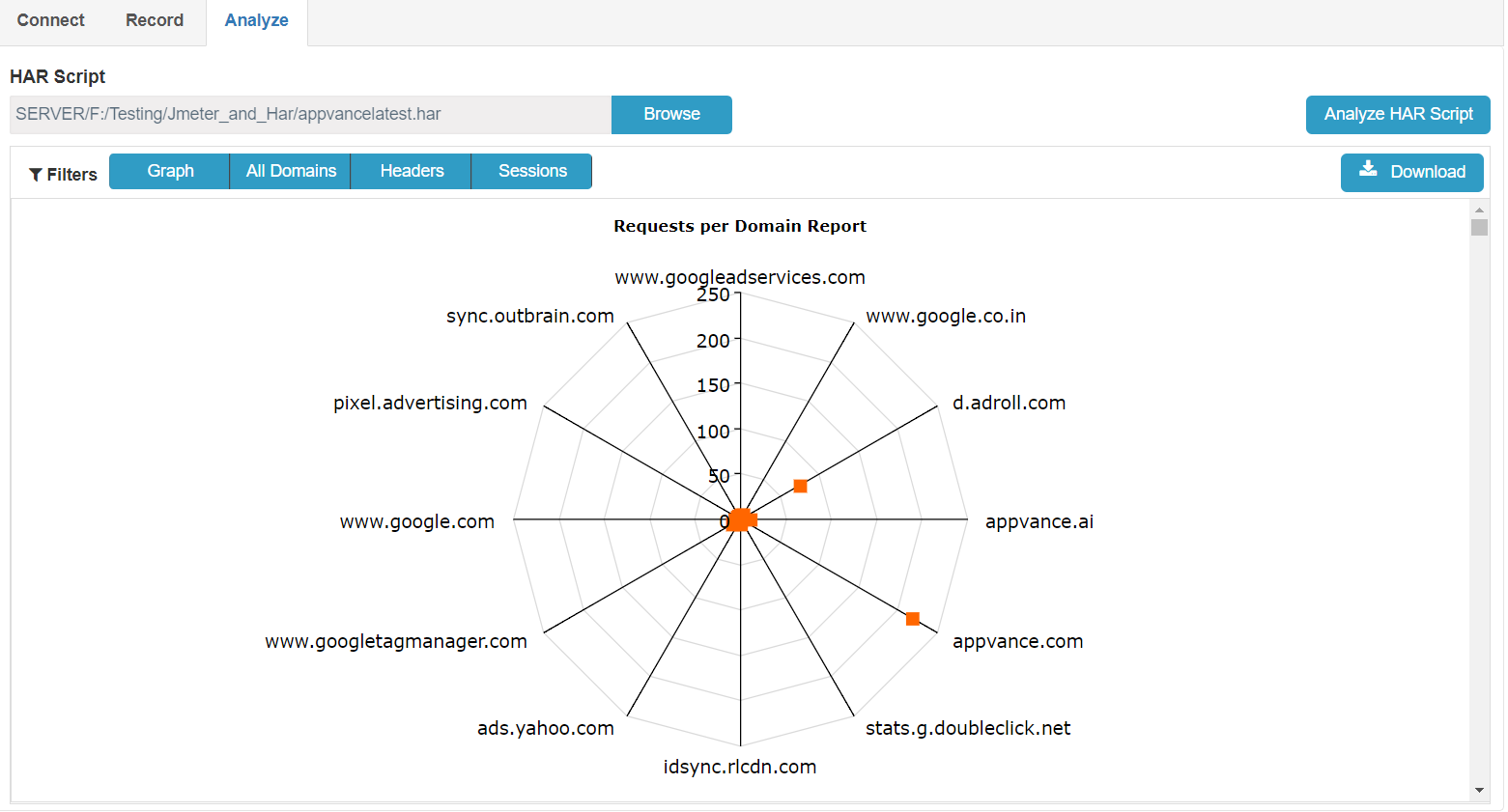
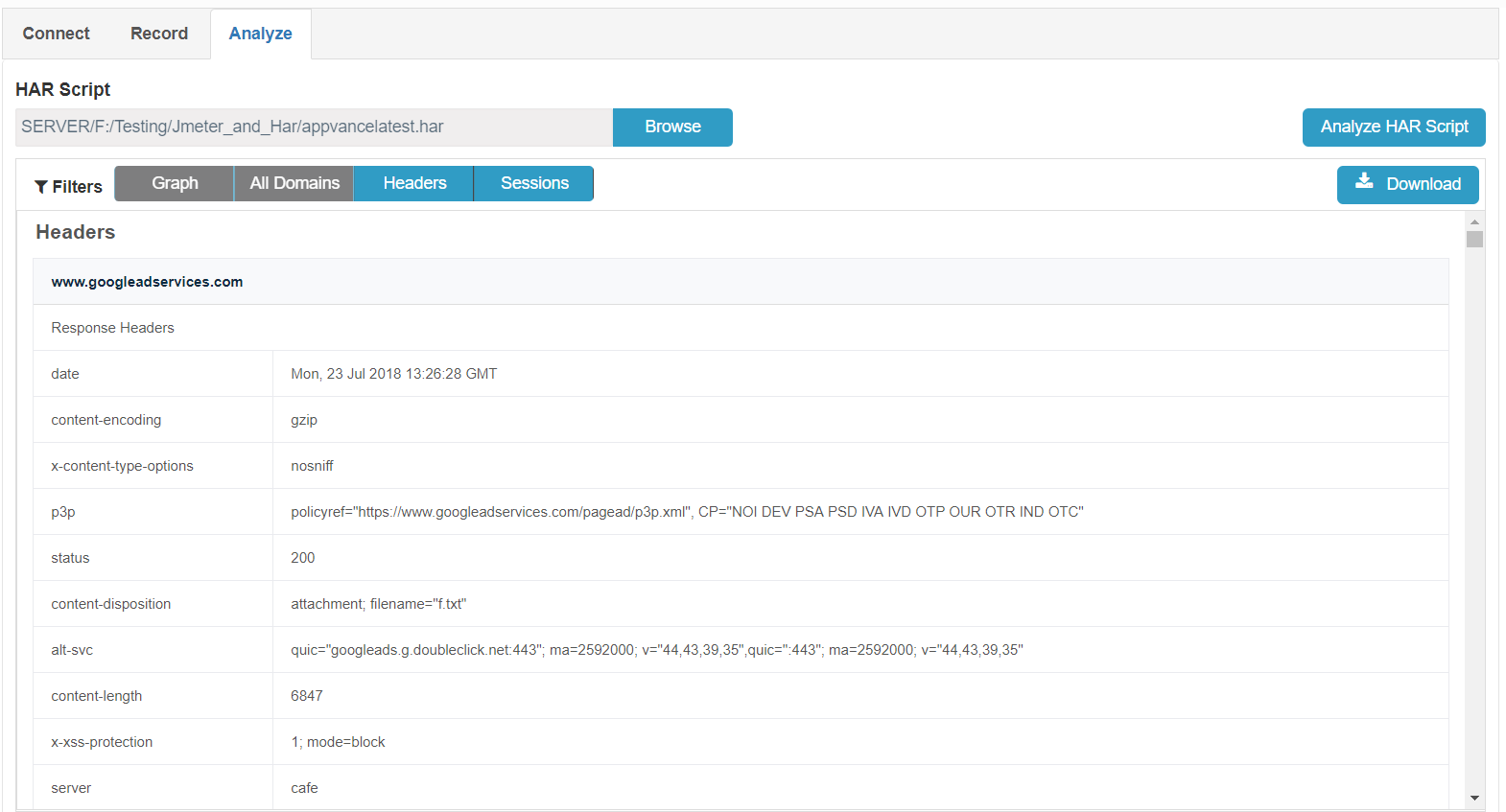
You can also analyze any existing HAR file by navigating to the Analyze page and browsing the HAR file and clicking 'Analyze HAR Script' to generate the report.
You can also download the full report in PDF Format. The sample report can be downloaded from here.
If you have any feedback on this topic, please contact us at documentation@appvance.ai
Last updated: October 16, 2026