
Android - Proxy Settings
- On your Android device.
- Select your network and click Manage Network settings. Check Show advanced options
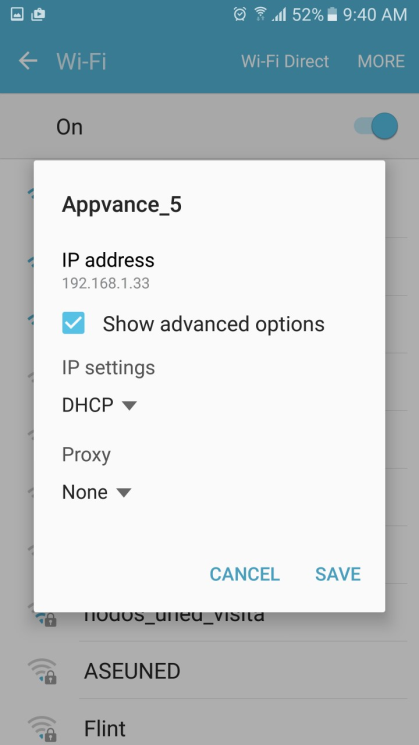
- Enter the proxy host and port. The proxy may be a local server.
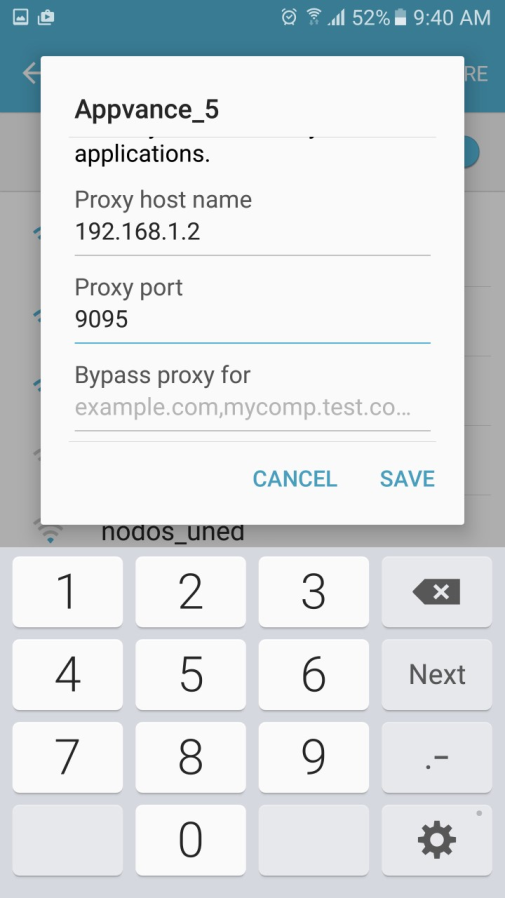
To set the proxy on Android when using mobile data:
- Go to Settings and open Mobile networks.
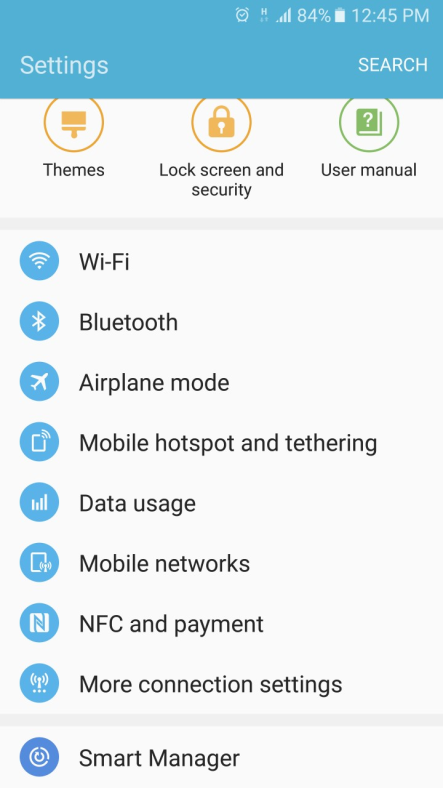
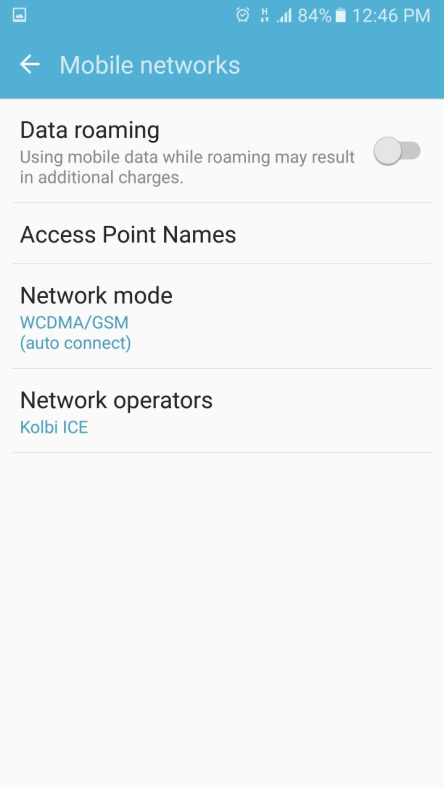
Open Access Point Names and enter the proxy host and proxy port. The proxy server should be accessible worldwide.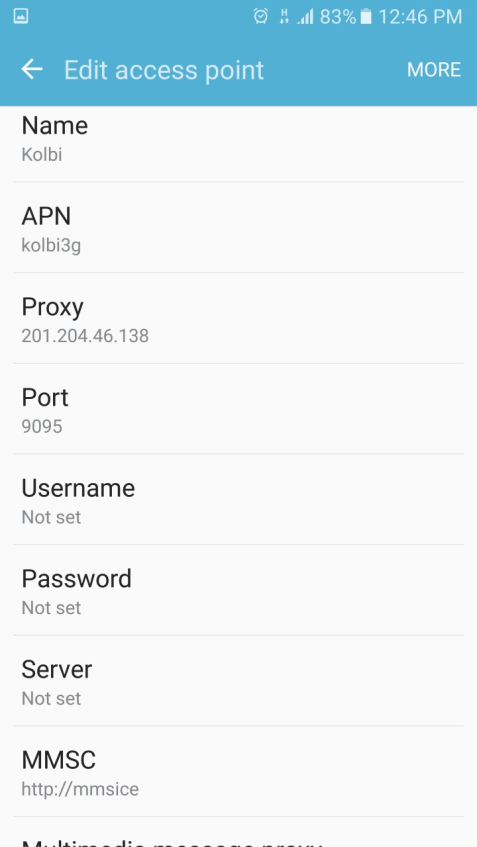
Last updated: October 16, 2026
If you have any feedback on this topic, please contact us at documentation@appvance.ai