
Generate a Three-Digit Random Number in Scenario Editor
What do we do when we encounter a special character and we have to assert it in a designer script ?
Lets take the below Example:
We can "\" to escape the special character and run the script successfully.
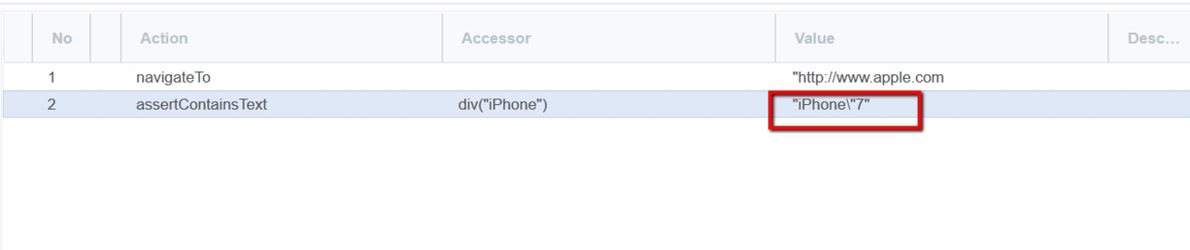
For characters that are usually treated specially, '\' indicates that the next character is not special and should be interpreted literally.
If you have any feedback on this topic, please contact us at documentation@appvance.ai
Last updated: October 16, 2026
Last updated: October 16, 2026